One server joins music services to networked speakers
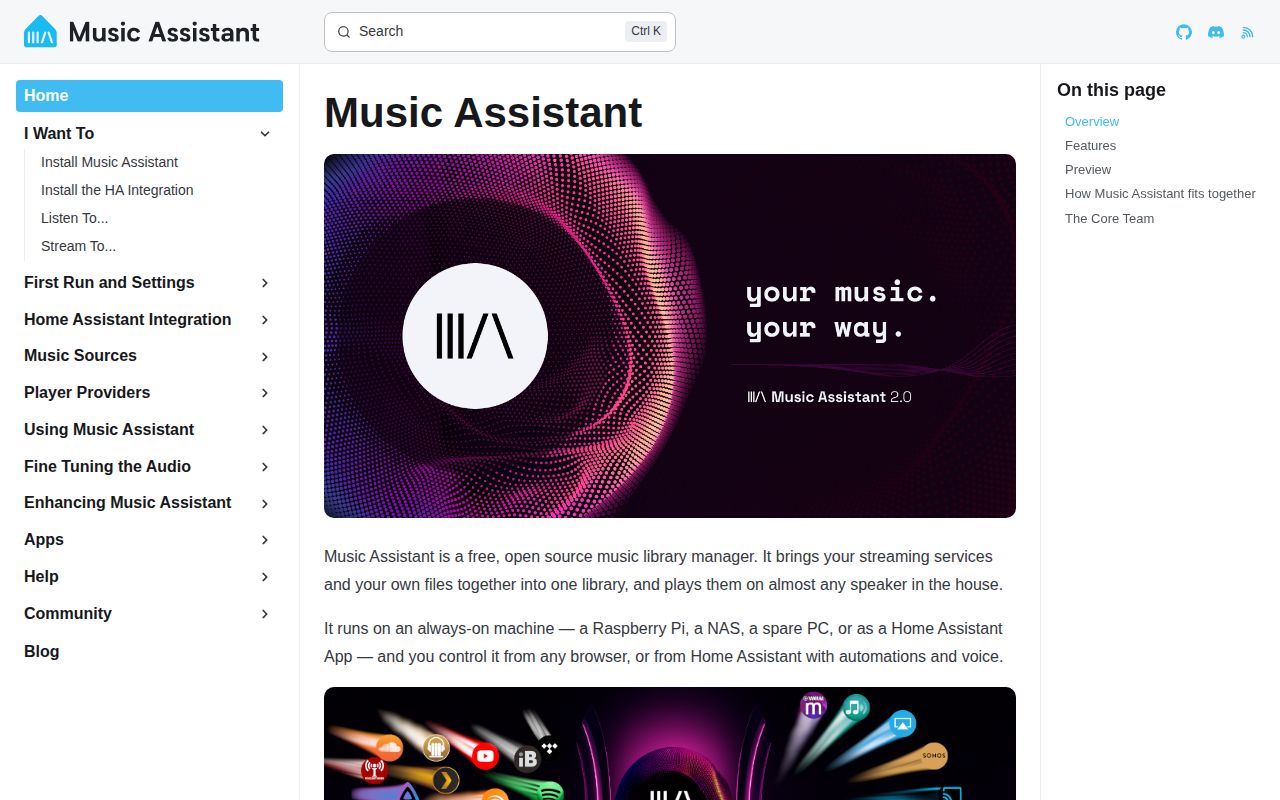
Music Assistant is the controller between a music library and the devices that play it. It can combine local files, streaming accounts, radio, podcasts, and audiobooks, then expose them to supported speakers through one interface. The server also gives Home Assistant a place to automate playback. Its README recommends the Home Assistant app, although the official Docker image supports a standalone installation.
This job is broader than serving albums to a phone. Music Assistant tracks libraries, provider accounts, player state, queues, grouping, and audio streams. Release 2.10.0 adds and changes providers across radio, podcasts, cloud storage, speakers, text to speech, and AI-assisted features. That breadth is its reason to exist and the source of its operating cost. Every extra service or playback protocol brings its own login, network behavior, and failure mode.
The official images are the supported installation path
The README names only the Home Assistant app and ghcr.io/music-assistant/server as supported server installations. Both carry system pieces that Python packaging cannot supply by itself: ffmpeg 6.1 or newer with the expected codecs, native libraries such as jemalloc, CIFS and NFS clients, and bundled binaries. The project is deliberately absent from PyPI, so a plain pip install is the wrong production plan.
Source setup is for development. It now requires Python 3.14 or newer and ffmpeg 6.1 or newer, uses scripts/setup.sh to create the environment, and starts a local server on port 8095. This is a substantial jump from copying a single Python package into a virtual environment. Operators also need persistent storage, access to any mounted music library, and local network visibility for the player protocols they intend to use.
What happened when we ran it
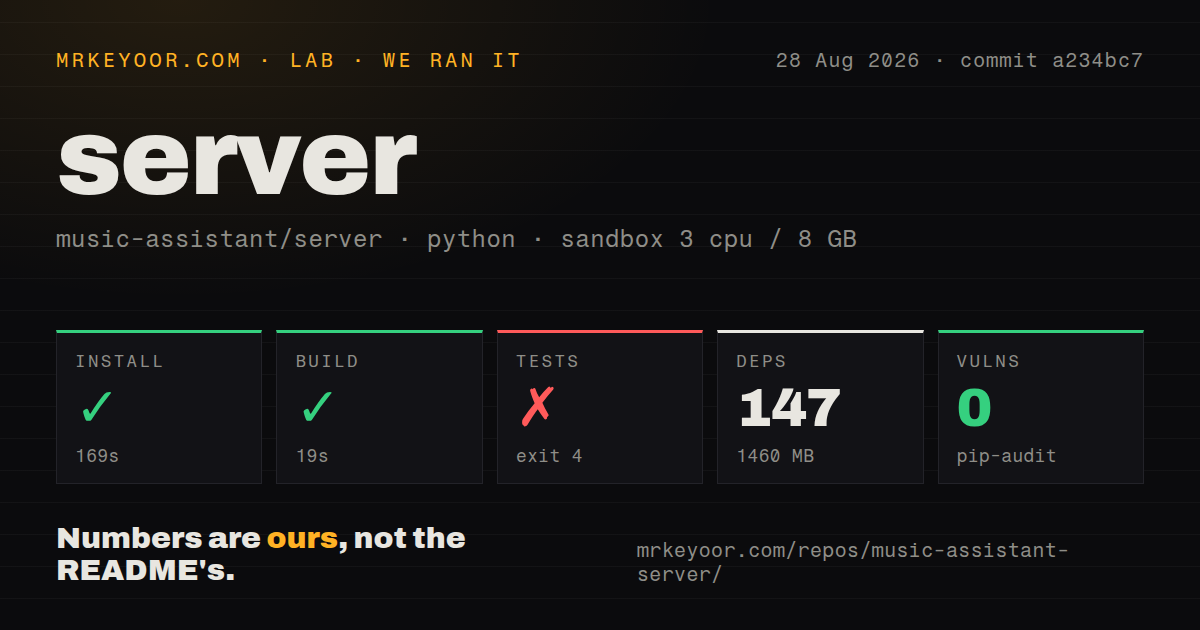
Our sandbox installed commit a234bc7 in 169 seconds, pulling 147 packages and occupying 1,460 MB on disk. The build succeeded in 19 seconds. That is a heavy development environment before a music collection, cache, or container image enters the picture. The checkout itself contained 2,784 files, about 670,611 lines of source, and used 101.7 MB.
Tests stopped during collection after 6 seconds with exit code 4. The import chain went through the web server authentication middleware to auth_providers.py, which imports HomeAssistantClient from hass_client. Python then raised ModuleNotFoundError: No module named 'hass_client'. The log does not establish why that module was absent, so we cannot call the suite healthy or assign a broader cause.
Pip-audit found 0 known vulnerabilities in the installed environment. The repository has 16 CI workflow files, a Dockerfile, and a tests directory. Our run used a fresh unprivileged Debian container with 3 CPUs, 8 GB of RAM, Python 3.12, and no secrets. The current README asks source developers to use Python 3.14 or newer, but the missing-module log alone does not prove that interpreter difference caused the failure.
Home Assistant is optional, though the design favors it
The server can operate alone, but its own documentation says it is tailored to sit beside Home Assistant. That makes sense for wake-up routines, presence-based playback, announcements, and controls that span lights and audio. The app installation also hides system dependency work that surfaced in our 1,460 MB source environment. Existing Home Assistant users get the shortest supported path.
Standalone Docker users still get the music controller without adopting the larger automation platform. They must handle the container lifecycle, storage, network access, and service credentials themselves. A NAS with local media may need CIFS or NFS access; cloud and streaming providers need account authorization; discovery-heavy speaker protocols may need more LAN access than a tightly isolated container normally receives. The README promises bundled dependencies, not automatic resolution of home-network policy.
Release 2.10.0 changes providers and retires local audio
Version 2.10.0 was published on August 27, 2026. Its breaking change retires the local audio provider in favor of the Sendspin add-on. Anyone playing directly through audio hardware attached to the server should check that migration before upgrading. A project that coordinates many outside services will keep moving as upstream APIs and playback protocols change, so unattended major upgrades are a poor fit.
The same release adds an MCP set_repeat tool, explicit pause and resume tools, player ungrouping, and further queue controls. Those features make the server interesting for local agents, but they also create an authorization question: an MCP client can change shared household playback. Keep that endpoint inside a trusted network and expose only the controls users should have. The release notes document capability, not a permission model for every deployment.
Current activity is high, with support split across repositories
GitHub recorded a last push on August 28, 2026, one day after the 2.10.0 release. The server repository had 2,998 stars and 59 combined issues and pull requests when fetched. Development is plainly current. The README directs user problems to the separate music-assistant/support tracker and feature ideas to its discussions, so the server repository's combined open count does not represent the full user queue.
Music Assistant earns its place when the household has mismatched speakers and media sources. The official app and container are the sensible ways to evaluate it; our failed source test collection is a warning against improvising another installation route. For a personal library that only needs browsing and playback through Subsonic clients, Navidrome asks less of the operator. For Home Assistant automation across several players, Music Assistant tackles the harder and more useful job.