One library covers six ways to change a model
Model Optimizer sits between training and serving. You give it a Hugging Face, PyTorch, or ONNX model, apply an optimization technique, and export a checkpoint for a serving runtime. The menu is unusually wide: post-training quantization, quantization-aware training, pruning, distillation, speculative decoding, sparsity, and neural architecture search all live in the same project. That makes it useful when a platform team wants one vocabulary for several model families. It also makes the repository much larger than the name suggests.
The checkout at commit 63c4b66 contained 5,223 files and roughly 834,180 source lines. The documented deployment targets include TensorRT-LLM, TensorRT, vLLM, and SGLang, while training integrations include Megatron-Bridge, Megatron-LM, and Hugging Face Accelerate. This is best read as NVIDIA's optimization workbench, not a general compress(model) helper. Each technique has its own examples, supported architectures, calibration demands, and export limits.
The support matrix decides whether your model belongs here
The README points to separate matrices for language and vision-language models, diffusers, ONNX, Windows, pruning, distillation, and speculative decoding. Read the relevant matrix before installing the full extra. A familiar architecture name is not enough: the recipe has to match the model structure, the chosen precision, and the runtime that will load the exported checkpoint. Release 0.47.0 even makes unmatched weight-quantizer patterns raise an error instead of silently exporting an unquantized result. That is a good failure mode, but it can expose brittle custom configurations.
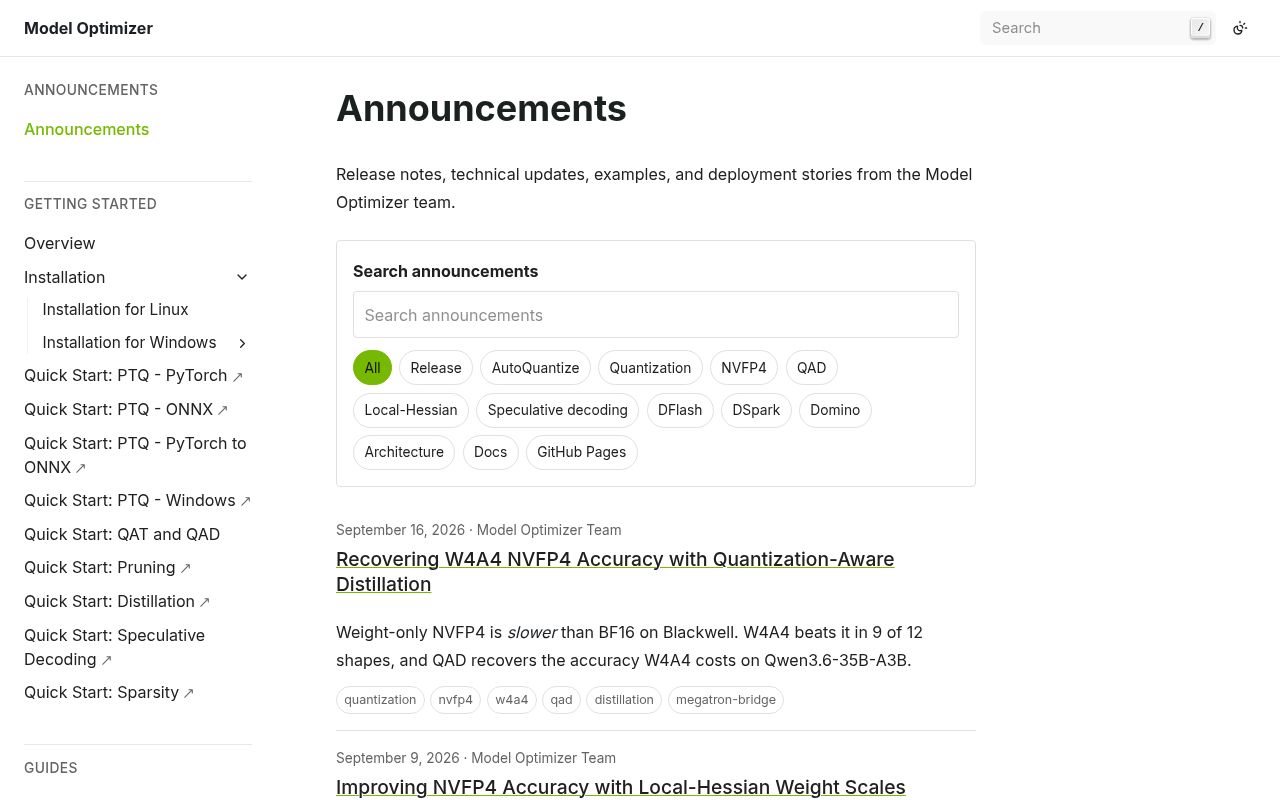
Version 0.47.0 also changes recipe locations, removes deprecated command-line aliases, and makes older checkpoints containing quantized Transformer Engine grouped linear modules incompatible. NVIDIA tells users to rerun post-training quantization for those checkpoints. The README's deprecation policy allows removal after one release, described as roughly 1 month, while the project remains below 1.0. Pin the package, recipe, source checkpoint, and serving runtime together. A minor upgrade can be migration work.
What happened when we ran it
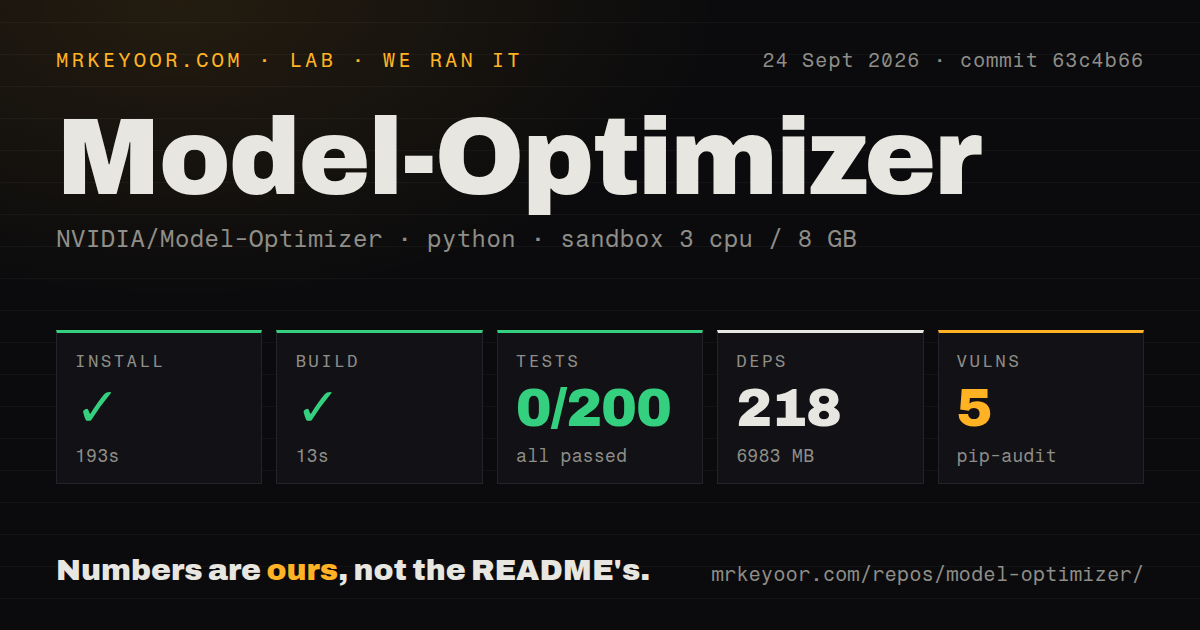
Our sandbox installed the project in 193 seconds. It pulled 218 packages and occupied 6,983 MB on disk, before adding any model weights. The build completed successfully in 13 seconds. Pip-audit reported 5 known vulnerabilities in the installed environment. Those figures came from commit 63c4b66 in a fresh unprivileged Debian container with 3 CPUs and 8 GB of RAM.
The test command failed after 162 seconds. Pytest reported 0 passed, 0 failed, 25 skipped, and 200 collection or setup errors out of 200. The supplied end of the log lists loaded pytest plugins and the final error count, but it does not show the individual exception that caused collection to collapse. We cannot responsibly assign a cause from that tail. The practical result is simpler: a successful install and build did not produce a testable checkout in our stated environment.
The 6,983 MB install is only the entry fee
The README offers pip install -U nvidia-modelopt[all] as the stable-package route and an editable development install from source. It also points to NVIDIA PyTorch, NeMo, and TensorRT-LLM container images with Model Optimizer preinstalled. The containers matter because the real workflows can span CUDA libraries, model weights, calibration data, training frameworks, and a separate inference engine. Our successful 13-second build proves that packaging completed. It does not prove that a quantized export preserves your model's quality or loads in your chosen server.
Model optimization needs an evaluation loop. Quantizing a checkpoint can reduce its storage or change its arithmetic, but the acceptable error depends on the task and prompts. Distillation and pruning add training data and compute. Export then introduces another compatibility boundary. The release notes for 0.47.0 describe fixes for checkpoints that previously looked valid while omitting expert weights or quantizer state. Those fixes are useful evidence of active engineering and a warning to verify exported artifacts, not just command exit codes.
Active development comes with a busy migration lane
GitHub showed a push on September 24, 2026, release 0.47.0 published one day earlier, and 417 combined open issues and pull requests. A search separated 97 open issues from that combined count. Recent reports covered gradient-accumulation warnings, a Puzzletron head-size calculation, ONNX graph handling, and quantization errors. The queue is active and technically specific. It gives adopters somewhere to compare failures, though it also shows how many model and framework combinations the maintainers must track.
The repository has 14 CI workflow files and a tests directory, which is reassuring at project scale. Our 200 collection or setup errors still prevent us from treating that structure as a passing signal for commit 63c4b66. The right trial is narrow: select one supported model, one documented recipe, one export runtime, and one accuracy set that reflects your traffic. If that chain passes, Model Optimizer can replace several separate experiments. If it does not, its breadth will not rescue the deployment.
Use it when NVIDIA deployment is already the decision
Model Optimizer earns its place when your team is already operating NVIDIA-oriented training and serving software and needs more than one compression technique. The APIs and recipes can keep quantization, distillation, pruning, and export under a shared project, while the release cadence tracks new model families quickly. Apache-2.0 licensing also makes internal modification straightforward.
For a smaller team, the 218-package environment and fast-moving pre-1.0 surface are hard costs. Begin with the exact support-matrix row and reproduce one end-to-end recipe before standardizing on it. The deciding result is not whether the 13-second build passes. It is whether the exported checkpoint meets your accuracy target and loads in the runtime you will operate.