Holding the joystick while tapping a skill is the useful fix
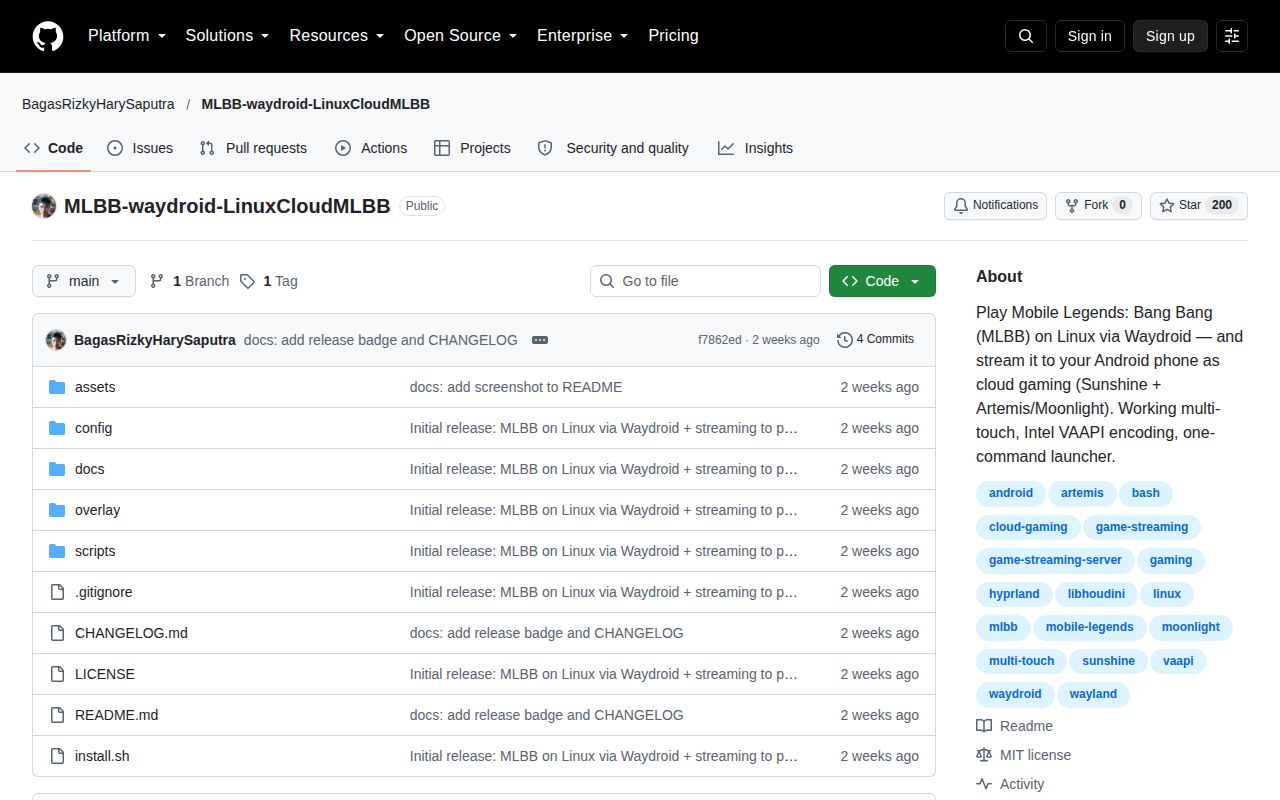
A Mobile Legends stream is useless if tapping a skill makes your character stop moving. This project documents that exact problem on Hyprland and supplies an Android input overlay intended to fix it. Its appeal is specific: a Linux machine runs the game through Waydroid, while an Android phone can receive video and send touch input through Artemis. The phone becomes the controller and display for a game running elsewhere.
The controls guide traces the conflict to pointer-motion events interrupting Android's touch stream. Its overlay disables the wayland_pointer device while leaving touch input available. That is a concrete intervention worth examining if you already have this symptom. English guides accompany the original Indonesian notes, though the scripts still contain Indonesian comments and messages. You can read the explanation in English without mistaking every terminal message for an English one.
What happened when we ran it
We did not run commit f7862ed: our lab marked the Shell repository unsupported by its ecosystem runner and found no Dockerfile. The assessment was recorded on October 15, 2026, for an unprivileged sandbox without secrets. Its resource specification listed 3 CPUs and 8 GB of RAM, with no image identified. Those are the recorded conditions, not evidence that Android or the game started.
There are no measured installation, build, or test outcomes to report. This was a harness limitation, not an observed launcher failure. The lab record cannot establish touch accuracy, streaming delay, or whether a match completes. Claims about working gameplay in the project documentation belong to the author. Our recommendation rests on the scripts and guides, with the execution gap left explicit.
The installer copies integration files and leaves Android preparation to you
Reading install.sh shows a root-level integration step: it copies scripts into /usr/local/bin, installs system services and device rules, and adds user configuration. Missing command dependencies produce a warning rather than an automatic bootstrap. If Waydroid's data directory is absent, the input overlay is skipped. A successful completion message would therefore be insufficient evidence of a usable Android environment.
The Waydroid guide separately covers the Android image, ARM translation through libhoudini, Google services, and installation of MLBB. Kernel binder support and container networking are prerequisites. You also need your own game login and, for streaming, Sunshine manager credentials and phone pairing. The guide's Android debugging recipe disables ADB authentication. I would review that choice before putting this machine on a network used by other people.
Hyprland and Intel defaults need checking on another desktop
The launcher source sets an Android address of 192.168.240.112:5555 and selects workspace 4. Those values are useful clues about portability: the script calls Hyprland's control tool to locate and move the window. An X11 capture option in the documentation does not establish that every launcher action is portable. Someone using another compositor should expect to adapt the orchestration as well as the video capture setting.
Sunshine's supplied configuration selects an Intel VAAPI encoder and the eDP-1 display. The streaming guide explains how to select the Intel driver on a hybrid laptop, and the release notes identify NVIDIA limitations in the author's setup. Check your actual render device and monitor name. Our sandbox's 8 GB RAM specification tells you nothing about encoder compatibility or whether those defaults describe your laptop.
The phone needs touch input that survives the whole route
The streaming guide specifies Artemis and Sunshine's native touch setting for the phone route. It also says Android's display dimensions must match the host window, otherwise touches land in the wrong place. A visible picture on the phone is therefore only part of acceptance. Hold the joystick and use a skill together, then check touches near the screen edges before trusting the arrangement for play.
The networking helpers add another practical convenience: device rules trigger the container's network-address translation when its interface appears. That addresses a documented startup problem where Android has no internet. I'd keep the first trial on the same local network as the phone, following the guide's pairing route. The repository supplies configuration for a personal host and client. It does not establish an operated gaming service with customer access controls.
The reset helper reaches beyond Waydroid-specific resources
The reset script includes losetup -D, which requests detachment of all loop devices. The command is broader than selecting only devices associated with Waydroid. The script also force-kills matching processes and cleans up mounts. These actions may explain the appeal of an aggressive recovery helper on a dedicated gaming laptop, but I would not invoke it unchanged on a workstation with unrelated mounted images.
The first public release, v1.0.0, and the last push both date to September 28, 2026. GitHub showed 200 stars, and the issue API returned no issues or PRs on October 15. That is a small public history with little issue evidence to judge support response. Neither the empty queue nor the recent release proves that the documented recovery procedures are safe for another person's machine.
A secondary account is part of the author's recommendation
The README and v1.0.0 release both warn that anti-cheat detection can change and recommend a secondary MLBB account. Treat that warning as a reason to avoid risking an account you value. For Linux users already comfortable with Waydroid, the input explanation may save useful investigation. If the only goal is playing on your phone, running the native game avoids this project's host, encoder, and touch-routing work. Decide which problem you actually need to solve before granting the installer root access.