This is a reconstruction notebook, not a finished robot kit
Microduck Replica starts from a gap in the official project. Pollen published the software, a simulation model, and one main board, but builders lacked editable mechanical CAD, a complete assembly guide, and the imu_to_dxl board design. This repository works backward from the MJCF kinematic model, meshes, and runtime source to document how the physical robot fits together and communicates.
The main README is Chinese, and an English translation covers the central build status and choices. The duck is about 25 cm tall and 737 g, with 15 servos and 14 policy-controlled joints. Builders choose between the original Dynamixel XL330 route and an HD-1910 Feetech route. Connectors, mating parts, bus software, voltage limits, and learned policy differ, so the choice must happen before ordering or printing.
The Feetech machine can stand, but it has not walked
The physical progress is more substantial than a CAD-only replica. The project assembled the HD-1910 version, drove its servos through a browser console, and recorded it standing up and sitting down. A later holding test read 14 joints for 3,000 rounds each during a roughly 64-second window, with an observed rate near 46.87 Hz and no timeout, checksum, or ID errors inside that window.
Those figures describe a narrow test. The mouth servo was excluded, occasional missing responses occurred at other times, and the full loop with IMU input, policy inference, and motion writes has not been accepted. The training guide says there is no walking policy validated on this replica. Issue 33 asks for clarity on the exact ready hardware, IMU integration, movement capability, power, and startup sequence, which is a fair summary of what a new builder must still resolve.
The browser console is useful before walking enters the picture. It can move joints, save poses, run sequences, calibrate zeros, inspect registers, and compare the 3D model with the physical duck. A packet-level simulator allows some checks without servos attached. Still, safe joint limits, directions, power order, bus wiring, IMU behavior, and the real machine's mass and inertia require bench work.
What happened when we ran it
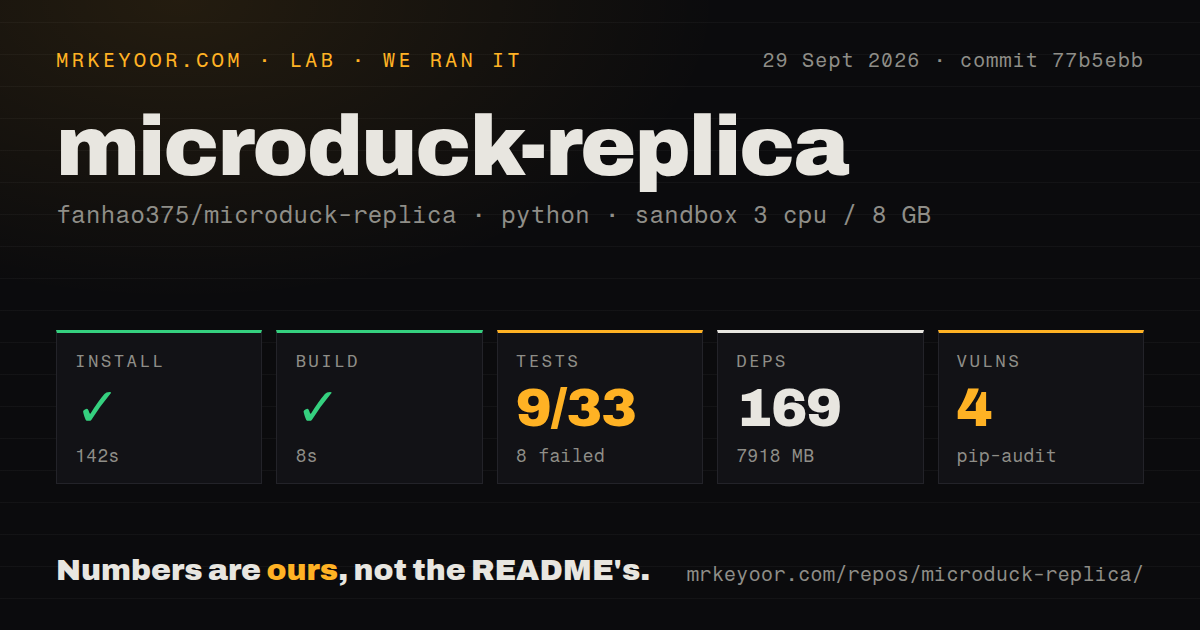
Our lab entered software/training/ at commit 77b5ebb and installed 169 packages in 142 seconds. The environment occupied 7,918 MB, far more than the 85 MB checkout. Installation and the 8-second build both succeeded in an unprivileged Debian container with 3 CPUs, 8 GB of RAM, Python 3.12, and no secrets.
Pytest failed after 44 seconds. The supplied summary reports 9 passed, 8 failed, 2 skipped, and 16 collection/setup errors out of 33. Several configuration tests could not find the named flat and rough HD-1910 environments. Another error says FrictionDRBamActuatorCfg.__init__() received an unexpected vin_drop_gain_range argument. The log does not identify the underlying reason for either mismatch, so we will not assign one.
Pip-audit reported 4 known vulnerabilities. The lab also found 0 CI workflow files, no Dockerfile, and a tests directory. A large GPU-oriented robotics environment can be difficult to containerize generically, but the lack of visible CI matters when its pinned interfaces already disagree in our fresh install. Lock files alone did not give us a green suite at the measured commit.
The training project needs CUDA and better dependency confidence
Local training calls for Python 3.12 on Linux, or WSL2 with an NVIDIA CUDA GPU. The quick smoke route uses 64 simulated environments for 5 iterations only to prove loading, stepping, and saving; the documentation explicitly says that is insufficient to learn walking. Logs and checkpoints stay under the training directory and are excluded from source control. Optional Hugging Face Jobs support adds a remote submission path.
The included actuator parameters come from LuwuDynamics rather than measurements on this particular duck. Original Microduck geometry, mass, inertia, and stance remain in parts of the baseline. The project documents that provenance and says real hardware still needs calibration against voltage, response, joint zeros, directions, limits, IMU data, and bus timing. That honesty should shape expectations more than a short simulated training run.
CAD, firmware, images, and source do not share one license
Current printable files and editable SolidWorks assemblies live in fanhao375/microduck-replica-cad, with separate releases for the 2 servo routes. The repository warns against printing its old simulation meshes or mixing Feetech and XL330 mating parts. GitHub reports no recognized top-level license for the main repository. Inside software/training/, code and configuration use Apache-2.0 while the 3D assets keep a CC BY-NC-SA notice.
The Radxa image has its own safety footnotes. Release notes correct the first login to root with password 1234, say the old public image lacks the WLAN DHCP fix, and instruct users to change passwords and regenerate old SSH host keys. A newer candidate passed offline checks but had not been flashed and boot-tested. Treat every image, board revision, and wiring path as a versioned artifact rather than “the Microduck setup.”
September activity shows a project moving faster than its acceptance state
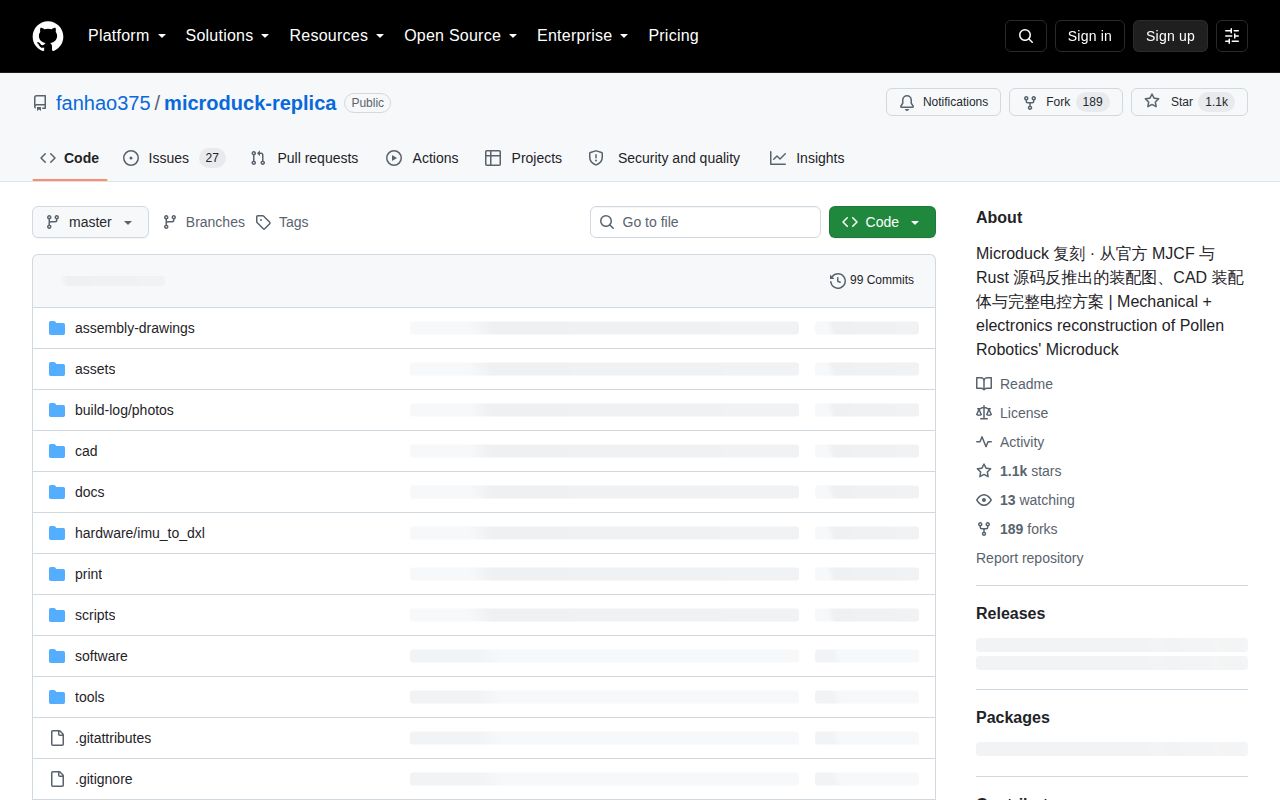
The repository was pushed on September 28, 2026 and GitHub showed 1,055 stars with 27 combined open issues and pull requests on September 30. Recent commits corrected login instructions, fixed response matching, moved print files to the CAD source, and documented camera bring-up. Outside contributors added servo tooling and IMU firmware. That is active work, not a dormant reverse-engineering dump.
Fast movement also makes older instructions risky. The maintainers have corrected hardware openness, Wi-Fi setup, login credentials, servo acceptance scope, and which CAD files to print. Read the dated status before buying parts, then follow the linked build and debug logs. This repository is valuable when you want to join the experiment. It is the wrong choice when you want an already validated duck to walk out of a weekend build.