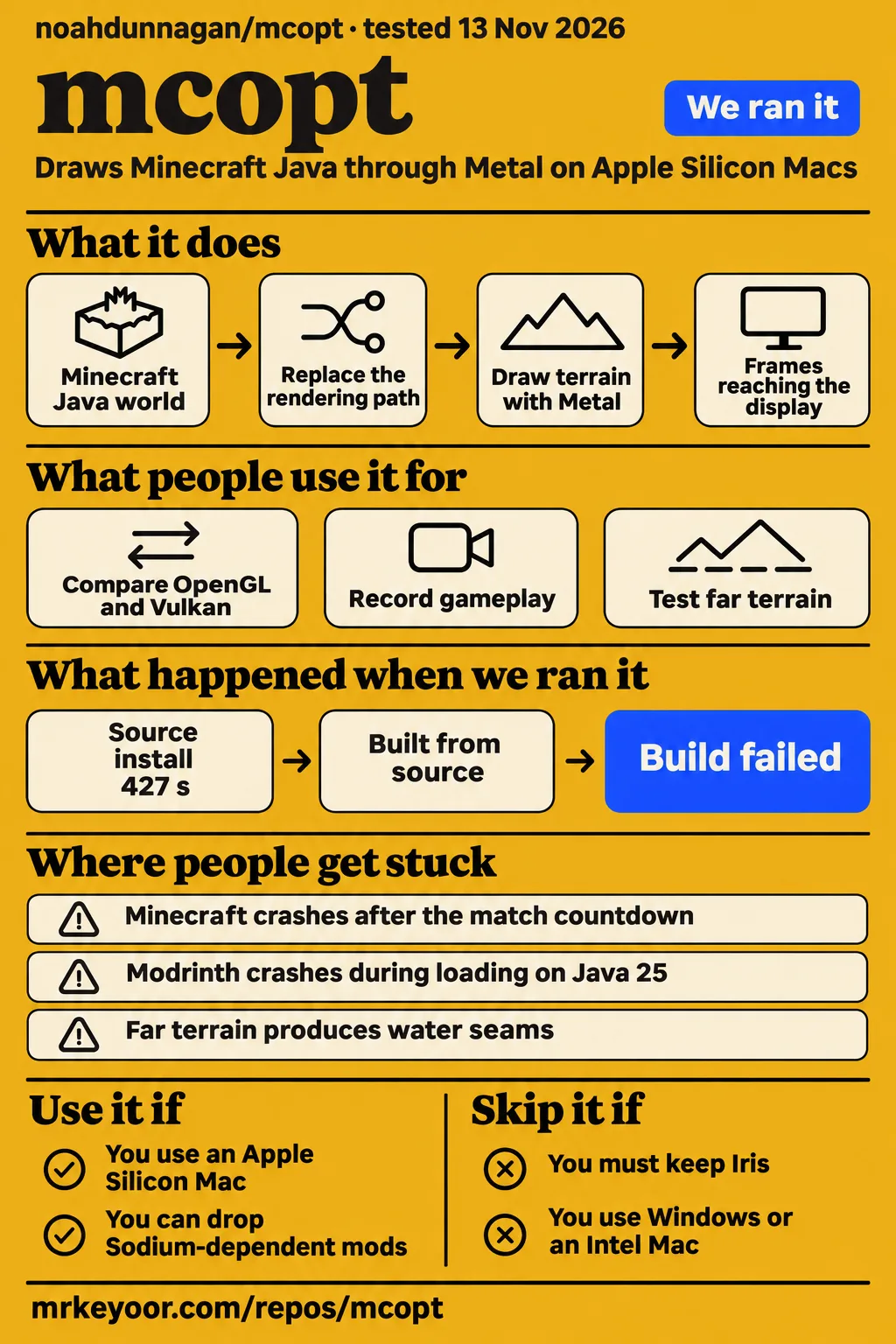
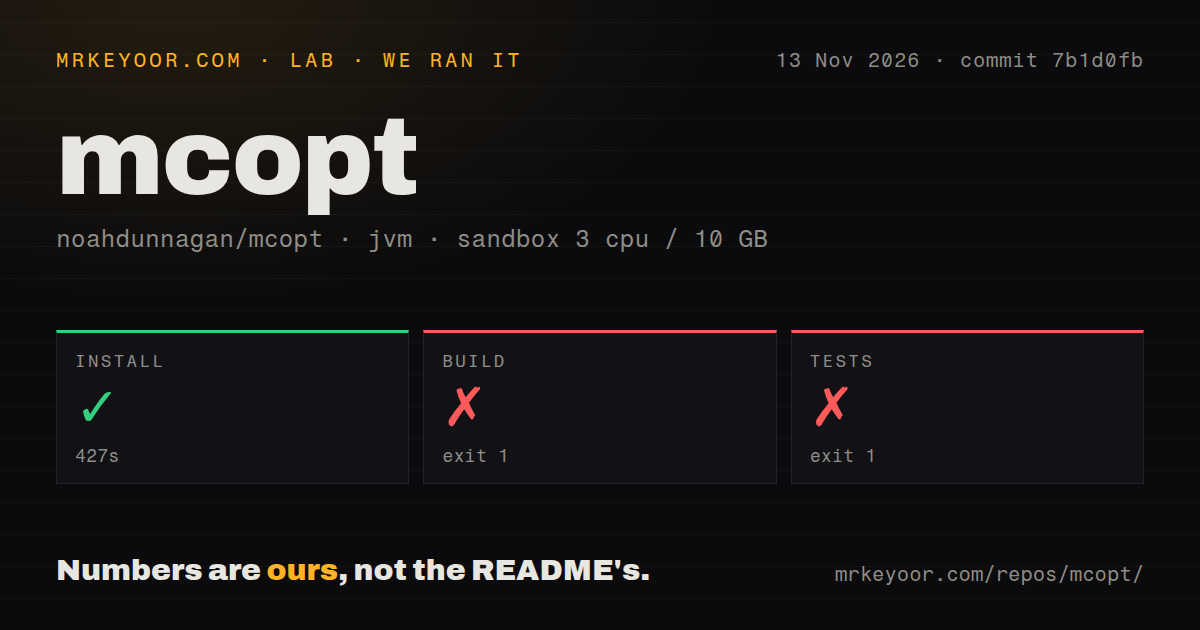
mcopt is worth trying in a separate Minecraft profile if you use an Apple Silicon Mac and care more about renderer performance than keeping your existing Sodium mod stack. Our sandbox installed the source in 427 seconds, then failed both build and test commands with release version 25 not supported. The decision for players rests on a different finding: users report large FPS gains, yet the game counter can outrun both Apple's HUD and the smoothness they actually feel. Skip it for Windows or a setup that must keep Iris.
What people use mcopt for
Players use mcopt to replace Minecraft Java's rendering path on Apple Silicon, including recording gameplay and experimenting with distant terrain. These reports describe specific machines and settings, rather than a result you should expect from every Mac. The upstream README calls it alpha software and tells you to back up your worlds. That warning belongs next to the attractive counters.
| Who tried it | What they did | What they reported |
|---|---|---|
| Ecstatic_Suggestion1 on r/macgaming, MacBook Air M4, 16 GB RAM | Compared OpenGL, Vulkan and mcopt with the same settings | Reported 150 FPS with OpenGL, 200–300 with Vulkan and 1,700–2,000 with mcopt, then chose mcopt. Their account |
| The issue #29 reporter, M5 Max MacBook Pro | Played at 32 chunks with experimental LOD and OBS recording on a 240 Hz monitor | Reported 800–1,400 FPS in most situations, but 180–210 FPS in the Metal HUD and less smoothness than expected. Recording report |
| The issue #23 reporter, M4 Pro MacBook Pro, 24 GB RAM | Compared play at 1440p with and without Distant Horizons | Reported 115 to 240 FPS without Distant Horizons and 53 to 110 FPS with it, while still wanting better shader performance. Their comparison |
The second report is especially useful if you record video. Its author had already switched from OpenGL to Vulkan, reporting roughly 300 FPS there, before trying mcopt. They praised the new counter while describing a visible shortfall in smoothness. That is a more useful adoption story than a screenshot taken while looking at the sky: the player actually cared about recording, draw distance and what reached a fast monitor.
The macOS Metal modpack also adopted mcopt in an experimental release, replacing Metallum and claiming about 50% higher FPS. That is the modpack maintainers' claim, and it describes their bundle. It isn't our measurement of a renderer swap in isolation. The release description gives prospective users a packaged route to investigate, rather than another independent benchmark.
What happened when we ran it
Our November 13, 2026 sandbox run at commit 7b1d0fb installed mcopt successfully in 427 seconds, then the build failed in 43 seconds and the test command failed in 15 seconds. The configured sandbox had 3 CPUs, 10g RAM and image label lab-jvm:21. That label records the configuration, not the Java runtime actually used.
| Recorded step | Result | What the log tells us |
|---|---|---|
| Install | Succeeded in 427 seconds | The recorded installation step completed |
| Build | Failed, exit 1, in 43 seconds | :fpshud:compileJava failed during Java compilation initialization with release version 25 not supported |
| Tests | Failed, exit 1, in 15 seconds | The tail repeats the unsupported-release error and says the build completed with 2 failures |
| Repository scan | 274 files, about 34,518 source lines, 2.5 MB checked out | Recorded 0 CI workflow files, no Dockerfile and no tests directory |
The build got as far as Gradle's Java compilation setup for fpshud, then stopped. The error names release 25 as unsupported by that compilation invocation. The README requires Java 25, which makes checking the actual toolchain the next useful step for a source builder. The tail alone doesn't identify the selected compiler version or explain why it was selected. Calling the product broken would go beyond this result.
The test command hit the same compilation barrier. There is no passing-test count to report, and a repository scan that found no tests directory isn't a count of tests executed. The outer durations above describe the recorded steps. Gradle's own tail uses a narrower clock. Mixing those clocks would make a simple failure look more precise while making the evidence harder to follow.
A separate automated hands-on record says its safety step failed because no Compose file existed and labels the repository unsafe under that harness rule. Another record describes deployment with its own Docker Compose, while the teardown record says cleanup was okay. Those entries conflict: a deployment description cannot turn a failed prerequisite into a completed gameplay run. We treat the Compose safety failure as a harness finding, not a security judgment about a Minecraft mod.
Where people get stuck: loading screens, matches and far terrain
The issue records describe different failure stages, so start with when Minecraft stops rather than applying every suggested setting at once. A loading-screen stack error, a crash after a multiplayer countdown and broken ocean geometry need different reports. The table separates a released fix from a diagnostic suggestion or a contributor's patch reference.
| Symptom and source | Reported status | Useful next action |
|---|---|---|
| Early 0.2 frame stalls with VSync off, issue #2 | Closed after the maintainer reported a fix in 0.2.0-alpha.3 | Match your version to the fix before following old pacing advice |
| Minemen match crash, issue #31 | Open in the supplied record, with java.lang.IllegalStateException: Not building! |
Supply the crash log, session log, launcher and full mod list; a commenter suggests comparing with mcopt.metal=false |
| Modrinth loading-screen crash, issue #41 | Open in the supplied record, with OutOfMemoryError: Out of stack space in Metal pipeline compilation |
Preserve the stack trace and launcher details rather than assuming a larger memory allocation solves it |
| Ocean streaks and water seams with experimental far terrain, issue #14 | Open in the supplied record; a commenter points to #25 for fixes to most artifacts | Compare with far terrain off and distinguish the seam from vanilla seagrass visibility |
The Minemen reporter describes a MacBook Air M3, the official launcher, mcopt 0.3.0-alpha.2 and FerriteCore, ImmediatelyFast and Essential. The crash happens after the match countdown. A commenter requests crash-reports/crash-*.txt, or an hs_err_pid*.log if no ordinary report exists, plus logs/latest.log. Turning off mcopt's Metal renderer is proposed as a way to separate rendering from its other optimizations. It is a diagnostic, not a documented successful workaround.
The Modrinth reporter describes 0.3.0-alpha builds on Java 25. Their stack trace reaches MetalPipeline.compile, and they say stack-size overrides are stripped or ignored by the launcher environment. A reply says the shader fork doesn't show the issue. That reply isn't an upstream fix, and the reported error is about stack space. Advising everyone to add heap RAM would ignore what the record actually says.
Far terrain deserves its own switch during troubleshooting. In #14 a commenter reproduced the problem on both an M3 Air and an M4 Pro mini, so buying more GPU cores isn't a supported cure for those artifacts. They identify the seagrass showing through as vanilla behavior, while attributing hanging columns and the water band to far terrain. Their reference to #25 is useful follow-up evidence, rather than proof that a released mcopt jar contains the fix.
A high game counter can still miss display refreshes
Issue #2 documents a concrete frame-pacing defect and a maintainer-reported fix, giving you better evidence than an average FPS screenshot. The original reporter measured stalls with VSync off. The maintainer later said 0.2.0-alpha.3 removed the render thread's mid-frame wait for the GPU. In the maintainer's laptop comparison, stalls of at least 5 ms fell from 8.8 per second to 1.0 per second, and the 1% low rose from 250 to 491 FPS. Those are upstream measurements, not ours.
Issue #5 puts the distinction in player terms. An M4 Air user asked why roughly 800 FPS in-game corresponded to about 50 in Apple's HUD. A commenter explained that the game counts rendered frames, while the screen has a 60 Hz refresh limit and the HUD counts frames reaching it. They also identified missed refreshes in that early report and suggested VSync as a workaround. The thread is closed.
Keep three observations separate when you compare renderers: how quickly the game produces frames, how regularly the display receives new ones, and how motion feels when you turn or fly. Issue #29 is evidence that a very high game counter can coexist with dissatisfaction. Its supplied record gives neither a resolution nor an affected mcopt version, so the earlier closed pacing issue cannot settle that player's report.
The current installation removes Sodium
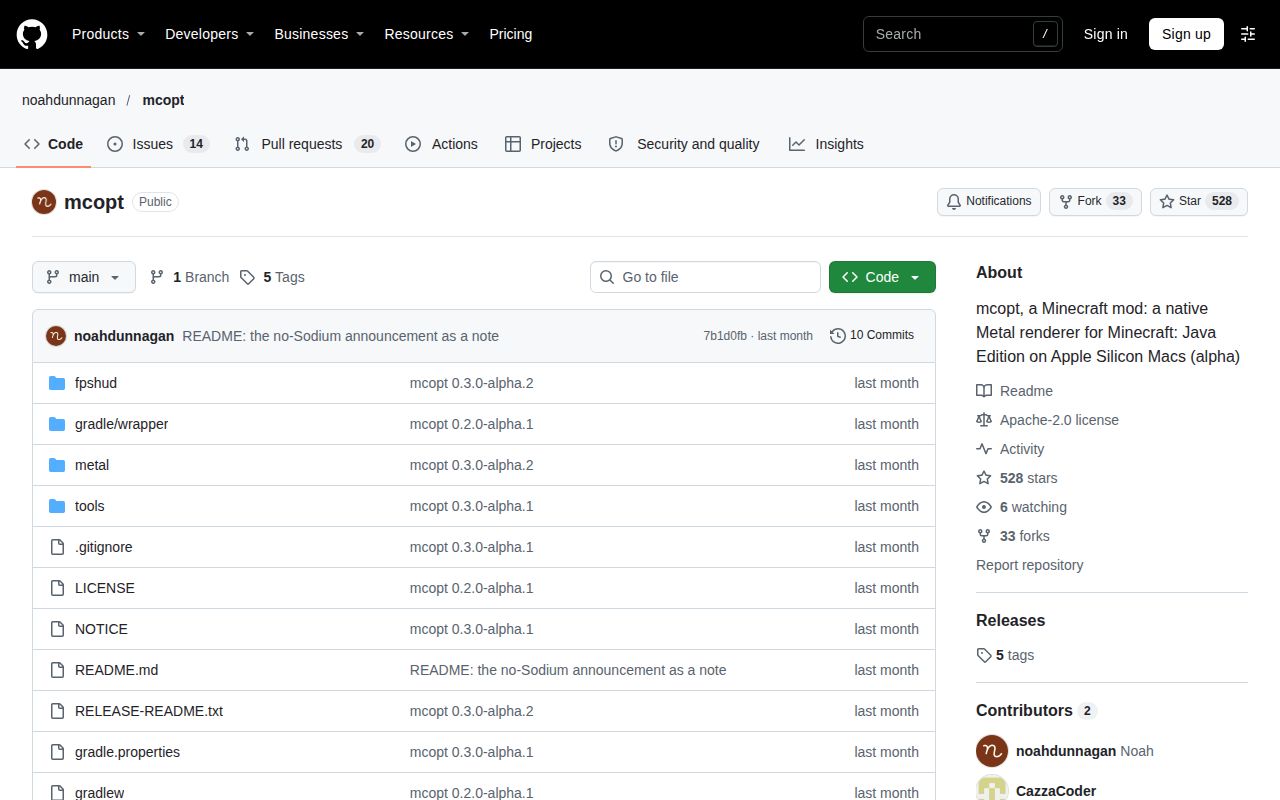
The current README requires an Apple Silicon Mac on macOS 26 or later, Java 25, Minecraft 26.3 and Fabric Loader 0.19.5 or newer. Since 0.3.0-alpha.1, mcopt draws the world with its own Metal renderer. The README explicitly says it won't start alongside Sodium. Remove Sodium from that profile rather than hunting for an exact Sodium version to add.
Use the release jar in a Fabric profile's mods folder. In Prism, the README describes creating an instance and adding the file through its Mods interface. Fabric API is optional for mcopt itself, though another mod may need it. Press F3, or fn + F3, and look for Metal 3 (mcopt) at the bottom right. That is a more useful first check than celebrating a counter before knowing which renderer is active.
The default performance profile and experimental far terrain are separate choices. The first launch writes config/mcopt.properties. The README documents profile=none to turn off the performance profile and mcopt.lod=true to opt into far terrain, recommending the latter for Macs with at least 10 GPU cores. Establish normal rendering before enabling the distant-terrain experiment, especially if ocean geometry matters to the worlds you play.
World backups matter more than a server checklist
The README's explicit safety instruction is to back up your worlds before using the alpha. This is a mod installed into your Minecraft profile, rather than a hosted dashboard with an administrator account to secure. The documented setup asks for a jar and compatible game software, not an API key or a separate database service. Keep the original world copy outside the profile you use for the experiment.
Get the jar through the upstream release link and retain a working game profile. That gives you a practical way back when a mod conflict blocks startup. In particular, the README lists Iris and Better Block Entities as incompatible because they require Sodium. It also says mods calling OpenGL directly can't draw on the Metal backend. A familiar mod folder isn't automatically a compatible one just because Fabric accepts some of its contents.
mcopt vs Vulkan, Metallum and Metal Shaders
Vulkan is the first comparison for an existing player, while Metal Shaders addresses a different goal: visual effects built on a fork of mcopt. Pick the route that serves your game profile and monitor. The available comparisons include player reports and project claims, so their hardware, settings and authors stay attached to the numbers.
| Alternative | What the evidence says | When to choose that route |
|---|---|---|
| Minecraft's Vulkan option or OpenGL | The r/macgaming M4 Air user reported higher counters with mcopt at the same settings. Player comparison | Keep your existing renderer if it already feels smooth with the mods you need. Use it as the baseline before changing the profile |
| Metallum through macOS Metal | The modpack maintainers claimed about 50% higher FPS after replacing Metallum with mcopt in an experimental release. Modpack description | Compare the exact modpack releases if you want a bundled setup, since a bundle comparison includes more than a renderer name |
| GaelQuinta's Metal Shaders fork | Its author reports 90–120 FPS with the balanced preset at native resolution on an M4 MacBook Pro, versus about 22 FPS for Iris plus Complementary Reimagined. Fork documentation | Investigate the fork if native Metal visual effects are your goal. These are different shader implementations, so the figures aren't an upstream mcopt benchmark |
| Pure Metal or MetalRender | The #23 reporter already used Pure Metal for shaders; a reply suggested MetalRender while acknowledging lower compatibility. Shader discussion | Follow their compatibility documentation if shaders drive your choice, rather than treating a forum suggestion as a measured winner |
The shader fork's identity matters. It describes effects written directly in Metal Shading Language, on top of mcopt's renderer. Its results belong to that implementation. Upstream's README still lists its own optional shaders under plans and says Iris can't be used with this build. Installing mcopt alone is therefore a different decision from choosing a shader-capable fork.
What the other reviews get wrong
GitHub Locker's unqualified requirement for exactly Sodium 0.9.3 is wrong for mcopt's independent-renderer releases. Its listing says other Sodium versions won't launch, but the current upstream README says to remove Sodium entirely. The shader fork's documentation also dates the independent terrain renderer to mcopt 0.3. Historical #14 setups used mcopt 0.2 with Sodium, which explains why old instructions can describe a real setup and still mislead a new user. Listing, version history in the fork.
The correction has a practical consequence: match advice to the jar's version before editing a working profile. A guide that omits the transition from 0.2 to 0.3 can send you toward the dependency the new version rejects. The same care applies to performance claims. A shader fork's comparison with Iris, a modpack's advertised uplift and a player's uncapped counter answer different questions. Combining them into one mcopt speed claim would erase the detail you need to choose.
Questions people ask
mcopt is Mac-only, and the current upstream build excludes Sodium-dependent mods. Those two boundaries answer most compatibility questions before any tuning begins. The answers below distinguish the existing renderer, the shader fork and the failure reports so that an old setup instruction doesn't become a new dependency conflict.
Does mcopt work on Windows PCs?
No. The response in issue #8 identifies mcopt as Mac-only and suggests Sodium and Minecraft's Vulkan option for Windows. The issue is open in the supplied record. There is no supported Windows installation in the README's requirements, which specify Apple Silicon and macOS.
What does mcopt actually do, and how does it work?
mcopt replaces Minecraft Java's rendering path with a Metal renderer for Apple Silicon Macs. Since 0.3.0-alpha.1 it draws terrain itself, according to the README. You install it as a Fabric mod, rather than launching a separate game. The Metal 3 (mcopt) label in F3 is the documented confirmation that the renderer is active.
Why does mcopt report hundreds of FPS when Apple's HUD shows only about 50?
The reply in #5 says the two counters track different stages: frames rendered by the game and frames reaching the display. It also describes missed refreshes in that early report. Use the pacing discussion above to distinguish display limits from that reported defect, rather than reading either counter as a complete measure of smoothness.
Why does mcopt feel less smooth than its in-game FPS counter suggests?
Issue #29 reports exactly that mismatch, including 180–210 FPS in the Metal HUD on a 240 Hz monitor despite a much higher game counter. The record leaves its cause unresolved. The older #2 fix addresses a specific render-thread stall, so version information and a matching trace matter before attributing another player's experience to the same defect.
Can I use mcopt with shaders?
The current upstream README says Iris can't be used with this build because it requires Sodium. GaelQuinta's Metal Shaders is a separate fork offering native Metal effects. Choose between upstream performance work and that fork deliberately. Its shader presets and reported performance don't become features or measurements of an ordinary upstream mcopt installation.
Why does Minecraft crash after joining a Minemen PvP match with mcopt?
The supplied #31 report records Not building! after the countdown, but gives no confirmed cause or successful fix. Follow the fix map's log request and renderer-off comparison. Keep the full mod list attached to the report: it describes a combined profile, and the crash's timing alone doesn't identify which component caused it.
Why does mcopt crash during Metal pipeline compilation in the Modrinth App?
The #41 reporter records Out of stack space during loading on Java 25 and says launcher overrides are ignored. The issue is open in the supplied extract. A commenter reports different behavior in the shader fork, without supplying an upstream resolution. Preserve that distinction when searching for a fix rather than treating a fork recommendation as a patch release.
Which LLM does mcopt's author use?
In issue #6, noahdunnagan says they are a fan of Claude Opus 5.5. That is the author's answer to a tooling question, not evidence about renderer correctness. For the decision to run mcopt, the compilation result, compatibility instructions and specific gameplay reports carry more weight than the model named in a comment.
What we have not tested yet
Our source run stopped at compilation, so we have not tested gameplay on a supported Apple Silicon Mac, confirmed the actual sandbox compiler version or reproduced a successful source build with Java 25. The contradictory Compose entries provide no usable end-to-end deployment proof. The missing tests directory and CI workflow scan also leave test coverage and release qualification unknown. Setup ease, community support quality and production maturity remain unassessed rather than receiving invented numerical ratings.
How do mcopt's frame times and temperatures compare with regular Sodium or VulkanMod? The supplied records do not provide a controlled comparison of sustained temperatures, power use and frame-time distributions on the same workload. We did not measure battery drain, fan behavior, input latency or long-session stability. The community FPS figures are reports from particular setups, not our hardware benchmarks or promises for another Mac.
We have not reproduced the Minemen crash, Modrinth stack-space failure, far-terrain patch or shader-fork results. There is no security audit or vulnerability finding in our measurements. English README instructions are available, but this review contains no language-coverage test of the in-game experience. Search demand and ranking are also unknown: the pack's mcoptom suggestion includes unrelated optometry results, and shouldn't be treated as another name for this mod.
A useful next comparison would keep one world, camera route, resolution and mod list fixed, then record presented frames and frame-time spikes alongside the game counter. Until that exists, use your current smooth profile as the reference. A larger number is persuasive only if the game you actually play improves.