Six knock gestures turn the MacBook chassis into buttons
MacTap listens to a compatible MacBook's internal accelerometer and groups physical taps into one, two, or three knocks. In its left-and-right layout, each edge gets a separate set of actions, giving you 6 gesture slots without adding hardware. The menu-bar app can copy, paste, save, control media, capture screenshots, open apps, run Shortcuts, execute AppleScript, or send a custom keyboard shortcut.
Per-app mappings are the most useful part of the idea. Cursor can receive Accept, Reject, and Save while other applications use a general preset. MacTap also includes Daily, Coding, Capture, Media, and Focus presets. The source resolves the frontmost application's bundle identifier before choosing a slot, so a knock can mean something different in an editor than it does in a browser.
What happened when we ran it
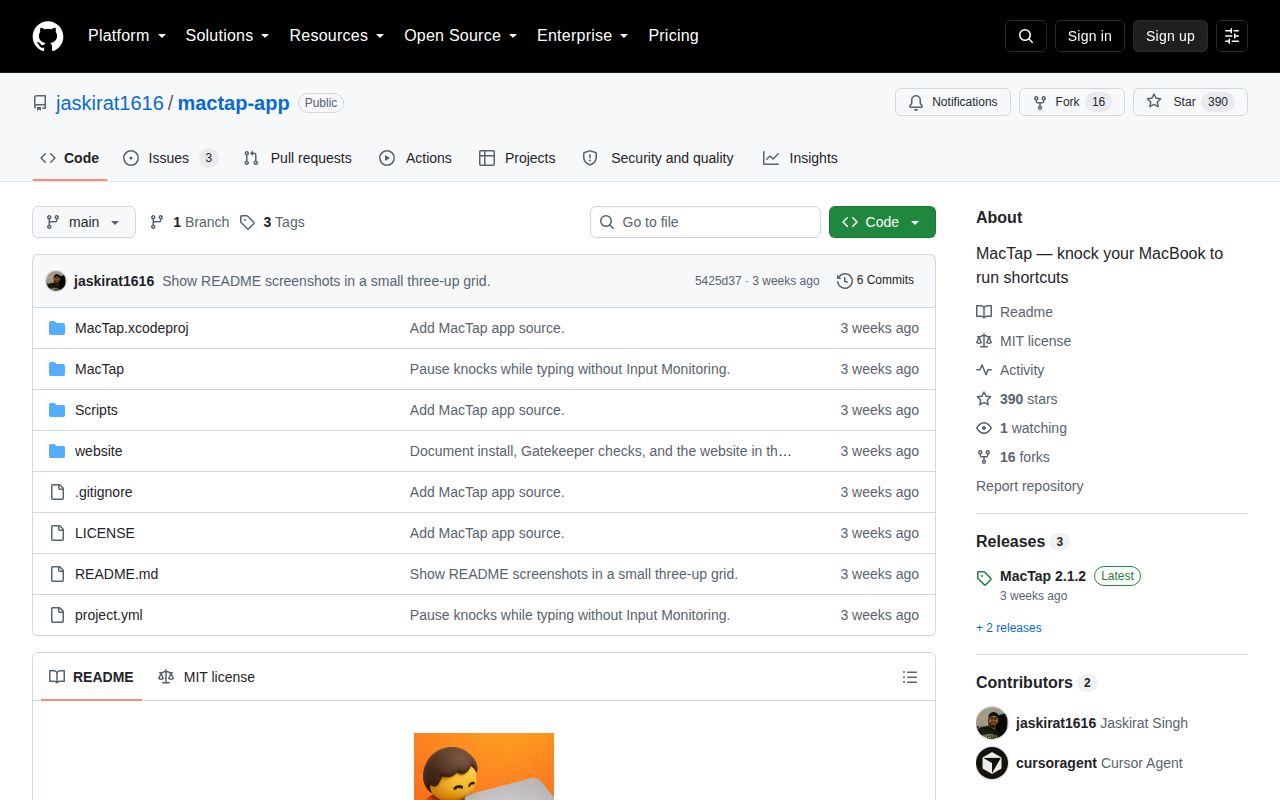
Our harness did not run commit 5425d37 because it has no supported Swift ecosystem, and this repository has no Dockerfile that could supply one. We therefore have no first-party install time, build result, test count, dependency footprint, or vulnerability scan for MacTap. Saying that plainly matters because a signed macOS release cannot be validated in a Debian container by implication.
The supplied sandbox shape was 3 CPUs and 8 GB of RAM, but execution stopped at the platform gate. The source is a native Swift 5.9 application targeting macOS 14.6. It talks to IOKit, Accessibility, AppleEvents, and AppKit, so a useful run needs a compatible Mac and the operating system permission flow. We did not test knock accuracy, sensor availability, notarization, launch-at-login behavior, or network traffic.
The repository also has no CI workflow and no test directory. That does not prove the app fails, but it leaves hardware recognition and false-trigger behavior without a public automated check. Release 2.1.2 is offered as a 4,567,433-byte DMG and a 4,138,058-byte zip. The README gives a Gatekeeper command for checking the copied app, which users should run after installation.
M2 support is broad, while the original M1 Air cannot work
MacTap requires a MacBook that exposes its motion sensor as the SPU HID device the code expects. The README supports M2 and later machines plus M1 Pro, Max, and Ultra models. It specifically excludes the original M1 Air, model MacBookAir10,1, and warns that some other M1 models do not publish the needed accelerometer report. Intel Macs are outside the stated support list.
The code checks for an AppleSPUHIDDevice with a vendor usage page, a specific accelerometer usage, and a 22-byte report. If it cannot find that shape, the engine stays stopped. A previous arrow-key simulation is disabled outside debug builds, which is the right failure mode: an unsupported Mac should not silently turn ordinary arrow presses into copy, paste, or other actions.
Hardware eligibility is still only the first screen. Issue 4 reports excessive sensitivity in clamshell mode, even at the lowest setting. That makes sense as a practical concern because a closed laptop can receive desk vibration differently from an open one. The project has a sensitivity control, side inversion, and calibration, but a buyer should test the exact desk, stand, and lid position used every day.
Release 2.1.2 still mistakes typing for knocks
Issue 2 began with keyboard vibration triggering the default Accept or Tab action. commit bcd01a1 added a roughly 0.45-second typing lockout without requiring Input Monitoring. The maintainer shipped that behavior in versions 2.1.1 and 2.1.2. On September 11, the reporter said the problem was improved but still occurred while typing and when pressing the trackpad in 2.1.2. The issue remains open.
A false trigger is annoying when it toggles media. It is riskier when a single knock accepts an AI suggestion, presses Return, runs a shell command, or sends AppleScript. Start with Sound FX Only, a harmless URL, or another reversible action. Test sustained typing, trackpad clicks, moving the laptop, setting down a mug, desk bumps, and clamshell use before assigning any action that changes files or submits work.
Accessibility and unsandboxed execution deserve a deliberate choice
The README says tap classification happens on device, gesture maps stay in local defaults, and nothing is uploaded. The privacy manifest declares no tracking domains or collected data types. We inspected those declarations but did not verify network behavior at runtime. Sensor detection itself does not require Accessibility. Sending most shortcuts and controlling other applications does.
MacTap disables the macOS app sandbox because it needs IOKit access, global event monitoring, and event posting. Its action executor can launch /bin/zsh, run AppleScript, call the Shortcuts command, open URLs, and synthesize keyboard events. Those are expected capabilities for the product, not evidence of abuse. They increase the cost of a mistaken gesture and make source review, notarization checks, and conservative mappings more important.
The public tree does not reproduce the 2.1.2 release cleanly
Building a debug app is documented: install XcodeGen, generate the project, and run xcodebuild into /Applications. The reviewed source sets Swift 5.9 and macOS 14.6. However, both project.yml and the Xcode project still report marketing version 2.1.0 at commit 5425d37, while the latest release is 2.1.2.
The README says ./Scripts/ship.sh creates the signed and notarized package, but that file is absent from the commit. Only Scripts/build.sh, which creates a debug app, is present. A normal user can still install the published zip and check it with Gatekeeper. A release engineer cannot reproduce the advertised signed artifact from the public instructions alone.
MacTap is clever enough to try and young enough to treat cautiously. Its September 10 release, 390 stars, and small 3-issue queue show early interest, not settled hardware coverage. Use it as an optional shortcut layer after a boring, harmless test period. The moment a desk bump can approve code or run a command, novelty has to give way to repeatability.