One imported logger replaces named logger setup
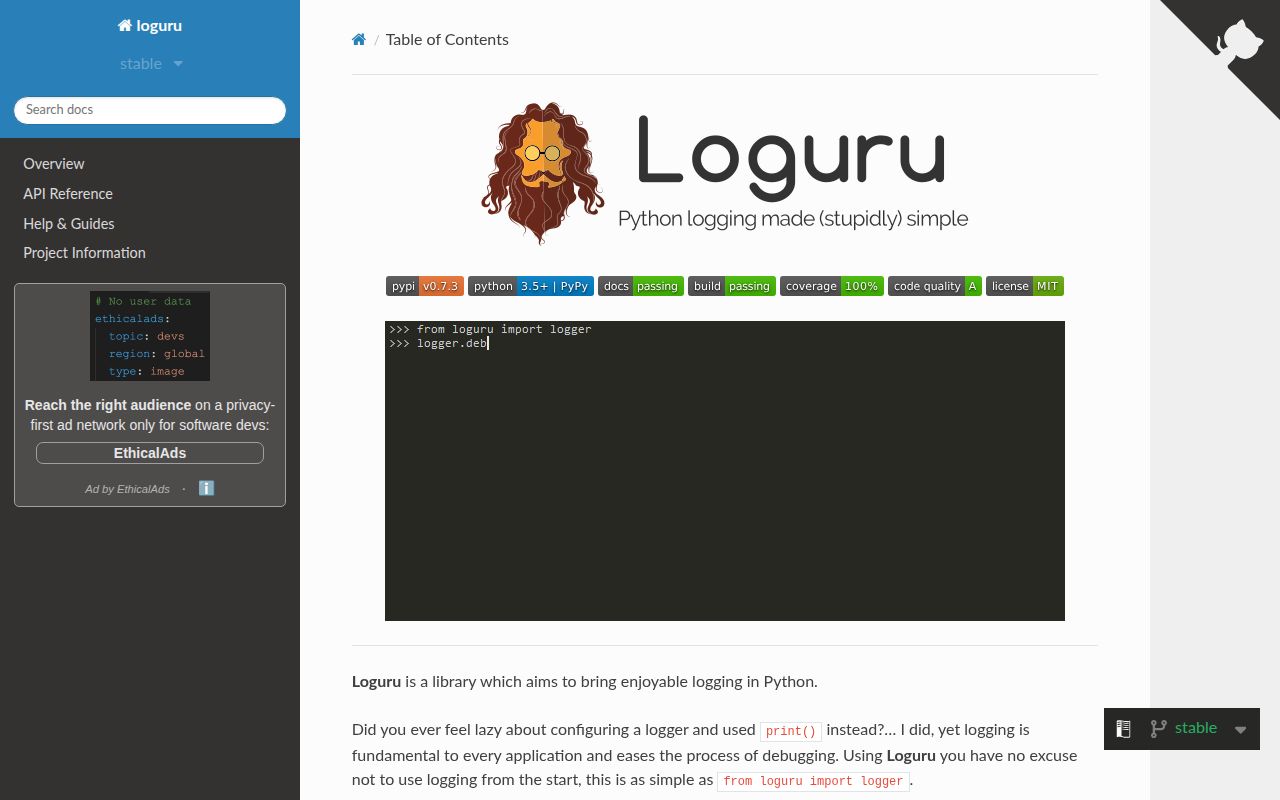
Loguru starts producing useful output with from loguru import logger. The imported object already has a standard-error sink, color when the terminal supports it, and familiar severity methods. Calling add() attaches a path, stream, function, coroutine, or standard logging handler. That is a genuine reduction in setup for scripts and applications that otherwise repeat logger, handler, formatter, and filter wiring.
The project itself is compact. commit 48acf77 had 313 files, about 20,511 lines of source, and a 1.5 MB checkout. Its API still covers rotation, retention, compression, contextual fields, JSON serialization, custom levels, lazy argument evaluation, and exception formatting. The small repository does not make logging design automatic. A service must still decide which records belong in each sink and how long they should remain.
File rotation is easy until several processes share it
A string path is enough to create a file sink, and rotation can use a size, clock time, or age. Retention and compression use the same add() call. This is Loguru at its best: common application policy is readable where the sink is declared. Context can be attached through bind() or a scoped contextualize() block, while serialize=True turns each record into JSON for downstream processing.
Threads are safe by default, while processes need more care. The README says ordinary sinks are not multiprocess-safe and recommends enqueue=True. The detailed recipes require complete() before a worker exits and explain extra work for Windows spawn behavior and mixed multiprocessing contexts. Our development install brought in 103 packages and occupied 200 MB, so contributors also get a much larger environment than users installing only the runtime package.
What happened when we ran it
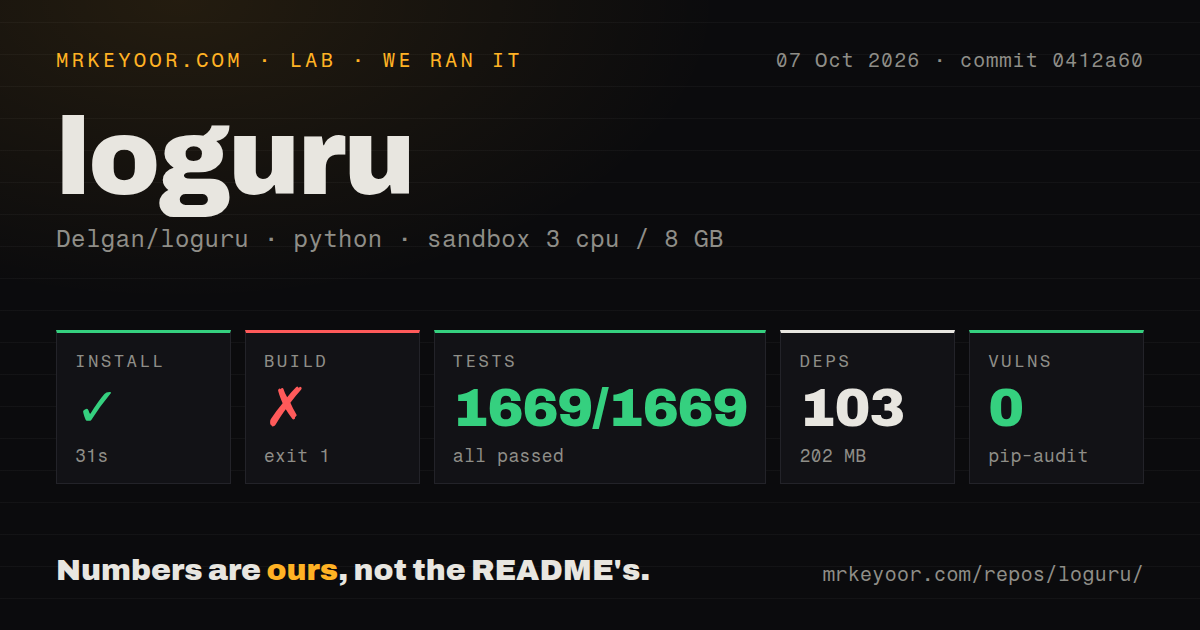
Our Python 3.12 sandbox installed the checkout in 62 seconds, adding 103 packages and consuming 200 MB. The package build then failed with exit code 1 after 8 seconds. The lab record supplied for this review does not contain the last build-log lines, so we cannot responsibly name a missing tool, bad configuration, or code defect as the cause.
Tests succeeded in 150 seconds. The supplied pytest summary reports 1,669 passed, 0 failed, and 46 skipped of 1,669. We are preserving those figures as recorded rather than recalculating the total. Pip-audit found 0 known vulnerabilities in the installed environment. Those results cover commit 48acf77 in an unprivileged container with 3 CPUs and 8 GB of RAM.
The repository scan found 5 CI workflow files, no Dockerfile, and a tests directory. A Python library seldom needs its own Dockerfile. The failed build matters to anyone publishing a wheel or source distribution from this checkout. The passing 150-second test run gives useful confidence in exercised behavior; it does not explain or cancel the separate packaging failure.
Diagnostic tracebacks can put credentials in logs
Loguru can annotate a traceback with values from stack frames. That can shorten local debugging, and it can also copy tokens, passwords, request contents, or personal data into a file or log service. The README calls this out beside its example, and the security recipes say to use diagnose=False or LOGURU_DIAGNOSE=NO in production. This should be part of the first configuration change, not a later cleanup.
Other security choices stay with the application. The recipes warn that untrusted pickle data can execute code and that attacker-controlled format strings may expose hidden object attributes. File permissions inherit Python's normal open() behavior. A successful audit with 0 known vulnerabilities says something useful about the 103 installed packages; it does not protect a service from unsafe record content, permissions, or deserialization choices.
Standard logging interop needs an explicit bridge
Loguru accepts a standard logging.Handler as a sink, which helps with syslog and existing destinations. Sending standard-library records into Loguru requires an interception handler that calculates caller depth and forwards the record. The migration guide also replaces % templates with brace formatting and named logger configuration with filters or bound context. A codebase can migrate, but imports alone do not unify both systems.
That distinction is especially important for reusable libraries. Loguru tells library authors not to add sinks because the global logger belongs to the host application. The recommended pattern disables the library's namespace until an application enables it. If downstream frameworks, test fixtures, and monitoring agents already assume standard LogRecord objects, the 62-second install is the smallest part of adoption. Test captured logs and caller attribution before changing every module.
August 2026 fixes show activity despite the old release
GitHub showed 24,090 stars and 253 combined issues and pull requests when fetched. Version 0.7.3 was released on December 6, 2024, while the repository received a push on August 30, 2026. Recent merged changes fixed async-generator exception capture and timestamp formatting. The repository is active even though users have waited much longer for another stable package.
Issue 1492 asks whether more maintainers are needed. On August 30, the author said Loguru had not been abandoned, acknowledged slow ticket handling and missed release promises, and described more work he would like to do. That is candor, not a release guarantee. Open issue 1495 also documents a Windows 11 retention failure in 0.7.3 when another process holds a log file open.
Choose Loguru for applications that own their logging policy
Loguru is easiest to recommend for an application with one place to configure sinks. The default logger gets a script out of print() quickly, while structured records and rotation leave room for a proper service configuration. Its documentation is unusually frank about secret-bearing tracebacks, process queues, library etiquette, and standard logging migration.
The lab result is mixed: 1,669 reported passes and 0 audit findings sit beside an unexplained 8-second build failure. That warrants a trial rather than blind adoption. If a framework already controls standard logging, keep its native path or bridge at one boundary. If you choose Loguru, remove the default sink, turn off diagnosis in production, and test worker shutdown on every operating system you deploy.