Twelve local backends sit behind one desktop interface
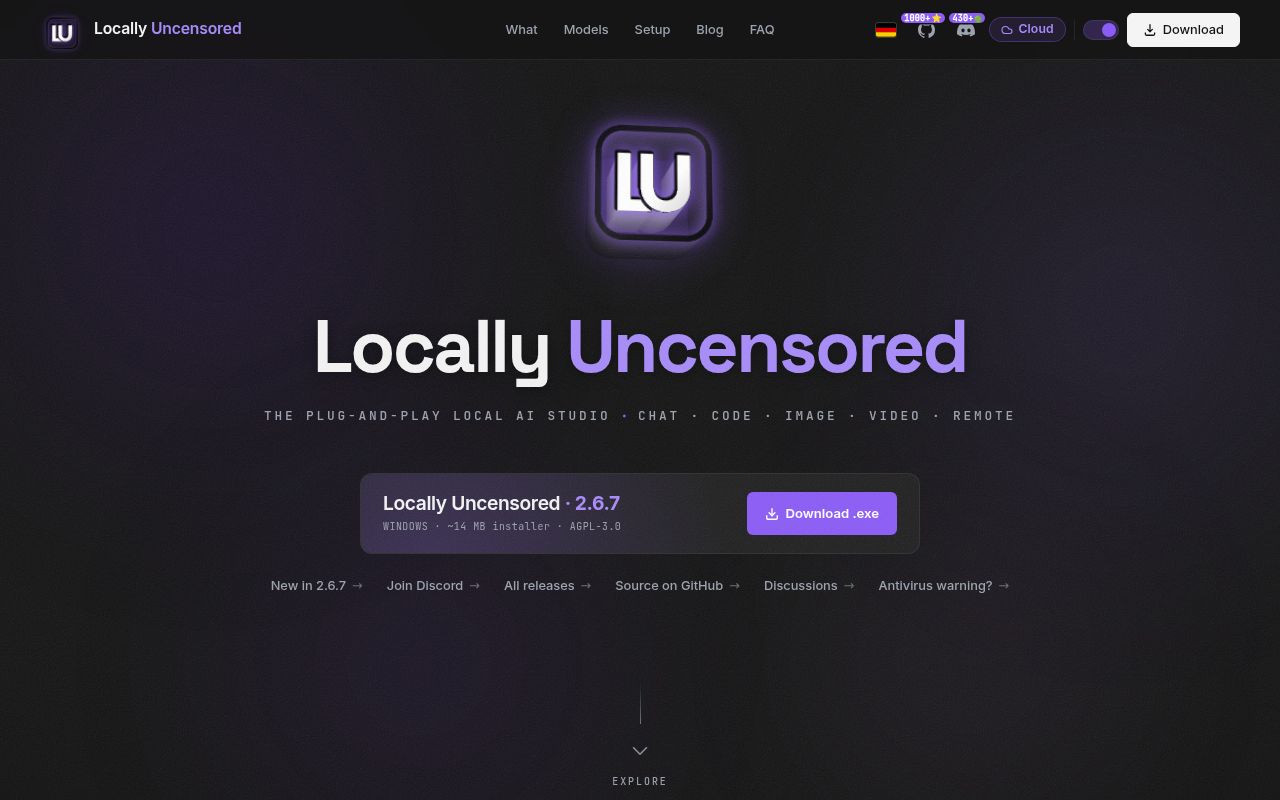
Locally Uncensored connects to 12 local backends and combines chat, a coding agent, image generation, and video generation in one Windows or Linux app. Ollama, LM Studio, llama.cpp, vLLM, LocalAI, and several other engines can feed the chat side. ComfyUI handles visual work. The first-launch wizard can detect an existing engine or offer to install one, which is a sensible pitch for somebody who has collected separate local AI utilities and wants fewer windows.
The scope is unusually large for a young desktop project. Our checkout contained 1,108 files and about 206,380 lines of source in 19.8 MB. The React and TypeScript interface sits on a Tauri Rust backend, with model management, remote phone access, document chat, voice, local benchmarks, agent permissions, and optional hosted providers in the same application. That breadth is convenient, but every extra backend gives the maintainer another installation and compatibility path to keep working.
What happened when we ran it
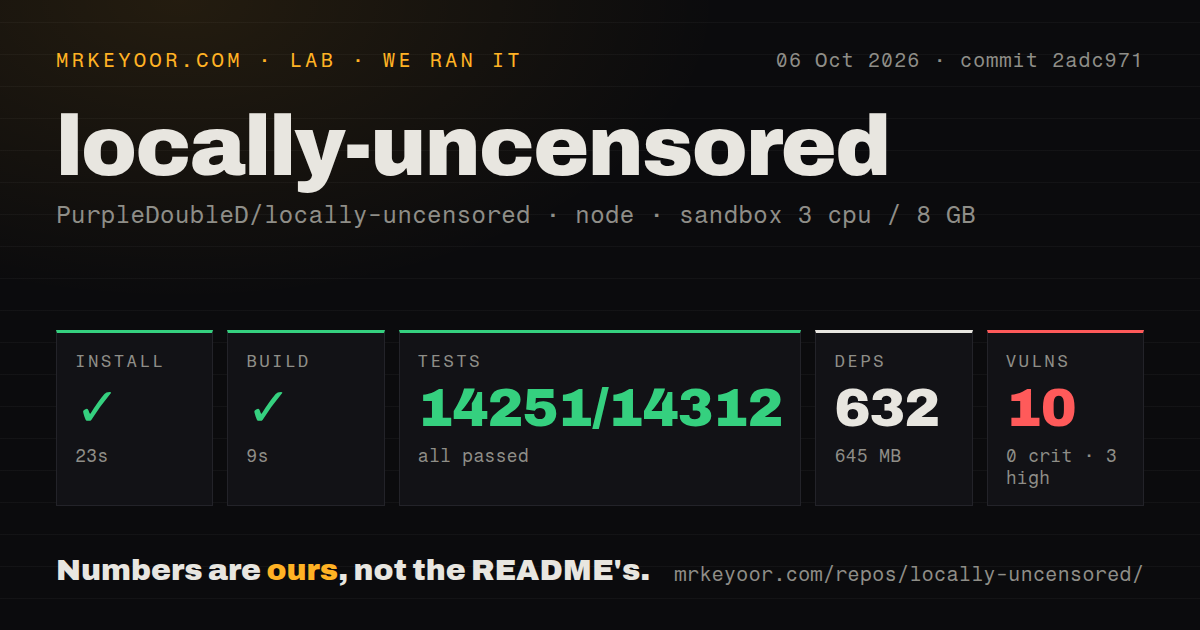
Our sandbox installed 477 npm packages in 24 seconds and used 609 MB on disk. The production web build completed in 8 seconds. Those steps succeeded in a fresh, unprivileged Node 22 container with 3 CPUs and 8 GB of RAM. The result proves that the checked-out web code installs and compiles in that environment. It does not measure a Tauri desktop bundle, model download, ComfyUI setup, inference speed, or GPU compatibility.
The standard test step had no script or target, so our harness skipped it. We therefore have no passing test count to report for commit 10bfa0d. The repository scan found no tests directory, although it did find 5 CI workflow files. npm audit reported 5 known vulnerabilities, all high severity, with 0 critical, 0 moderate, and 0 low findings. A working build does not settle whether those advisories reach a shipped desktop path.
Twelve backend choices reduce setup friction but keep model work
The README says local use can work offline after the initial model download and sends no telemetry or analytics. Cloud connections are optional and use the reader's own provider keys. That distinction matters: a conversation sent through OpenAI, Anthropic, OpenRouter, or another hosted provider follows that provider's data path, while Ollama or the bundled engine can stay on the machine. Remote phone access is also opt-in, protected by a 6-digit passcode over LAN or a Cloudflare Tunnel.
The 609 MB npm environment we measured arrives before any model weights, Python environment, or ComfyUI bundle. Hardware demands then depend on the lane. The README lists 8 GB of system RAM for text chat, 6 GB of VRAM for a fast 8B model, and higher GPU requirements for many image and video models. Local execution removes per-request fees, but it moves storage, driver compatibility, model licensing, and heat onto the user's workstation.
Windows and Linux have packages; macOS remains source-only
Release v2.6.7 provides Windows installers and Linux AppImage, Debian, and RPM packages. The README describes macOS as a source-build option and keeps a packaged build on the roadmap. That is a clear dividing line for teams supporting mixed fleets. A browser-only development mode exists for interface work, but Tauri calls for filesystem access, updates, and other desktop functions do not operate there. Full contribution work also needs Node, Rust tooling, and relevant local AI services.
Windows has a separate trust problem. The security policy says the NSIS installer is not Authenticode-signed and may trigger ESET, Avast, or Microsoft SmartScreen warnings. The auto-update channel is signed, but that protection begins after installation. Combine that first-install gap with the 5 high-severity npm advisories from our run, and a managed workplace should inspect the release artifact, dependency paths, and downloaded binaries before broad deployment.
Version 2.6.7 repairs failures in everyday paths
Version 2.6.7 was published on August 31, 2026, and its release notes are dominated by repairs. They include a built-in engine that failed on a fresh installation, installed models that disappeared from the interface, providers that erased another provider's card, ComfyUI restart handling, chat backups during updates, and a path-based information leak in a model-size check. Fixing these is good maintenance. Their location in ordinary setup and model-selection paths also shows why this app still deserves a careful pilot.
Issue activity supports the same reading. Issue 121 reports a PyTorch libuv error while creating a LoRA on Windows 10, and issue 122 says a custom Windows model folder was not detected. GitHub listed 6 open issues and pull requests when fetched, while the last push and v2.6.7 release both landed on August 31, 2026. This is active work with fast repair cycles, rather than a settled desktop platform whose hardware paths rarely change.
A 609 MB dependency tree is easier to justify for all four jobs
Open WebUI is the cleaner alternative for a shared browser chat interface, while SillyTavern goes deeper on power-user conversation controls. ComfyUI is the direct choice when image and video graphs are the main work. Each drops part of Locally Uncensored's four-part bundle. That narrower scope can be an advantage if the team already has a model server, does not need a coding agent, or prefers to keep media generation separate from a chat client.
Locally Uncensored makes the strongest case on a personal Windows or Linux workstation where one person owns the models, GPU, and risk decisions. Our 24-second install and 8-second build make the source easy to inspect, but the skipped tests and 5 high-severity advisories stop this review short of a broad recommendation. Start with one local backend, verify the installer and model files, and add remote access or cloud keys only when those paths solve a specific need.