The original Manim, not the default Manim
The first fact to get straight about 3b1b/manim is its identity. This is ManimGL, the descendant of Grant Sanderson's personal animation engine for 3Blue1Brown. It is separate from Manim Community, even though both projects share history, concepts, and much of the name. The install package here is manimgl; installing manim follows a different project. Mixing their tutorials, commands, or APIs can waste hours.
The repository explains the choice clearly. Manim Community was forked in 2020 with goals of greater stability, better testing, faster responses to contributions, and an easier start. ManimGL remains the closer match for Sanderson's own production and interactive style of working. Pick this edition because you need its API or workflow, not because it has the original repository name.
What happened when we ran it
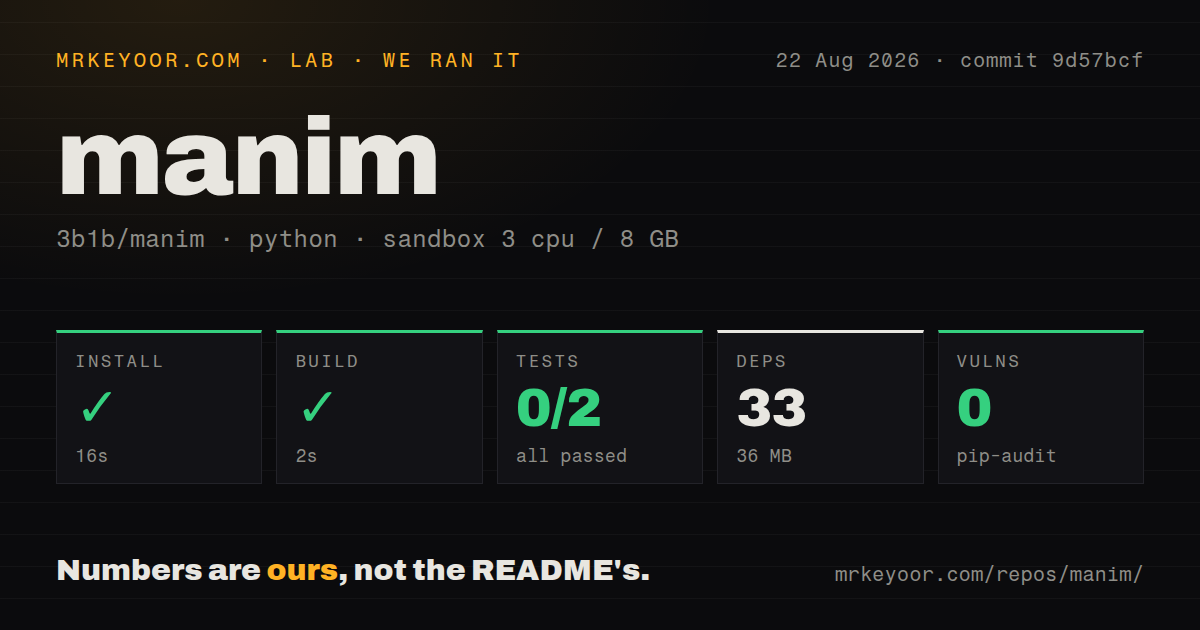
We cloned commit 9d57bcf into a fresh Debian container with 3 CPUs and 8 GB of RAM. Installation succeeded in 16 seconds, putting 33 packages and 36 MB on disk. The detected build then succeeded in 2 seconds. A Python dependency audit found no known vulnerabilities.
The test step failed in 1 second before a test could run. Pytest collected test_coordinate_systems.py and test_space_ops.py, and both stopped on ModuleNotFoundError: No module named 'numpy'. The final count was 0 passed, 0 failed, and 2 collection or setup errors. The log establishes the missing import; it does not show why the test environment lacked it.
The checkout was 2.1 MB, with 178 files and about 27,698 lines of source. The lab found two CI workflows, no Dockerfile, and a tests directory. The quick install and build are encouraging, but the collection failure means our run did not exercise scene math or rendering behavior.
Why code works well for math animation
A ManimGL scene is a Python class with a construct method. You create objects, position them, and pass animations to self.play. Included examples cover a coordinate grid transformed by a matrix, a complex plane mapped through a function, equations rearranged by matching component strings, and labels updated on every frame. Those effects become brittle in a general video editor. In code, each transformation stays tied to the mathematical operation.
The object model exposes useful mechanics. A grid can animate a method call, colors can flow across subobjects, and a function that maps three-dimensional points can deform an object. Tex and TexText turn typeset expressions into drawable pieces. Matching transforms associate terms across equations, so viewers see where each symbol moves instead of watching one formula fade into another.
Change a matrix, equation, color rule, or timing value, then render again. Related lessons can share helpers and configuration. The separate 3b1b/videos repository contains real production source, though this README warns that older video code may no longer match current ManimGL. Treat it as a workshop full of techniques rather than a stable example suite.
Installation has a long tail
pip install manimgl looks easy, and it can be on an already prepared workstation. The prerequisites are FFmpeg and OpenGL, with Pango and its development headers required on Linux. LaTeX is optional if you only use plain text and shapes. For the equation-heavy work that draws many people to Manim, it is effectively part of setup.
The macOS instructions illustrate the cost. Homebrew can install FFmpeg and MacTeX, but the README says the full MacTeX bundle is about 6 GB. BasicTeX is smaller, then requires adding packages needed by your scenes. ARM Macs also have a Cairo step. Windows gets a separate sequence for FFmpeg, MiKTeX, cloning, and editable installation.
After the example window opens, there is another learning curve. CLI switches control writing, opening, skipping to a final frame, jumping to a numbered animation, and fullscreen playback. A custom_config.yml determines output paths, asset locations, sounds, style, and quality. A serious project should pin Python and package versions, document system packages, and render a known scene on a controlled build machine.
Rough edges and current health
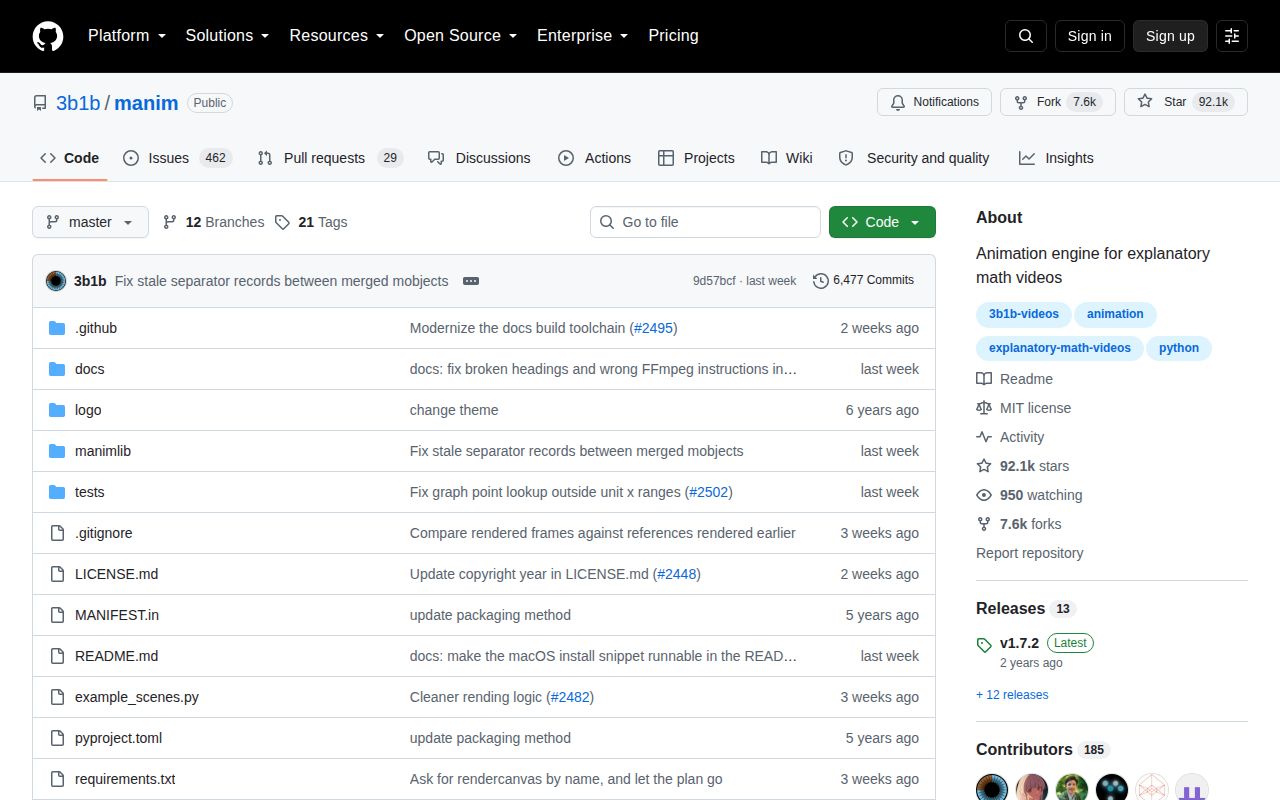
The latest numbered release is v1.7.2 from December 2024, while the repository was pushed on August 18, 2026. The release date alone does not indicate abandonment because source and discussion remain current. It does mean users must choose between the released package and active source, then pin that choice.
Open reports show practical compatibility costs. A Python 3.14 uvx run fails on a missing pkg_resources import. Another report says the interactive embed event loop can peg one CPU core. These may spare a pinned workstation, but they make casual upgrades risky before a deadline. Documentation covers platform setup, commands, configuration, lineage, and example scenes, yet the README still describes it as in progress.
GitHub showed 488 open issues and pull requests combined on August 24. That is a sizable queue, though current work is easy to see: pull requests for frame pacing, Windows sound handling, glyph selection, documentation, and scene paths were updated in August 2026. Bug reports were receiving current discussion too.
Who should choose it
ManimGL fits mathematical objects, programmable transformations, interactive iteration, and the exact creative environment used for 3Blue1Brown work. For a newcomer who simply wants to make a Manim lesson, Manim Community is the safer first choice. Motion Canvas suits TypeScript teams, while Remotion is better for React-based video templates. Choose this repository when ManimGL itself is the requirement, and budget time for native dependencies plus a pinned environment.