Open the failing service's logs before you restart it. Lazydocker makes that sensible habit easier by keeping container state and the selected service's output in one terminal window. You can follow the service you're investigating instead of sorting through a combined log stream, then restart or rebuild it from the same interface. That is its best use: supervised Docker troubleshooting.
Our checkout contained 140 files and roughly 12,757 source lines. The feature list stays close to everyday container work: attaching to a service, inspecting image layers, and removing unused resources. I'd consider it when repeated Docker commands make you lose track of the selected container. You still need to know which action is appropriate. Removal and pruning within easy reach make that knowledge more important.
The default log window hides output older than an hour
Lazydocker's FAQ says it initially shows logs from the last hour. The configuration reference exposes logs.since, and the service log command template also specifies a lookback window. That default can make a stopped container appear to have no useful output when the failure happened earlier. Check the window before diagnosing a silent application, and adjust the relevant setting for the view you're using.
The resource graphs are a separate aid. Our sandbox had 3 CPUs and 8 GB of RAM, but our run recorded no measurement of Lazydocker's own CPU cost or graph accuracy. The documented graphs display container CPU and memory percentages, with configurable statistic paths. They can help you decide which container to inspect next. They don't supply evidence about what happened before the available logs or replace a separate incident record.
What happened when we ran it
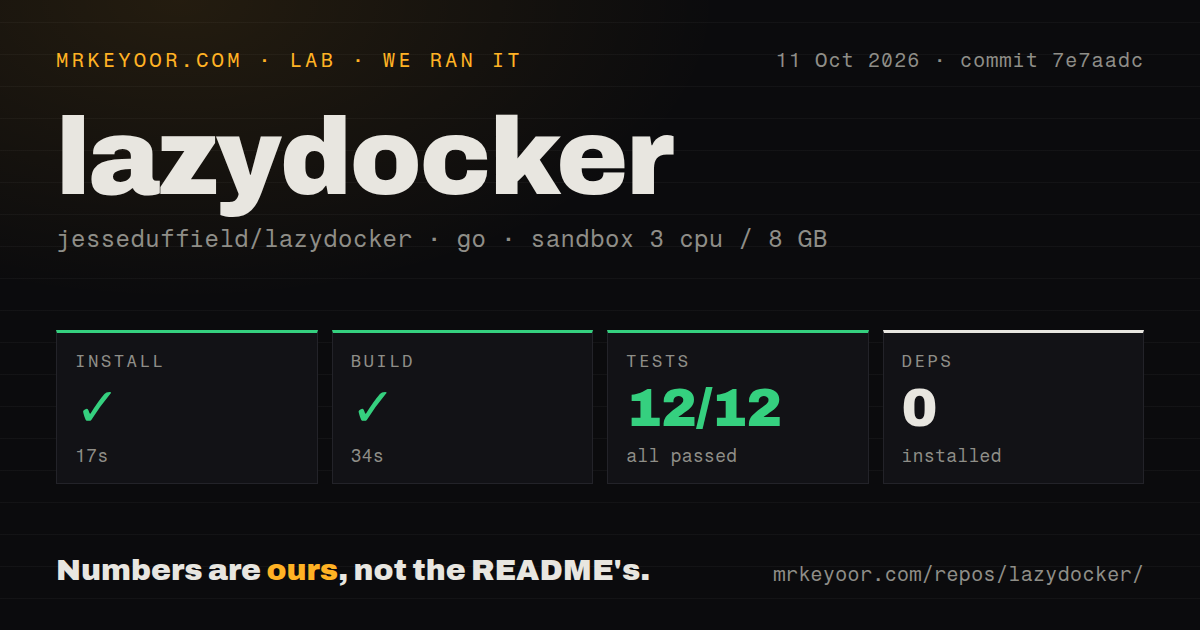
Our run installed Lazydocker commit 7e7aadc in 17 seconds and built it in 34 seconds. Both steps succeeded on 2026-10-11 using golang:1.24-bookworm in a fresh unprivileged Debian container with no secrets. The install step reported 0 packages installed. That is the recorded package count for this path, not evidence that the application has no imported Go libraries or that a Docker daemon is unnecessary.
Go tests passed in 16 seconds, with 12 passed and 0 failed out of 12. Our harness found 3 CI workflow files, a Dockerfile, a Compose file, and a tests directory. The checkout occupied 10.6 MB. These results support the source workflow we ran. Those checks do not establish a working connection to a daemon, successful interactive shell sessions, or compatibility of the separate image published on Docker Hub.
The container route has a reported daemon compatibility failure
The current README requires Docker 29.0.0 or newer. Its container command mounts /var/run/docker.sock, giving the UI access to the host daemon, and mounts a configuration directory. Issue 846, opened on October 2, reports the published image refusing to start because its client API is too old for the daemon. The issue requests automated image publication; that request is not a promised fix.
A successful 34-second source build does not validate that published image. The README suggests rebuilding with a Docker version matching the host when the bundled client is incompatible, and separately warns that containerized Lazydocker can lack logs and CPU usage. I would start with a native binary on a machine already configured for Docker. If an image is mandatory, confirming both startup and the views you need belongs in the adoption decision.
Returning from a container shell has an open hang report
Issue 848, opened on October 10, describes Lazydocker hanging after the user exits a container shell. The attached debug output reports potential deadlock and recursive locking. That is evidence from the reporter's session, not a failure we reproduced. For someone who repeatedly opens a shell during troubleshooting, this is a reason to test the round trip before making Lazydocker the default incident interface.
All 12 tests reported by our lab passed, while this interaction remains a separate question. Try the shell action and return using your actual container before adopting it. Also check configuration changes deliberately: the docs say they require restarting Lazydocker. The wrapping guidance disagrees between the FAQ and configuration example, which is another reason to inspect the behavior you have rather than assume every documented default matches.
April code activity and October reports call for a cautious trial
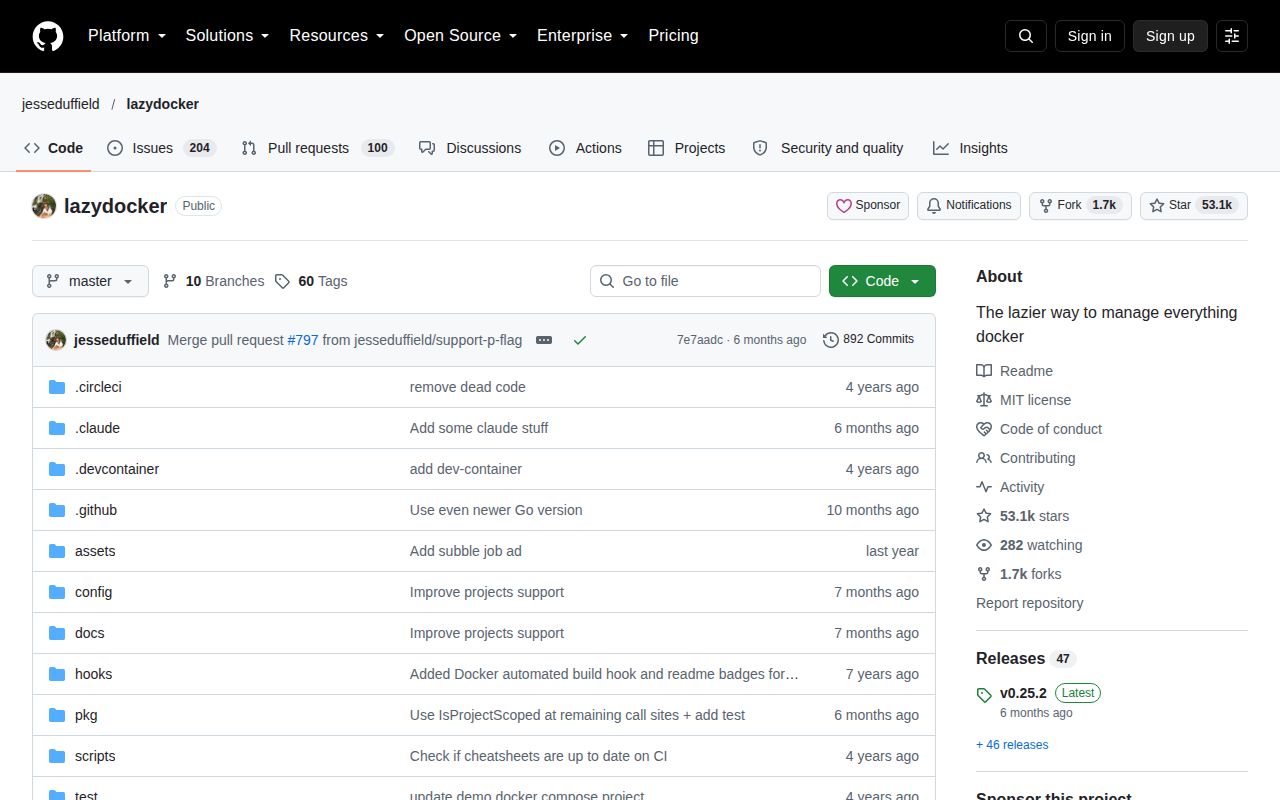
The repository's last push was 2026-04-19, when v0.25.2 shipped project-view fixes and support for the project-name flag. GitHub listed 53,100 stars and 304 open issues and PRs. October activity includes image and shell reports plus a proposed Compose project-name fix. People are still reporting concrete problems. That does not prove rapid maintainer response, and the April release alone does not prove abandonment.
The 3 CI workflow files found in our checkout are useful signals, but they don't answer whether each distributed artifact works on your daemon. Direct containerd support also remains an open request in issue 438. Stay within the documented Docker and Compose scope. For local use, I would keep the ordinary Docker CLI available for a shell exit problem or for retrieving logs outside the configured window.
Portainer suits a browser workflow and ctop centers resource inspection
Portainer Community Edition provides a browser UI for several container environments. Its current README explicitly positions CE for homelabs and directs production users to Business Edition, so it should not be presented as an equivalent free production service. ctop offers a terminal metrics overview with sorting, individual-container inspection, logs, and shell access. Choose it when identifying a busy container is the main task, rather than rebuilding Compose services.
The 10.6 MB source checkout we measured says little about the Docker host you'll manage. The daemon, images, and application data remain outside that figure. Begin with a disposable Compose project, find an older log entry, enter a shell, and return to the dashboard. If those operations work on your setup, Lazydocker earns its place beside the CLI. If the round trip hangs, keep your existing commands until you have a verified fix.