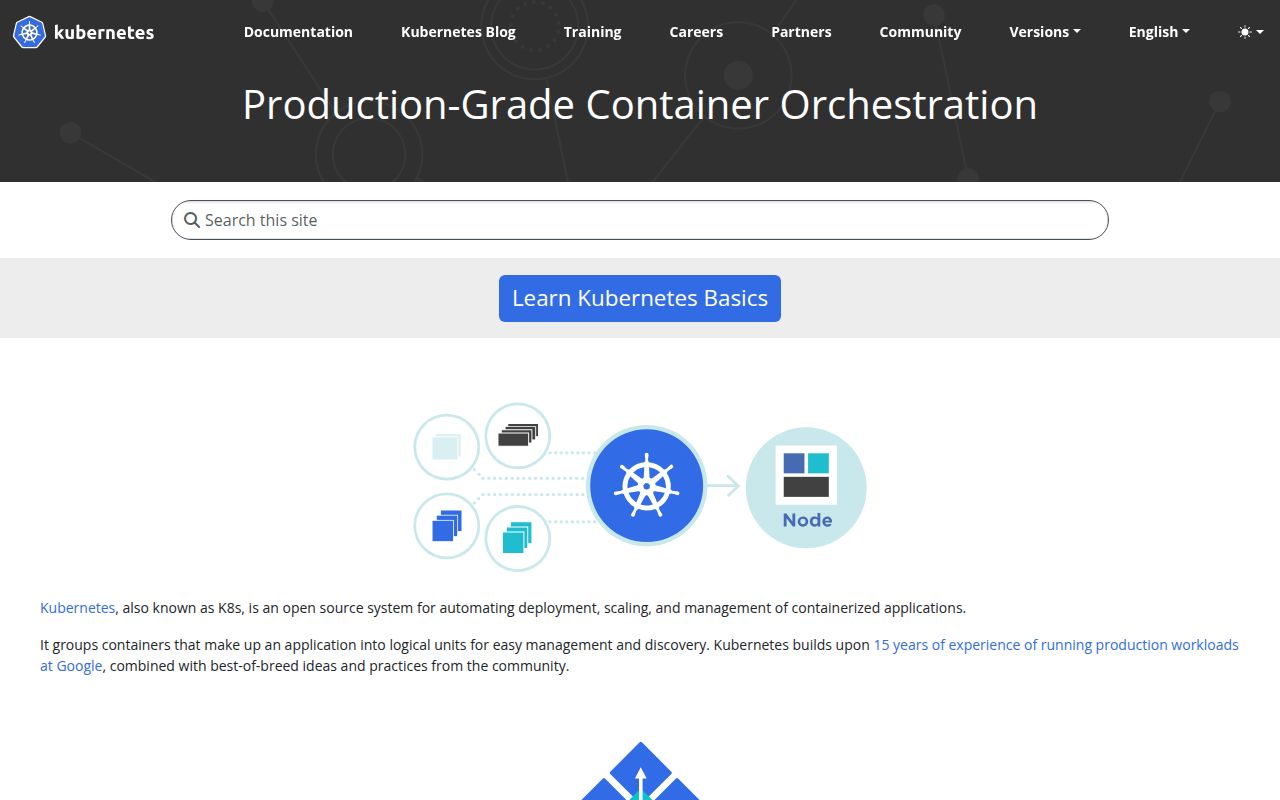
One control plane coordinates one or more worker nodes
A Kubernetes cluster has a control plane and at least 1 worker node. The API server accepts desired state, the scheduler assigns unscheduled Pods, controllers reconcile resources, and etcd stores control-plane data. On each node, kubelet keeps Pods running while a container runtime executes them. That arrangement gives applications a common deployment model across many machines, but it also creates several components whose health and compatibility affect every workload.
The payoff appears when many teams need the same primitives. Deployments manage rollout state, Services provide stable discovery, namespaces separate administrative scopes, and controllers automate repetitive repair work. A platform group can offer these mechanisms once rather than asking each application team to invent deployment scripts and failover logic. Kubernetes becomes worthwhile when that shared layer removes more duplicated work than the cluster itself creates.
A few containers rarely justify the control-plane bill
Kubernetes does not make infrastructure disappear. A production installation still needs node lifecycle management, networking, load balancing, persistent storage, certificate handling, access control, upgrades, backups, logs, metrics, and alerts. The base architecture even treats DNS, web dashboards, resource monitoring, and cluster logging as addons. Cloud services can operate some control-plane pieces, but the application team still has to understand requests, limits, probes, disruption, and rollout behavior.
For 3 services on one machine, that is often too much machinery. Docker Compose, a system service manager, or a smaller scheduler can be easier to inspect and recover under pressure. Kubernetes earns its place when there are enough workloads, nodes, deployment teams, or policy requirements to benefit from a stable shared API. Choosing it because hiring listings mention Kubernetes is a poor substitute for naming the failure modes and scale the cluster must handle.
The source repository is not the supported Go client library
The root README warns developers not to use k8s.io/kubernetes or its subpackages as application libraries. Published staging components such as k8s.io/api, k8s.io/apimachinery, and k8s.io/client-go are the supported route. The staging directory listed 30 separately published repositories when we checked. That split lets consumers depend on a defined component without importing the internal monorepo and its replace rules.
This repository is mainly for building Kubernetes itself. Its simplest Go path is clone, change directories, and run make; a Docker-based quick-release route is also documented. Users wanting a cluster should start with the deployment documentation or a distribution rather than treating a source build as installation. The distinction matters because compiling binaries proves the code can build on one machine, not that a secure, upgradeable cluster now exists.
What happened when we ran it
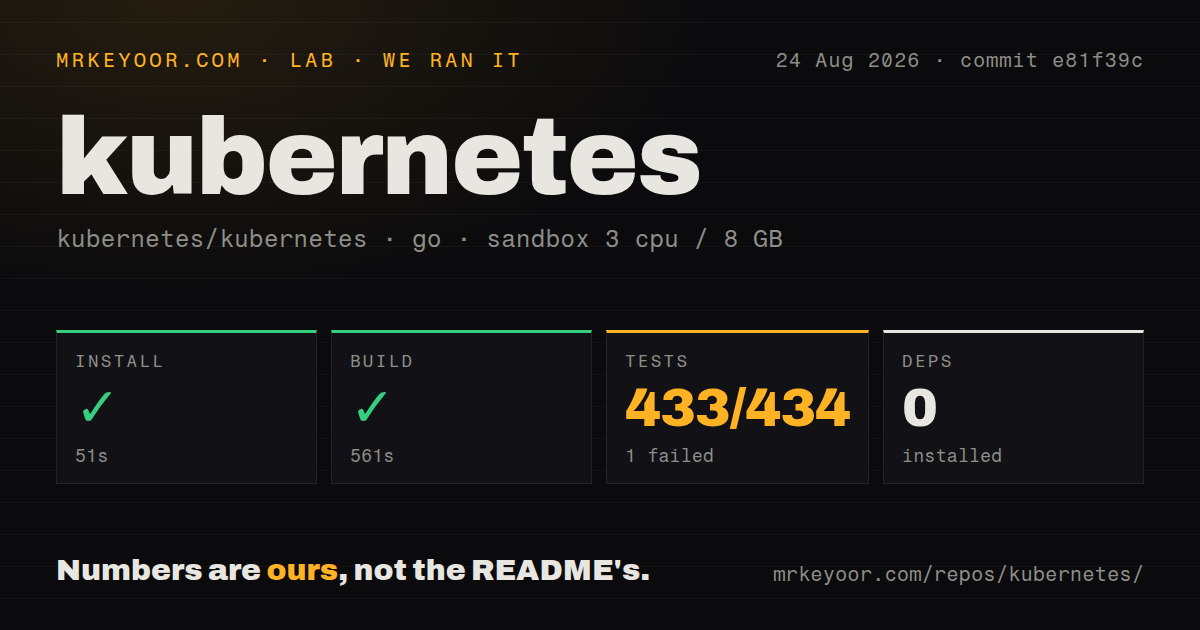
Our sandbox install step finished in 51 seconds and added 0 packages. The build completed successfully after 561 seconds. We ran commit e81f39c in an unprivileged Debian container with 3 CPUs and 8 GB of RAM using Go 1.24. The checkout occupied 220.9 MB and contained 25,714 files with roughly 3,876,681 source lines.
The test command reached our 900-second limit rather than completing. Go test reported 433 passed and 1 failed out of 434. The log tail showed successful packages under core registry storage, including namespaces, nodes, persistent volumes, claims, and Pods. It did not show the failing package or assertion, so attributing the failure to a subsystem would be guesswork. The defensible result is one reported failure plus an unfinished command.
Our scan found a tests directory, no root Dockerfile, and 0 GitHub Actions workflow files. Kubernetes uses project-specific infrastructure rather than requiring Actions to prove activity, so that count is a repository signal, not a health verdict. The 561-second build and 900-second test cap are more useful to contributors: on this hardware, a clean full cycle takes long enough that targeted package tests should handle most local iteration.
Release compatibility matters more than adding every new feature
Kubernetes version choices affect the control plane, kubelets, kubectl, APIs, admission behavior, and addons around them. Operators should follow the official version-skew and upgrade documentation for the exact distribution they run. A cluster is not a single binary that can be replaced casually, and deprecated APIs can reach application manifests, operators, charts, policy engines, and deployment automation.
The latest GitHub release was v1.37.0 on August 26, 2026. One day later, the repository had 125,210 stars, 3,039 combined issues and pull requests, and a same-day push. A new issue that day described a possible cgroup v2 memory-limit path causing reclaim or OOM before kubelet eviction. It was still marked for triage, so it is not a confirmed release defect, but it shows why node behavior and release notes deserve attention before an upgrade.
Managed Kubernetes shifts work without removing ownership
A managed service can operate the API server, etcd, and some upgrade mechanics. It cannot decide the application's resource requests, network policy, storage durability, autoscaling signals, disruption budgets, or recovery objectives. Those decisions remain with the buyer, and portability across providers stops where cloud load balancers, disks, identities, and managed addons differ. The Kubernetes API gives teams a common frame, not identical infrastructure.
Kubernetes is the default reference point for container orchestration because its API and contributor ecosystem cover far more than scheduling. That breadth is exactly why small deployments should hesitate. The right adoption test is operational: identify who owns the control plane, nodes, networking, storage, policy, observability, and upgrades. If each item has an accountable team and several workloads benefit, Kubernetes is defensible. If the answer is one developer and 3 containers, K3s, Nomad, Swarm, or plain services may be the better product.