Four control layers avoid unnecessary visual clicking
huashu-mac-use starts by probing the target application. A native CLI, AppleScript dictionary, URL scheme, local port, or embedded Chromium debugging interface is preferred because it can act on structure. If those routes fail, the agent tries the macOS Accessibility tree, then window-relative coordinates, with pixels kept as the final control layer and a recurring verification source.
That ordering is the project's best idea. CDP can operate an embedded Chromium app across desktops without taking focus, while an Accessibility write can target a named control instead of a guessed pixel. The Swift kernel exposes window listing, background screenshots, element inspection, typing, clicking, scrolling, focus state, and a heads-up indicator. Its probe.sh script records bundle details, architecture, URL schemes, local ports, editable controls, and the app version before action begins.
Writes pass safety gates before borrowing focus
Reads are designed to stay in the background. For writes, the tool first posts an event to the target process and compares screenshots to see whether anything changed. Escalation to focus checks that the right process is frontmost, the point is not covered, the user has been idle for 2 seconds, and no other agent holds the machine-wide focus lock. It can wait up to 15 seconds before refusing.
Cross-desktop coordinate writes return exit code 2 instead of switching the user's Space. Terminal and IDE actions need special care because pressing Return can execute a shell command. A visible corner pulse tells the user when the agent borrows focus, while the overlay is excluded from captured evidence. The skill also asks for a dry run before writes so coordinate conversion and gate decisions can be examined without sending input.
The stop list is broad enough to matter. Publishing, submitting, payments, deletion, overwrite saves, consent, system permission dialogs, keychains, Touch ID, updates, and high-risk financial or medical apps stay with the user. Screen text is treated as data rather than a new instruction. These rules do not make desktop automation safe by themselves, but they define where the tool should return control instead of finding another click path.
What happened when we ran it
We did not run commit 4dda98c in our September 29 sandbox. The project language is Swift, the supported platform is macOS, and our Debian container has no supported ecosystem for compiling or exercising its window and Accessibility APIs. The repository provides no Dockerfile. We therefore have no measured installation time, build result, dependency count, vulnerability audit, or test result.
That limitation is load-bearing. We read the Swift build script and operating instructions, but our run did not grant macOS Screen Recording or Accessibility access, enumerate a window, inject input, or confirm a screenshot. The repository's Blender and desktop-client case studies belong to the author. They are useful demonstrations, not results reproduced on our box.
The build path itself is simple on paper: build.sh checks for swiftc and compiles mac.swift with optimization. The README says the kernel was tested on macOS 26 and describes version 14 or later as probable. Treat the latter as an expectation, not a compatibility promise. Apple permission behavior, window servers, application versions, and synthetic-event filtering can all change what works.
Success codes still need evidence from the application
The skill repeatedly warns that a tool call can succeed while the application ignores it. Its action commands classify the observed effect as confirmed, partial, suspected no-op, or unverifiable. Stronger proof comes from a changed app state or side effect, such as a task appearing or a file existing, rather than text merely appearing in an input field.
Open pull request 3 gives that principle an uncomfortable test. The report says a screenshot command could return exit code 0 when its destination directory did not exist, then mislabel the missing output as a blank background render. The proposed fix creates parent directories, checks that the file exists, and stops swallowing write errors. Until that fix is merged into the commit you install, verify evidence files independently.
Issue 2 documents another boundary on WeChat 4.1.13: several synthetic input routes returned success with no interface change, while a lower-level HID event worked. The issue also reports ignored modifier arguments and stale per-app notes. These are outside reports rather than our measurements. They show why the skill's per-application archive needs dates and version checks, and why a general macOS automation layer cannot promise identical behavior across apps.
Recent issue work is ahead of the merged branch
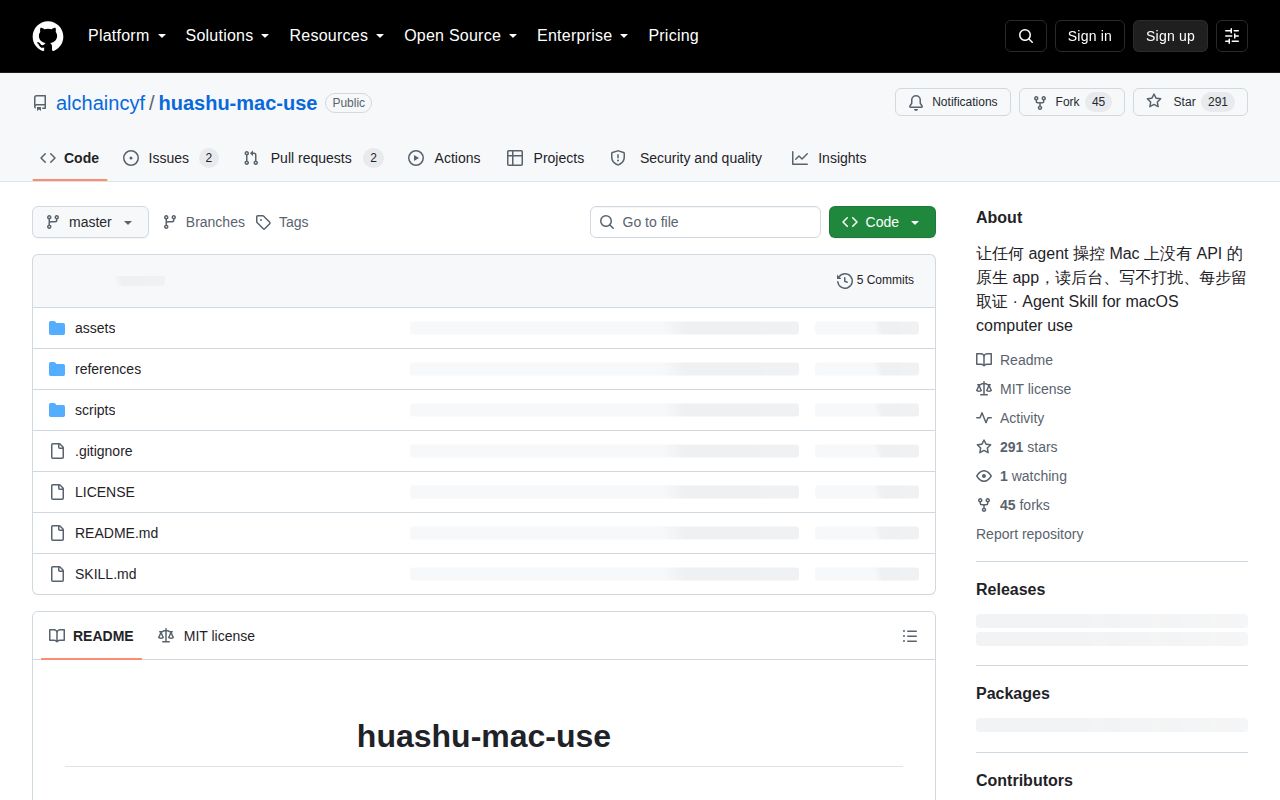
GitHub showed 291 stars and 4 combined open issues and pull requests on September 30, 2026. The merged branch was last pushed on September 8 and has 5 commits, with no published release. Detailed reports and a Windows port arrived later in September, but neither open pull request changes the fact that the reviewed commit is macOS-only.
The repository is young, yet its operating method is more thoughtful than many screen-clicking demos. Prefer structured routes, refuse uncertain coordinates, watch the user's activity, and demand a side effect before claiming success. Those ideas are worth borrowing. Whether this particular kernel belongs on your Mac depends on a real trial with non-sensitive apps, the exact terminal permissions, and a build where the open screenshot fix has been resolved.