Kong puts API, LLM, and MCP policy in one request path
Kong Gateway can route ordinary API calls, normalize requests to several model providers, and govern MCP traffic. Its core jobs include load balancing, health checks, TLS termination, authentication, rate limits, transformations, and logs. The README also describes a universal LLM API plus MCP security and observability. That makes Kong interesting when a platform already has many clients and upstreams that should follow the same traffic rules.
The price is centrality. A bad route, plugin, or health policy can affect every caller behind it. Kong's README advertises more than 60 AI features, but a long feature list does not tell you which edition contains each requirement or how a chosen provider behaves during failure. Write down the routes, plugins, deployment mode, and edition before running a trial. Otherwise, a broad gateway evaluation turns into a tour of unrelated features.
The under-5-minute quick start is a separate Compose stack
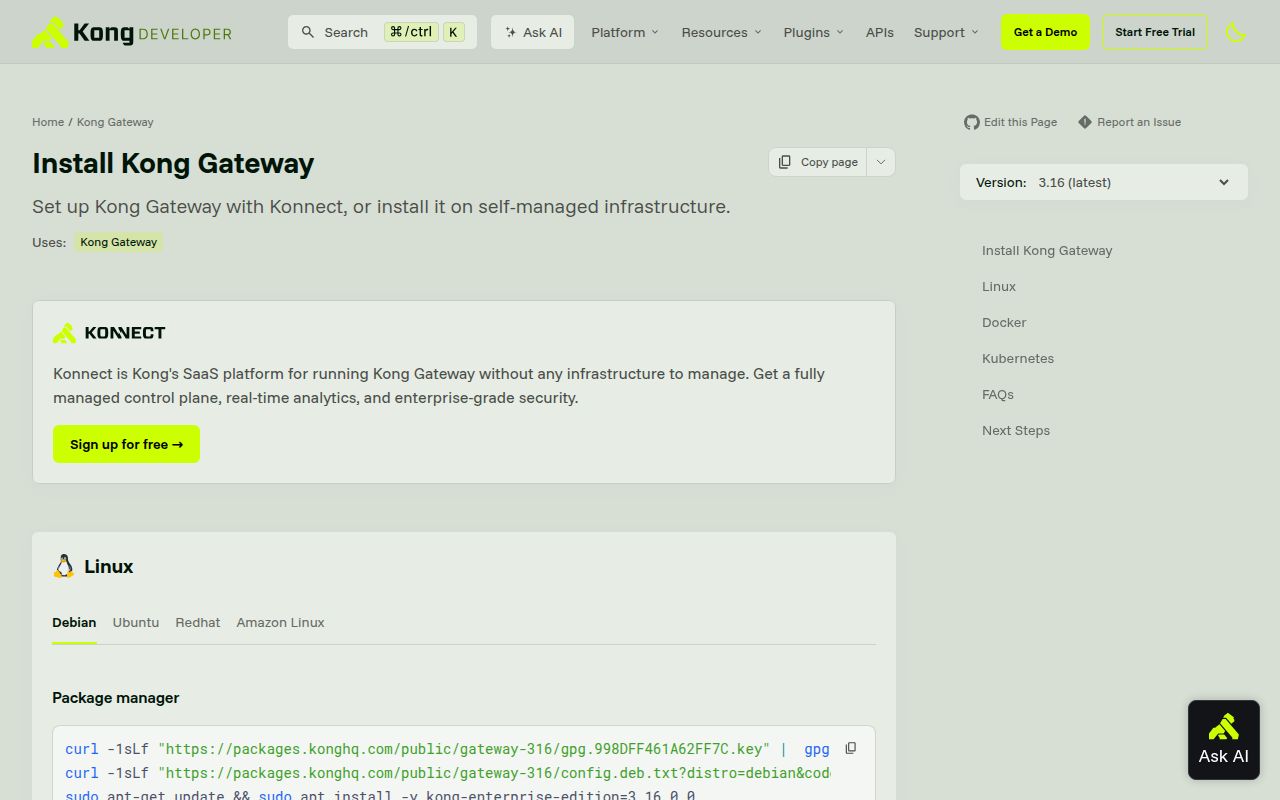
Kong's README says its authentication test drive takes under 5 minutes. The first command clones Kong/docker-kong, not this repository, and the suggested Compose profile starts PostgreSQL. Traffic arrives on port 8000, the Admin API listens on 8001, and Kong Manager uses 8002. A DB-less Docker route is available, but it changes how configuration and recovery work. The short demo gets a gateway process running, not a production edge.
Source development is a different job. Kong says the application is mainly Lua on a modified OpenResty build with patched dependencies. Its Debian instructions install compilers and libraries, then require GitHub authentication to retrieve dependencies. The developer guide defines 3 Busted suites: unit, integration, and plugin tests. Integration needs PostgreSQL and Cassandra, while plugin tests need PostgreSQL. That is reasonable for gateway development, but it is much heavier than the Rust command our lab discovered.
What happened when we ran it
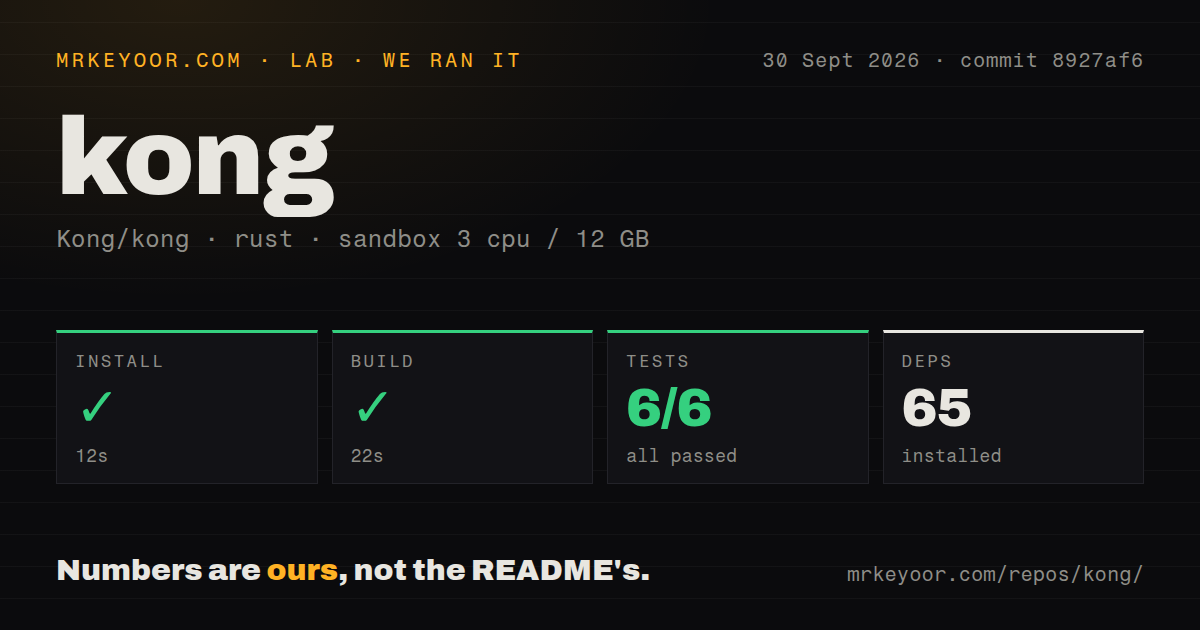
Our lab-rust:1 sandbox installed 65 packages in 12 seconds at commit 8927af6. The build passed in 22 seconds, and cargo test finished in 9 seconds with 6 passed and 0 failed. We used an unprivileged container with 3 CPUs, 12 GB of RAM, and no secrets. The checkout occupied 17 MB, contained 2,515 files and about 4,251 lines of source by the harness counter, and exposed 24 CI workflow files.
Those clean numbers belong to spec/fixtures/proxy_wasm_filters. Its Cargo workspace contains a tests member and a response-transformer member. The run did not boot OpenResty, start PostgreSQL, proxy a request, load a Kong plugin, call an LLM, or govern an MCP server. Our scan found a tests directory and no Dockerfile, which matches Kong's decision to keep its Docker distribution in another repository. Treat the 6 tests as evidence about one fixture only.
DB-less 3.9 has a reported health-check recovery trap
Open issue #15001 reports that targets on Kong 3.9 in DB-less mode can remain unhealthy after the backend recovers. The reporter describes a deterministic case where a health endpoint returns 404 and later returns 200, yet the target does not recover until a reload or restart. The same report says an Admin API attempt to mark it healthy returns HTTP 500 because targets are declarative in that mode.
This is one user's report, not a failure from our sandbox, and its intermittent 503 case was not reproduced on demand. The deterministic 404 path is still specific enough to test before adoption. Run the exact health policy you plan to ship, let an upstream return an unlisted status, restore it, and observe recovery without manual work. A DB-less design is appealing until its recovery path requires restarting the gateway in front of live traffic.
Bedrock tool calls have a current HTTP 500 report
Issue #14996 concerns Enterprise 3.14.0.13, not the 3.9.3 community release returned by GitHub's latest-release endpoint. The reporter sent a valid Bedrock Converse message where a content block followed toolResult. Kong returned HTTP 500 before calling Bedrock, while the same body sent directly to Bedrock returned 200. The issue includes a smaller control where toolResult alone succeeds.
That scope matters. It would be wrong to say every Kong AI route is broken, or that our 6 Rust tests found this defect. It is a sharp warning for one common agent pattern: tool use followed by more content. If Bedrock Converse is on your list, reproduce mixed content blocks, streaming behavior, prompt caching, and upstream error handling against the exact Kong edition and version you will deploy. Provider names on a feature page cannot replace that check.
September pushes and October issue work show active maintenance
GitHub recorded 44,231 stars, 221 open issues and pull requests, and a repository push on September 29, 2026. A separate issue search returned 87 open issues, so the larger number should not be called a bug count. Issue #14996 was updated on October 1. The latest non-prerelease returned by GitHub was 3.9.3, published June 17, which is less useful for judging health than the later code and issue activity together.
Our shortlist has 3 useful comparisons. Apache APISIX is the closest broad alternative here, Envoy Gateway fits teams standardized on Envoy and Kubernetes Gateway API, and Portkey is narrower for model traffic. Whichever route you take, make the trial fail on purpose: mix Bedrock tool content, strand a health-checked target, and take the database or control plane away. Kong earns its place only if your chosen setup recovers cleanly.