Koharu 0.81.7 keeps the whole page in one project
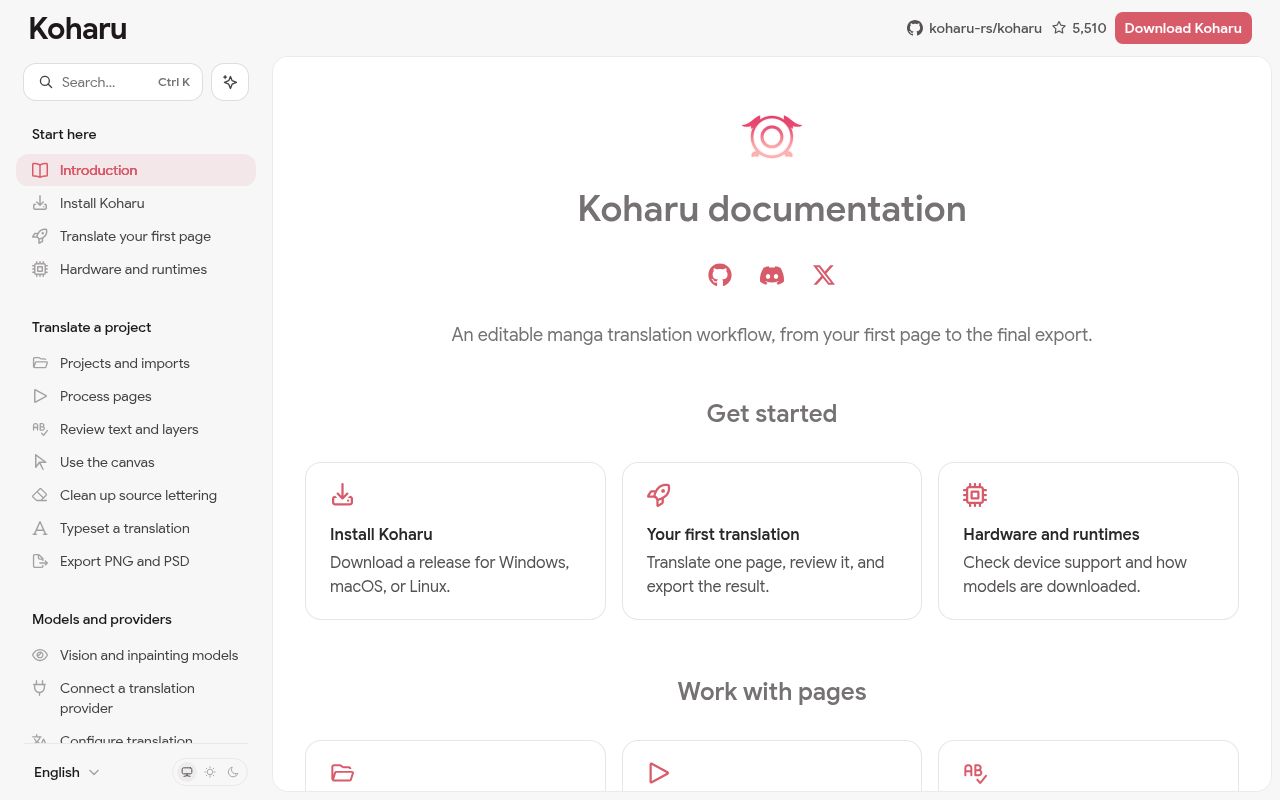
Koharu 0.81.7 joins four jobs that are often split across scripts and graphics software. Detection finds text and speech bubbles, OCR reads the source, translation writes target text, and inpainting rebuilds artwork beneath removed lettering. A WebGPU canvas then handles cleanup, placement, fitting, font fallback, vertical CJK, and right-to-left layout. Projects can contain raster images, archives, or PDFs with page order preserved.
The 48.4 MB checkout also contains proofreading and layered delivery tools. Editors can correct recognized text and translation, paint removal masks, adjust text boxes, and compare the composed page before export. PNG provides a flattened result. PSD keeps the original, cleanup or paint layers, and editable text for later work. This is closer to a translation production desk than a one-click caption replacer, and it assumes somebody will inspect the machine output.
Local processing still downloads several model families
Koharu supports separate models for layout detection, OCR, inpainting, and translation. Local translation uses GGUF files through llama.cpp, while the README names several OCR and cleanup choices. Hosted language and machine-translation services are optional. Provider secrets go into the operating system's credential service rather than the project file, and compatible local servers can be reached through LM Studio or an OpenAI-style endpoint.
Our installed tree reached 2,172 MB before any first-use model weights were counted. Release builds obtain native runtime packages when needed, then download the chosen models from Hugging Face. Local prompts and text stay on the machine after those downloads, but choosing a hosted translator sends request content under that provider's terms. An air-gapped installation therefore needs advance planning for both runtimes and model files, even when the eventual workflow is local.
What happened when we ran it
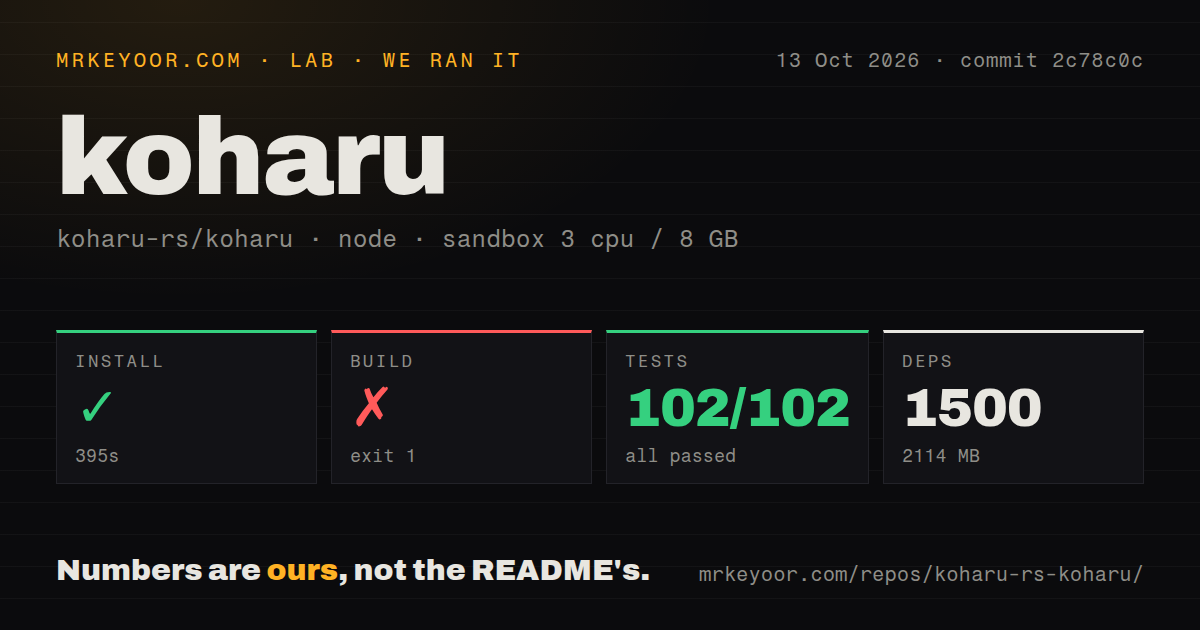
Our sandbox installed 1,547 packages in 543 seconds, using 2,172 MB on disk. The build continued for 326 seconds before Rust's atk-sys dependency stopped. Pkg-config could not find atk, reported that atk.pc was missing from its search path, and said PKG_CONFIG_PATH was unset. The log is specific about the absent system library; it does not show a failure in Koharu's translation, OCR, or model code.
Vitest then passed all 88 tests in 21 seconds. The repository held 819 files and about 212,441 source lines, with 6 CI workflow files, a workspace layout, no Dockerfile, and no top-level tests directory. The passing JavaScript suite is useful evidence for the app layer, but it is small next to the Rust and native surface. Our fresh Debian result confirms that source setup needs host packages beyond bun install.
Hardware support is broad only when every layer agrees
Koharu lists CUDA 13.0, ROCm 10.0, Metal on Apple silicon, Vulkan, and CPU paths. The selected device must be supported by the operating system, driver, Torch package, llama.cpp runtime, and diffusion runtime. CUDA requires a newer NVIDIA class and driver, while AMD support depends on its published compatibility matrix. Vulkan can accelerate some local translation and diffusion work, yet Torch-based detection and several OCR choices still fall back to CPU.
The 819-file project also depends on WebGPU for its canvas even when all inference runs on the CPU. Models load on first use and remain resident for later stages. If one stage runs out of memory, Koharu unloads other stage models and retries once; saving settings also unloads them. Open issue 381 asks for idle-time unloading, which tells operators that long sessions and several model families still require attention to memory use.
Page review and PSD handoff are stronger than bulk delivery
Koharu can run stages on one page, selected pages, a whole project, or selected text layers. Completed stages remain committed when a later one fails. Rerunning detection skips pages that already contain text regions, while OCR and translation preserve manual corrections according to the processing guide. These rules prevent casual overwrites, but they also reward editors who understand which stage owns each piece of page state.
The roughly 212,441-line codebase exports selected pages as PNG or PSD. Its PSD guide notes that per-layer visibility and opacity are not written, and pages above 30,000 pixels on either side cannot use that format. Issue 1016 records another practical limit: a project imported from CBZ cannot yet return directly to CBZ, so delivery requires loose exports and manual archiving. Issue 610 says multi-chapter folders also remain separate projects.
A September release and 99 open items show fast development
GitHub listed 5,510 stars and 99 open issues and pull requests when fetched. The last push was September 7, 2026, and release 0.81.7 arrived on September 5. That combination shows active maintenance rather than a quiet repository. The combined open count includes pull requests, and many visible items are feature requests for bulk work, model handling, fonts, brushes, export, and editor controls.
commit 4f8216a passed 88 Vitest cases on our box, but its build could not clear the Linux desktop dependency chain after 326 seconds. That mixed result fits the product. Koharu has unusually detailed documentation and a thoughtful editing model, while local ML, WebGPU, native desktop libraries, and many output formats create a demanding support surface. Start with an official release, one representative chapter, and a manual review of OCR, translation, cleanup, typography, and exported layers before scaling the workload.