Kitty turns terminal output into something you can act on
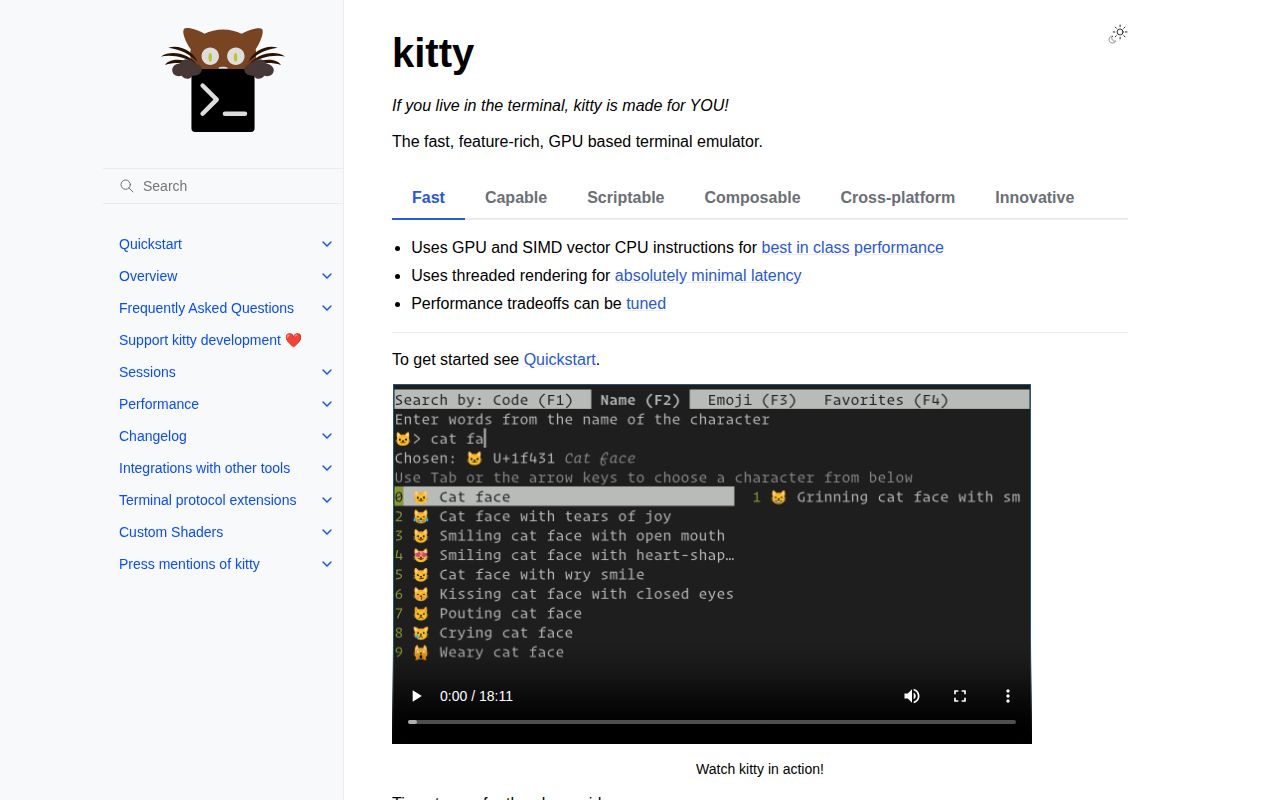
Open a filename from a command's output, inspect an image beside your prompt, or send the last command's output to a pager. Those are the reasons to choose Kitty. Its desktop terminal features suit someone who spends the day moving between code and shell output. The appeal is fewer trips out of that workspace. A terminal that only runs your shell is enough if you rarely need those actions.
Our checkout contained 1,090 files and roughly 311,595 source lines, occupying 27.9 MB. That is a substantial application despite GitHub classifying it as Python. The design overview describes C for performance-sensitive work, Python for interface extensibility, and Go for command-line helpers called kittens. You can customize the terminal without treating its language label as a promise that everything runs through Python.
What happened when we ran it
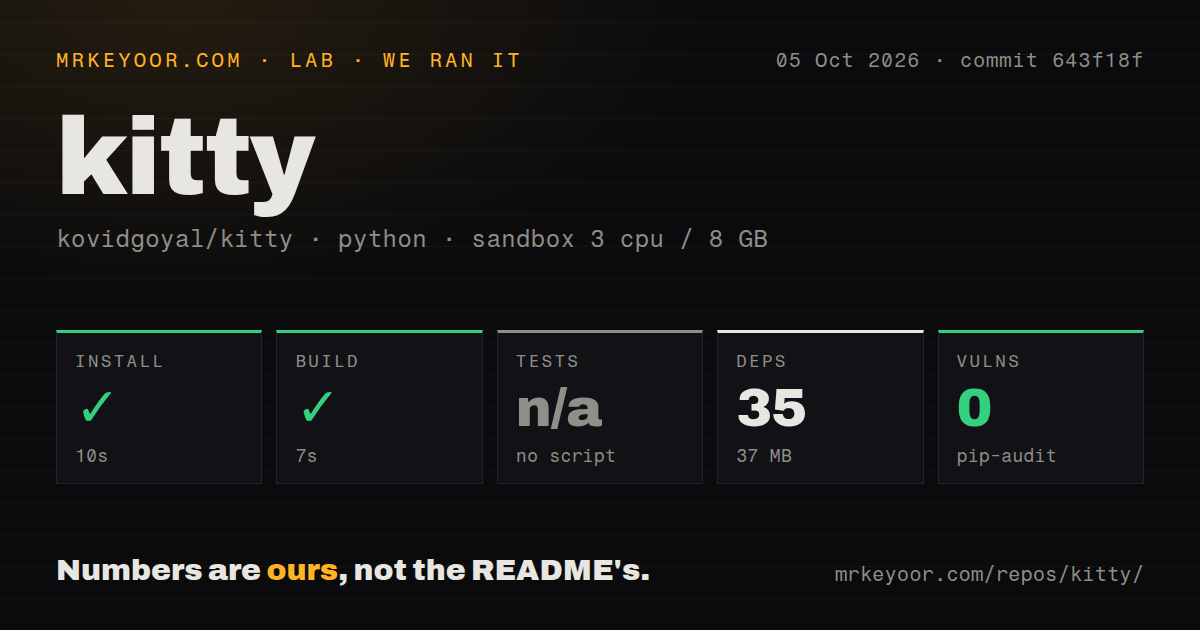
Our run installed Kitty at commit 643f18f in 10 seconds, adding 35 packages and occupying 37 MB, then completed the build in 7 seconds. We used a fresh Debian sandbox on October 5, 2026, with 3 CPUs and 8 GB of RAM. The image was ghcr.io/astral-sh/uv:python3.12-bookworm, and the container ran without elevated privileges or secrets. Installation and build both succeeded on that path.
Tests were skipped because the harness found no test script or target. The scan recorded 3 CI workflow files, no Dockerfile, and no tests directory. Those are discovery results, not proof that the project lacks upstream checks. Pip-audit reported 0 known vulnerabilities. The supplied measurements establish a working install and build, but provide no passing test result, typing-latency measurement, or evidence of how the graphical terminal behaves on your desktop.
A successful build leaves desktop compatibility unanswered
Kitty's documented desktop platforms are Linux, macOS, and various BSDs. Windows users needing a native terminal should choose elsewhere. The binary installation guide offers Linux and macOS downloads, but Linux desktop integration still involves executable links and desktop entries. Keep the application directory intact: the guide specifically warns against copying the executable out of it. A shell launch and an application-menu launch can need different PATH setup.
The 7-second build tells us nothing about graphics-driver compatibility. Issue 10660, opened October 12, reports a launch failure inside a macOS VM. Its log says GLFW could not find a suitable pixel format and could not create a window. That is a user's report, separate from our container result. If your workstation is virtualized, check that environment before spending an afternoon recreating your terminal configuration.
The SSH helper fixes terminfo by changing the remote environment
The SSH kitten wraps your existing SSH client and copies Kitty's terminal description to the host. That description tells remote programs how to address the terminal. It also enables remote shell integration and can copy selected shell or editor configuration. This is useful when arrow keys or full-screen programs misbehave because a server does not recognize Kitty's terminal type.
Our 37 MB installed environment is a local measurement, not a measure of remote setup. The SSH helper executes a bootstrap script and places files on the destination before starting the login shell. It needs your normal SSH access and a suitable remote interpreter. On tightly controlled hosts, where login tooling must not copy configuration or run bootstrap scripts, use an approved terminfo deployment instead of adopting the helper by habit.
Kitty's panes cannot replace remote session persistence
Tabs and layouts let Kitty organize several local programs, but they do not supply remote persistence. The multiplexer guidance explicitly identifies that exception and warns that advanced features may fail through tmux. Image display depends on application support for its workaround. If detached server sessions are central to your day, keep that requirement ahead of a terminal's attractive pane management.
The 10-second install makes trying Kitty easy on the measured path. Migrating a tmux workflow deserves a separate trial: check the editor's images and keyboard handling through your existing multiplexer. Kitty configuration lives in a human-editable file, so you can retain a small experiment in source control. Start with the shortcuts you use daily. Adding every kitten immediately makes it harder to identify which layer changed a familiar behavior.
Remote control needs explicit permission
Kitty's script control interface can launch windows and send text into running programs. External scripts can communicate through a socket. These are useful building blocks for a repeatable development workspace, but sending text to a shell carries real authority. The docs provide passwords restricted to named actions and selective access for particular windows. Choose those permissions deliberately before copying a tutorial that enables broad control.
A pip-audit result of 0 known vulnerabilities does not assess those permissions. Keep configuration review separate from dependency auditing, especially if you forward the control socket to a remote host. Ordinary local terminal use needs no hosted account or API credential. Remote control is optional, so leave it disabled until you have a specific script that needs it and can state which actions that script should perform.
October activity supports adoption, with platform limits intact
GitHub recorded a push on October 12, 2026, and 18 open issues and PRs when checked October 13. The latest release, v0.49.2, shipped October 1. Recent closed pull requests address file-chooser behavior while the macOS VM issue remains open. That mix shows maintenance alongside unresolved compatibility reports. The short queue alone would not establish reliability, and our skipped tests cannot fill that gap.
The 35-package install is a reasonable entry cost for trying Kitty's richer workflow. Choose Alacritty when you prefer composing a terminal with other tools, or WezTerm when built-in multiplexing is the attraction. Ghostty deserves a look for its native interface. For Kitty, make the decision on one real task: opening output in a pager, working over SSH, or scripting a workspace you currently rebuild by hand.