Jarvis drafts replies while you keep control of sending
Jarvis for Mac watches a supported chat window, judges the apparent intent of an incoming message, and displays suggested replies beside it. You can copy a candidate or ask it to fill the chat input. Sending remains your job. That separation is the best reason to consider it: you get help composing a difficult response without delegating the conversation to an unattended bot. Its main documentation and interface examples are Chinese, and the repository has no separate English README.
The source checkout was 8.4 MB across 126 files, with roughly 16,165 source lines. This is a native desktop helper with perception, judgment, generation, and a floating panel, rather than a chat client that replaces WeChat or QQ. The README describes screenshot recognition for some supported apps and direct accessibility-tree reading for others. Both feed the reply panel. The distinction matters because the permissions and recognition limits differ.
What happened when we ran it
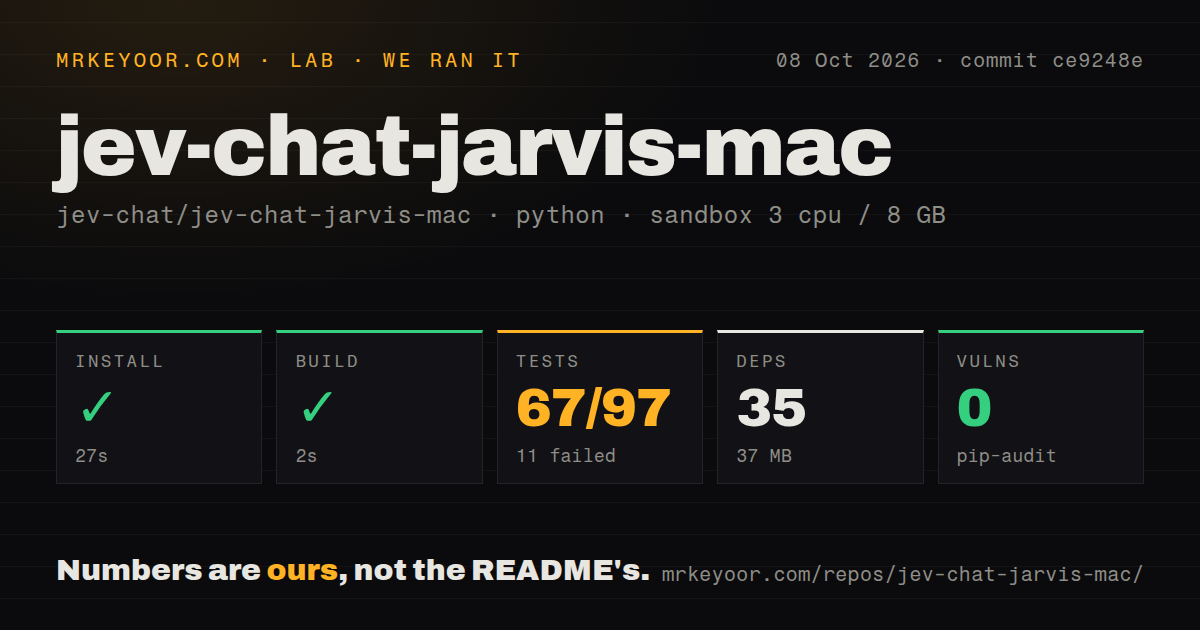
Our run installed 35 Python packages in 27 seconds, using 37 MB, and built successfully in 2 seconds. We cloned commit ce9248e on October 8, 2026, into an unprivileged Debian container with 3 CPUs and 8 GB of RAM. The image provided Python 3.12 through Astral uv, and the container had no secrets. That establishes that installation and the build step completed in our environment. It does not establish a working desktop app.
Tests failed with exit code 1 after 3 seconds. Pytest reported 67 passed, 11 failed, and 19 collection or setup errors. The visible registry and capture failures name a missing AppKit module. A settings test could not find zsh, and another raised an error because it could not determine a home directory. The supplied tail does not give the underlying exceptions for every collection error, so assigning all of them to AppKit would overstate the evidence.
Pip-audit reported 0 known vulnerabilities. Our scan found 7 CI workflow files and a tests directory, with no Dockerfile. Those are useful repository signals, but the failing command never demonstrated screen recognition, a native panel, or a successful reply insertion. The result is specific: the tested Python project installed and built on Debian, while its complete test command did not pass there. A Mac trial remains necessary for the desktop behavior.
Apple Silicon and macOS permissions determine whether it fits
The README limits the app to Apple Silicon Macs running macOS 13 or later and excludes Intel Macs and Rosetta. Screenshot capture needs Screen Recording permission. Filling an input also needs Accessibility permission, while the direct text-reading path uses Accessibility without screenshot capture. The downloadable app is not notarized, and the release instructions describe Gatekeeper handling. These are concrete adoption costs for someone who expects a signed app they can open without visiting settings or a terminal.
The 37 MB installed environment from our sandbox should not be mistaken for the complete local-model setup. The app offers online judgment or a downloaded local model, and its memory guard can decline to load that model under insufficient memory or pressure. Reply generation has a separate service choice. A Mac that can launch the panel may still need cloud judgment, while an offline configuration also needs a local generation service such as Ollama.
The free reply route sends chat text over plain HTTP
The project's privacy document says the bundled free generation channel sends the current message, selected history, and background through the author's relay to a model provider. It explicitly describes the relay endpoint as plain HTTP. That is enough to rule out the default channel for confidential work. Claims about how the author uses the content cannot protect text while it crosses an unencrypted network connection.
Our sandbox had no secrets, so its 27-second installation did not exercise a paid provider or validate that relay. You can supply your own provider credentials to send directly to your chosen service, or use local judgment and local Ollama generation. History recording is off by default. When enabled, the app stores history and background as plaintext locally, and deleting the app does not delete that data file. Decide on those choices before opening a sensitive conversation.
Recognition depends on the chat layout, and filling can become copying
The README records limited real-device coverage for standard light and dark layouts. It also names unverified custom themes, independent chat windows, full-screen layouts, and quote styles. Images and stickers are outside its text understanding. Manual calibration sets message and input regions, but cannot reconstruct missing bubble boundaries. If ownership of a message is uncertain, the app excludes it from the reply target. That conservative behavior is preferable to drafting against text from the wrong speaker.
The 67 passing tests in our run cannot establish those visual behaviors. Filling prefers an accessible input control and reads back the result. If the app cannot locate a writable control, the documented fallback copies the candidate and asks you to paste it yourself. Existing drafts receive appended text. A change in window, focus, or conversation can make the app refuse the write. Evaluate that on the exact chat layout you use daily.
September maintenance addresses friction without removing the boundaries
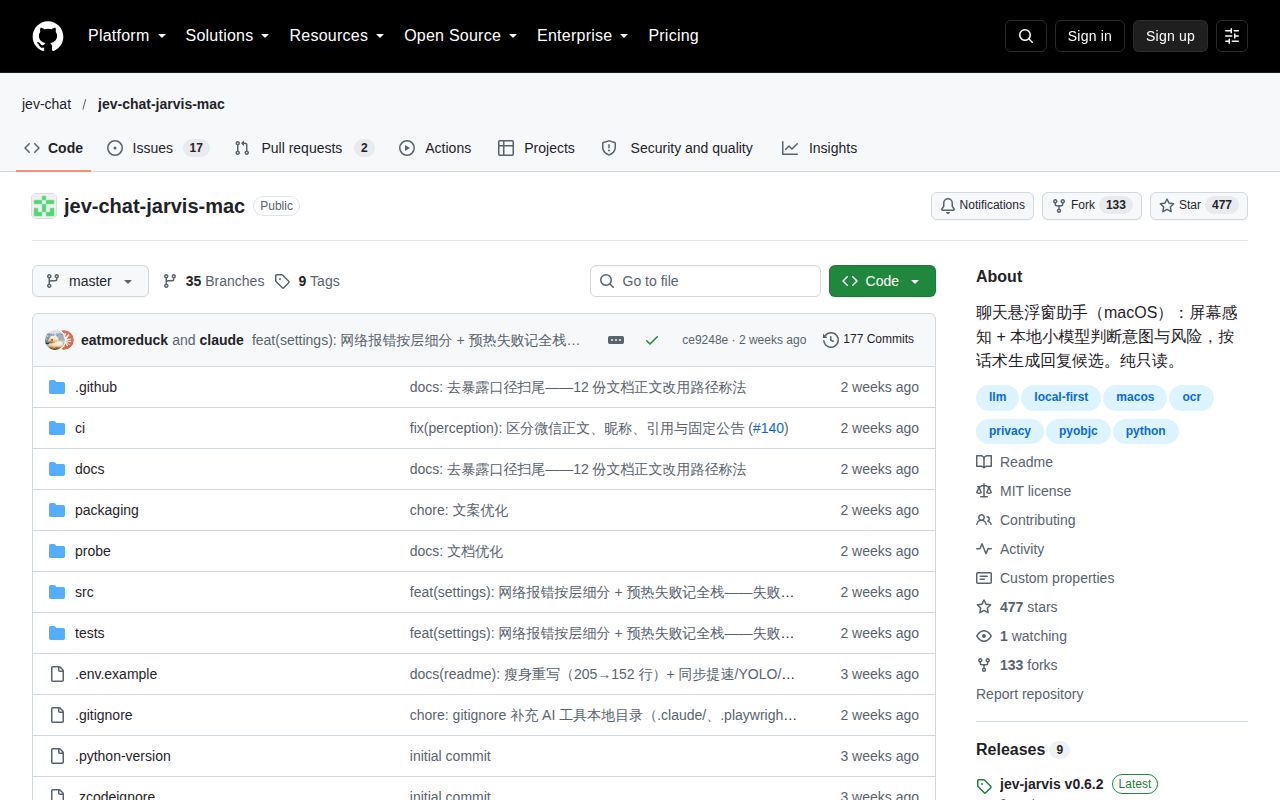
The repository's last push was September 30, 2026, and GitHub listed 477 stars with 19 open issues and PRs. Release v0.6.2 arrived on September 29 with calibration-related fill changes. An open settings request asks for model configuration changes to take effect without restarting, matching the current README restriction. Recent issue updates and a recent push support active maintenance, while the request shows everyday friction remains.
Chatbox is a better fit if you can paste selected text into a separate desktop AI client. Ollama suits a developer who wants local generation and will supply their own interface, though it is also a possible Jarvis backend. Choose Jarvis when suggestions beside an existing Mac chat window justify permissions and calibration. Configure the generation route before trusting it with the conversation.