Open an APK in JADX and you can follow a method's callers, search the decoded code, and inspect the manifest in the same application. That's a useful starting point when the source project is missing. The decision gets harder when you need to rely on a reconstructed method: JADX's README explicitly warns that some code will decompile incorrectly. A successful repository test step doesn't settle that question for your APK.
Java output helps you follow an Android app
JADX's README describes a command-line tool and desktop GUI for converting Android bytecode into Java source. It also decodes the manifest and packaged resources. The GUI's jump-to-declaration and find-usage commands let you follow relationships without searching exported files by hand. For a developer investigating an unfamiliar dependency, that navigation is a reason to choose it over a plain directory of extracted files.
The CLI accepts APK and Dex inputs alongside formats such as AAB, JAR, class, and smali. It can select a single class, separate source and resource output, or emit JSON. Those documented controls suggest a sensible division of work: explore interactively in the GUI, then use the CLI when you know which class or output you need. We haven't measured that workflow's speed.
What happened when we ran it
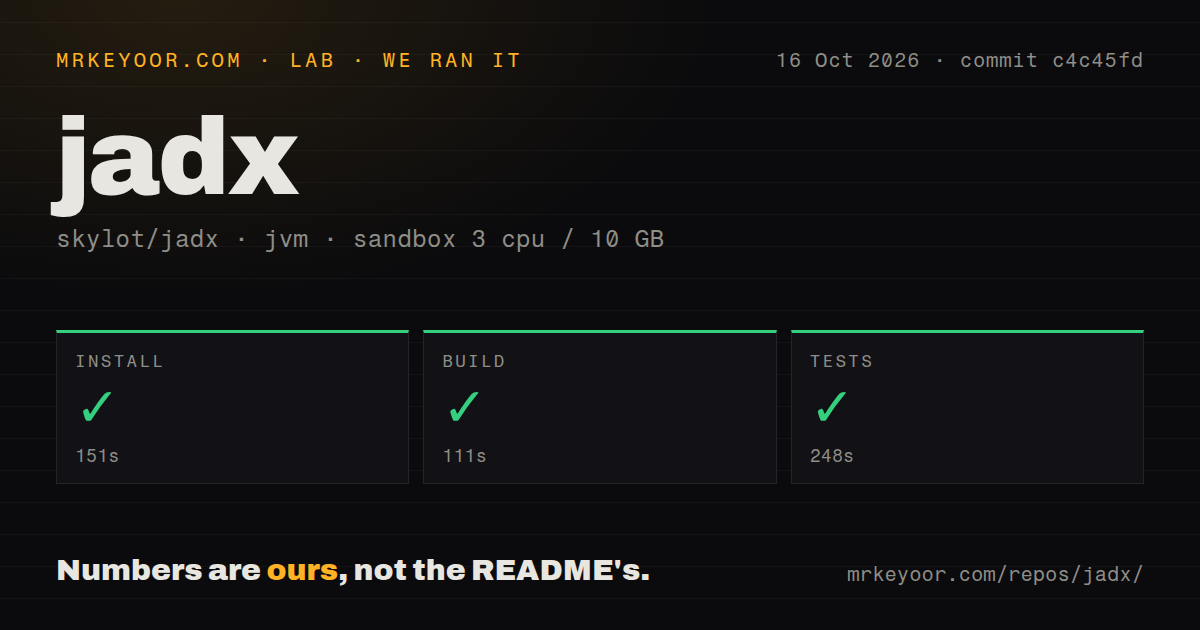
Our sandbox installed JADX in 151 seconds, built it in 111 seconds, and completed the test step successfully in 248 seconds. We cloned commit c4c45fd on October 16, 2026. The checkout contained 2,493 files, about 192,377 source lines, and occupied 10.2 MB. All the recorded repository steps succeeded.
The recorded configuration supplied 3 CPUs and 10 GB of RAM with the image label lab-jvm:21. That label doesn't establish the actual Java or operating-system version. The supplied measurement has no test-case total or APK decompilation benchmark. It supports trying this checkout, while leaving the accuracy and processing cost of your own inputs unresolved.
The scan found 3 CI workflow files, no Dockerfile, and no tests directory. The directory signal doesn't negate the successful test command, nor does that command tell us how many cases ran. Treat 10.2 MB as checkout size: the measurement supplies neither an installed footprint nor a dependency count.
Java requirements differ for releases and source builds
The README requires a 64-bit Java 11 or newer runtime for the ordinary release archive and JDK 17 or newer for a source build. Its Windows archive with a bundled JRE removes the separate runtime requirement. The documented source route uses the Gradle wrapper's distribution task, with launch scripts under build/jadx/bin. These are upstream instructions, separate from the timed sandbox results.
Inspecting a local APK through those instructions doesn't require a hosted account or API key. You do need the input file and a suitable Java environment. Choose the CLI for a headless machine and the GUI for desktop exploration. The README also exposes settings for configuration, cache, and temporary directories, so automated jobs can keep their files in designated locations.
A reconstructed method can still fail to compile
The README warns that JADX cannot recover all code correctly. Its simple and fallback modes provide alternatives when normal reconstruction is unhelpful. For a consequential branch or exception handler, my recommendation is to compare the Java view with the lower-level instructions before drawing a conclusion about the app's behavior.
An open contribution dated October 22 reports omitted throws declarations that leave generated Java unable to compile. The contributor describes visiting a method before its blocks are loaded and proposes a correction. That's a specific upstream report, not a failure from our sandbox, and an open proposal doesn't establish that a fix has shipped. It is enough reason to reject JADX as a guaranteed source-restoration step.
Apktool rebuilds resources; Ghidra handles broader binary analysis
Apktool can decode resources and rebuild them after modification. Its README makes that round trip explicit. Choose it when the deliverable is an edited APK. JADX's Java view is useful for understanding code, but a readable export shouldn't be your acceptance criterion for a resource-rebuild job.
Ghidra supports multiple processor instruction sets and executable formats. Its project description also documents disassembly and scripting. I'd choose Ghidra when an investigation centers on native machine code. An Android investigation can need both kinds of analysis, so choose by the code you need to understand rather than by which application can open the outer archive.
October activity supports a trial, not a support guarantee
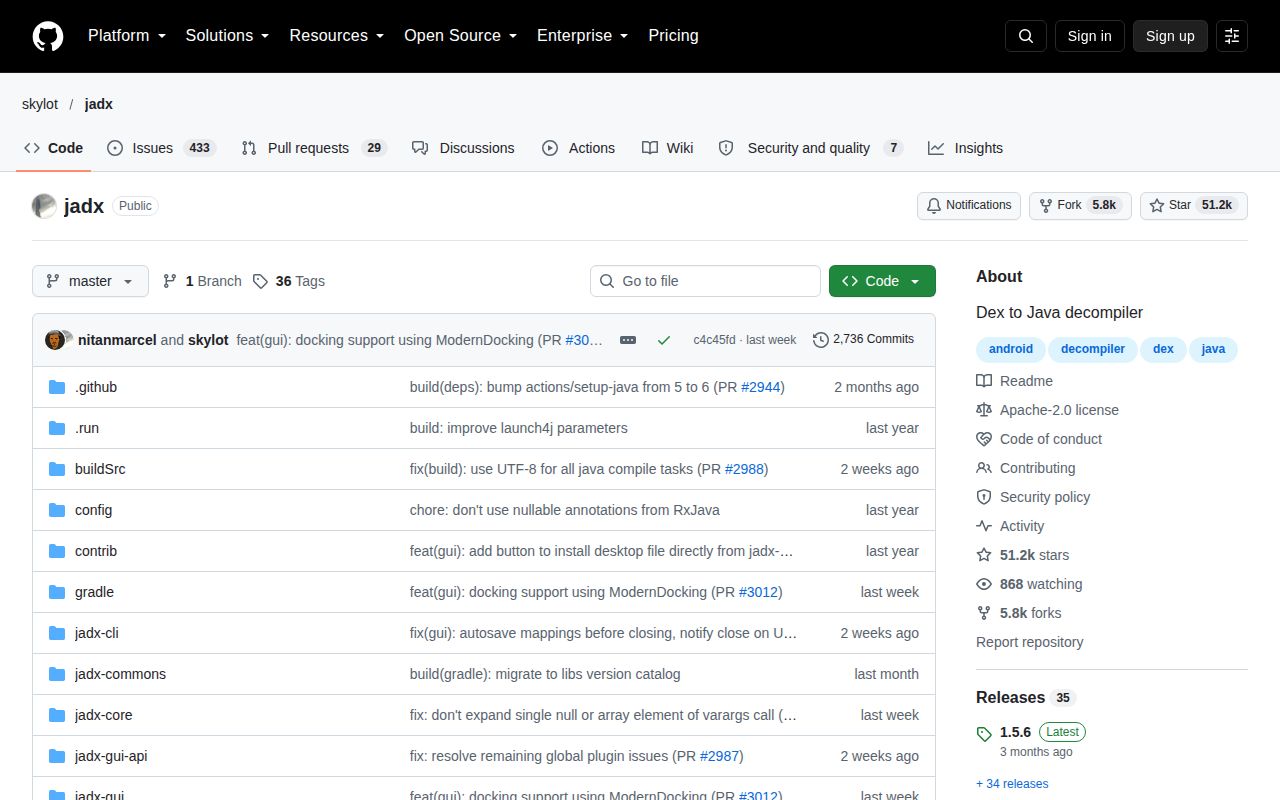
GitHub's repository metadata records the last push on October 14, 2026. The October 22 contribution shows subsequent discussion of a concrete decompiler problem. Together, those dates provide better maintenance evidence than the July 10 release date alone. The v1.5.6 notes list archive-path and Gradle-export sanitization fixes, but our measured commit is c4c45fd, not that release tag.
The setup score credits the successful repository steps and reserves the top mark for a verified release launch too. The documentation score credits explicit requirements, usage instructions, and failure warnings. Support responsiveness and decompilation accuracy remain unassessed. Before adopting JADX for an investigation, select a method whose behavior you already understand and compare its reconstructed Java with the bytecode. That gives you a useful check on the output you actually intend to trust.