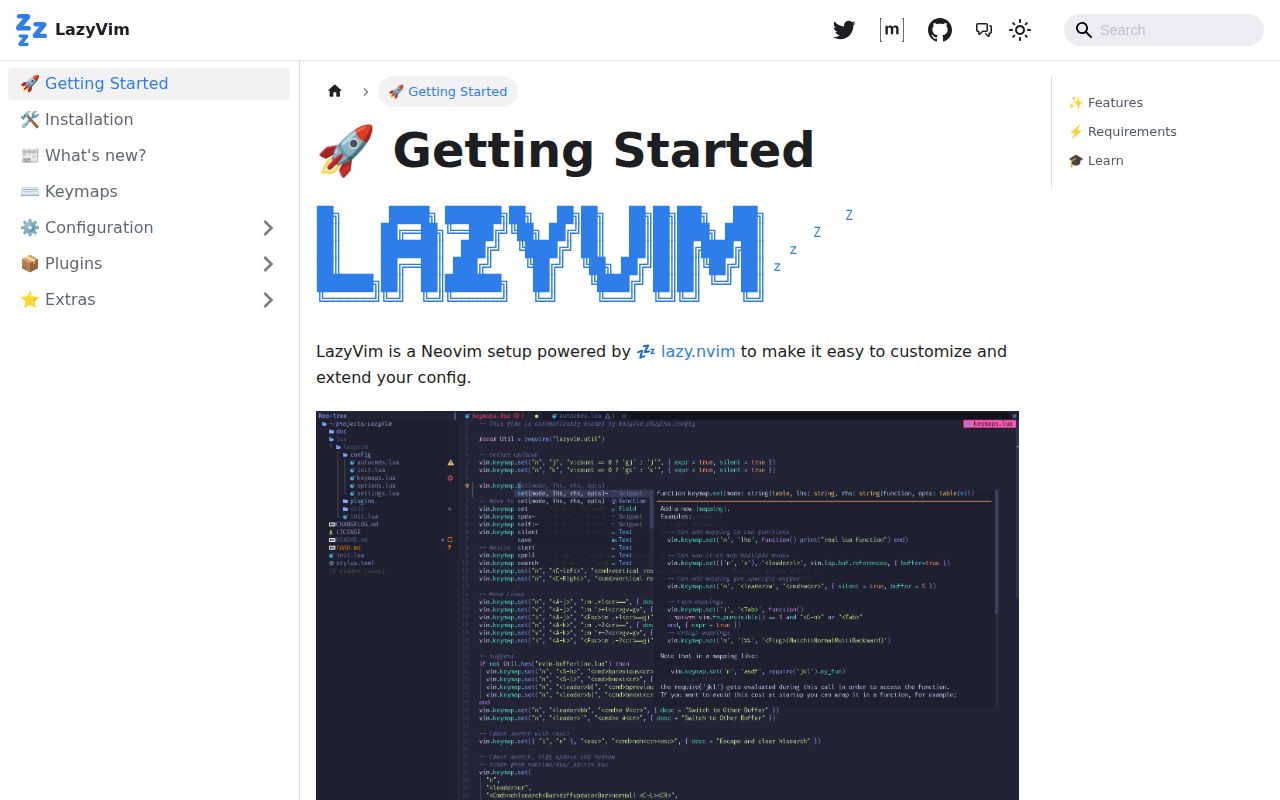
LazyVim v16.0.1 is a managed Neovim configuration
LazyVim v16.0.1 turns Neovim into a ready-made coding environment, using lazy.nvim to load and configure its plugin set. The repository supplies editor options, keymaps, completion, search, formatting, linting, language-server support, Treesitter integration, and optional extras. Users keep their own Lua files under lua/config and lua/plugins, which load after LazyVim's defaults. This is a distribution with an escape hatch, not a single plugin.
That distinction shapes the appeal. A new user avoids choosing every plugin and inventing a configuration layout. An experienced user can override plugin specifications rather than forking the project. The source tree includes extras for more than 40 languages, plus choices for debugging, testing, AI assistants, pickers, completion engines, and interface components. Each extra can bring another executable or service, so enabling a menu item is only the start of that tool's setup.
Neovim 0.11.2 is the hard compatibility line
LazyVim checks for Neovim 0.11.2 during startup and quits when the version is older. The README also requires a LuaJIT build, Git 2.19 or newer for partial clones, and a C compiler for nvim-treesitter. NEWS adds an important migration detail: the current nvim-treesitter main branch needs the tree-sitter CLI to install parsers. These are ordinary developer tools, but they are real prerequisites rather than optional polish.
The recommended starter procedure assumes that LazyVim will own ~/.config/nvim. It tells existing users to move that directory and ~/.local/share/nvim to backup locations, clone LazyVim/starter, then remove the starter's Git metadata. That is reasonable for a clean adoption, but it is a poor fit for someone who wants to drop a few defaults into a mature hand-built setup. Keep the backups until plugins, mappings, sessions, and language tools behave correctly.
What happened when we ran it
Our sandbox did not run commit 9997009 on 2026-09-10. The repository language is Lua, which our harness does not support as an executable ecosystem, and there is no Dockerfile in the checkout. The allocation was 3 CPUs and 8 GB of RAM in an unprivileged container with no secrets. We therefore have no measured install time, build outcome, test outcome, dependency count, or vulnerability result.
The README does include a Docker trial command, but it builds the environment interactively from alpine:edge; the repository itself supplies no Dockerfile for our harness to use. The command installs Neovim, Git, lazygit, fzf, curl, ripgrep, and Alpine's build tool set before cloning the starter. That can be useful for a disposable look. It is not evidence that a user's real config, clipboard, terminal, fonts, or language servers will behave on their operating system.
Three open issues are narrower than the 70-item combined count
GitHub reported 70 combined open issues and pull requests, which breaks down to 3 issues and 67 pull requests. The issue queue is small, but two reports touch optional developer workflows. Issue 7146 says the Haskell extra can start duplicate HLS clients when Mason's automatic enabling overlaps with haskell-tools. Issue 7232 reports that debugging a nearby Python test using a tmp_path fixture stops inside the adapter instead of at the failing assertion.
Neither report makes the base editor unusable. Both show where a distribution's convenience can complicate diagnosis: LazyVim coordinates plugins whose behavior and defaults change independently. The Haskell report names Neovim 0.12.2 and the Python report names 0.12.4, versions newer than the documented 0.11.2 minimum. If either workflow matters, reproduce it with the exact extra set before making LazyVim your only daily configuration.
Version 16.0.1 arrived with two focused fixes
Version 16.0.1 was published on September 8, 2026, the same day as the repository's last push. Its notes name 2 fixes: corrected argument ordering for nvim-lint and a TypeScript move from tsgo to tsc. Version 16.0.0 had shipped on June 2. That cadence and the active pull-request queue show ongoing maintenance rather than a configuration dump left to age.
Major versions can still change muscle memory and dependencies. NEWS says the 15.x line dropped Neovim versions below 0.11.2, moved LSP setup to native APIs, moved Mason components to 2.x, and switched nvim-treesitter to its main branch. The 14.x line replaced the default picker and completion engine. LazyVim documents those changes, but documentation does not make an update free. Read NEWS before syncing after a long gap.
LazyVim trades full ownership for maintained defaults
LazyVim's 27,434 stars, September 8 push, and 67 open pull requests reflect an unusually busy Neovim distribution. The configuration remains readable Lua, and its import order puts LazyVim first, extras next, and personal plugins last. That arrangement gives users a clear override point without pretending all plugin combinations are supported. The built-in :LazyHealth command loads plugins and runs Neovim's health checks, which is the right first stop after changing extras.
Kickstart.nvim is better for readers who want a smaller file they can learn end to end. NvChad and AstroNvim offer different managed conventions and presentation. LazyVim earns its place when you want maintained choices more than total authorship. Pin a release, keep your config in its own repository, enable extras deliberately, and run health checks after updates that cross a major version.