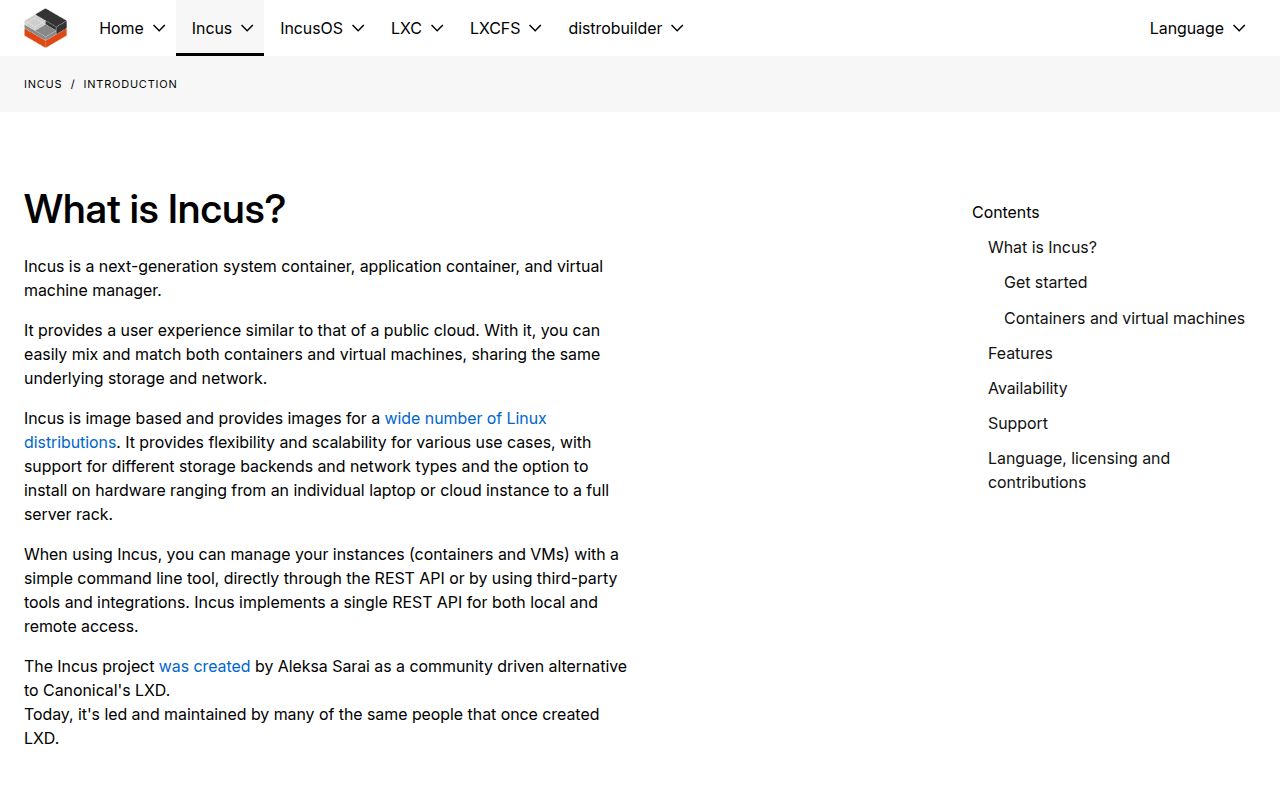
Incus puts system containers and VMs behind one API
Incus is for running whole Linux environments, not just packaging one application process. Its daemon manages system containers and QEMU virtual machines through the same client and REST API. Images, profiles, projects, storage pools, networks, snapshots, backups, and remote hosts fit into that control plane. A developer can use one machine as a lab, while an infrastructure team can join servers into a cluster and operate them as a shared pool.
That breadth is useful when workloads need different isolation boundaries but similar administration. Our checkout contained 1,852 files, about 479,187 source lines, and 24.2 MB before dependencies. Incus is therefore closer to a small private-cloud layer than a replacement for docker run. If your only job is launching stateless OCI application containers, Podman is easier to explain and secure. Incus earns its place when persistent system instances, networks, storage, and virtual machines belong in the same operational model.
The Linux daemon requires root-level trust decisions
The client can run on several operating systems, but the Incus daemon runs only on Linux. Installation packages exist across major distributions, with different release policies and support sources. After installation, incus admin init guides storage and network choices. Those answers define where instance disks live, how addresses are assigned, and whether the host can later join a cluster. A casual default is fine for a disposable laptop lab, less so for a server expected to hold state.
Access is the sharp edge. The README says the local Unix socket grants full Incus control, including attaching host paths or devices and changing instance security. Membership in incus-admin should be treated like root access, not a harmless way to let developers list containers. Our source build completed in 109 seconds, but that says nothing about the safety of a remote API policy. Production setup needs named trust boundaries, restricted network exposure, backups, and a documented path for revoking clients.
What happened when we ran it
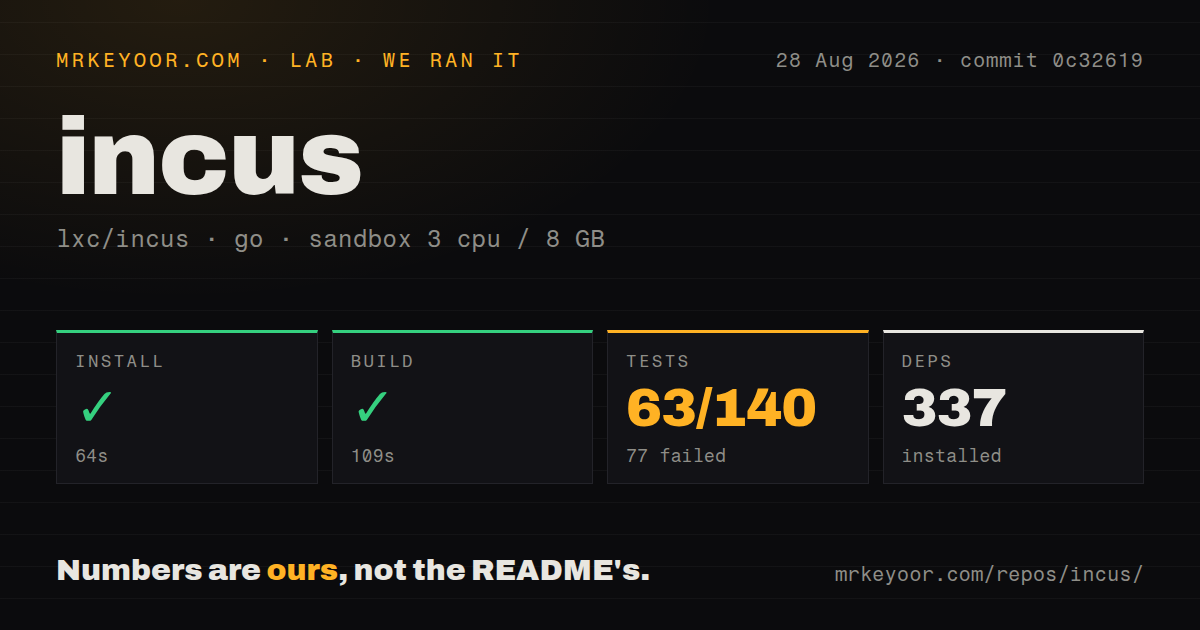
Our sandbox installed 337 Go packages in 64 seconds at commit 0c32619. The build succeeded in 109 seconds. The test command exited 1 after 47 seconds, with 63 passed and 77 failed out of 140. Unlike a timeout, this was a completed failing command, and the number of failures is too large to describe as a nearly passing run.
The log tail showed successful packages such as shared/osarch, shared/resources, shared/subprocess, and shared/tls. It also showed shared/idmap failing to build, followed by the overall FAIL. The supplied tail does not expose the compiler message or prove one cause for all 77 failures. In our fresh unprivileged Debian container with 3 CPUs and 8 GB of RAM, we can report the split and the idmap build failure, but assigning every failure to missing privileges would be a guess.
Three members are the practical cluster starting point
Incus clustering uses a distributed Cowsql database replicated with Raft. The documentation allows a 2-member cluster but strongly recommends at least 3, which can retain quorum after losing one member. Cluster members are expected to be similar systems, and some receive voter or standby database roles. Storage and networking still need deliberate designs; joining daemons does not make local disks shared or choose how workloads move between hosts.
Cluster operations also have failure semantics worth rehearsing. When a member is considered offline, work on that member stops, and operations requiring state changes across all members can become unavailable. The default offline threshold is 20 seconds, while automatic healing requires separate configuration. Those documented values matter more than the 109-second source build when planning recovery. Test member loss, database recovery, storage availability, and instance evacuation before calling a 3-node installation highly available.
Containers and virtual machines solve different isolation needs
System containers share the host Linux kernel, which makes them efficient and lets them feel like small machines. Virtual machines bring a separate guest kernel and broader operating-system isolation at a higher resource cost. Incus lets profiles and projects organize both types, but it does not erase their differences. Kernel-dependent workloads, custom boot requirements, and stricter boundaries can point toward VMs; dense Linux environments often fit containers. Privileged containers deserve extra review because the project explicitly advises avoiding them unless required.
Our 337-package install and 24.2 MB checkout measured repository setup, not instance density, boot speed, migration interruption, or storage throughput. Those numbers must be collected on the server hardware and backend you plan to use. ZFS, LVM, Btrfs, Ceph, directory storage, and other drivers carry different behavior. Likewise, a bridge on one host is not an OVN network across a rack. Incus exposes these choices consistently, which is helpful, but an API cannot make the underlying tradeoffs interchangeable.
Version 7.4 activity supports a serious deployment trial
GitHub recorded 6,038 stars, 32 open issues and pull requests, and a push on August 28, 2026. Incus 7.4 was released one day earlier with migration, storage, networking, Secure Boot, cluster, and security changes in its notes. The small combined queue and same-day code activity indicate active maintenance; the count still includes pull requests and should not be called 32 bugs. Users can choose monthly feature releases or an LTS channel with fewer behavioral changes.
Incus is a strong choice for Linux administrators who want containers and VMs managed as infrastructure rather than scattered commands. The 109-second build was successful, while 77 of 140 test packages failed in our constrained run, so source contributors should reproduce the suite on the documented host setup. For operators, the larger risks are permission design and stateful infrastructure choices. Keep socket membership narrow, start with packages, and prove backup plus cluster recovery before placing production systems inside it.