It solves the missing-source problem for .NET
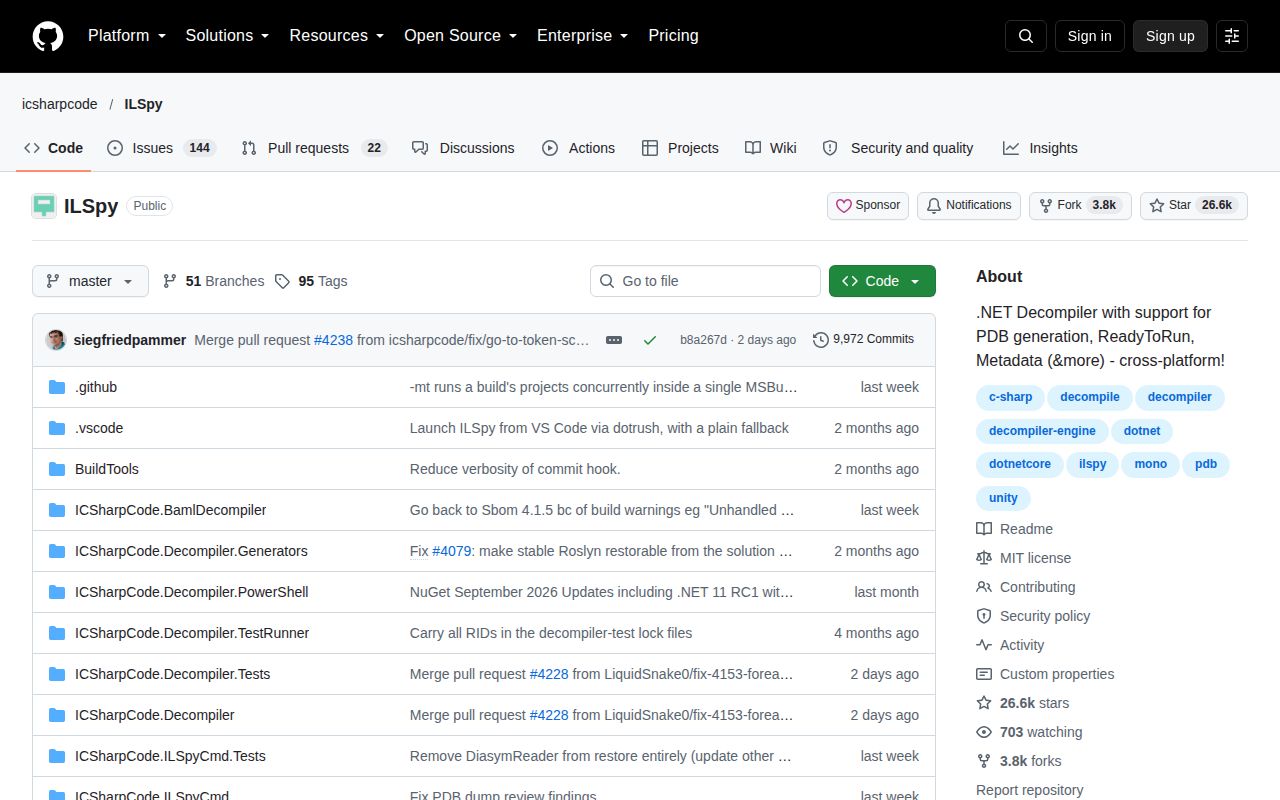
ILSpy has been around since 2011, and its job remains unusually clear: open a compiled .NET assembly and reconstruct useful C# from it. That helps when a dependency behaves differently from its documentation, a legacy application has lost its source, or a developer needs to inspect what a build actually shipped. The project is MIT-licensed, has 26,026 GitHub stars, and describes itself as both an assembly browser and a decompiler.
The desktop application now uses Avalonia and runs on Windows, Linux, and macOS. ILSpy is not just a graphical executable, either. The same project offers ILSpyCmd as a dotnet tool, PowerShell cmdlets, Visual Studio and Visual Studio Code integrations, plus ICSharpCode.Decompiler and ILSpyX NuGet packages for embedding the engine. That breadth is the strongest reason to choose it over a narrower viewer.
Our run validated one web component, not the full application
In our run at commit 20714f9, the repository contained 3,172 files, roughly 406,128 lines of source, and occupied 286.9 MB after checkout. The measured Node project lives deep under ICSharpCode.ILSpyX/MermaidDiagrammer/html/, so the results describe that supporting component rather than the C# desktop app. This distinction matters because a quick package install can otherwise look like proof of a successful ILSpy build.
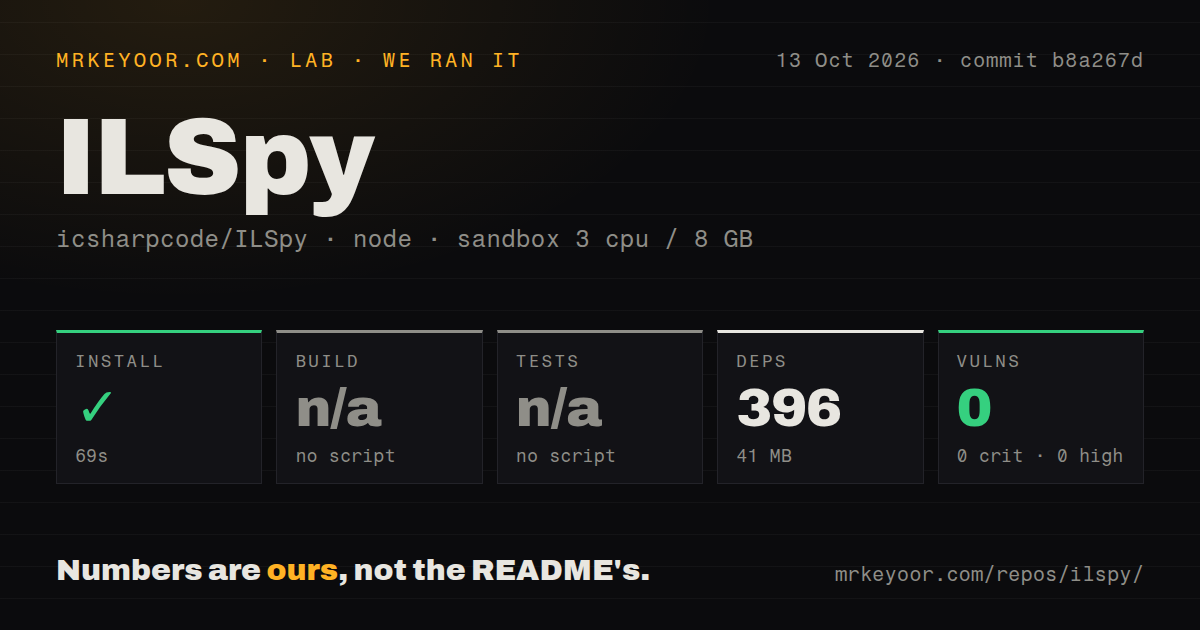
The scoped npm install succeeded in 26 seconds. It installed 396 packages consuming 41 MB, and npm audit found 0 known vulnerabilities across critical, high, moderate, and low severities. There was no build script or build target, so that step was skipped. There was also no test script or test target, so no tests ran. The log therefore gives us a clean dependency audit, not a compiled application or passing test suite.
We also observed 7 CI workflow files, no Dockerfile, and no tests directory in the measured ecosystem view. Those are inventory facts, not a verdict on the repository's wider C# test coverage: the README explicitly requires the recursive ILSpy-Tests submodule for some test cases. A fresh user should not expect our Node result to replace the documented .NET build procedure or the project's own CI.
Packaged releases are easier than contributor builds
For ordinary use, downloading the latest release is the sensible route. The project also points to Microsoft Store builds, successful CI artifacts, editor marketplaces, NuGet, and the dotnet tool feed. Release v11.0 arrived on August 12, 2026, so users are not being directed toward an obviously old binary. The absence of a separate homepage is minor because GitHub, the wiki, and package pages form a workable distribution hub.
Building from source asks considerably more. The desktop target uses .NET 10.0, while unit tests require .NET 11.0; Unix and macOS users also need PowerShell and initialized submodules. Windows contributors are directed to Visual Studio 2026 with .NET desktop development, while extension work has a separate workload. Optional C++ tools let the build alter the executable stack from 1 MB to 16 MB for recursion-heavy decompilation. These requirements are explained, but they are not lightweight.
The inspection features go beyond readable C#
The central feature is C# decompilation, including whole-project output, but ILSpy provides the navigation expected from a serious code browser. Users can search types, methods, and properties; follow hyperlinks; keep bookmarks and history; and move through base and derived types. It can open assemblies from disk and, on Windows, from the GAC, NuGet feeds, or a running process. That makes it useful during both forensic inspection and everyday debugging.
Specialized support gives it more reach than a basic reflection viewer. The README lists an assembly metadata explorer, BAML-to-XAML conversion, Avalonia resource support, and ReadyToRun handling for .NET Core. Plugins extend the desktop application, while the 2 published NuGet libraries let other tools reuse the decompiler. Visual Studio 2022 and 2026 also ship with decompilation support using ILSpy engines, a strong sign that the underlying technology has practical value beyond its own interface.
Decompiled output still needs human judgment
A decompiler cannot restore comments, original formatting, meaningful names that were removed, or the author's intent. Optimized, obfuscated, generated, and recursion-heavy code can also be harder to read than ordinary source. ILSpy's output should therefore be treated as a technically informed reconstruction, not an authoritative recovery. Its language-support link is worth checking when a particular C# feature is central to an investigation.
There are also platform and workflow edges. Opening from a running process and the GAC is Windows-only, extension solutions are separated from the main solution, and some debug-only features require a DEBUG build. The documented SDK split between .NET 10.0 and 11.0 may force contributors onto preview-channel tooling. Privacy is clearer: the project says it collects no personally identifiable information, sends no user files to third parties, and uses no application-performance monitoring service.
Current activity supports a healthy maturity verdict
The health signals are convincing but should be read carefully. The repository was pushed on September 8, 2026, the same day as this review, and v11.0 was released less than 1 month earlier. There are 173 open issues, which is a meaningful backlog for maintainers and prospective contributors, but the supplied data does not reveal response time or closure rate. Same-day code activity plus a recent release argues against calling the project stale.
ILSpy fits best as a local inspection layer in a .NET development or reverse-engineering stack. Use the desktop app for exploratory browsing, ILSpyCmd or PowerShell for repeatable extraction, editor integrations for quick navigation, and the NuGet engine when building a specialized analyzer. Keep normal source, symbols, tests, and runtime diagnostics as primary evidence; use decompilation to fill the gaps. For native-first work, Ghidra is broader, while dnSpyEx is a stronger candidate when debugging and editing assemblies are the priority.