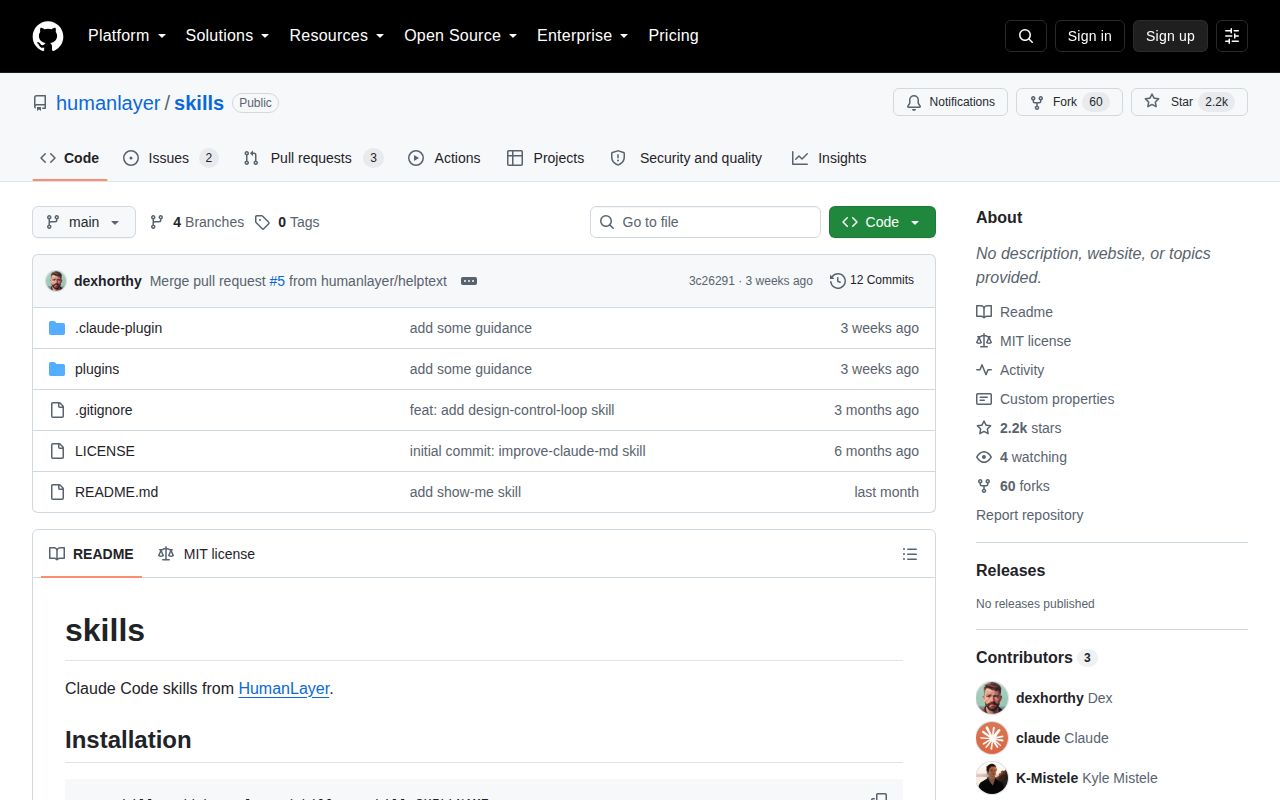
Five skills cover instructions, React types, agent loops, and diagrams
HumanLayer publishes 5 Claude Code skills in this repository. improve-claude-md rewrites project instructions around conditional <important if> blocks. narrow-react-prop-types compares React component props with live call sites. Two larger skills design recurring coding-agent workflows, while show-me produces small diagrams, code shapes, Mermaid, or a focused HTML artifact. This is authored process material, not an SDK that becomes part of an application.
The narrowest 2 skills are also the easiest to judge. The CLAUDE.md editor keeps the project identity, map, stack, and commands, then removes stale snippets and rules a linter can enforce. The React skill treats production call sites as the contract, makes callbacks required when live UI always needs them, and updates tests or stories to match. Both encode debatable opinions, but each tells the agent what evidence should control an edit.
What happened when we ran it
Our harness did not run commit 3c26291 on 2026-09-04. It identified the repository language as TypeScript, but found no supported ecosystem, and there was no Dockerfile to provide another execution path. The sandbox allocation was 3 CPUs and 8 GB of RAM in an unprivileged container with no secrets. There is no installation timing, build outcome, or test result for this repository.
That finding fits the source layout: the deliverables are Markdown instructions, plugin manifests, YAML templates, and one TypeScript helper reference. It does not prove that the instructions work inside Claude Code. A useful trial would install one named skill in a disposable repository, inspect the files it changes, and run the target project's own checks. Our lab result supplies no pass or fail evidence for that workflow.
One install command has a reported name collision
The 1,564-character README gives the same pattern for every skill: npx skills add humanlayer/skills --skill SKILLNAME. Open issue 1 says that command installed an identically named skill from another source when the skills package was not already present. The report remains open, so a fresh-machine user should confirm the displayed source and installed file path before invoking the skill.
The README lists each name and a one-sentence purpose, then shows its slash command. It does not state supported Claude Code versions, explain the plugin marketplace file, or provide a verification command. Most operational detail lives inside each SKILL.md and its references. That is enough for an agent after installation, but thin for a human deciding what the installer will place or how to remove it.
Two loop builders can create workflows that commit and push
build-iterated-agentic-loop specifies 9 stages from repository inspection through a GitHub Actions dry run. Its outputs include a repo-local skill, workflow, standing-memory file, prompt, and optional iteration helper. The default design limits each loop to 1 open pull request, while a manual dispatch can bypass that bound. It supports several agent CLIs, yet the surrounding package and slash-command presentation remain Claude Code-oriented.
The second builder uses control-theory terms for a recurring change process: sensor, controller, actuator, disturbance, and dampener. It first interviews the user, then writes locally runnable components before wiring them into CI. That discipline is sensible, but the resulting workflow still receives credentials and repository write access, then commits and pushes during its documented dry run. A reviewer must check paths, triggers, permission blocks, secrets, and validation commands before merging generated YAML.
Pull request 3 says show-me opens HTML only on macOS
show-me can answer with pseudocode, a call tree, a file tree, a diff, Mermaid, or an HTML page. The skill tells the agent to choose the smallest useful view. Its HTML branch ends with Bash(open path/to/file.html). Pull request 3 notes that open is macOS-specific and proposes commands for Linux and WSL; it was still open on 2026-09-04.
That portability gap is modest for Markdown diagrams because they need no local viewer. It matters when the requested output is the richer HTML artifact: the file may be written successfully and never shown. Teams can patch the command in their installed copy, open the file themselves, or wait for the pull request. The skill does not include a browser screenshot check, so visual correctness remains a human review task.
Issue 2 still questions how the two loop skills differ
Open issue 2 asks whether design-control-loop is a superset of build-iterated-agentic-loop and argues that its automation vocabulary is hard to parse. Pull request 6, opened on 2026-09-04, proposes plainer terms and a visible selection boundary. This is direct user evidence that the current catalog makes its two most ambitious entries harder to choose between than their README summaries admit.
The last push was August 13, with issue activity on September 4
GitHub showed 2,178 stars and 5 combined open issues and pull requests. The default branch was last pushed on 2026-08-13, while pull request 6 brought fresh activity on 2026-09-04. The latest-release API returned no release. Those facts describe an adopted, small repository with active discussion, but no tagged version line that downstream users can pin or compare through release notes.
Use the five skills as source material you are expected to review
HumanLayer's 5 skills are worth reading when a team wants stricter React contracts, shorter project instructions, or a bounded coding-agent loop. Anthropic Skills offers a broader example collection. Superpowers supplies a larger development method, while Vercel's Skills CLI focuses on distribution across agents. Here, the best parts are the checklists and completion criteria. Install one skill at a time, verify its source, and treat every generated workflow as a code change that needs ordinary review.