Glance is a start page for feeds, not a feed reader
Glance assembles the information someone checks repeatedly into one page. Built-in widgets cover RSS, Hacker News, Reddit, YouTube, Twitch, weather, markets, releases, Docker containers, server statistics, bookmarks, calendars, and search. A user can add custom API responses, external extensions, iframes, or static HTML when the supplied list is not enough. The mobile layout receives the same attention as the desktop view.
Its small shape is credible. Our checkout held 238 files, about 12,589 source lines, and 17.9 MB. The server is written in Go, with minimal browser JavaScript and prebuilt binaries for common operating systems and architectures. That makes Glance easier to place on a home server than dashboards that require a database, a JavaScript build chain, and several background workers merely to show a start page.
The boundary is equally important. Most widgets do not poll continuously in the browser. Glance fetches information when the page loads, caches it for a widget-specific period, and generally requires a refresh before new items appear. Issue 201 asks for synchronized read state because opened RSS and video items are not tracked across devices. People who process an inbox should use a feed reader. Glance is for scanning.
YAML gives precise layouts and demands patient editing
Pages contain columns, columns contain widgets, and the YAML file controls names, sizes, caching, styles, credentials, and data sources. Included files keep a large setup manageable. Environment interpolation and Docker-secret syntax prevent many tokens from sitting directly in the main file. Config auto-reload helps during editing, although the documentation warns that a reload clears cached data and can trigger fresh requests to rate-limited services.
The 36 Go packages installed in our run are a much smaller dependency set than most web dashboards carry. Operational complexity moves into configuration instead. A useful page may include a dozen feed URLs, channel identifiers, market symbols, repository names, monitor endpoints, and credentials. There is no visual layout builder in the documented workflow. Errors such as declaring pages in both a root file and an included page produce YAML unmarshalling failures that the common-issues section explains.
Customization goes deeper than changing colors. Theme values adjust background, contrast, saturation, light mode, and preset selection; a user stylesheet can target each widget type. Custom API widgets combine JSON selectors with Go templates, while extensions can return HTML. The documentation puts a conspicuous warning on allowing extension HTML. Treat third-party extension URLs as code with access to the dashboard page, particularly when that page also exposes private service information.
What happened when we ran it
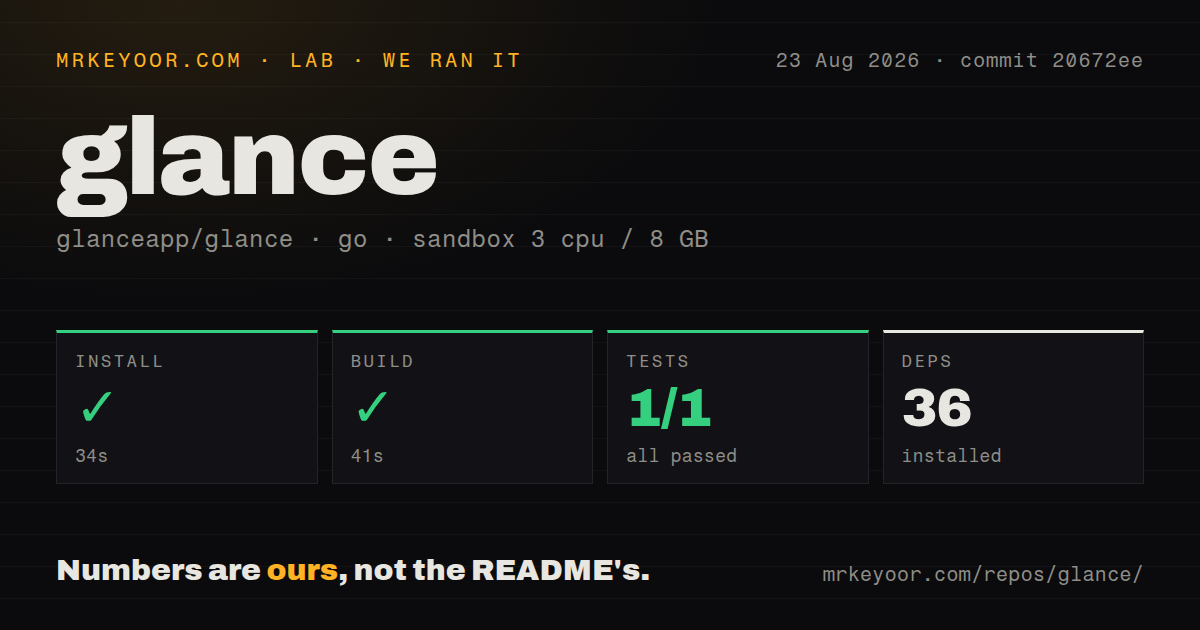
Our dependency step succeeded in 34 seconds and installed 36 Go packages. Building the application took 41 seconds and completed successfully in a fresh Debian container. The source checkout measured 17.9 MB, so both cloning and compilation were painless under the supplied 3-CPU and 8 GB limits.
Tests finished in 11 seconds. Go reported 1 passing test and 0 failures out of 1 discovered test. That is a green result, but the discovered test surface is very small for 12,589 lines of source and many network-backed widgets. The repository has no tests directory and 1 CI workflow file. We would smoke-test the exact widgets and authentication settings used in a deployment instead of treating one passing package as broad regression coverage.
No package vulnerability figure was supplied by the lab block for this Go run, so this review does not invent one. The measurement establishes a clean install, successful compile, and a short passing test command at commit 20672ee. It does not measure page latency, memory use, widget accuracy, or behavior against live third-party services. The README's performance statements remain the project's claims, not ours.
External services decide which widgets keep working
A dashboard that aggregates other sites inherits their policy changes. Glance's own configuration guide says Reddit blocks unauthorized API access from VPS addresses. The documented choices are registering a Reddit application, sending requests through a proxy, or routing traffic through a VPN. Issue 1016 reflects the same friction after Reddit restricted unauthenticated JSON access. A default example containing Reddit can therefore need credentials before it behaves like the screenshot.
The Docker status widget also should not become an alerting authority. Issue 1043 reports that version 0.8.5 can label a grouped service OK when one child container is unhealthy. Glance is good at putting status beside weather and news; it does not send alerts or promise the semantics of a monitoring platform. Keep Prometheus, Uptime Kuma, or another monitoring system responsible for incidents, then display a convenient summary here.
Authentication is available for dashboards containing private feeds or server data. Glance supports users and passwords, password hashes, a generated secret key, and automatic blocking after 5 failed attempts within 5 minutes. Behind a reverse proxy, the proxied setting must be enabled and forwarded headers must be correct so the block applies to the actual client address. Issue 1053 notes that the login form does not suit non-interactive displays that expect HTTP basic authentication.
Current development supports a focused recommendation
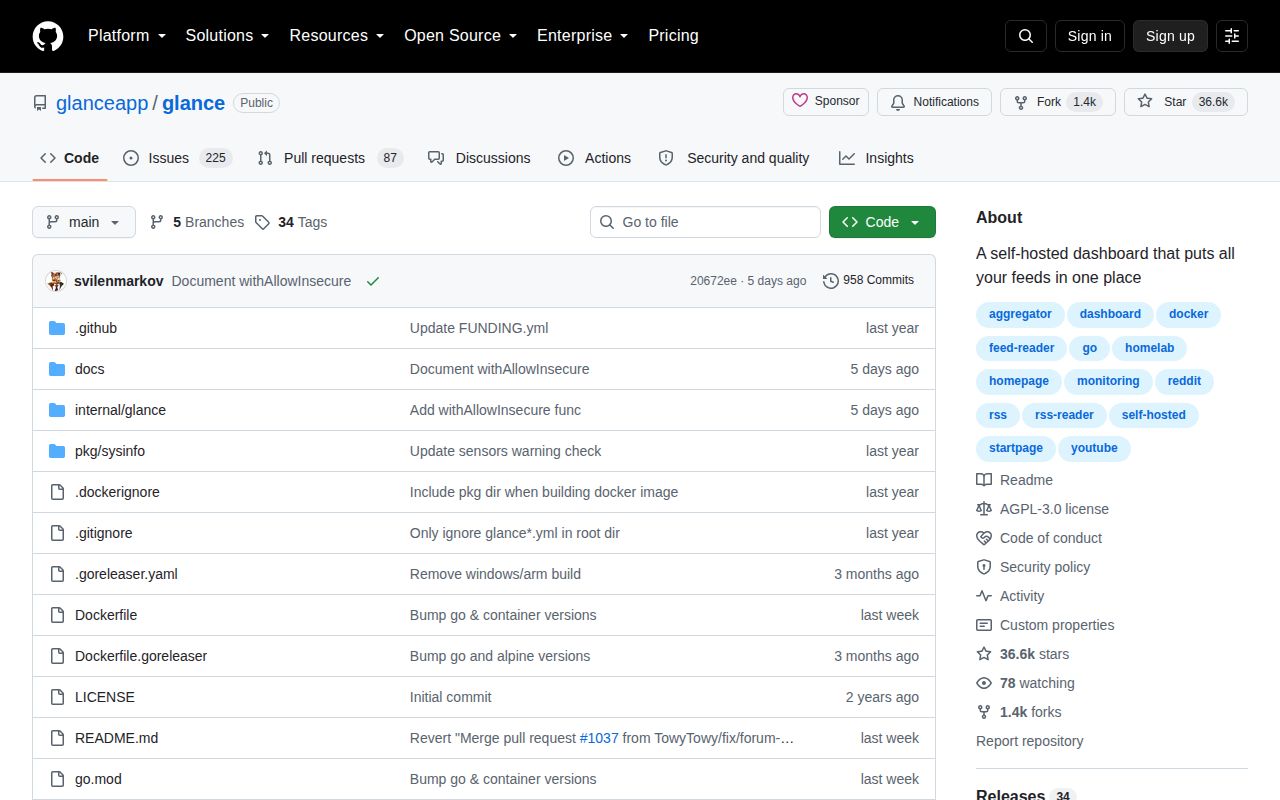
GitHub showed 36,596 stars, a last push on 2026-08-21, and 312 open issues and pull requests combined. Release v0.8.5 arrived on 2026-05-30. Recent issue activity covers live updates, Reddit access, IPv6 Docker URLs, RSS rendering, and container health, which matches a maintained project with real-world integration friction rather than an idle repository.
Glance is one of the easiest recommendations in the self-hosted dashboard category because it knows what it is. The 41-second build and 17.9 MB checkout support the lightweight pitch. Its weaknesses are also easy to name: YAML is the interface, updates mostly follow page loads, third-party feeds break, and the single discovered test offers limited reassurance. Accept those boundaries and it makes a calm, useful home page without becoming another platform to operate.