GKD needs rules before it can save you a tap
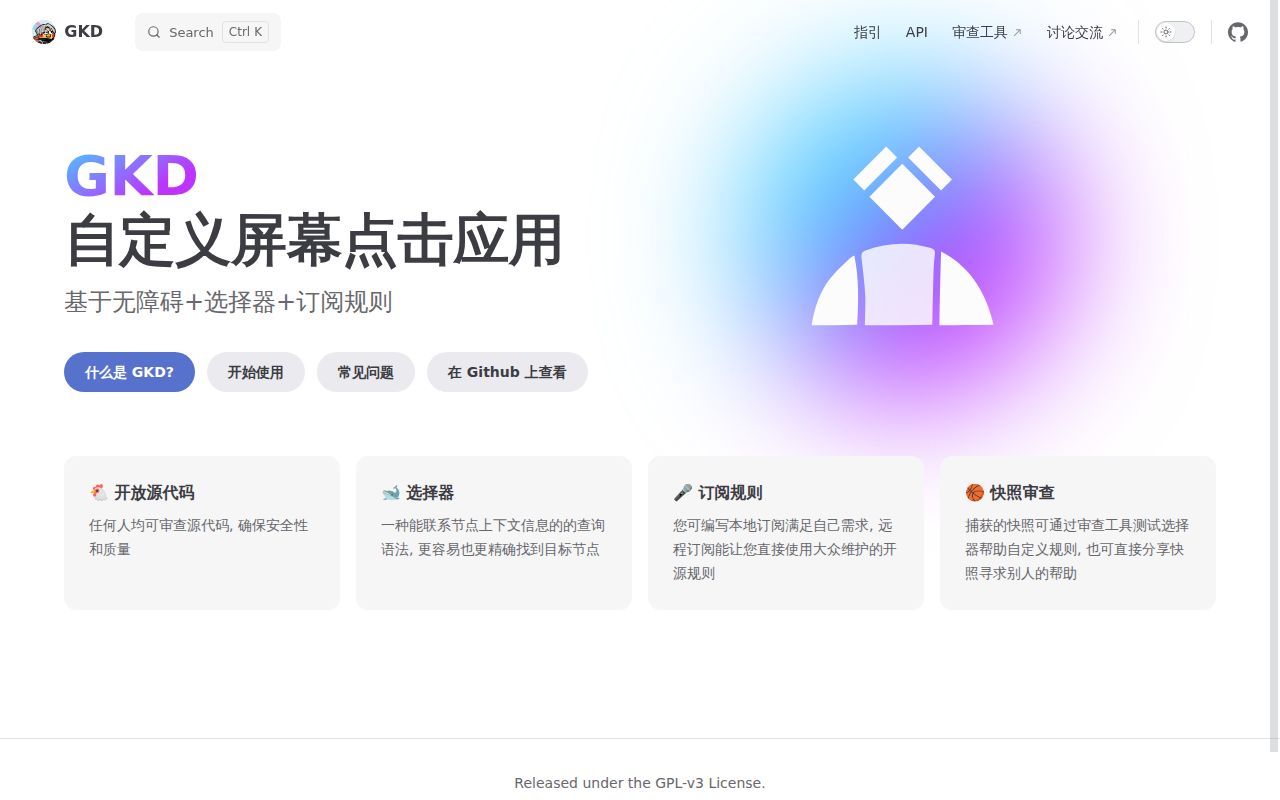
GKD watches an Android screen for conditions you specify, then clicks a matching element or position. The README's examples include confirming a computer login and skipping an unwanted startup screen. Its Chinese README explicitly says there are no default rules. You supply local rules or subscribe to someone else's collection. That makes GKD a reasonable choice for a repeated, recognizable screen you want to stop handling manually. Expect to choose the behavior yourself.
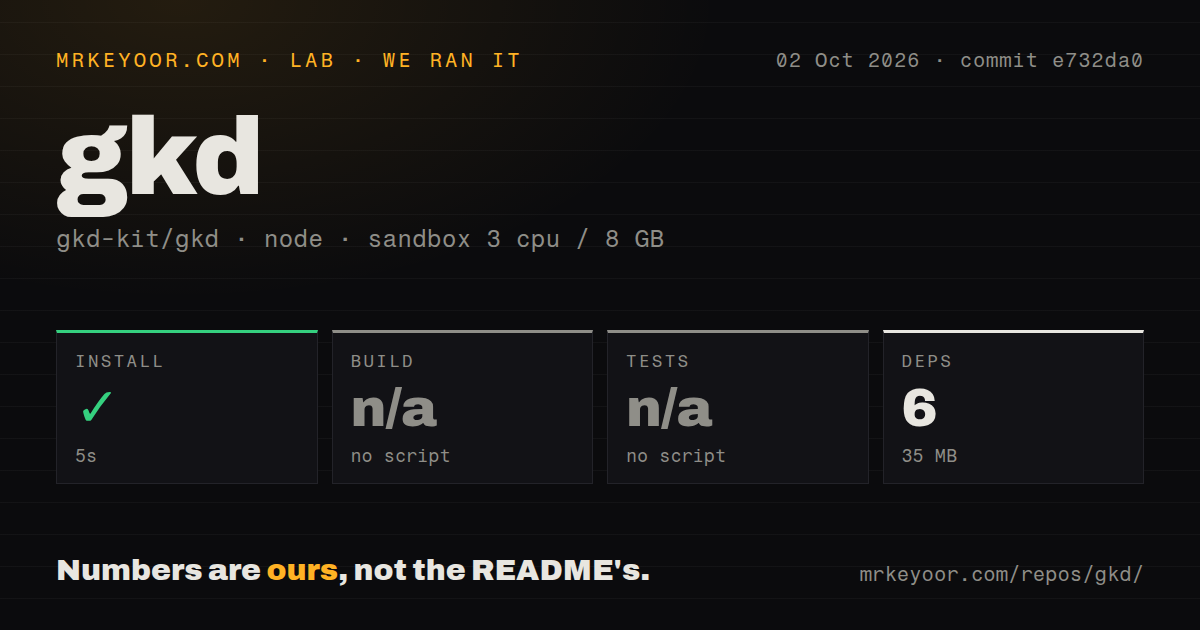
The small development install can disguise that responsibility. Our checkout occupied 2.7 MB, and the pnpm step added 6 packages with a 35 MB installed footprint. Those figures describe repository tooling. They tell you nothing about whether a subscription recognizes the login dialog on your phone. The useful question is whether you can identify the right screen and button consistently, then keep that rule working when the target app changes.
What happened when we ran it
Our sandbox installed GKD commit e732da0 in 5 seconds on October 2, 2026, adding 6 pnpm packages and occupying 35 MB. We used a fresh Debian container with 3 CPUs, 8 GB of RAM, the lab-node:22 image, no secrets, and no elevated privileges. Installation succeeded. The harness found no build or test script or target, so it skipped both steps. There is no passing Android build or test result in this measurement.
The checkout contained 578 files and about 58,222 lines of source. Our scan found monorepo workspaces and 3 CI workflow files, without a Dockerfile or a tests directory. These are dated scan results, not a claim that the project has no verification elsewhere. Current development documentation describes Gradle and JVM checks. The lab's Node classification captures the tooling path it discovered, while GitHub identifies Kotlin as the main language. Calling this a tested Node app would misread the evidence.
Screen selectors give you more control than fixed coordinates
The README shows a selector that follows relationships between screen elements, using identifiers and text to locate a target. A button can therefore be described by its surrounding interface rather than its position alone. Snapshot inspection helps you see the available elements before writing a rule. For an Android user comfortable inspecting interfaces, that is a more useful starting point than repeatedly guessing where a button will appear. The README links the selector guide and inspection tool.
Our roughly 58,222-line checkout contains more than that selector syntax, and the current architecture documentation separates shared UI and data handling from Android services. The desktop development host can exercise shared pages and file workflows, but it does not perform real Android automation. Developers evaluating that host should still check their intended actions on a phone. A desktop screen that renders correctly cannot establish that Android grants the necessary permission or exposes the target element.
Chinese docs and Android permissions are adoption costs
GKD's official README and guides are primarily Chinese, and the architecture document says the current UI resources contain only default Chinese strings. I found no official English documentation in the linked material. An English-speaking developer can translate the pages, but permission troubleshooting and rule authoring will require that extra work. This matters more than translating a download button: the instructions explain device-specific settings that decide whether the app can keep acting in the background.
The 5-second pnpm install leaves those phone settings untouched. The getting-started guide requires accessibility authorization. The FAQ covers restricted settings after sideloading, background activity, battery policies, and autostart permissions. Shizuku provides an optional route to additional Android system access. Basic use does not require a hosted API key, but remote subscriptions need their rule source to remain reachable. Choose subscriptions with the same care you would give code that clicks buttons for you.
Open reports make data retention worth checking
Open issue 1458 reports occasional loss of all app data on some devices. The reporter describes opening GKD, seeing the privacy prompt, then finding the data reset after accepting it. That is a user report, not a failure we reproduced, and the issue does not establish a universal cause. It is still a concrete reason to avoid relying on the app as the only copy of rules you spent time creating.
Our 3-CPU, 8 GB sandbox could not settle phone behavior. Open issue 1478 reports an unreachable HTTP service on an Android 17 device, despite an enabled service and notification. The reporter proposes a permission explanation, which should remain a hypothesis unless confirmed. If browser-based inspection on a new Android release is part of your workflow, verify that connection on your handset before choosing GKD around it.
Recent pushes support a trial, not unattended trust
GitHub recorded a push on October 11, 2026, with 42,703 stars and 14 open issues and PRs. The latest stable release was v1.12.1, published May 20, with fixes for accessibility status detection and rule activation after installing apps. Recent issue updates extend into October. The release date alone would give a misleading picture of maintenance: development and user reports are still active. None of those counts establishes reliable clicking on your device.
AutoJs6 is the alternative I would choose for JavaScript-controlled Android workflows, with an official English README available. LlamaLab's Automate suits people who prefer flowcharts and broader device triggers, though it is not an open-source substitute. GKD earns a trial when screen conditions and subscription rules match your task. Our 35 MB tooling footprint makes exploring the source inexpensive. Before entrusting it with login confirmations, check exactly which screen each enabled rule can match and keep a recoverable copy of your custom rules.