Fresh brings desktop controls to a terminal editor
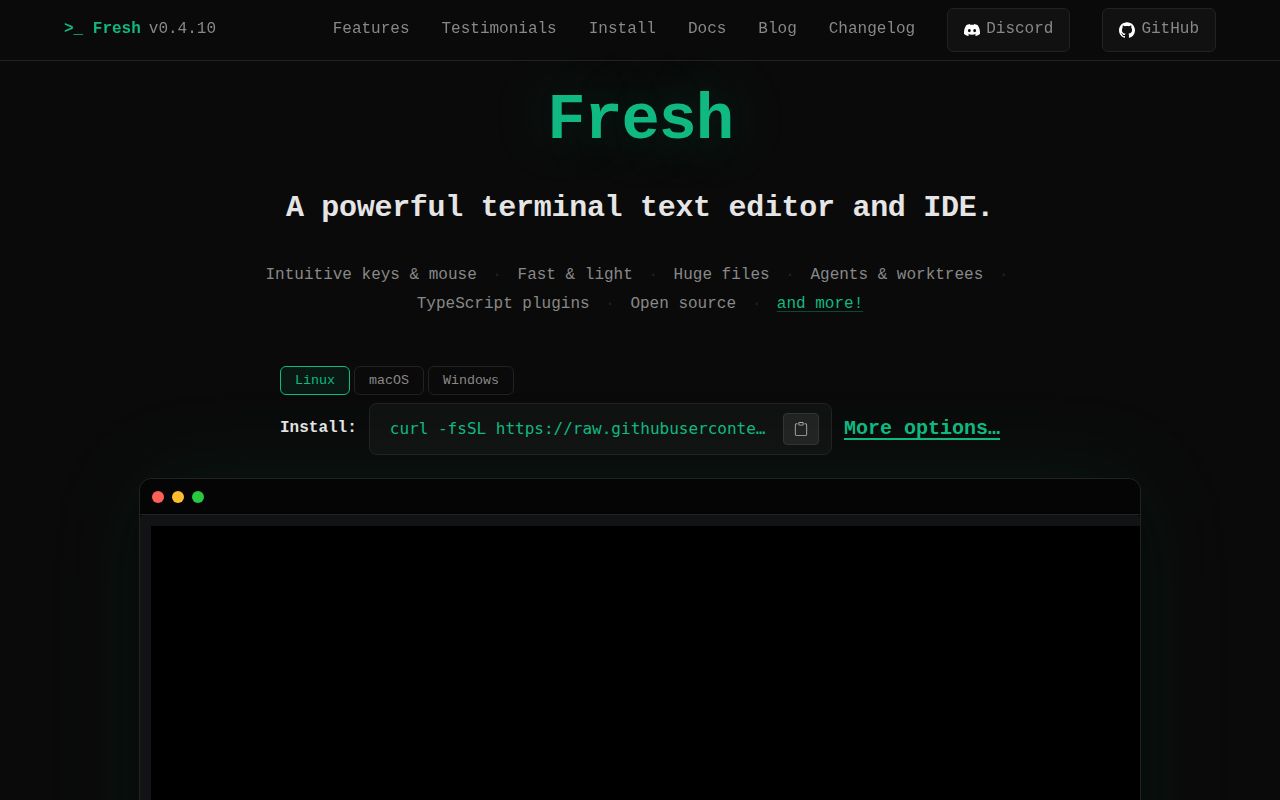
Fresh opens in a terminal but borrows its mental model from graphical editors. Familiar shortcuts, menus, tabs, mouse input, a file explorer, command palette, and visible settings work without learning modes. Language-server completion and navigation, diagnostics, code actions, split panes, an integrated terminal, project search, git history, and Markdown preview make it closer to an IDE than a minimal text editor.
That approach suits developers moving between a laptop, container, and SSH host who do not want to carry a large personal configuration. Fresh still supports editable keybindings, themes, and sandboxed TypeScript plugins. Configuration is optional rather than an entrance exam, which is a meaningful difference from editors whose best experience begins after assembling a plugin distribution.
What happened when we ran it
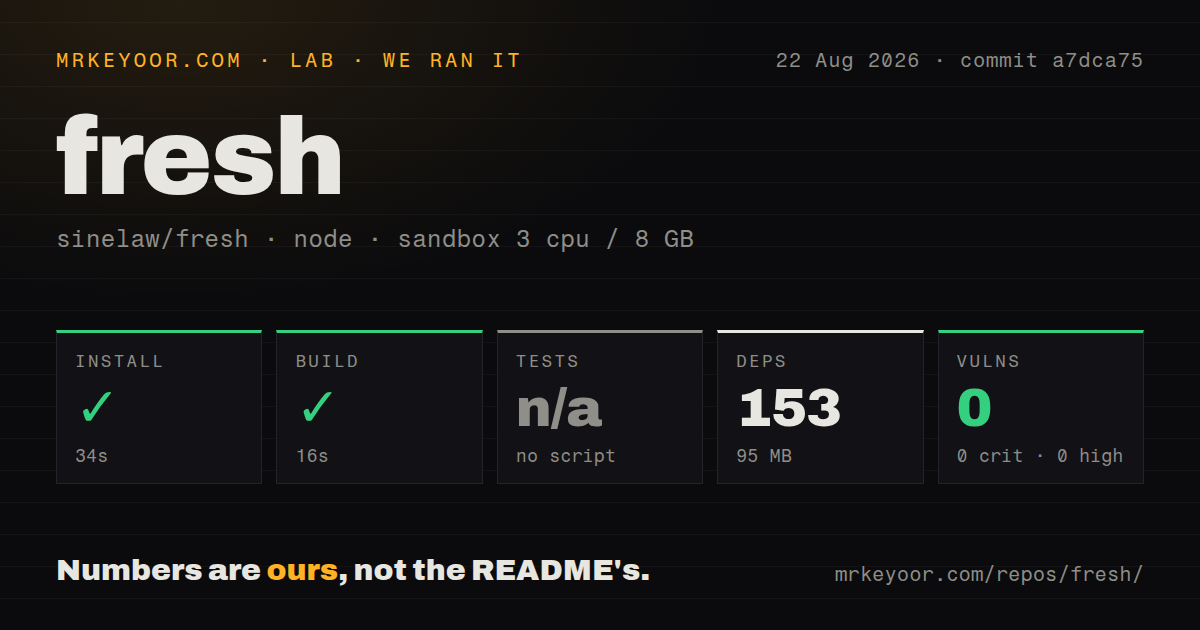
Our run cloned commit a7dca75 into an unprivileged Node 22 Bookworm container with 3 CPUs, 8 GB of RAM, and no secrets. The checkout contained 2,064 files, about 835,376 lines of source, and occupied 78.7 MB. Bun installed 153 packages in 34 seconds, using 95 MB on disk. The measured build then succeeded in 16 seconds.
The repository exposed no test script or target to our harness, so tests were skipped. That is not a passing test result, even though the checkout contains a tests directory and 16 CI workflow files. npm audit reported 0 known vulnerabilities in the installed dependency tree. We did not run Fresh's Rust or end-to-end suites through another command and will not assign them an outcome.
Our 50 seconds for install plus build is a manageable contributor start, but ordinary users have easier options. The project publishes a universal Linux binary and packages for macOS, Windows, Debian, Fedora, Arch, Nix, Flatpak, npm, Cargo, and other channels. A binary install avoids reproducing the 153-package development environment.
The universal Linux build updates itself
On Linux, the recommended installer places a static musl binary under the user's home directory without root access. Fresh records the files it writes, verifies updates against a checksum and GitHub release attestation, then swaps its own binary. Homebrew is the documented macOS path and winget covers Windows. Teams with supply-chain controls can inspect the shell installer or download a release asset rather than piping remote code into sh.
Update behavior still varies by package manager. Open issue 2918 documents unresolved cases including Flatpak's inability to invoke its own update command, npm updates that cannot cross a pre-1.0 minor through the chosen command, and older Nix versions that can exit successfully without upgrading. The issue also notes that no CI job exercises a complete update flow. Pinning v0.4.10 is reasonable for managed machines until each chosen channel is tested.
Worktrees isolate parallel coding-agent tasks
Fresh's Orchestrator gives each task its own git worktree, terminals, and long-running commands. It can retain resumable sessions for Claude, Codex, OpenCode, and Aider, and the dock switches between workspaces. This directly addresses a common failure mode: two agents editing one checkout can conflict even when they work on different branches. Filesystem isolation makes status and cleanup easier to reason about.
Version 0.4.10 added fresh --skill, which prints instructions for controlling a running editor from an embedded terminal. The same release stopped agent launches from writing an AGENTS.md into the user's repository and fixed Codex Auto mode so approved escalation can reach the editor's control socket. Those details show the agent integration is being tested against actual sandbox boundaries rather than treated as a marketing label.
Huge files work better than huge single lines
The README says Fresh handles multi-gigabyte files with low memory overhead and links to an engineering explanation. That claim concerns overall file size, not every file structure. Open issue 1806 reports that a huge one-line JSON or minified JavaScript file can make opening and cursor movement nearly hang. Generated JSON, bundled assets, database exports, and telemetry blobs should be tested with their worst line lengths before Fresh becomes an incident-response standard.
Remote editing has another specific edge. Issue 2944 says files writable by the remote user can be marked read-only when the local and remote numeric user IDs differ. Disabling automatic read-only detection is the reported workaround. Anyone relying on SSH workspaces should reproduce ownership combinations used in production, especially mode 0600 files, before an emergency edit depends on them.
Daily telemetry is optional, GPL-2.0 is not
Fresh checks for upgrades each day and sends its version, operating system, architecture, and terminal type. The README says it does not collect file contents or personal data. --no-upgrade-check or check_for_updates: false disables both the check and telemetry. Privacy-conscious organizations should set that in managed configuration instead of expecting every user to discover it.
The GPL-2.0 license is a separate adoption question for companies that modify or distribute the editor. GitHub showed 8,515 stars, 301 open issues and pull requests combined, and a last push on August 24, 2026. Release v0.4.10 arrived four days earlier with a long list of fixes across rendering, terminals, selections, packages, agents, and keymaps. The pace is strong, though pre-1.0 fleets should still pin versions.
Fresh is already credible as a daily editor. Our successful 16-second build and clean npm audit support an easy trial, while the missing measured test target keeps us from calling the snapshot fully verified. Choose Fresh for approachability and worktree-based multitasking, Helix or Neovim for modal depth, and Micro for a smaller editor.