Read the package description before you remove it
Universal Android Debloater Next Generation puts an Android phone's system packages in a desktop interface, with descriptions drawn from its package list. That makes it worth considering when an unfamiliar package name is the reason you've stopped cleaning up a phone. You still have to decide whether you need the function it provides. A removal recommendation cannot answer that for every device and owner.
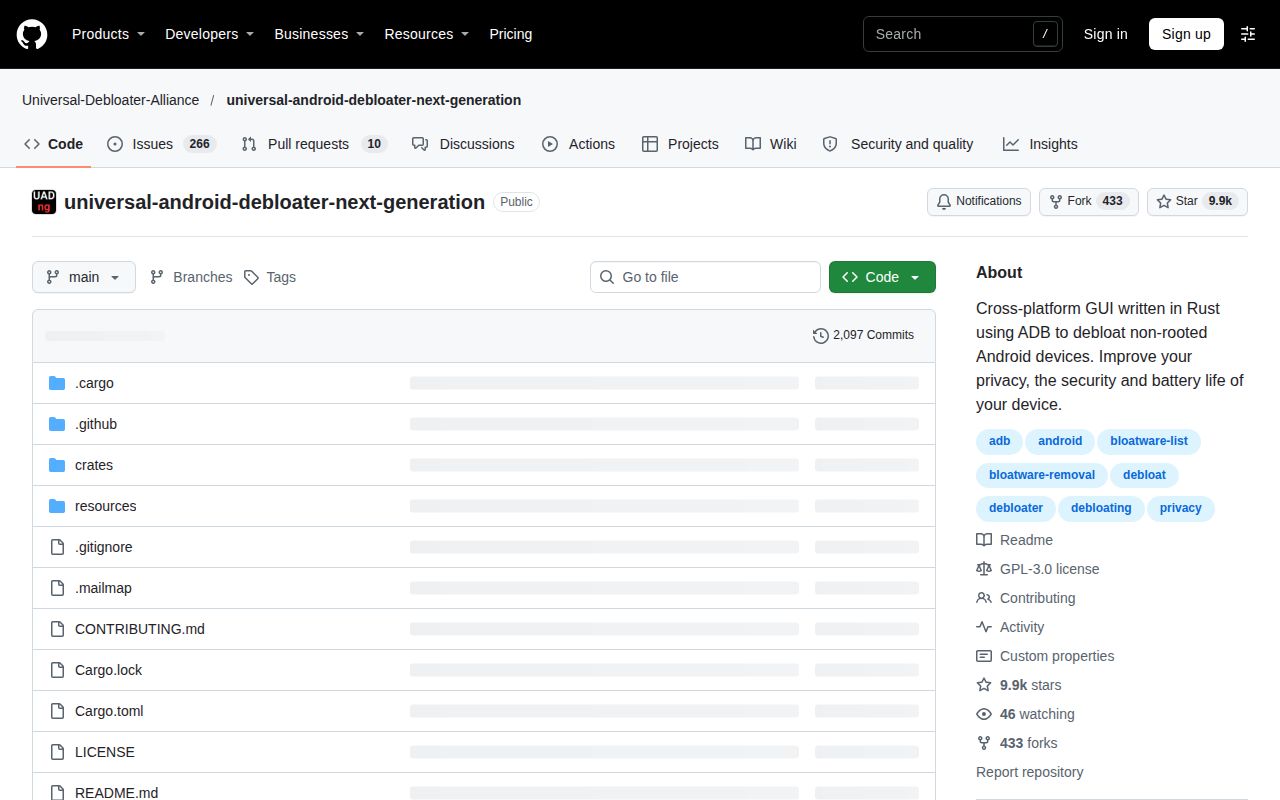
UAD-ng is a detached fork of the original Universal Android Debloater. Its Rust interface uses Android Debug Bridge, usually shortened to ADB, to work with non-rooted devices. The README describes better privacy and efficiency as goals. Our evidence supports a successful source build, not a measured improvement in battery life, speed or privacy on a handset. Treat those benefits as reasons to investigate specific packages rather than promised results.
What happened when we ran it
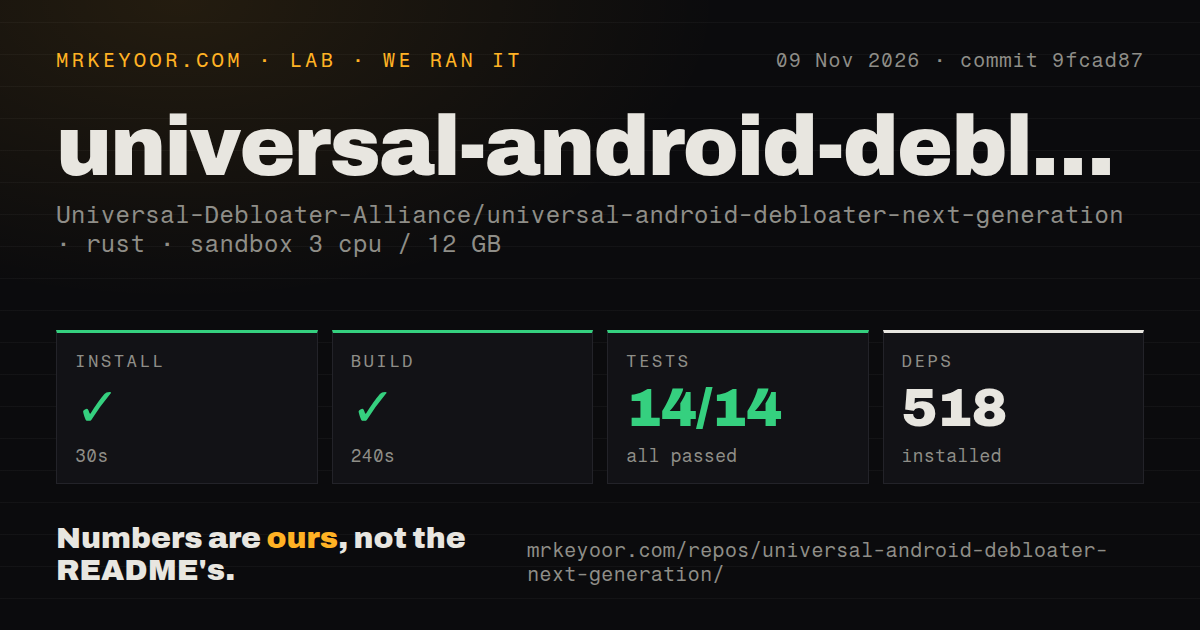
Our sandbox run installed UAD-ng's dependencies in 30 seconds, built it in 240 seconds and completed cargo test in 5 seconds, with 14 passed and 0 failed out of 14. We ran commit 9fcad87 on November 9, 2026. The record lists 518 dependencies, so contributors should allow for a substantial dependency graph even though the checked-out repository measured 3.6 MB.
The recorded configuration had 3 CPUs, 12 GB of RAM and image label lab-rust:1. That label doesn't establish the actual Rust or operating-system version. The repository scan found 73 files, approximately 8,500 source lines and three CI workflow files. It found neither a Dockerfile nor a tests directory. Passing cargo tests and the absence of a separate tests directory can coexist, so the directory scan shouldn't be mistaken for absent coverage.
These results give a contributor concrete evidence that the recorded install, build and test steps succeeded. They don't establish that a desktop window opened, a phone connected, an app was removed or a recovery operation worked. No dependency vulnerability audit result accompanies this run. We also have no handset performance comparison, and a passing source check cannot certify a package-removal list for your firmware.
ADB authorization comes before package selection
The getting-started guide requires ADB and USB debugging. Windows users may need device USB drivers. On Linux and macOS, the downloaded application needs execution permission. ADB must be available to the application, with the guide explaining PATH configuration or placing the executable alongside the platform tools.
There is no documented account or API-key requirement in that setup path. The work is local device access and desktop configuration. Back up your data before starting, as the guide directs, and establish that the phone authorizes ADB before troubleshooting an empty application view. Our sandbox timings cover developer steps, not this desktop-to-phone setup. A person downloading a release binary isn't reproducing our source-build route.
A snapshot records package states, not your photos
The usage manual describes a Snapshot feature under Backup / Restore that remembers package states in files and can apply those states again. Don't treat that description as a promise to preserve your personal files. Keep a separate data backup and record what you change.
Package descriptions and removal-level filters are the useful part of the interface. The manual also documents exporting a selection to selection_export.txt and reviewing a selection before changing multiple packages. I'd start with a package whose purpose you understand, save the selection and check the phone's everyday functions before expanding it. That's an evaluation method, not a procedure we reproduced.
The same manual says the list displays packages Android reports as system packages. It also warns that the Reboot control has no confirmation prompt and open activities lose their data. Those are concrete reasons to avoid using this interface as a casual general app manager or clicking through it while other work remains unsaved.
Package definitions can change between app releases
The v1.3.1 release, published November 2, 2026, says UAD-ng fetches the latest package definitions on launch when internet access is available. A new package list therefore doesn't require a new application version. Record the definitions used for any repeatable evaluation, rather than assuming the executable version identifies the removal advice.
That release also lists a fix for packages not appearing on Windows. It is evidence of a documented fix, not proof that our sandbox exercised Windows. The README says external connections are GitHub GET requests for the package list and update checks, and says the application collects no user data. We haven't inspected network traffic to verify that privacy statement.
Canta changes the workflow; App Manager broadens the job
Canta uses Shizuku to uninstall preinstalled or user apps without root. Pick its Android app when working on the phone is preferable to UAD-ng's desktop interface and you're willing to activate Shizuku. Canta also uses the Universal Debloat List, so switching interfaces doesn't provide an independent assessment of those package recommendations.
App Manager documents package inspection, APK backup and debloating alongside other management features. It separates capabilities requiring root or ADB from those requiring root alone. Pick it when inspecting permissions and components is part of the job, and check the access requirements for the particular operation you need. We haven't measured either alternative against UAD-ng.
Documentation earns 4/5 under this editorial scale: 1 lacks essentials, 2 covers fragments, 3 explains the main path, 4 adds operating caveats, and 5 has independently reproduced instructions. Setup ease, community support and device reliability remain unassessed here. Before removing anything on your daily phone, identify the package's function and decide what evidence would let you restore the state you changed.