FreeTube removes the Google account from desktop viewing
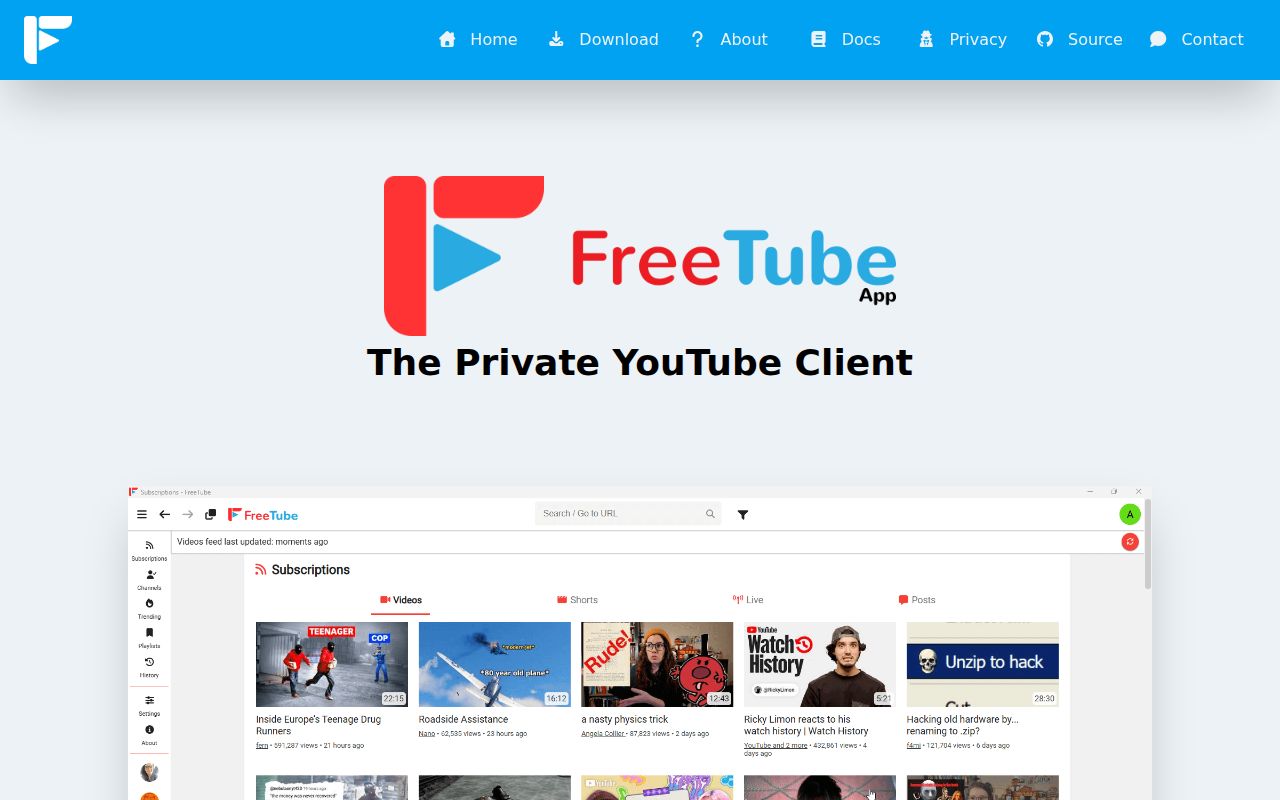
FreeTube is an Electron desktop client for watching YouTube without loading Google's site, cookies, or JavaScript. Its built-in extractor can fetch video data directly, while Invidious is available as another backend. Subscriptions, playlists, profiles, and watch history live on the computer rather than a Google account. SponsorBlock, DeArrow, chapters, external players, themes, picture-in-picture, and multiple windows cover much of an ordinary viewing routine.
The privacy improvement is specific, not absolute. YouTube can still see requests coming from the user's IP when the built-in extractor contacts it. The README recommends a VPN or Tor for hiding that address, and FreeTube can connect through an external proxy. Local storage also trades cloud profiling for user responsibility: a lost profile or disk can take subscriptions and history with it unless the data is exported or backed up.
What happened when we ran it
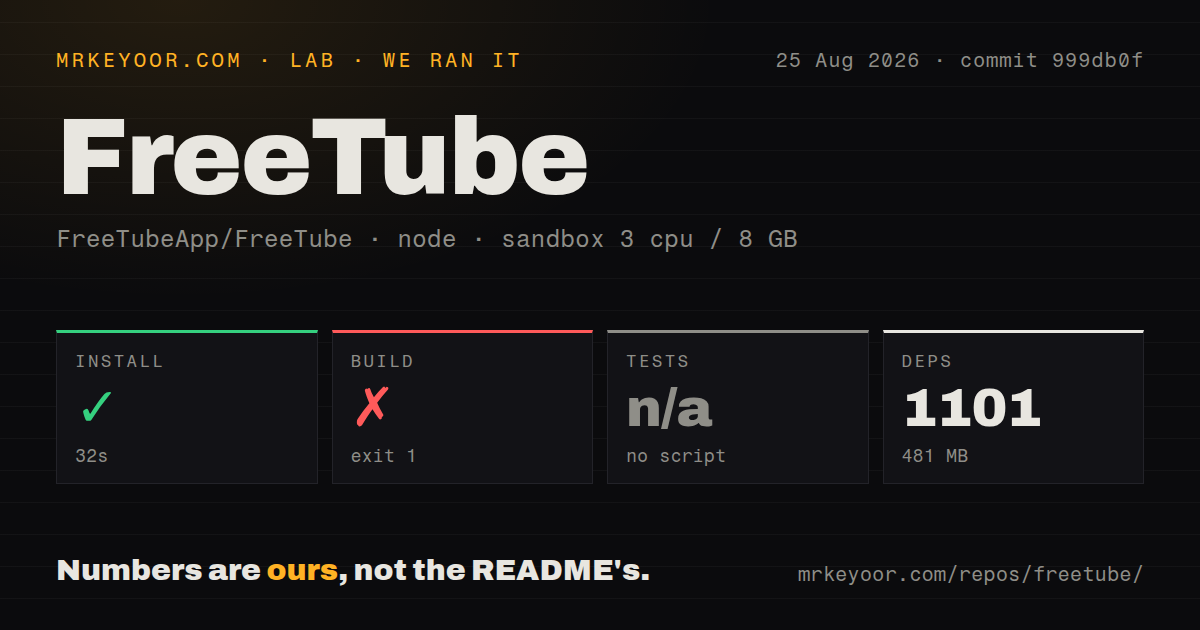
Our run cloned commit 999db0f into an unprivileged Node 22 container with 3 CPUs, 8 GB of RAM, and no secrets. The checkout contained 500 files, about 55,079 lines of source, and occupied 7.4 MB. pnpm installed 1,101 packages in 32 seconds and used 481 MB on disk. The build continued for 189 seconds before failing with exit code 1.
The failure came from electron-builder's RPM packaging path. Its bundled fpm command reported that it needed the rpmbuild executable to convert a directory into an RPM. The log ended with two lifecycle failures. It did not show a Vue compilation error or a failed application assertion, so the supported finding is narrower: this fresh Debian container lacked a system package required by the selected packaging target.
There was no test script or target, so our harness skipped tests. The repository has 13 CI workflow files and workspaces, but no tests directory or Dockerfile. We cannot turn an absent target into a pass. A contributor building Linux packages should follow the project's platform instructions and install the native packaging tools for the intended artifact.
Official binaries avoid 1,101 development packages
FreeTube publishes desktop downloads for Windows 10 and later, macOS 12 and later, and Linux. GitHub releases, the project website, and Flathub are the official paths named in the README. Automated nightly and weekly builds are marked as pre-release software for testers, and downloading those GitHub Actions artifacts requires a GitHub account. Most users have no reason to reproduce the 481 MB dependency install we measured.
The GitHub latest-release endpoint returned no stable release because the current releases are marked as prereleases. The newest listed build was v0.25.2-beta, published August 11, 2026. That hotfix addressed SABR reload errors, but its notes warn that the changes may increase YouTube bot-protection triggers, including CAPTCHA challenges. Pinning a working beta can be wiser than updating during a planned viewing session.
Local data is useful and needs a backup plan
Account-free subscriptions are FreeTube's best quality-of-life feature. Users can follow channels, organize profiles, save playlists, search history, and track watched videos without sending that personal catalog to Google. Import and export support makes migration possible. A family-friendly mode and distraction-free settings also let the client hide parts of the ordinary YouTube interface.
Local-only state does not sync itself across a laptop and desktop. Backup, restore, and cross-device movement belong to the user. Anyone migrating from YouTube should test imports with a copy and verify playlist counts before deleting the source export. An Invidious frontend may fit better when browser access across several devices matters more than keeping all state inside one desktop installation.
Two extractors spread failure risk without removing it
FreeTube can choose its built-in extractor or an Invidious API. That gives users another route when one method breaks and permits selection of an independently operated instance. It does not control YouTube's protocols or anti-bot changes. Release v0.25.2-beta exists because SABR behavior changed, and its CAPTCHA warning shows the cost of maintaining an unofficial client against a moving service.
The beta label is therefore meaningful. A video service can change markup, tokens, streams, or protection rules without coordinating with FreeTube. Keep another viewing path available if access is time-sensitive. Users choosing public Invidious instances should also understand that the instance operator sits between them and YouTube; self-hosting or using the local extractor changes that trust relationship.
Privacy stops at the network address unless you act
Avoiding Google cookies and JavaScript reduces browser tracking and removes the need to build a viewing history in a Google account. It does not make the request anonymous. Configure Tor, a trustworthy VPN, or an external proxy if the IP address must not reach YouTube. FreeTube's README says this directly, which is better than implying that a custom interface alone solves network privacy.
The app is licensed under AGPL-3.0-or-later, a consideration for anyone distributing modified builds or offering changed networked versions. Ordinary users can download and use it freely. Organizations packaging custom editions should review source-sharing duties before deployment rather than treating it like a permissive Electron template.
GitHub showed 21,749 stars, 314 open issues and pull requests combined, and a last push on August 26, 2026. Those dates and the August beta show active maintenance. FreeTube remains dependent on a service it does not control, but its privacy boundaries are unusually honest. Use official binaries, export local data, and add network protection when the threat model requires it.