Five services work without an account or Google Play Services
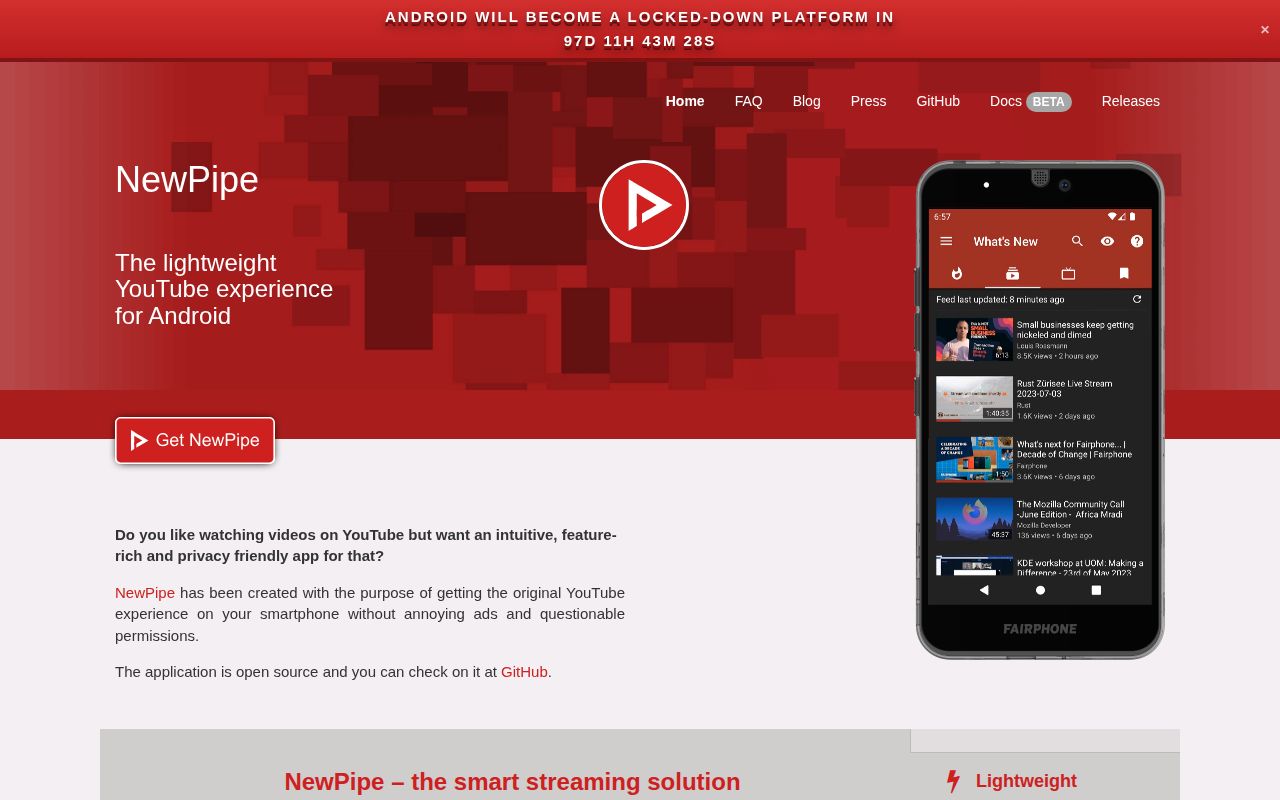
NewPipe puts 5 media services in one Android app: YouTube and YouTube Music, PeerTube, Bandcamp, SoundCloud, and media.ccc.de. It can play video up to 4K, run audio in the background, show subtitles, handle live streams, and download video, audio, or captions. You can subscribe to channels, build local playlists, and keep watch history without signing into the upstream service. That suits phones and custom ROMs without Google Play Services.
This is a substantial native client rather than a website in a wrapper. Our checkout at commit eec848d contained 4,431 files and about 86,667 lines of source. When an official service API is unsuitable or restricted, NewPipe parses the site or uses an internal API through NewPipe Extractor. That design removes the need for a user account and proprietary Google libraries, but it also makes the client responsible for understanding interfaces that the upstream service can change.
Five services share one app, while personal state stays on the device
Across those 5 services, NewPipe stores created playlists, subscriptions, channel groups, and watch history locally. YouTube recommendations, purchases, comments made as a signed-in user, and account synchronization are outside that model. The app knows what you saved on this device, while the service does not maintain that state for NewPipe. Someone moving between a phone and tablet must carry data through NewPipe's backup and restore flow rather than expecting a cloud account to reconcile it.
The 21.8 MB checkout includes a privacy policy that says the app does not collect data without consent, but using NewPipe still sends requests to the media services needed to fetch pages and streams. Local state is useful control, not invisibility from every upstream host. Backups matter because installation sources use different signatures. If you move between incompatible builds, the documented route is to export the database, uninstall the current app, install the other build, and import the saved data.
What happened when we ran it
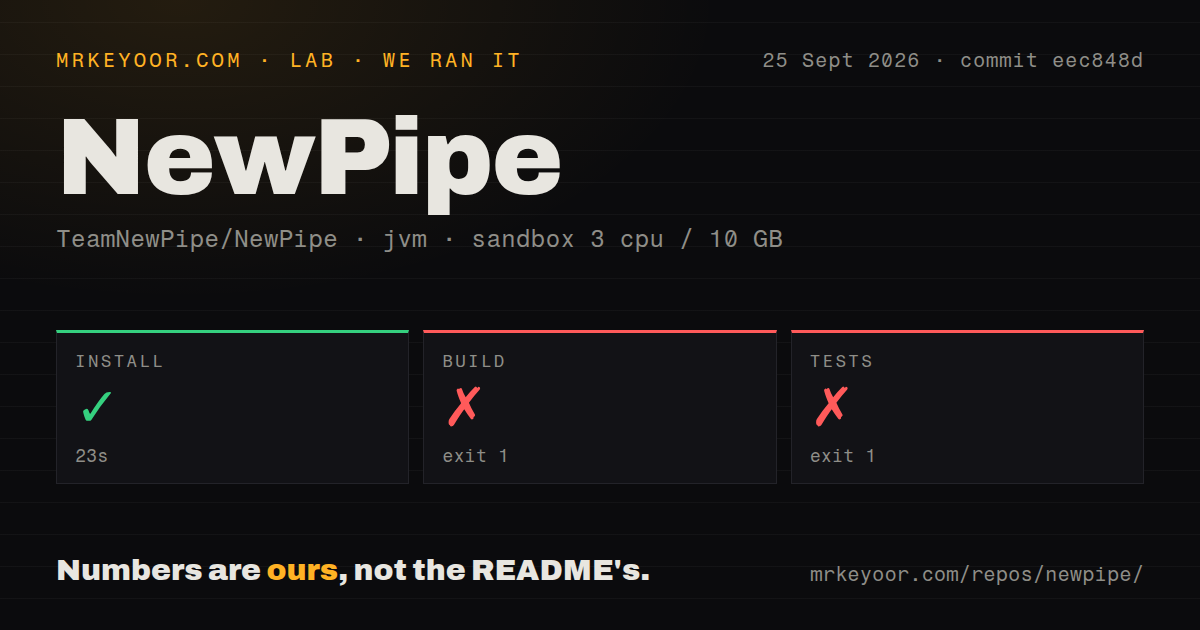
Our sandbox installed the commit eec848d checkout in 23 seconds. The build then exited with code 1 after 11 seconds, and the test command did the same after 11 seconds. Both log tails show the Gradle wrapper trying to fetch gradle-9.7.1-bin.zip from services.gradle.org and timing out after 10,000 ms. The logs never reached a compiler error or a failed assertion, so they support one narrow finding: this fresh environment could not obtain the required Gradle distribution in time.
The run used an unprivileged container with 3 CPUs, 10 GB of RAM, no secrets, and a JVM 21 image. We measured 4,431 files, roughly 86,667 source lines, and 21.8 MB checked out. The repository had 6 CI workflow files, no Dockerfile, and no tests directory. Those structural signals do not turn the failed command into a passing test result. They show that upstream automation exists, while our clean build remained dependent on a successful external Gradle download.
Five installation methods make the signing key part of setup
The README lists 5 installation routes and recommends NewPipe's own F-Droid repository for most users. Its official GitHub APK uses the same signing key, so those two sources can update one another. The standard F-Droid build is signed by F-Droid and cannot update an app installed from the first two sources. A pull-request APK gets a different random key and cannot update even the previous build from that pull request. These distinctions matter when an extractor fix needs to reach your phone quickly.
Building the 21.8 MB checkout yourself is the most complicated route. The contribution guide expects Android Studio, accepted SDK licenses, and the usual build-and-run flow for an Android project. Our install step passed in 23 seconds, yet a clean command still needed Gradle 9.7.1 from the network before compilation could begin. For ordinary use, the signed release channels avoid that toolchain. For contributors, caching or reliably reaching the wrapper distribution is part of the setup.
Version 0.29.1 still depends on changing upstream sites
Release v0.29.1 shipped on August 15, 2026 as a hotfix for media.ccc.de live streams. Open issue 13824, updated September 25, reports YouTube playback ending with HTTP 403 errors on that same version and carries the label requires extractor change. The report and its comments describe affected playback, but they do not prove that every user or video fails. They do show the specific maintenance cost of a client that must interpret services it does not control.
The 6 CI workflows and a repository push on September 25, 2026 point to active maintenance, as does discussion on the current playback report. GitHub listed 1,467 combined issues and pull requests and 39,779 stars when fetched. The combined count is not a bug count. Recent release history is more informative: v0.28.7 restored YouTube usability after a site change, while v0.28.8 addressed effects from YouTube's SABR protocol. Fast fixes matter here more than a quiet tracker.
Android 6 is the floor, and TV input still has gaps
Version 0.29.0 dropped Android 5 and moved the minimum to Android 6. The app also calls itself beta. Phone and tablet use receive the clearest treatment in the README, while open issue 13854 reports that bottom-playlist controls cannot be focused with a remote or keyboard on a Fire TV Stick. SmartTube is the more natural comparison for a television-first setup. NewPipe remains usable across Android form factors, but a remote-only buyer should test the exact screen flow before migrating playlists.
The failed 11-second test command tells us nothing about playback quality because it stopped at the Gradle download. The repository evidence gives a clearer buying rule. Choose NewPipe when local subscriptions, background audio, downloads, and freedom from Google services justify installing outside Play. Keep a current database export and use an update source that can deliver official fixes promptly. If account sync or resistance to upstream interface changes is non-negotiable, the official service client is the safer fit.