A mature answer to C++'s formatting problem
{fmt} tackles a mundane problem that appears everywhere in C++: turning typed values into readable text without brittle printf calls or verbose stream expressions. The project dates to 2012, has reached version 12.2.0, and covers strings, terminal output, dates, containers, files, colors, Unicode, and user-defined types. Its Python-like replacement fields are readable enough that a new contributor can usually understand fmt::format("The answer is {}.", 42) on sight.
Its relevance did not disappear when formatting entered the C++ standard. The README says {fmt} implements C++20 std::format and C++23 std::print, while supporting older compilers and aiming for consistent cross-platform output. That makes it a practical compatibility layer for teams that cannot assume one recent standard library everywhere. The real question is whether your toolchain matrix makes the standard implementation dependable enough.
What happened when we ran it
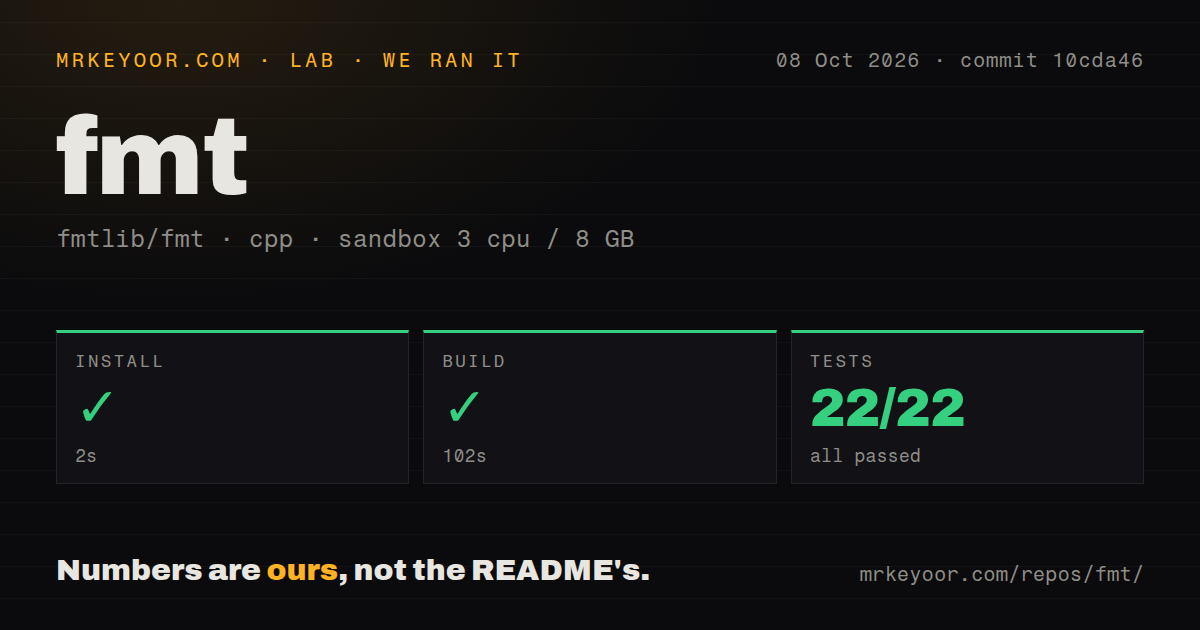
Our run was straightforward. Installation succeeded in 12 seconds, compilation succeeded in 109 seconds, and the tests finished in another 7 seconds. The runner reported 22 passed and 0 failed out of 22. We tested commit c5728fb in a fresh, unprivileged Debian container with 3 CPUs and 8 GB of RAM, without secrets or preconfigured services. Those results support the project's claim that it is a self-contained library rather than an operational system needing ongoing care.
The checkout measured 3.1 MB and contained 145 files with about 71,582 lines of source. We found a tests directory and 9 CI workflow files, useful signs that portability claims have supporting project machinery. There was no Dockerfile, but that is not a meaningful omission for a native library. The practical wrinkle was time: the successful build took 109 seconds on our box, so “small” means manageable distribution, not zero compilation cost.
The API stays clear while covering real applications
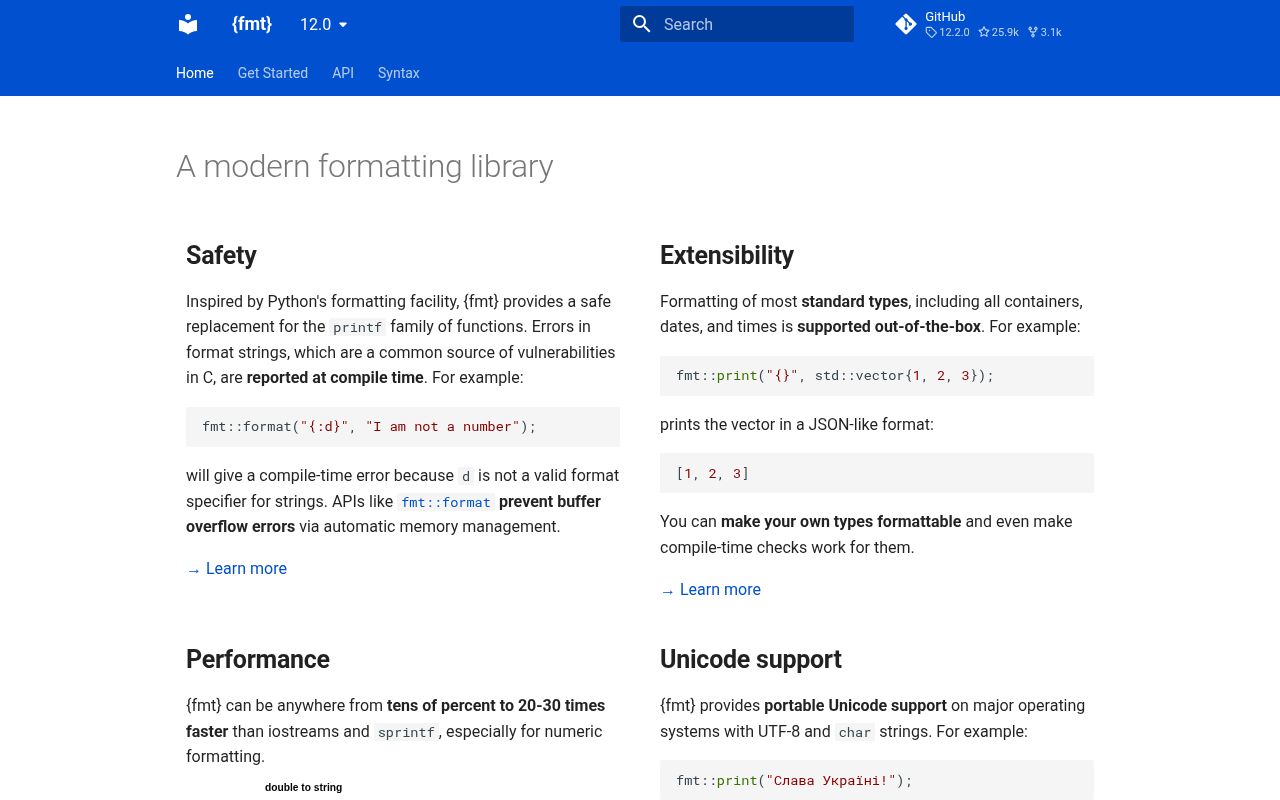
The basic path is narrow: include a header, call fmt::print or fmt::format, and use {} placeholders. Positional arguments help localization, while invalid type specifiers can become compile-time errors under C++20. Separate headers handle chronological values and ranges, letting a timestamp or std::vector<int> print directly. User-defined formatters matter because domain objects can own their display rules instead of scattering conversions around callers.
Safety is a stronger reason to adopt {fmt} than prettier syntax alone. The README describes full type safety, automatic memory management, and compile-time reporting for eligible format-string errors. A safer printf-compatible API helps migrations that cannot change every expression at once. The minimum configuration is described as 3 files with no external dependencies, while FMT_HEADER_ONLY enables a header-only mode. Maintainers get a real packaging choice instead of one forced integration pattern.
The performance story needs careful attribution. The README presents its own tests and links separate integer and floating-point work, including a comparison using {fmt} 12.1 on macOS 15.6.1. We did not reproduce those formatting benchmarks. What we measured was install, build, and test behavior only. If throughput matters, benchmark the exact compiler, flags, format strings, destinations, and allocation patterns used in production.
The rough edges are dependency and build tradeoffs
Newer C++ standards already define familiar formatting facilities. If every supported compiler and library has a satisfactory C++20 or C++23 implementation, adding {fmt} means another version to pin, package, scan, and upgrade. That cost is modest but real. Conversely, {fmt} can reduce conditional code across older toolchains. The right decision depends more on your support matrix than on syntax preference.
Compilation deserves equal honesty. Our build took 109 seconds, and header-only mode can move work into consuming translation units rather than making it vanish. We did not measure incremental builds or compare integration modes, so neither can be declared universally faster. Large C++ projects should test both and watch rebuild time, binary size, and packaging complexity. The linked compile-time and code-bloat material shows that the maintainers recognize this concern.
Colors and Unicode add smaller caveats. Portable Unicode support does not guarantee that every user's terminal and font render every character, and locale independence by default may require explicit handling where local conventions are mandatory. Version 12.2.0 includes far more than substitution, so teams should expose only the headers and conventions they need. A short internal guide can prevent several competing approaches to dates, errors, and custom formatters.
Recent activity and low issue volume signal health
The repository has 23,789 stars, only 10 open issues in the supplied snapshot, and a last push on September 1, 2026, one day before this review. Release 12.2.0 arrived on June 16, 2026. Recent source activity plus low open issue volume is a stronger health signal than popularity alone. A trending item recorded 3 new stars that day, although attention says less about maintenance than commits and issue handling.
These numbers remain snapshots, not proof that every report gets a fast answer or that releases follow a fixed schedule. The project advertises continuous fuzzing, extensive tests, 3 desktop operating-system workflows, an OpenSSF Best Practices badge, and a security scorecard link. Our inspection found 9 CI workflow files and all 22 tests passed, supporting the maintenance story without pretending we audited every platform or security property.
It fits low in the stack, behind a stable wrapper
In a real system, {fmt} belongs near the foundation: logging adapters, command-line output, diagnostics, generated messages, and display code can build on it. Keep business objects independent with focused formatters, and avoid passing unchecked runtime format strings across trust boundaries. With C++20 checks for literal strings, most application code can make the safe path easy while reserving dynamic formatting for places that require it.
For a new C++23-only application on one current platform, test the standard library first. For a cross-platform product, reusable library, or codebase migrating from printf and iostreams, {fmt} is the more predictable baseline. Our 22 of 22 passing tests do not prove your integration, but they show a clean build and completed suite in a constrained container. That is a better reason to shortlist it than stars alone.