Three product lines share one repository
The root README divides Fluent UI Web into 3 projects: React Components v9, React v8, and Web Components. React v9 is the converged suite used by Microsoft 365, v8 is the older package associated with Office, and the Web Components line targets standards-based custom elements. That split is the first decision. Installing a package for an application is much simpler than treating microsoft/fluentui as one library with one version and one setup path.
The shared repository is enormous by component-library standards. Our checkout at commit 43665d5 contained 19,515 files, roughly 972,614 lines of source, and 130.7 MB before dependencies. Workspaces cover apps, packages, charts, scripts, tools, typings, and starter templates. That structure makes sense for Microsoft-scale development, but a prospective contributor has to find the right package, its local commands, its changelog, and its test target before changing a button or field.
React v9 is the default choice for new work
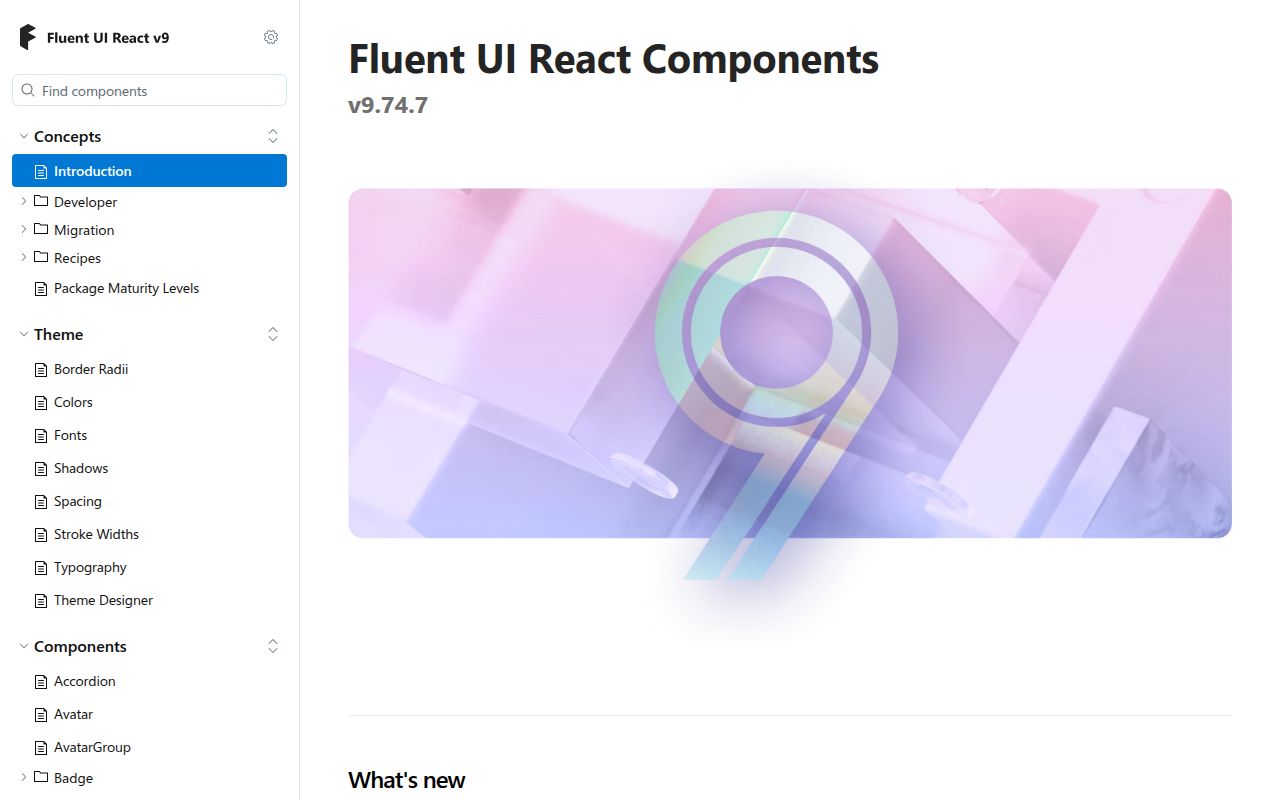
Microsoft calls v9 the converged React suite and tells v8 users to migrate, while allowing both generations in one application during the transition. A v9 app wraps components in FluentProvider and supplies a theme. The suite package then exposes components and related utilities from @fluentui/react-components. For a new React product that wants Fluent's current direction, starting on v8 creates migration work without gaining the older package's main advantage: compatibility with an existing v8 codebase.
The coexistence route is valuable because replacement can happen screen by screen, but it also means two APIs and styling systems may live in the same bundle. React Northstar adds another historical branch, and the root README says it reached end of life in July 2025. Teams inheriting a Microsoft front end should identify whether imports come from v9, @fluentui/react v8, or Northstar before estimating any upgrade. The Fluent name alone does not tell you which component contract is present.
What happened when we ran it
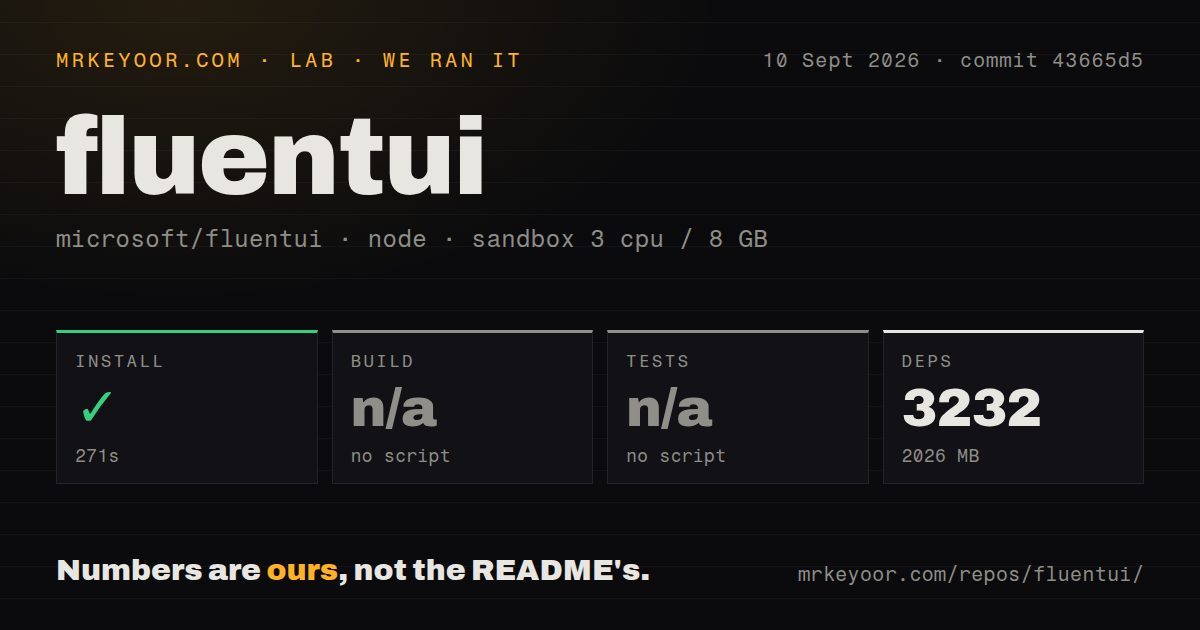
Our sandbox installed the Yarn workspace in 271 seconds, pulling 3,232 packages and leaving 2,026 MB on disk. The unprivileged container had 3 CPUs and 8 GB of RAM. Installation succeeded. The harness then skipped build and tests because the root package exposed no build script or test target it could call. That is the complete result from commit 43665d5: there was no compiler failure or failed test suite because neither step ran.
The checkout had 17 CI workflow files, no Dockerfile, no root tests directory, and monorepo workspaces. Those signals show that project verification is organized around package and CI targets rather than a universal root command recognized by our run. Our measurement setup did not assess rendering speed, bundle size, visual regressions, or accessibility behavior. It measured the repository installation and found the build and test entry points absent at the root.
The repository install is much heavier than one package
Root development expects Yarn 4.18.0 and Node 22 or 24. Nx coordinates work across the workspace, while the root scripts handle tasks such as formatting, generation, cleaning, and change files. A product team consuming Fluent UI does not need all 19,515 repository files: it installs the relevant npm package, selects a theme, and follows that product line's documentation. The distinction matters because the 2,026 MB result describes contribution to the monorepo, not the size added to an application bundle.
The package choice still has runtime consequences. React v8 says server-side rendering needs custom handling for styles and SCSS. Web Components use CSS-variable tokens and require a call to setTheme; the documentation advises pinning a tested version when loading from a CDN. Importing every defined Web Component is convenient, while importing individual component modules gives an application tighter control over what it registers. Neither path requires an API key or a Microsoft-hosted runtime.
Web Components v3 has an open hydration label bug
Issue 36720 reports that fluent-field in @fluentui/web-components v3.1.2 can hydrate without associating its slotted label and input. The supplied Playwright reproduction leaves for, id, and aria-labelledby unset, which may stop a label click from focusing the field and may deprive assistive software of the input name. The issue documents an author-side workaround: provide the matching association attributes explicitly. Teams rendering forms on the server should regression-test that case before rollout.
The Web Components README provides commands for generated declarative shadow DOM files and Playwright targets for the package. Our root harness did not reach either target, so their presence cannot be turned into a passing test claim. The distinction is worth keeping: package documentation can describe a test route while a fresh root checkout still lacks the single test target expected by an automated evaluator. Contributors need the package-specific workflow, not a guess based on common Yarn conventions.
Current code activity outweighs the package-specific release tag
GitHub recorded a push on September 10, 2026, and open issue 36721 was updated the same day. The repository showed 20,262 stars and 801 combined issues and pull requests when fetched. That combined total spans several product generations and does not equal 801 bugs. It does indicate a large support surface. Recent reports cover v8 behavior and Web Components v3, matching the repository's unusual burden of maintaining old and current lines together.
GitHub's latest-release endpoint returned a May 2026 alpha release for one virtualizer package, not a repository-wide Fluent UI version. Treating that tag as the project's health signal would be misleading beside the September push and issue activity. Fluent UI is a sound choice when matching Microsoft's design language saves product work. The 3,232-package contributor install, split documentation, asset-license exception, and package-specific verification paths make it a poor casual dependency for teams without that design reason.