Ardia asks you to commit to Apple Silicon first
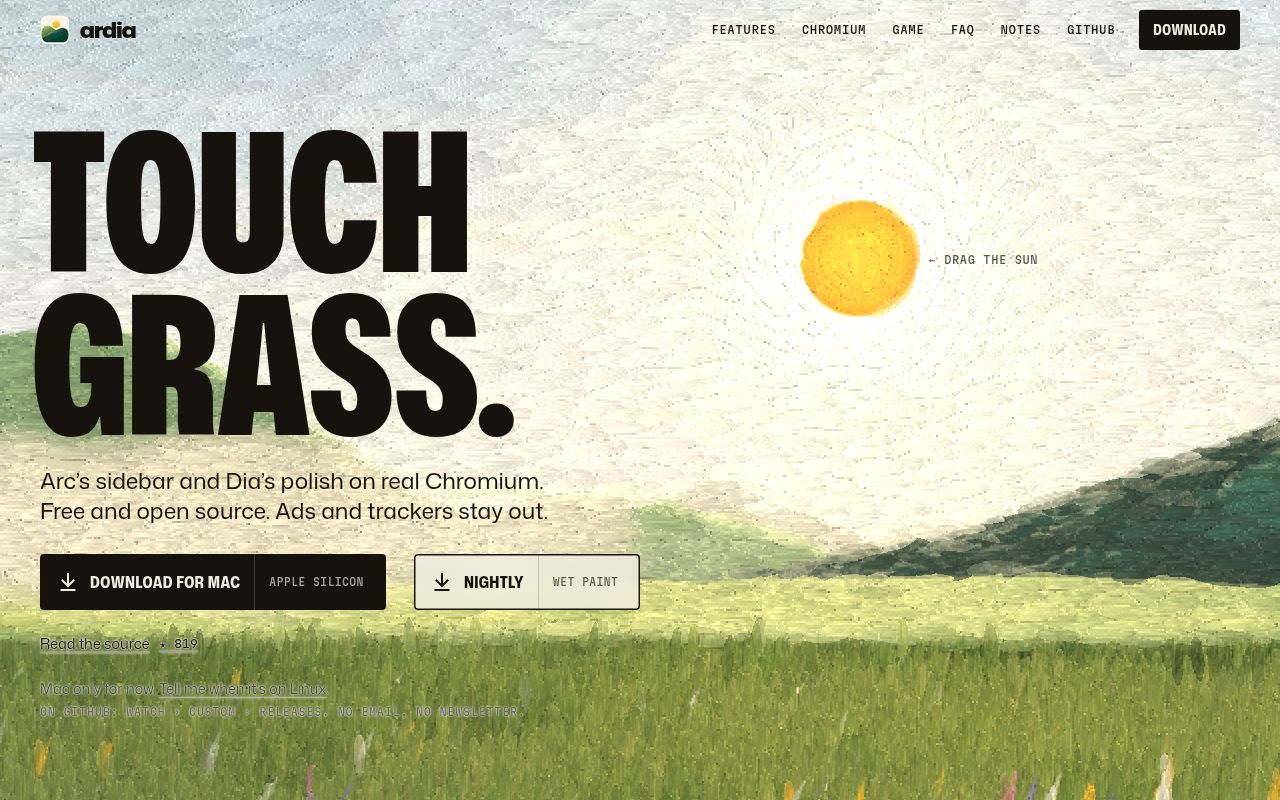
Ardia's download targets Apple Silicon Macs running macOS 14 or later. That settles the first decision before its sidebar gets a vote. If you use an Intel Mac or need the same browser across Windows and Linux machines, the current supported download does not cover your setup. For someone already on a compatible Mac, its pitch is easier to consider: Arc-style organization with Chromium underneath.
The README describes profiles with separate logins, history and extensions, plus split views with up to three panes. It also offers an import path for Arc spaces, pinned tabs and themes. Those are concrete reasons for an Arc user to look closer. They are documented capabilities, however, rather than behavior we reproduced. Our sandbox never reached a running browser, much less a successful migration.
What happened when we ran it
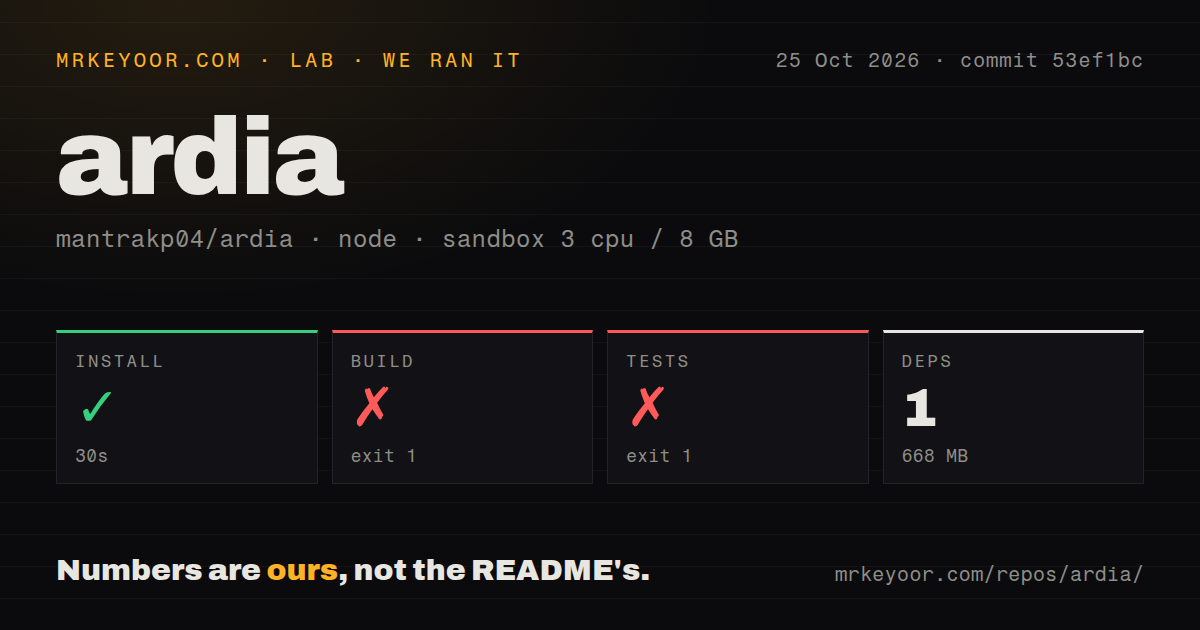
Our sandbox installed Ardia commit 53ef1bc in 30 seconds on October 25, 2026, then the build failed with exit 1 after 3 seconds. The test command failed with exit 1 after 2 seconds. Installation occupied 668 MB and the harness recorded 1 dependency. That recorded count should not be read as a complete inventory of everything a native Chromium browser needs.
The build log shows the browser workspace invoking xcodebuild against its macOS workspace and scheme. The shell then reports xcodebuild was not found. That is a specific missing executable in the measured environment. It does not show a compiler rejecting Ardia's code, and it does not establish what would happen after configuring a supported Mac with Xcode.
The test tail names the import workspace as failed, with additional failure summaries for sync and ardiacore. It does not include the underlying exceptions. Assigning those failures to Xcode, missing files or defective assertions would go beyond the supplied log. We cannot report a passing assertion count from that tail or use it to judge import and sync correctness.
The recorded sandbox had 3 CPUs and 8 GB of RAM, with image label lab-node:22. Actual runtime and OS versions require raw toolchain logs. The checkout contained 2,130 files, about 209,236 source lines and 36.9 MB before installation. The scan found monorepo workspaces and 3 CI workflow files, with no Dockerfile or tests directory. That directory scan does not prove there are no tests elsewhere.
The contributor path includes a native engine
Ardia's README requires Xcode 26 or newer, CocoaPods, Node 22.13 or newer and pnpm 11. The shell uses Expo and React Native macOS around a patched Chromium engine. A successful JavaScript package step therefore leaves considerable native setup ahead. Our 30-second install result covers the package step we ran, not a ready-to-launch browser.
The project documents prebuilt engines matched to the checkout. If the main branch has moved beyond the newest engine artifact, it recommends a release tag or an explicitly selected nearest engine. This is an artifact-selection problem contributors need to understand before editing code. Changing the engine itself sends you into a separate Chromium source workflow. Start from a release tag if your immediate goal is to inspect the shell rather than modify Chromium.
Widevine and signing limit what can replace your browser
The README lists Widevine as unavailable and explicitly says that means no Netflix. It also describes passkeys as partial, with Touch ID supported while iCloud Keychain awaits Apple. Those limits matter more than a pleasing tab layout if the same browser must handle streaming and account access. A daily replacement has to cover the sites you actually use.
Source builds have another boundary: the README says passkeys and saved cards need the project's team ID and will not work in a build signed by someone else. That makes building your own copy a different proposition from installing the distributed app. The public status section also excludes Dia's AI from its parity work, so resemblance to Dia should not create an expectation of its assistant features.
iCloud sync is a dependency to evaluate separately
Ardia says sync uses an encrypted folder in your own iCloud Drive rather than a project-operated server. Its README also says uBlock Origin is built in and crash reports are opt-in. These are vendor descriptions of the design. Our run did not inspect network traffic, verify encryption or assess whether browser data remains consistent between Macs.
The last repository push was October 25, 2026, and release v0.2.40 was published October 24. Recent issue activity includes a report about pinned YouTube tabs not autoplaying and proposed changes to profile routing and passwords. That shows current work, without proving every proposal is shipped. The release notes also describe repairs to saved-password and cookie persistence, which makes preserving your original browser profile a sensible migration precaution.
Zen and Brave offer different starting points
Zen Browser is based on Firefox. Choose it when you want to evaluate a different engine rather than preserve Chromium as a requirement. Brave is another Chromium-derived browser, with its implementation maintained in brave/brave-core. It provides another candidate before you reorganize work around Ardia. We did not compare their compatibility, privacy behavior or speed.
If Ardia's sidebar is the attraction, begin with a small disposable profile and a copy of the data you intend to import. Check a required login, an extension and a saved session before moving more across. Our missing-xcodebuild result leaves those questions open, and the documented signing limits make a locally built copy an imperfect substitute for evaluating the distributed Mac app.