The repository documents one exact 2.8-inch board
The Cheap Yellow Display name refers to the ESP32-2432S028, commonly sold as an ESP32 board with a 320 by 240, 2.8-inch LCD and resistive touch panel. It also has Wi-Fi, Bluetooth, USB programming, an SD slot, an LED, and a few exposed pins. The appeal is physical integration: a beginner can start with one board instead of wiring a controller, display, touch controller, and power circuit.
This repository is a community field guide rather than the hardware manufacturer's software package. It gathers basic sketches, alternative display libraries, ESPHome configurations, Rust code, pin information, printed cases, hardware modifications, and finished projects. Our checkout contained 235 files, roughly 25,346 lines of source, and 32 MB. The variety is useful, though each example may have its own libraries and assumptions.
The ESP32-2432S028 marking decides compatibility
The troubleshooting page tells users to check the gold model text on the back before doing anything else. Its examples and pin assignments target ESP32-2432S028. Similar-looking boards now appear with different suffixes, USB connectors, or layouts. Open issue 384 shows a buyer unsure whether a dual-USB model should use the standard CYD or CYD2USB configuration. That confusion begins at purchase time, before code enters the picture.
A board mismatch can look like a broken screen, touch controller, backlight, or SD slot. Even the correct model has constraints: pin 21 controls the backlight, and display, touch, and SD are wired as 3 SPI devices while the ESP32 exposes 2 usable hardware SPI buses. The guide recommends software SPI for one lower-bandwidth device, usually touch, when all three must operate together.
What happened when we ran it
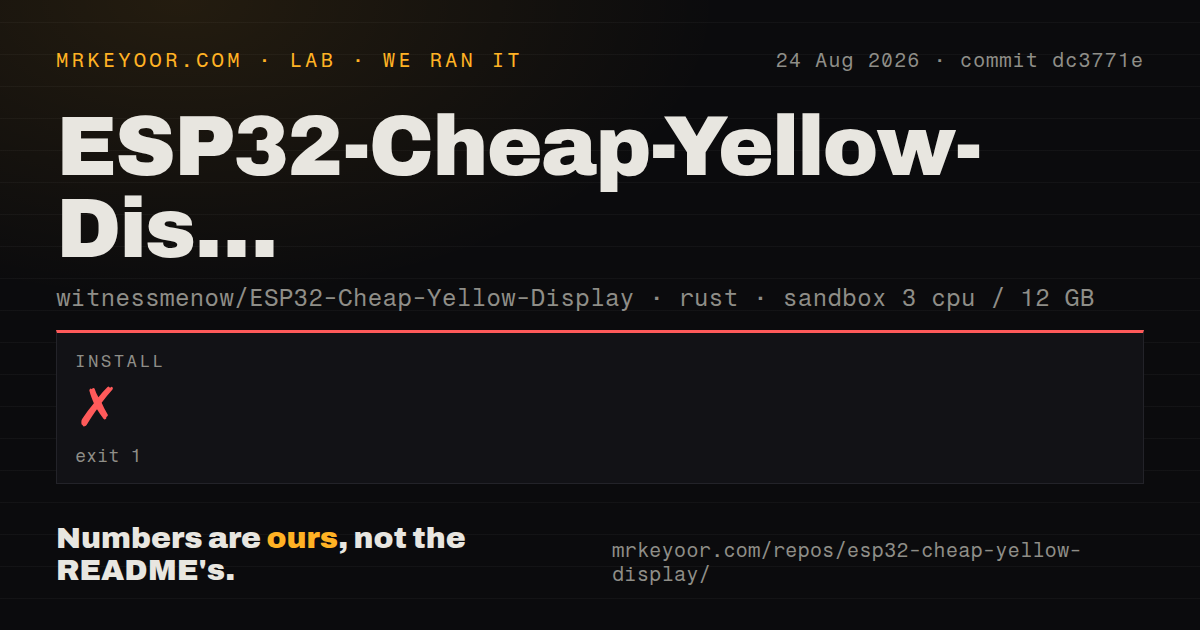
Our sandbox tested the project under Examples/Rust/1-HelloWorld at commit dc3771e. Installation ended with exit code 1 after 7 seconds. The complete visible error is specific: rust-toolchain.toml selected a custom toolchain named esp, and that toolchain was not installed. The process stopped there, so no build or test step ran and there are no results to report for either.
The environment was a fresh unprivileged container with 3 CPUs, 12 GB of RAM, and the standard Rust lab image. This finding does not say the Rust example is broken. It says a normal Rust image is insufficient, and the repository's override takes effect before dependencies can be prepared. The Rust README points to the esp-rs installation guide, making the extra toolchain an expected prerequisite rather than a generic Cargo project detail.
Our repository scan found 2 CI workflow files, no Dockerfile, and no tests directory. Those signals fit a mixed hardware-example collection better than a single deployable application. They also mean the source tree does not supply a ready container for the exact toolchain that blocked our run. Rust users should establish the Espressif toolchain first, then verify flashing and the screen on their own board revision.
Arduino is the documented first route
The setup guide starts with USB and the CH340 serial driver, followed by ESP32 support in Arduino IDE. It recommends the generic ESP32 Dev Module board definition and suggests a 115200 upload speed if flashing fails. TFT_eSPI is the main display library in the examples. Users must copy the repository's User_Setup.h into that library so its driver and pins match the board.
That manual library-file replacement is easy to forget and can be overwritten during upgrades. Keep a copy or automate it in the project setup. The troubleshooting notes also cover Ubuntu serial access, brltty conflicts, power and cable checks, plus a boot-mode problem that may require changing a capacitor. A $15-class board can be convenient on the desk while still demanding hardware diagnosis when seller revisions drift.
Rust support displays graphics but lacks touch
The Rust folder has one Hello World project. Its README says it achieves the same basic result as the Arduino example and explicitly states that touchscreen support is not working yet. The Cargo manifest uses the esp toolchain with ESP-IDF crates, embedded-graphics, ILI9341 support, and display-interface dependencies. This is enough to study a display path, not enough to promise feature parity with the Arduino collection.
For a touch-driven Rust product, the missing input path is a stopping point. The README links possible touchscreen crates without claiming support is planned or finished. Developers would have to evaluate those sources, wire the pins correctly, and test interaction on hardware. Arduino and ESPHome therefore remain the lower-effort routes for using more of the 2.8-inch board today.
Active contributions do not make the hardware uniform
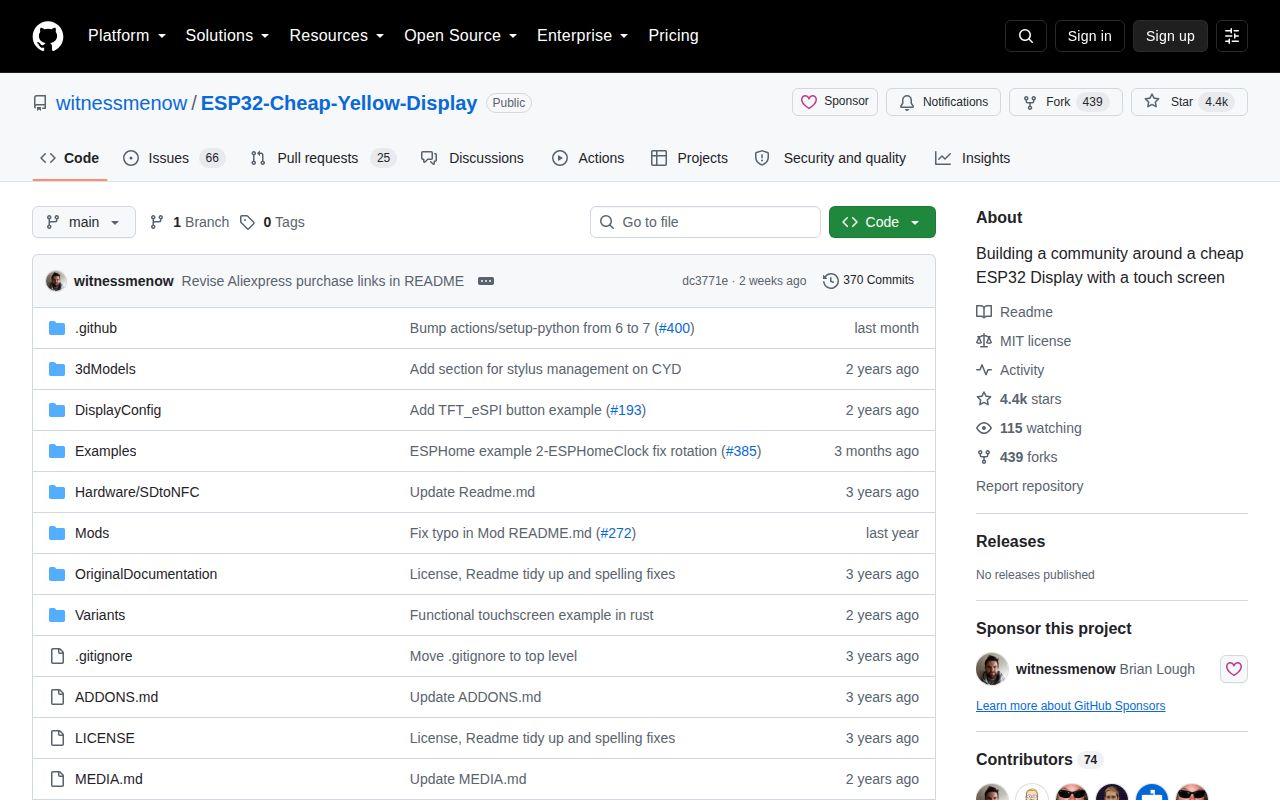
GitHub recorded 4,370 stars, 91 open issues and pull requests, and a last push on August 8, 2026. Recent contributions proposed screen sharing, a web flasher, media playback, cases, translations, and more board variants. There is no GitHub release, so the repository is consumed as a moving collection of documents and examples rather than a versioned firmware product.
That is a fair model for cheap community-supported hardware. It rewards owners willing to read the PCB, compare pins, and borrow a known-working example before changing code. The repository succeeds as shared documentation for ESP32-2432S028. It is a weaker foundation for a product that needs repeatable sourcing, a supported Rust touch stack, or a build that starts from a standard toolchain.