DuoFold bends the displayed image, not the Android layout
DuoFold treats the current screen as a texture and projects that texture as the phone tilts. Perspective, translation, lighting, blur, and depth move with the game rotation vector and gyroscope. The app leaves icons, text, and third-party layouts where they are. You are looking at a transformed final image, which is why the effect can cover the launcher and other apps without foldable hardware.
The renderer caps captured width at 1080 pixels and updates at up to 30 FPS. Its defaults include an 80-degree maximum tilt, 6 to 32 blur samples, and 40 ms of gyroscope prediction. Six visual styles range from the original frosted effect to clear projection and a lens-bokeh mode. Those are implementation details you can reason about, not a vague promise that the phone will feel more spatial.
Shizuku and accessibility access make the illusion possible
The app uses Shizuku to reach the display image, passes frames through local memory, and renders them with OpenGL ES. It also needs its screen-effect accessibility service. Setup therefore means starting Shizuku through wireless debugging or ADB, authorizing DuoFold, enabling accessibility, trying the effect for 10 seconds, and then turning on the global mode. Root is not required.
That permission bundle deserves a deliberate decision. The README says DuoFold has no Internet permission and neither saves nor uploads screen images during normal use. The overlay is excluded from system screenshots to avoid capturing itself. Those are sensible limits, but the app still observes the displayed image and adjusts touch coordinates on supported releases. Read the source and install only an APK whose origin you trust.
What happened when we ran it
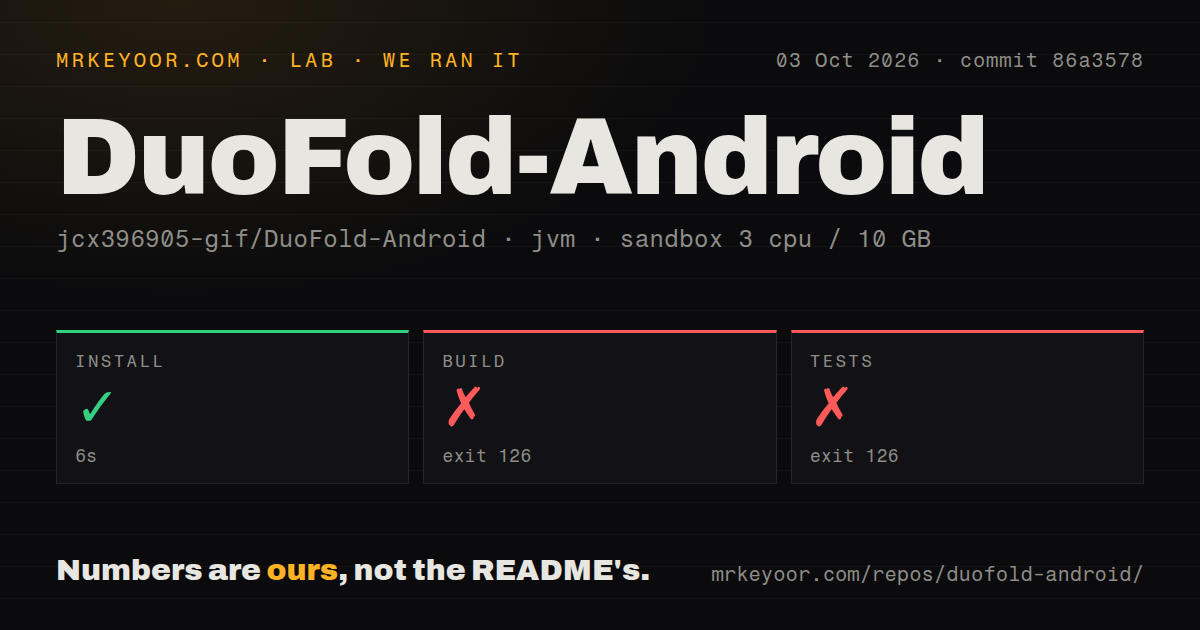
Our sandbox cloned commit 86a3578, a 0.9 MB repository with 61 files and roughly 2,232 lines of source. The unprivileged container had 3 CPUs, 10 GB of RAM, and JDK 21. Its install step succeeded in 6 seconds. The repository scan found no CI workflow files, no Dockerfile, and no tests directory.
The build command failed after 6 seconds with exit 126. The complete useful message was bash: line 1: ./gradlew: Permission denied. The test command produced the same message, exit code, and 6-second duration. We did not reach Gradle configuration, Android dependency resolution, compilation, or the motion module's JVM tests, so none of those later stages received a pass or failure.
The log establishes only that the shell could not execute the wrapper in our checkout. It does not establish why, and we will not substitute a guess. What matters to a developer is the handoff: the README's documented build command could not start in a fresh Debian container. A CI workflow would catch that sort of source-package problem before a release. DuoFold currently has 0 workflows.
Android 14 is the meaningful feature boundary
Two APKs split support. The standard build targets Android 14 and newer, where DuoFold can stream the screen and correct touch coordinates to follow the transformed image. Android 10 through 13 use a compatibility build. Versions 10 and 11 capture one base frame at startup, then move that still image from sensor data until rotation or a restart refreshes it.
Android 10 through 13 also lack the newer accessibility API for touch correction. If interaction becomes awkward while the display appears tilted, the README tells users to return to the calibrated pose. Protected or screenshot-blocked content may show black. Xiaomi devices may require an extra USB debugging security setting, while other vendors can impose different capture and overlay restrictions.
Those limits narrow the ideal audience to recent Android phones used by people who enjoy tinkering. A system-wide visual trick that raises GPU load is a poor fit for battery-first use, protected streaming apps, or a phone where Shizuku must be reauthorized frequently. It is more convincing as an optional effect you switch on for short stretches than as an invisible daily utility.
Version 0.6.1 moved quickly, but device proof is still narrow
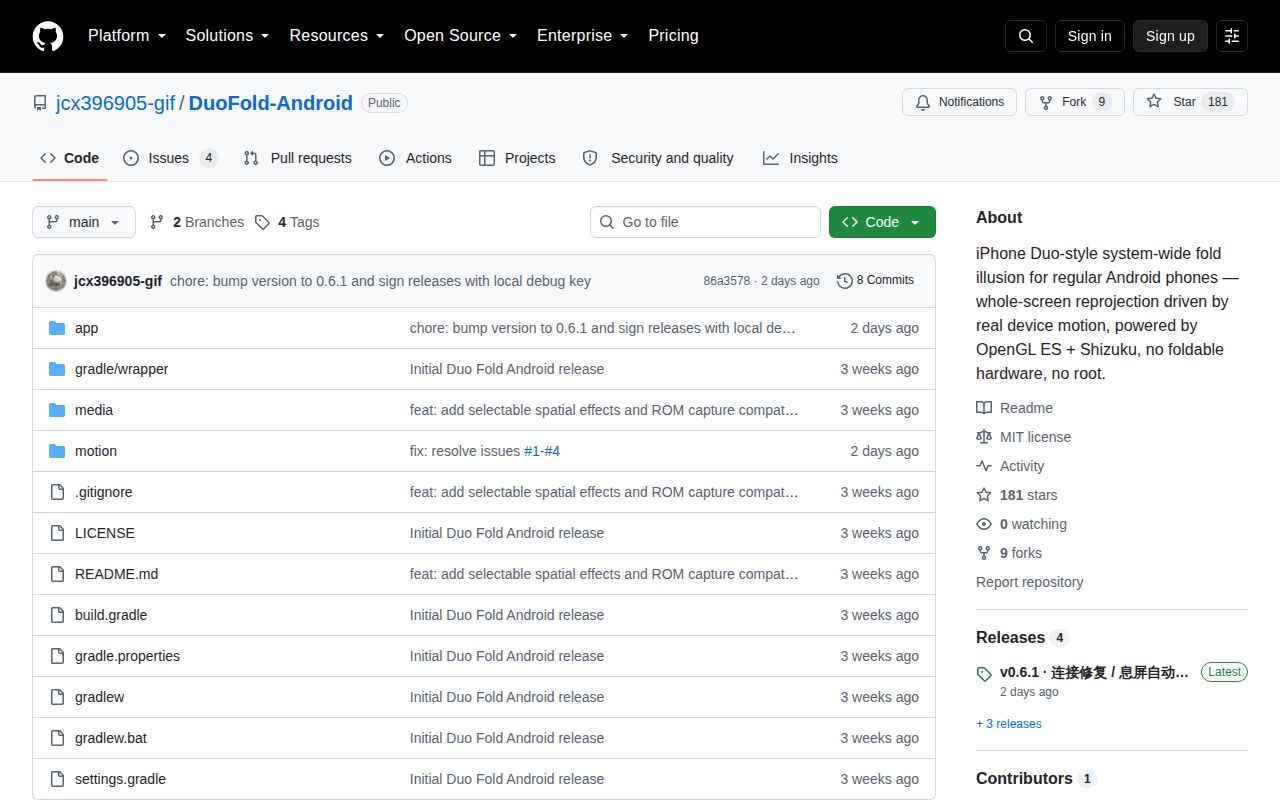
The repository was created on September 12, 2026, pushed on October 1, and had 181 stars when checked on October 3. Release v0.6.1 says it addresses all four community reports: a stuck capture-service connection, recovery after screen lock, Android 17 compatibility, and an English interface. The four issue records were still open, so the release notes and tracker had not been reconciled.
The README names a Xiaomi 15 running Android 16 as its tested device. Runtime signature scanning and fallbacks try to cope with AOSP and vendor variants of hidden screen-capture APIs, but one phone cannot represent Samsung, Pixel, Xiaomi, and custom-ROM behavior. DuoFold is interesting because it turns a precise visual idea into a small Android project. Its next proof should be less glamorous: an executable wrapper, automated builds, and a short device matrix tied to each release.