Open a diagram from someone else and draw.io Desktop may fetch an image or font from the internet. That exception, stated in the project's README, matters if you're choosing the app because your diagrams should stay local. The desktop editor is a reasonable candidate for local work, but an offline requirement needs more care than downloading a desktop executable.
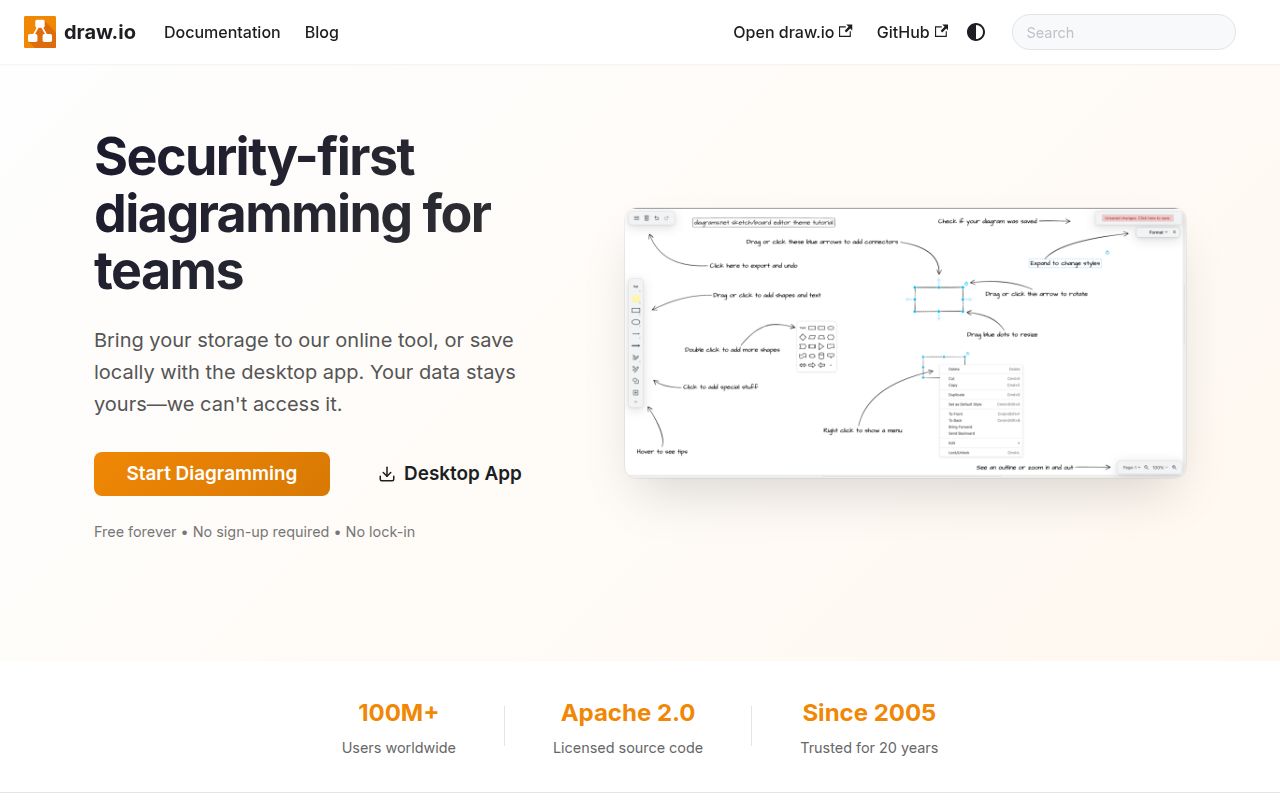
The application wraps the core draw.io editor in Electron. Windows, macOS, and Linux packages are available, and the current README identifies the desktop project as GPL v3. Pick it when local files and desktop operation suit your workflow. Our evidence is strongest for repository checks and documented operating choices; it does not include a graphical acceptance run.
Local diagrams can still load remote media
The README says the app sends neither diagram data nor usage analytics externally. It also says a diagram can reference an image, background, or font by URL, which is fetched when the diagram opens. That request can reveal your IP address to the resource's server, even though the project says diagram content is not transmitted. These are upstream statements, not findings from a network capture we performed.
For a sensitive workstation, disable update checks and apply your organization's network restrictions before opening outside files. Inspect external references if the policy requires it. The distinction is practical: keeping the diagram document on disk does not establish that every resource needed to render it is already on disk. A local file with a remote font is enough to make the exception relevant.
What happened when we ran it
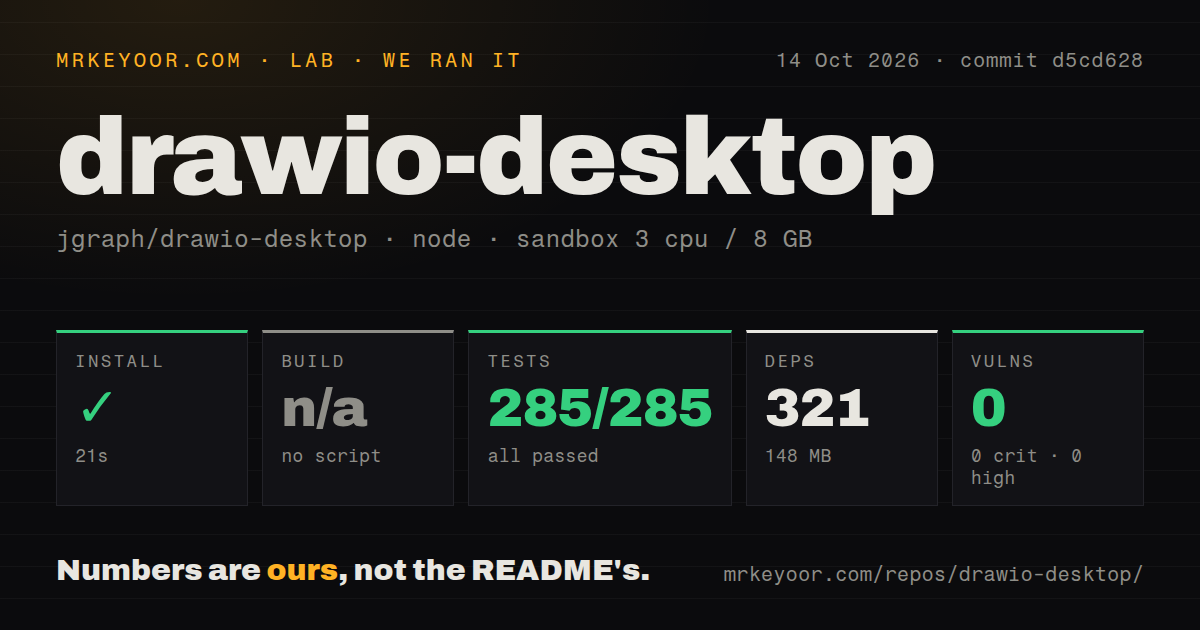
Our sandbox installed commit d5cd628 in 21 seconds on 2026-10-14, recording 321 dependencies and 148 MB on disk. The test step succeeded in 12 seconds, with 285 passed and 0 failed out of 285 using node:test. Npm audit reported 0 known vulnerabilities across critical, high, moderate, and low severities. Those are results from our run, rather than counts taken from upstream release notes.
The build step was skipped because the harness found no build script or target. That result does not mean no desktop packaging path exists. The supplied scan recorded 8 CI workflow files, no Dockerfile, and no tests directory. A directory-name scan cannot overrule the successful test result. The checkout contained 3,267 files, about 538,128 source lines, and occupied 122.6 MB.
The recorded environment provided 3 CPUs and 8 GB of RAM with image label lab-node:22. Raw toolchain logs would be needed to identify the actual runtime and operating-system versions. These checks tell us source installation and the recorded suite completed. They provide no measured startup time, graphical responsiveness, export quality, or installer result on a supported desktop.
Package choice decides permissions and updates
The Windows NSIS installer requires administrator privileges and installs per machine. The MSI installs per user without administrator privileges, while the portable zip avoids installation and file associations. That gives someone on a managed laptop a useful choice before involving an administrator. Native ARM64 downloads also exist, but the README says the MSI and Microsoft Store packages use x64 emulation on Arm devices.
Update behavior follows the package. The Windows installer, macOS app, and AppImage download updates in the background. MSI, portable Windows, deb, and rpm installations instead notify you and link to a release. Store packages delegate updates to their store. Administrators can disable checks with DRAWIO_DISABLE_UPDATE=true or --disable-update; the README also documents a separate setting to require permission before downloading.
Linux has a specific compatibility warning. AppImageLauncher 2.2.0 cannot load the static runtime used by current draw.io AppImages. The README recommends a 3.0 release, currently labelled beta, or removing AppImageLauncher, which the AppImage itself does not require. Check that launcher before treating a failure to open the package as an editor defect.
A personal fork needs its own distribution work
The editor is a git submodule, so source work starts with a recursive clone. The personal-build guide requires Node.js 22.12 or later and warns that an already running official instance can receive the new window when you launch your modified copy. Quit that instance before deciding whether your change took effect.
Official signing and notarization depend on private infrastructure unavailable to a fork. Personal packages are unsigned, unsupported, and may trigger operating-system warnings. The guide also tells fork owners to disable automatic updates so an official release does not overwrite their modifications. That is a maintenance obligation beyond getting npm installation to finish. Upstream code contributions are normally closed, and desktop support carries no binding commitment.
October maintenance includes fixes beyond our tested commit
GitHub recorded a last push on 2026-10-18. Release v32.5.5, published on October 18, says it fixes animated GIF and video export failures and errors when saving libraries. Those fixes address concrete bug reports, evidence of maintenance alongside the recent push. We ran d5cd628 earlier, so those release claims remain upstream evidence rather than changes our sandbox verified.
If browser collaboration decides the purchase, Excalidraw's hosted app documents live collaboration. For evaluating the underlying draw.io browser editor, jgraph/drawio is the relevant repository, though its README calls that checkout a test version and directs production deployments to a paid version. Start a desktop trial with a real diagram containing your usual fonts and images, then check its exports and update behavior under the permissions you actually have.