The default mode becomes a local HTTPS middleman
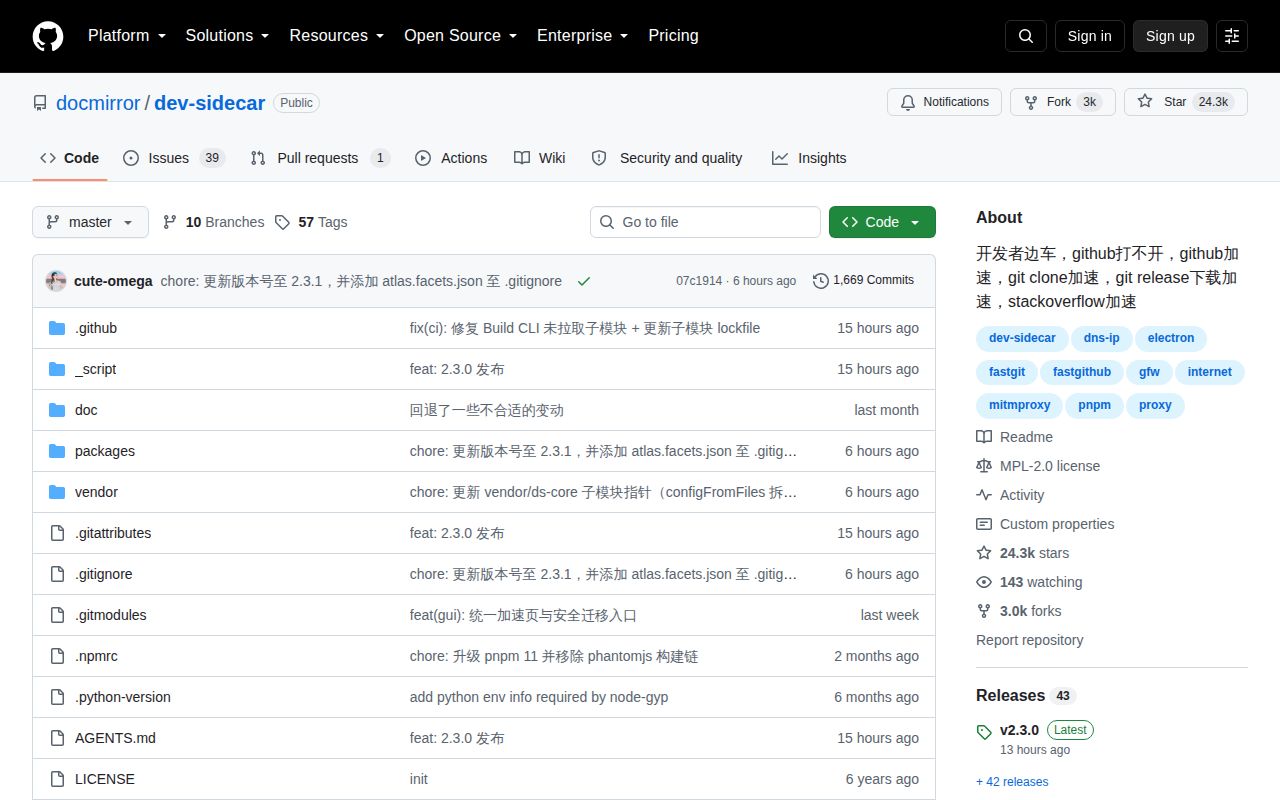
Dev-Sidecar targets a specific pain: GitHub pages, release files, clones, avatars, raw files, npm, and Stack Overflow can be slow or unreachable on some networks. The app chooses DNS answers, redirects selected requests to mirrors, and changes SNI for direct connections. A desktop GUI controls those rules, the system proxy, Git settings, npm registry choices, traffic logs, and GitHub status.
Default mode installs a locally generated root certificate and intercepts configured HTTPS domains. That gives the app enough control to proxy a request without changing the visible URL, retry another route, cache some responses, or rewrite a response. It also places Dev-Sidecar inside the trust path for sensitive traffic. The README warns that unknown services and remote configuration addresses can expose private data or accounts. Read that warning literally.
Safety mode removes the root certificate requirement
Safety mode turns off interception, enhanced routing, and remote configuration. It keeps DNS selection and speed testing, so you can try direct IPs without asking the machine to trust a new certificate authority. The README calls this its weakest mode and says GitHub availability can still be unstable. That is a fair exchange when the job is occasional access rather than rewriting HTTPS routes.
The full desktop route supports Windows, macOS, and Ubuntu packages. Other Linux users get an AppImage that the README says has not been tested. The packages are unsigned, so operating systems may show an unknown-publisher warning. Firefox does not use the system trust store in the same way and needs a manual certificate import. These are setup facts, not small-print details, because the app changes networking for the whole desktop.
What happened when we ran it
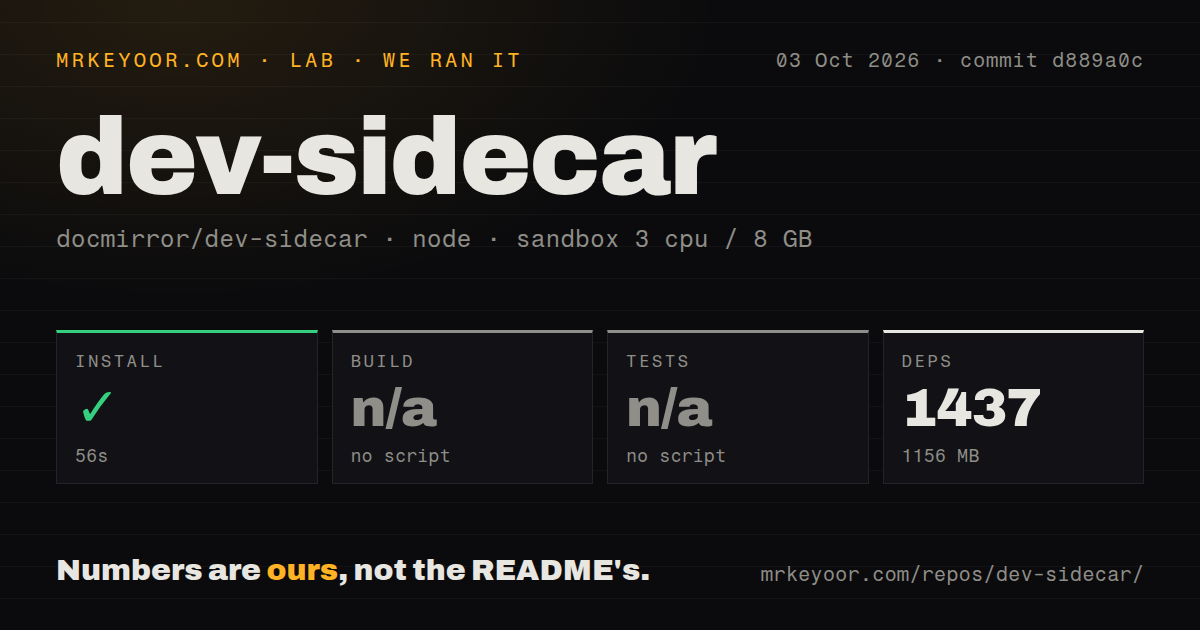
Our sandbox installed commit d889a0c in 56 seconds. Pnpm pulled 1,437 packages and the installed workspace occupied 1,156 MB, far larger than the 6.1 MB checkout. That checkout held 247 files and roughly 13,059 lines of source. The run used a fresh unprivileged Debian container with 3 CPUs, 8 GB of RAM, Node 22, and no secrets.
The root package declared no build script or target, so the build step was skipped. It also declared no test script or target, which left the test step skipped. We found 7 CI workflow files, no Dockerfile, no tests directory, and a pnpm workspace layout. None of those observations proves the Electron packages cannot build. They show that the measured root entry point did not offer build or test commands to a fresh automation harness.
The README's contributor path explains the extra machinery. It recommends Node 22, pnpm, and Python 3.11 with setuptools. Windows builds also need MSVC through the VS 2022 C++ desktop workload. Contributors enter packages/gui and run the Electron command there, while packaging uses a separate Electron build command. The 1,437-package install is therefore preparation for a desktop monorepo, not a small proxy daemon.
A proxy crash can leave the machine offline
Dev-Sidecar changes the operating system's proxy settings when it starts and restores them during a normal exit. The troubleshooting guide says an abnormal exit can leave that proxy enabled, which may cut off network access. Recovery can require disabling the system proxy by hand, clearing Git's global proxy settings, and deleting npm proxy settings. Reopening the app may also restore the expected state.
That system-wide reach creates conflicts. The README tells users to check for other proxy software and warns that port-based proxies may not coexist cleanly. Watt Toolkit should use hosts mode when both are installed, while a game accelerator running in TUN mode may coexist. The project's own advice is blunt: if you already have a working general proxy, do not add Dev-Sidecar as a slower substitute.
Python 3.13 can reject intercepted certificates
Open issue 712 reports that Dev-Sidecar's dynamically issued leaf certificates contain an empty Authority Key Identifier sequence. Python 3.13 and newer enable strict X.509 checks in their default SSL context, and the reporter reproduced certificate verification failures on intercepted GitHub, Google, and npm domains. Installing the root certificate correctly did not fix that reported defect.
The issue includes OpenSSL evidence and a Python reproduction against local port 31181. It was still open on October 3, 2026. That makes default interception a poor fit for current Python package and HTTP workflows until you verify the fix in the exact release you deploy. Safety mode avoids interception, but it also gives up the features that depend on Dev-Sidecar issuing certificates.
A separate open report, issue 692, shows Git clone stalling on Ubuntu 24.04 after repeated 7,000 ms proxy timeouts and an ECONNRESET. One report does not establish universal failure. It does show why you should test a full clone, fetch, push, release download, and package install through the selected mode before making the app start automatically.
v2.3.0 is active and still changing network internals
GitHub showed 24,310 stars and 40 combined open issues and pull requests on October 4, 2026. The repository was pushed on October 3, the same day v2.3.0 shipped. That release added optional Encrypted Client Hello, automatic retries, per-domain TLS versions, and a traffic page. It also changed the proxy core layout and fixed Windows proxy, Linux root-certificate, Gemini streaming, YouTube, and Steam problems.
The activity is reassuring, while the scope demands care. This app owns DNS choices, a system proxy, a trusted local CA, remote rules, and developer-tool configuration. Start with safety mode. Move to interception only when its extra routing solves a measured access problem, and keep the recovery instructions available somewhere that does not depend on the proxy working.