Ten coding engines share one desktop with different limits
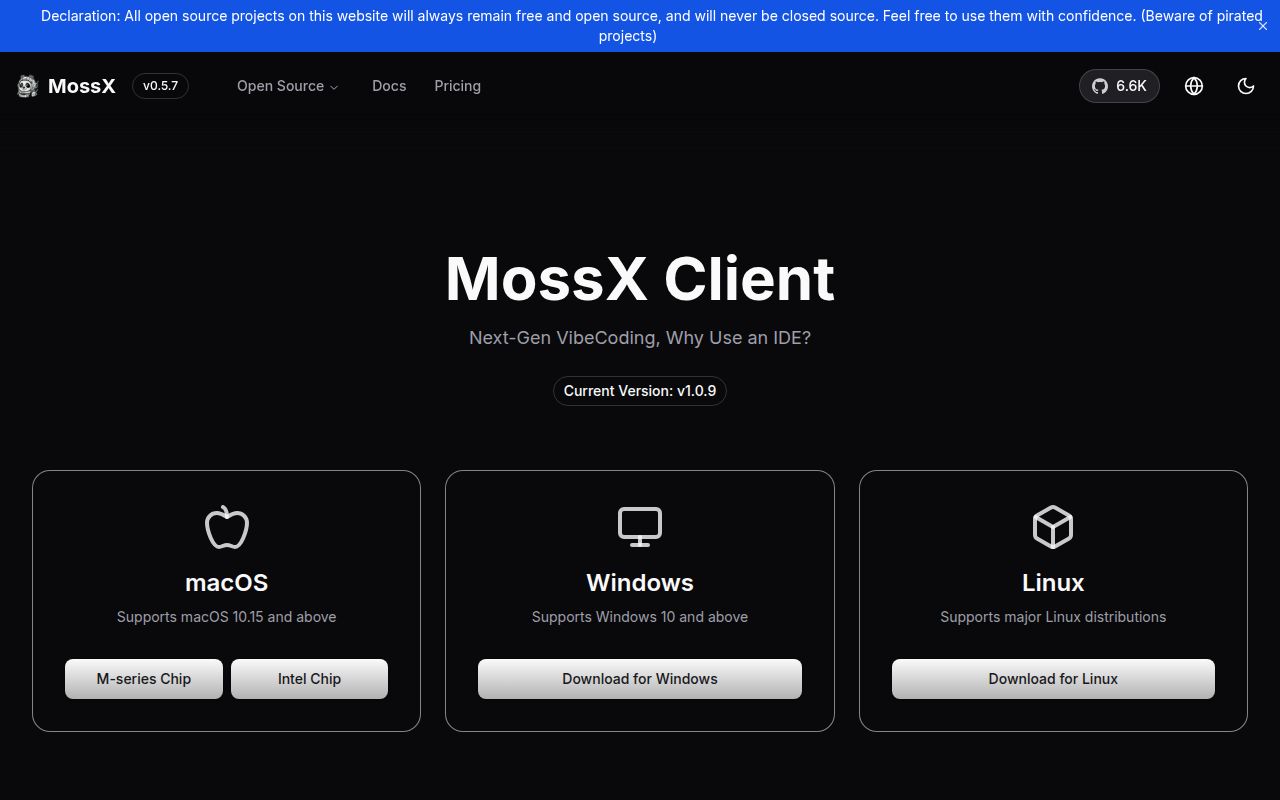
Desktop CC GUI 1.0.9 wraps 10 coding engines in a native Tauri application. The list includes Claude Code, Codex CLI, Kimi, Grok, Pi, OMP, DeepSeek Harness, Antigravity, OpenCode, and Qoder. A developer can open a project, choose an engine per conversation, watch tool calls, edit files, inspect Git changes, and use a PTY terminal without arranging separate terminal windows for each agent.
The common interface does not make the engines interchangeable. The README's compatibility table records missing or partial support for images, reasoning effort, question cards, slash commands, provider switching, and sub-agent displays. None of the 10 engines has team mode in the current matrix. This honesty is useful: choosing an engine still changes what a conversation can do, and ccgui cannot add a protocol feature that the underlying CLI does not expose.
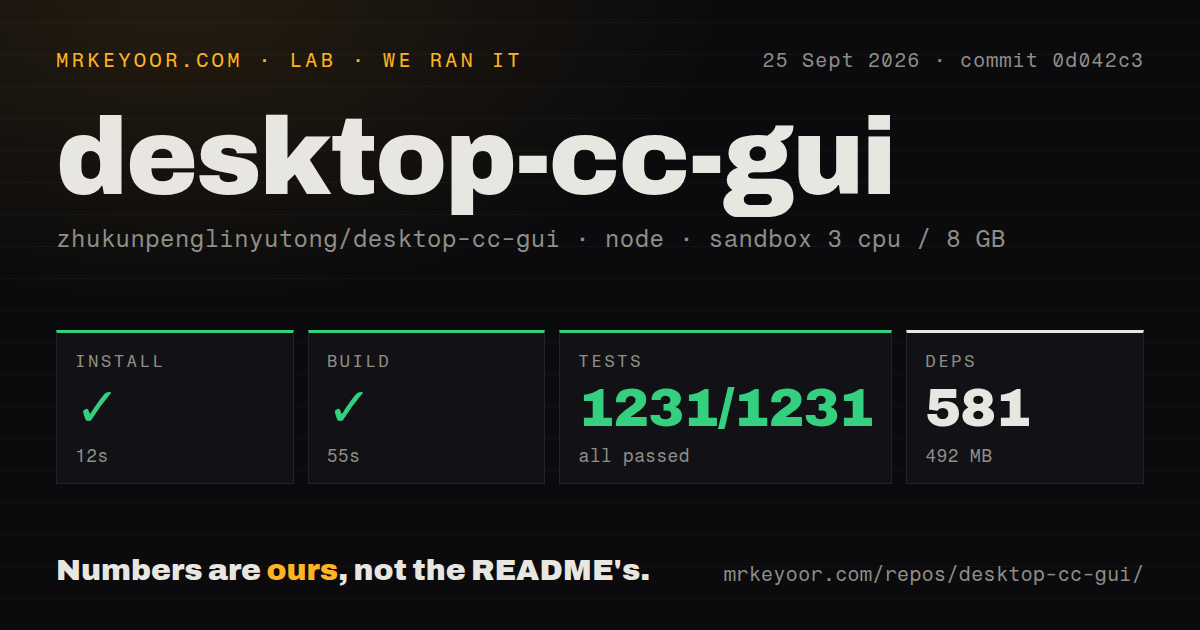
All 1,231 Vitest checks passed in our sandbox
Our sandbox installed 581 pnpm packages in 12 seconds, taking 492 MB on disk. The production frontend build passed in 55 seconds. Vitest then completed 1,231 tests with 0 failures in 110 seconds. Among four measured repositories in this assignment, desktop-cc-gui is the only one whose install, build, and test commands all finished successfully, making its repository mechanics the easiest to trust on first contact.
The checkout at commit 0d042c3 contained 1,199 files, about 199,273 lines of source, and 14.1 MB before installation. It is a workspace monorepo with a separate plugin SDK, React frontend, and Rust backend. Our run measured the Node-side commands supplied by the lab. It did not launch a graphical Tauri window, authenticate paid model accounts, exercise every CLI adapter, or prove that a packaged installer works on all 3 operating systems.
The 492 MB install excludes Rust and platform packages
Source development requires Node.js 20 or newer, pnpm 10, stable Rust, and the operating system packages Tauri needs. Linux adds WebKitGTK libraries, Windows adds Microsoft C++ Build Tools and WebView2, and macOS needs Apple's command-line tools. The README warns that a first development launch compiles the Rust backend and may take several minutes. That work sits outside our measured 55-second frontend build.
A useful setup also needs at least 1 external coding CLI and its provider access. Ccgui writes provider channels to the native configuration files used by each CLI instead of keeping another credential database. That design avoids copying every secret into a new store, but the desktop app can still launch those tools and edit their configuration. Teams should start with one disposable project and one provider before importing a full set of accounts.
Version 1.0.9 fixed Codex effort and drew 2 blocking reports
Release v1.0.9 landed on September 24, 2026. Its change list includes a fix for Codex reasoning effort falling back to medium, worktree sub-workspaces, task details, provider filtering, and plugin loading repairs. Pull request 1293 says the release workflow initially hit a Windows Rust test failure caused by path escaping and skipped the Windows installer step; the merged fix also carried the Codex effort change back to main.
Two reports filed around that release touch basic interaction. Issue 1300 says Enter would not submit a message and the send arrow stayed disabled. Issue 1297 contains a v1.0.9 crash while adding a provider on Windows 10. Open issue 1247 describes an unresponsive workspace on one Windows 11 SMB path even though other shares and local paths worked. These reports are narrow, but each can block normal use before model quality matters.
Three CI workflows support an unusually active codebase
GitHub showed 3 CI workflow files, 4,376 stars, and 308 open issues and pull requests on September 25, 2026. The last push was September 24, the date of v1.0.9. Recent pull requests contain detailed failure reproductions, baseline comparisons, and focused tests across both languages. The 1,231 passing tests in our run reinforce that activity, while the 308-item combined queue warns that buyers are adopting a fast-moving application rather than a settled utility.
Documentation is a strength. English is the default README, a Chinese version is linked beside it, and the app ships both interface languages. Setup tables name platform dependencies, the engine matrix states limitations, and the development section maps frontend and Rust responsibilities. Some deeper plugin and UI documents are Chinese-only, so English-speaking plugin authors may need translation even though users can install and operate the app from the English guide.
LAN access and plugins expand the security review
The application can expose its interface to LAN devices through a token-authenticated WebSocket bridge. It also has a plugin SDK, a runtime permission boundary, file editing, Git controls, a terminal, and permission modes that include bypass for some engines. Each feature is reasonable for an agent workstation. Together they create a large local authority surface, especially when the selected CLI can execute commands or write outside the current project.
Desktop CC GUI is most convincing as a personal cockpit for someone already juggling 2 or more agent CLIs. The 12-second install, green build, and 1,231 passing tests justify trying it. They do not settle provider crashes, network-share hangs, plugin trust, or whether the GUI preserves every engine's safety choices. Keep bypass modes off, leave LAN access disabled until needed, and compare a changed file set before committing agent work.