The README is the product
Design Resources for Developers is a directory you keep nearby during the messy first hour of a visual project. Its tables point to illustration packs, font sites, palette generators, icons, stock media, CSS frameworks, component libraries, design software, and inspiration galleries. The descriptions are usually one line long. That makes the repository quick to skim when you know the category but not the provider.
There is no package hiding behind the list. At commit 3009fea, our lab classified no supported language ecosystem and found no Dockerfile. The repository is useful in the same way a good bookmarks folder is useful: it shortens discovery. It does not download assets, compare terms, or tell your application which dependency to install. That distinction should decide whether you bookmark it or keep looking for a product-selection tool.
Thirty-two categories make browsing practical, while evaluation stays thin
The table of contents covers 32 sections, beginning with UI graphics and ending with a catch-all group. Framework-specific sections exist for React, Vue, Angular, Svelte, and React Native. Other sections cover everyday design chores such as choosing fonts, compressing images, finding logos, and checking animation libraries. A front-end developer can jump close to the right shelf without reading the whole file.
Breadth creates its own tax. The 3-CPU, 8 GB sandbox tells you nothing about the linked services because those services are outside the repository. Most entries provide a name, URL, and brief description, with no shared fields for license, account requirement, export format, commercial-use terms, accessibility, or last verification. A phrase such as "free icons" is a lead, not a procurement answer. You still have to inspect the destination.
Free access is checked at submission, not standardized afterward
The contribution guide draws a useful line: a resource must be genuinely usable for free, while paid-only products and time-limited trials are refused. It also asks contributors to search by both name and URL before submitting, which is a sensible duplicate check. One resource per pull request keeps review scope small, and the title must name the resource and section.
Those rules explain what maintainers accept, but they do not turn 3009fea into a verified licensing database. "Free" can mean open source, free with attribution, limited downloads, or a free tier beside paid features. The rows do not use a common license column, and the project does not promise that every linked site's terms will remain unchanged. For client work, confirm commercial rights at the original source and save that evidence with the project.
What happened when we ran it
commit 3009fea had no supported ecosystem and no Dockerfile in our fresh Debian sandbox. There was therefore no honest install, build, or test command to report. Treating a Markdown collection as a failed application would be silly; claiming it passed would be worse. The lab finding is simply that this repository has no executable setup path.
The container supplied 3 CPUs, 8 GB of RAM, no secrets, and no elevated privileges. None of that capacity came into play. We did not measure link availability, page speed, license accuracy, or the behavior of any external service, because those are separate websites outside this checkout. The list can save search time, but our run provides no evidence that a particular resource is safe, current, or suitable for production.
October 5 activity shows active curation without a release trail
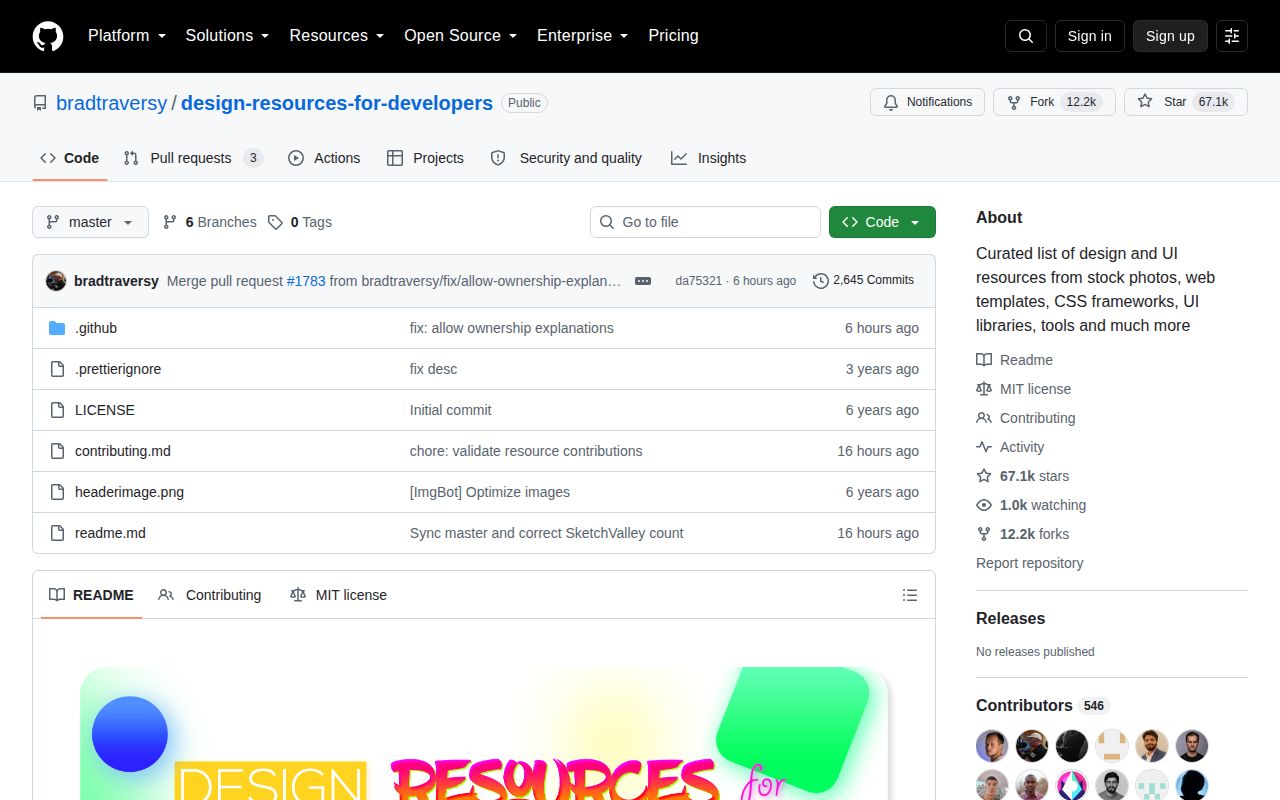
GitHub reported 67,085 stars, 11 combined issues and pull requests, and a last push on October 5, 2026. Several resource pull requests were merged that day, along with a contribution-validation change. That is stronger maintenance evidence than an old tag would provide. In fact, GitHub's latest-release endpoint returned no release, so the commit and pull-request stream is the useful health signal here.
The absence of releases fits a living list, yet it matters if your team wants a stable approved snapshot. Pin commit 3009fea or another reviewed revision instead of assuming the master branch will preserve the same links. New submissions can be useful and still alter what your organization has vetted. Git history gives you the snapshot mechanism even though the project does not package named versions.
This list finds candidates; it does not choose one
The strongest use is narrow and ordinary. Open the relevant category, collect a few candidates, then evaluate each original site for its current terms and output quality. The project spares you a blank search box and exposes tools you may not know by name. Its framework sections are especially handy when you have already chosen React, Vue, Angular, Svelte, or React Native.
Use a different source when your question is "Which dependency should ship?" A production choice needs compatibility, maintenance, security, bundle cost, and license evidence that these tables do not claim to supply. Design Resources for Developers earns a bookmark because it is broad and visibly maintained. It earns less authority at the final decision, and the README itself gives no reason to treat its short descriptions as reviews.