The plugin only makes sense inside DeepSeek Harness
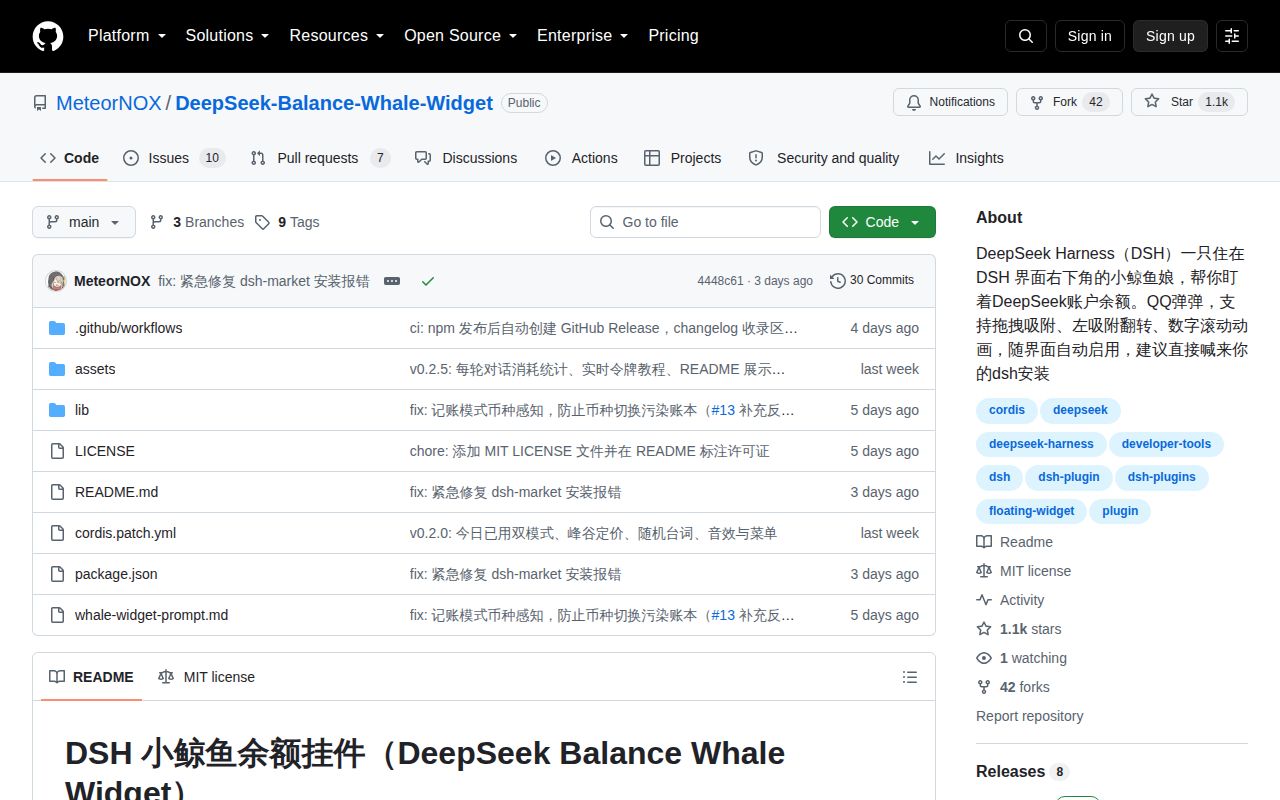
DeepSeek Balance Whale Widget is a bundle for the web profile of DeepSeek Harness, usually shortened to DSH. Once installed, a whale appears over the interface and requests balance data from a local plugin endpoint. It can be dragged, snapped to screen edges, resized, flipped, muted, and opened for menu controls. Conversation events feed a temporary bubble with the last turn's token use and calculated cost.
The project is written for Chinese-speaking users. Its README, installation instructions, troubleshooting, and maintenance prompt are in Chinese, and the repository has no English README. An English marketplace listing exists outside the repository, but it does not replace the detailed source documentation. An operator who cannot review the Chinese instructions will struggle with credentials, pricing behavior, and recovery steps.
A 5-second install adds no dependency tree
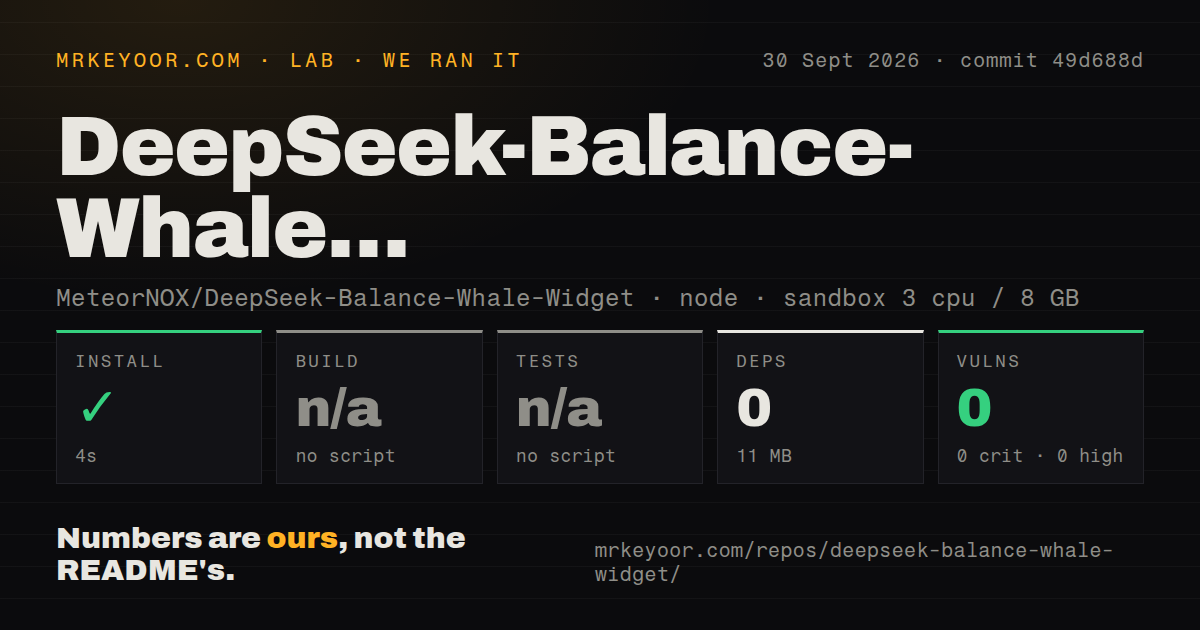
Our clean Node container installed commit 4448c61 in 5 seconds. The harness added 0 packages and reported 5 MB on disk. The checkout contained 15 files, roughly 2,024 lines of source, and occupied 2.1 MB. This is genuinely small compared with most AI interfaces, largely because it plugs into an existing DSH service rather than shipping its own model runtime or account system.
The repository had 1 CI workflow file, no Dockerfile, and no tests directory. Installation through DSH forwards the plugin source to pnpm and adds dsh-whale-widget to the web profile's bundles. Users then restart dsh web and refresh the browser. A local link: installation points to the source directory, so moving that directory requires removing or relinking the plugin.
What happened when we ran it
Our sandbox completed the available install step in 5 seconds with 0 added packages. The project exposed no build script or target, so the harness skipped build. It also exposed no test script or target, so no automated test ran. Npm audit reported 0 known vulnerabilities at all listed severities, consistent with an install that added no dependency packages.
Those numbers prove very little about behavior. We did not have a configured DSH web profile or DeepSeek credentials in the unprivileged container, so the run did not display the whale, call the balance endpoint, observe a conversation, or verify persistence. The README supplies manual checks for image, balance, size, and last-turn endpoints on localhost port 3080. Adopters should run each check after installation.
Default accounting misses spending while DSH is closed
The recommended daily-use mode watches balance changes and writes observed decreases to .dshw-usage.json. It needs only DEEPSEEK_API_KEY, resets across days, and keeps 30 days of records. Its stated limitation is important: spending that happens while DSH is closed is not observed and therefore is not counted. Currency changes reset the baseline rather than adding a misleading difference.
An optional mode calls a DeepSeek platform usage endpoint with DEEPSEEK_PLATFORM_TOKEN. The README tells users to copy that website session token from the browser's Network panel. The endpoint returns token buckets, not money, so the plugin applies prices stored in lib/index.js. The maintainer explicitly tells users to update those constants after a DeepSeek price change. Neither mode should be mistaken for a provider invoice.
Browser session tokens buy precision at a security cost
The default balance request needs an API key stored through DSH credentials. Live usage adds a website login token that may expire after another login. Copying that token gives the plugin access to an authenticated platform endpoint, so teams should inspect the source, storage location, logging, and local route exposure before enabling it. The token is optional; approximate local accounting works without it.
Per-turn cost does not need the website token. The plugin listens to local DSH session events, takes the reported usage, and converts it with the same embedded price table. That makes the bubble convenient for an immediate estimate. It also inherits any stale pricing and only covers completed turns that emit the expected event.
Version 0.2.10 still has position and mobile reports
GitHub showed 1,106 stars, 17 combined issues and pull requests, and a last push on August 24, 2026. Release v0.2.10 appeared the same day. Issue discussion continued through August 27, so the repository is active despite its tiny size. The combined count is not a bug total.
Open issue 55 reports that positions with space from an edge return to a snapped corner after refresh or DSH restart. The report traces the behavior to restored offsets being reset before the settling calculation. Issue 47 reports that touch input passes through the whale, dragging triggers browser refresh, and the menu click is blocked on mobile. Both reports concern v0.2.10-era use and give desktop users a clearer adoption boundary than the animated feature list.
For the intended audience, this is a charming convenience with a very low install footprint. Its value is narrow: one provider, one host interface, and an estimate rather than an account ledger. Keep the default token-free mode unless you need the extra detail, update prices manually, and verify the four local endpoints after every DSH or plugin update.