Compositor brings a Photoshop-shaped workflow to macOS 26
Compositor is built for people who think in layers, masks, adjustment layers, blend modes, and keyboard shortcuts. The app supports nested folders, clipping masks, editable layer effects, non-destructive transforms, selections, brushes, clone and healing tools, text, shapes, camera RAW adjustments, and multiple projects in tabs. Its interface and commands deliberately follow Photoshop habits, while the code and application are MIT licensed.
That scope is unusually broad for a repository created on September 16, 2026. The key qualification is platform: Compositor requires macOS 26 or later and Apple Silicon. There is no Windows, Linux, Intel Mac, or older-macOS path in the README. A signed and notarized build is available through the project's download page, GitHub Releases, and a Homebrew cask, so ordinary users do not need Xcode.
PSD import keeps selected objects editable, not the whole document
Compositor imports JPEG, PNG, HEIC, TIFF, SVG, camera RAW, PSD, and PSB. Photoshop support is limited to 8-bit RGB, which rules out CMYK documents. Folders, masks, blend modes, filled rectangles or ellipses, and simple horizontal text can remain editable. Other vectors and vertical text become pixels, and the app presents a conversion report before applying the import. This is useful interoperability, but it is not a lossless PSD round trip.
Large Photoshop documents receive another practical safeguard. If a file is too large to open normally, Compositor can crop its layers to the canvas. The memory budget scales with the Mac, according to the README. That may turn an otherwise unusable file into an editable one, but cropping hidden off-canvas pixels changes what survives. Keep the original PSD or PSB and test one representative document before moving a working archive into .comp.
What happened when we ran it
The lab record for commit 11d8d7a is NOT RUN. Our fresh Debian harness does not support the Swift ecosystem, and the repository does not include a Dockerfile that could supply its required Apple environment. We therefore have no first-party install time, build result, test result, dependency count, disk footprint, or vulnerability scan for Compositor.
The repository does have one CI workflow aimed at the platform it supports. It selects Xcode 26.6 on a macOS 26 runner, resolves the pinned Swift packages, builds for Apple Silicon, and separates two window-driven test suites from the parallel unit run. That workflow is evidence of an automated Mac path, but it is upstream evidence. It cannot replace our absent sandbox result or tell you how release v1.4.5 behaves on your files.
Version 1.4.5 shipped on September 29, 2026
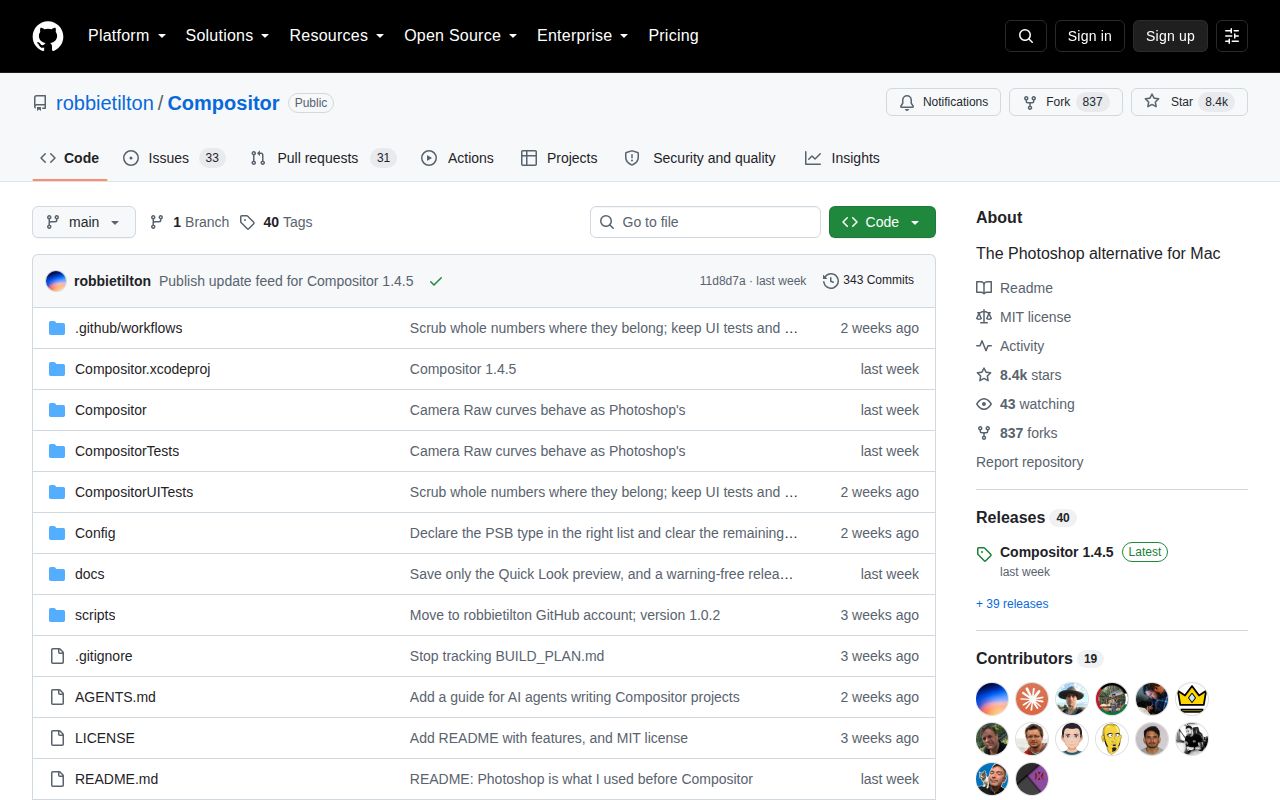
GitHub showed 8,434 stars and 64 open issues and pull requests. The latest release, v1.4.5, and the last repository push both landed on September 29, 2026. Issue and pull-request activity continued into October 6, including localization work and a proposed fix for color overlay behavior on translucent pixels. That combination shows active work despite the last-push date being a week earlier.
The project is young, so feature breadth should not be confused with years of format hardening. Open issue 206 asks for perspective correction, while issue 212 asks for basic rotation that swaps canvas dimensions. Those are ordinary image-editing needs, not obscure edge cases. Compositor already includes free distortion and separate layer or canvas flipping, but neither open request should be described as available until merged and released.
The .comp format makes file-level automation possible
A Compositor project is a package containing PNG layers and a manifest. The README explicitly permits scripts and AI agents to create or edit that package, and an open project can update when files change. This is a simple automation surface because a tool can work with documented files rather than simulate mouse input. It also makes project contents inspectable outside the app.
File-level access has limits. It does not grant an external tool every interactive editor command, and malformed manifests or half-written assets still need careful handling. The repository documentation for writing .comp files should be treated as the contract. For teams building automation, pin the Compositor version, generate into a temporary package, validate every referenced PNG, and keep the human-editable source under version control before opening it in the app.
Apple-only design is both the appeal and the hard stop
Compositor uses the current Mac stack rather than carrying a cross-platform UI layer. That choice supports a native interface, Metal-backed effects, system fonts, camera RAW handling, signed updates, and familiar Mac controls. Building from source is direct in Xcode 26: open the project and run the Compositor scheme. Producing a distributable disk image additionally needs an Apple Developer ID certificate, notarization credentials, and create-dmg.
For an Apple Silicon owner working in RGB, downloading v1.4.5 is a reasonable trial. Open copies of your real PSDs, inspect the conversion report, check masks and text, then export and compare pixels before committing. The decision is much easier elsewhere: use GIMP, Krita, or a browser editor. A macOS 26 minimum and partial PSD editability are firm product boundaries, not setup wrinkles that another package manager can solve.