It themes Codex without modifying the official package
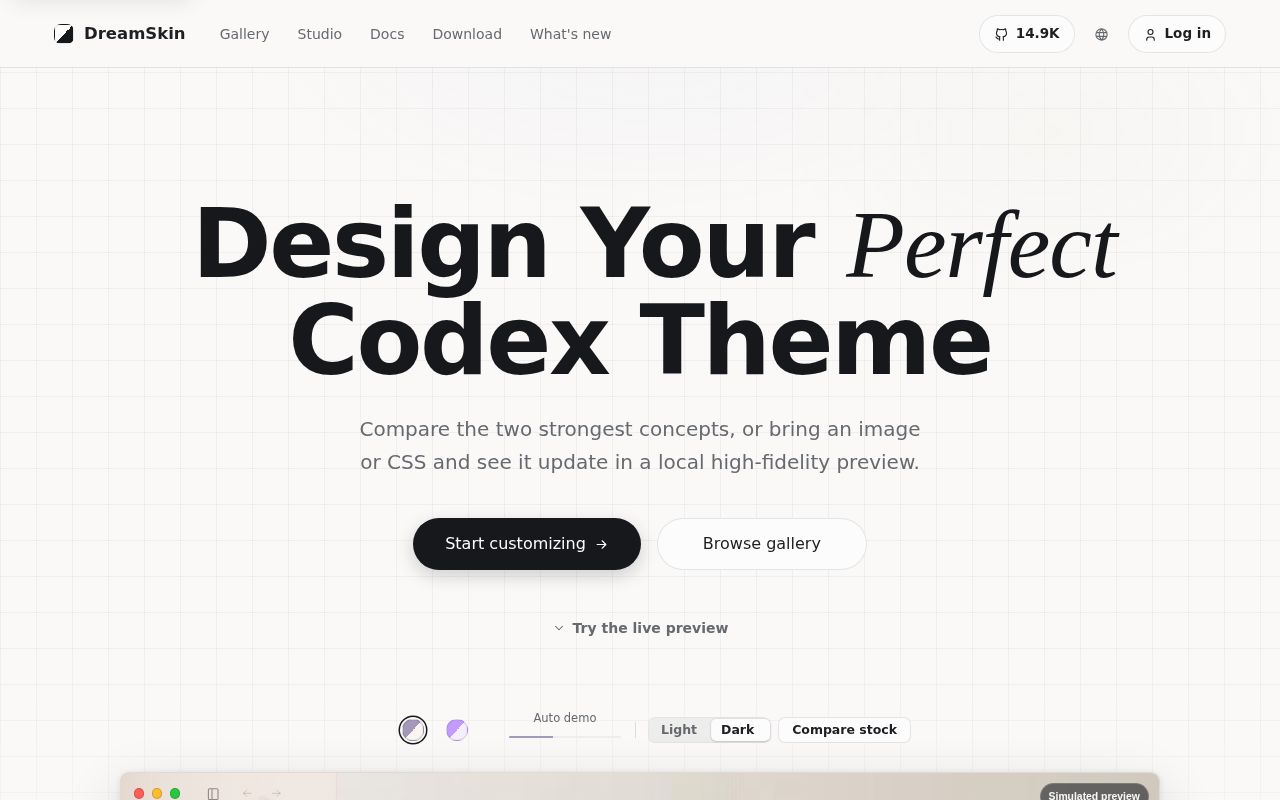
Codex Dream Skin v1.5.18 is a companion app, not a fork of Codex. It launches the official desktop client with a local Chrome DevTools Protocol connection, then inserts wallpaper and theme CSS into expected renderer views. Native sidebar, project, chat, and composer controls remain interactive. The approach avoids editing .app, app.asar, WindowsApps, or the official code signature, which makes restore possible without replacing Codex files.
The project is Chinese-first, and the default README opens in Chinese. Its separate English README covers installation, theme packs, safety, and operation at similar depth. Release downloads support macOS and Windows. The macOS app requires version 13 Ventura or newer, while the Windows installer targets the official Store app. Linux work exists in open pull requests but is not part of the documented v1.5.18 download set.
What happened when we ran it
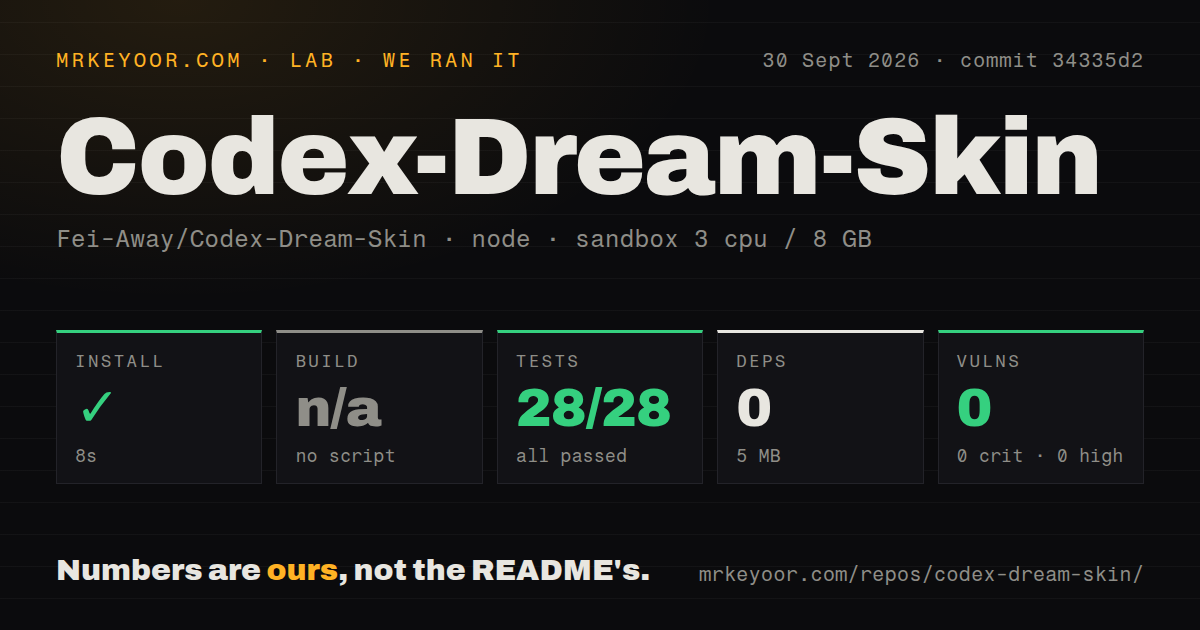
Our sandbox cloned commit 34335d2, the commit named in the v1.5.18 release, and measured 248 files, about 30,223 lines of source, and a 31.4 MB checkout. The npm project under macos/ installed in 8 seconds. It installed 0 packages, occupied 5 MB, and reported 0 known vulnerabilities in npm audit.
There was no build script or target in that measured project, so the build step was skipped. The test command ran for 10 seconds and exited with code 127. Inside it, node:test completed 28 tests with 28 passes and 0 failures. The final log also says the AppleScript case was skipped because it requires macOS, then skips native SwiftPM and XCTest because they require a full matching Xcode platform.
That mixed result needs plain wording: all 28 Node tests passed, but the overall test step failed. The log tail does not identify a failed assertion, and it does not tell us what produced exit 127. We will not supply a cause it did not show. The repository has a tests directory and 2 CI workflow files, but no Dockerfile, so our Debian run cannot stand in for a signed macOS application check.
The theme pack path has useful limits
A normal user downloads the DMG or Setup EXE, installs it, then runs Dream Skin from the macOS menu bar or Windows tray. Theme packages use ordinary ZIP files. Official packs declare their platform, minimum client version, file sizes, and SHA-256 values. Archives are capped at 32 MiB compressed, 32 entries, and 64 MiB after extraction. The importer rejects traversal, links, nested archives, and unregistered payloads before writing a theme.
Custom CSS is called Safe CSS, but the name has a defined boundary rather than a general security promise. It can target 12 registered UI parts and is checked again on import and apply. A reserved manifest.sig file may exist, yet the README says it is not currently used for signature verification. Packs from the project's fixed API get review and checksum checks. Manually placed folders bypass the archive checks and should come only from a source you trust.
Loopback CDP still exposes the active renderer locally
The strongest reason to decline Dream Skin is in its own security document. CDP listens only on 127.0.0.1, stopping direct connections from another machine, but it has no authentication. Another process under the same computer account may connect, inspect visible conversation or workspace data, execute JavaScript, and act with the renderer's access. A host firewall does not separate two local processes.
Pausing a theme or stopping its injector does not remove the debug argument from an already running Codex process. The exposure window ends only after that process fully exits and Codex reopens through its ordinary entry, or after a restore flow performs the full restart. This is tolerable on a trusted personal Mac used for development. It is a poor bargain on a managed workstation that also runs unknown extensions, local services, or untrusted binaries.
Unsigned releases and Codex updates create recurring work
Both v1.5.18 release packages are unsigned. macOS users may need the Privacy and Security approval flow, while Windows users may see SmartScreen identify an unknown publisher. The guides correctly advise against disabling system protections. Updates are manual package replacements, and a newly downloaded unsigned version may require approval again even if the last release was allowed.
Compatibility is the other recurring cost. Issues 415 and 419 describe the Codex 26.924 interface hiding conversation content or the composer after theme injection. Pull requests 417 through 420 contain related restoration and CSS fixes, but the repository's last push and latest release were September 6, 2026. Issue and pull request activity continued through September 30, which shows maintainers and contributors responding even though the fixes had not reached a release.
Codex Dream Skin earns credit for stating its risk, checking theme archives, and refusing to claim a restore it cannot verify. The 14,858 stars show substantial interest in making Codex visually personal. Still, the useful decision is local: install it when custom art materially improves a workspace you control, and keep stock Codex when renderer access or update breakage would cost more than the wallpaper is worth.