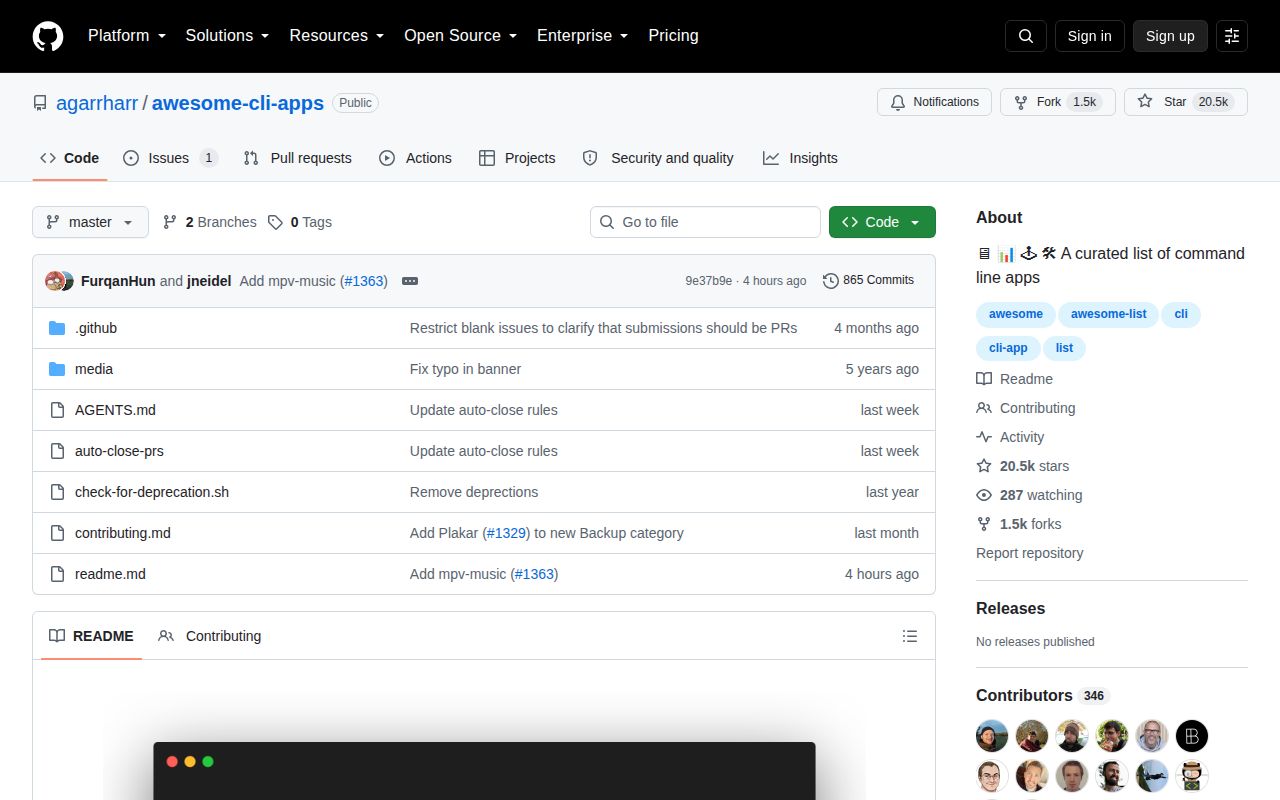
One README covers work, play, files, data, and AI
Awesome CLI Apps is a directory rather than a program. Its table of contents moves through entertainment, development, productivity, utilities, command-line learning, data manipulation, files, version control, images, graphics, and AI. Within those sections, short entries point to projects such as editors, database clients, file managers, search tools, music players, and agent utilities. You arrive with a job in mind and leave with project links to investigate.
That scope is the list's advantage and its limitation. A developer can jump from 7 database clients to Docker interfaces, release tools, or fuzzy finders without guessing the right GitHub search terms. The descriptions are intentionally short, so the page remains scannable even as categories grow. It does not rank candidates, compare licenses in a table, or tell you which tool won a hands-on trial. Discovery is the finished product.
The entry bar is 3 months, 20 stars, and human judgment
The contribution guide requires a submitted app to be more than 3 months old and, when hosted on GitHub, to have more than 20 stars. It must also be open source, documented, easy to install, and focused on doing one thing well. Those rules block brand-new experiments and some obvious promotional debris. They do not establish that a program is secure, fast, or still the best choice for its category.
Formatting is strict enough to keep the page readable. A contributor opens 1 pull request per app, uses an Add APP_NAME title, puts the entry at the bottom of the relevant category, and writes one concise sentence. The guide rejects AI-generated pull requests and asks for a human reason the app deserves inclusion. An auto-close script checks the template, repository age, star threshold, and a marker used to identify generated submissions.
What happened when we ran it
We did not run commit 9e37b9e in our sandbox. GitHub classifies the repository as Shell, and our lab found no Dockerfile or supported application ecosystem to install. There was therefore no install, build, test, dependency, or vulnerability result. Reporting a pass for a README would suggest a level of execution evidence we do not have.
The repository does contain maintenance scripts. One uses 6 parallel jobs to look for archived GitHub projects and calls a separate dead-link checker for non-GitHub URLs. Another uses GitHub CLI commands to close submissions that ignore the template or fail the age and star rules. Those scripts explain the Shell label. They are curator tools, not an application that a reader must run to use the list.
One-line entries are leads, not buying advice
Each app generally gets a name, a destination, and one short description. That is enough to discover ripgrep, fzf, lazygit, or a less familiar option in the same section. It is not enough to decide whether a project supports Windows, needs an account, has a current package, or conflicts with your shell setup. The list sends you to the right aisle; you still have to read the label.
The admission floor offers some protection: GitHub projects need 20 stars and 3 months of history when submitted. Ongoing health is a separate question. The archive checker can spot a clear GitHub state, and the dead-link pass can catch unreachable pages, but neither proves a working release. The AI section also declares a looser inclusion bar, which makes sense for a moving category and weakens comparisons with older sections.
A 2026 submission flood is testing the curation model
Open issue 1362 records the maintainer's concern that more than 50% of the repository's lifetime pull requests arrived in 2026. The same issue says over 90% of submissions surviving bot triage appeared AI-generated and that most were self-promotion. Those are the maintainer's observations, not a repository-wide audit from us, but they identify a real editorial choice: a larger catalog can drift away from recommendations made by people who use the tools.
The discussion proposes banning submissions from people affiliated with the project they add. No rule change had landed in the fetched contribution guide, so it would be wrong to describe that proposal as policy. The present controls already reject generated pull requests and automate basic eligibility checks. What remains is taste: whether an eligible app is distinctive enough to improve the list rather than merely making it longer.
A September 30 push matters more than a missing release
GitHub showed 20,486 stars, 1 open issue, 0 open pull requests, and a September 30, 2026 push. The latest commit added mpv-music, and several other tools landed during September. GitHub returned no latest release, which is normal for a curated README because readers consume the master branch directly. Current commits and the live curation discussion are better health signals here than tags.
The repository began in 2015 and still accepts additions under a CC0 dedication stated in the README. That longevity makes it a dependable place to start browsing, though age alone cannot keep every linked project fresh. Use the categories to build a shortlist, then inspect the candidate repository's recent push, release instructions, license, and open reports. The list saves search time. It does not take responsibility for the final install.