Version 2.0.2 puts Mihomo behind one desktop interface
Clash Party v2.0.2 is an Electron client for importing proxy subscriptions, choosing nodes, editing Mihomo settings, and watching connections through a graphical interface. It includes the Mihomo core plus a Smart Core option, TUN operation without a separate service mode, YAML and JavaScript overrides, WebDAV backup, themes, and Sub-Store integration. This is attractive to users who understand proxy concepts but do not want every profile change to begin in a text editor.
The repository we measured contained 383 files, about 54,871 lines of source, and 7.4 MB before dependencies. It is a pnpm workspace with a TypeScript and React interface, Electron packaging, and a native system-proxy module. That mix explains both the polished desktop reach and the build weight. Clash Party is much more than a thin window around a binary; it owns configuration editing, backup, process control, updates, and operating-system integration.
Smart Core replaces two rule-group types when enabled
Smart Core can replace url-test and load-balance groups with a generated Smart Group. Its selection uses connection success, latency, traffic, session duration, target network information, cache data, and fallback behavior described in the official guide. Sticky Sessions is the default policy for keeping a domain on a consistent node, while Round Robin rotates connections. The guide says historical data stays in the working directory and has a 14-day retention period.
LightGBM support downloads a pretrained model, and optional local data collection can feed a custom model for one network environment. The guide recommends collecting data for 1 to 2 weeks before training, while telling users who cannot train a model to leave collection off. This is more transparent than an unexplained "AI" switch. It also creates state that should be included in backups and troubleshooting when node choices begin to look wrong.
Automatic selection has a configuration cost. Existing url-test and load-balance groups are replaced, highly custom Smart rules should disable the automatic override, and global mode requires the user to select Smart Group manually. The tool preserves other group types, according to the guide. A careful user should export the working configuration before enabling the feature and compare the resulting rule graph rather than assuming the automatic rewrite matches an established routing policy.
What happened when we ran it
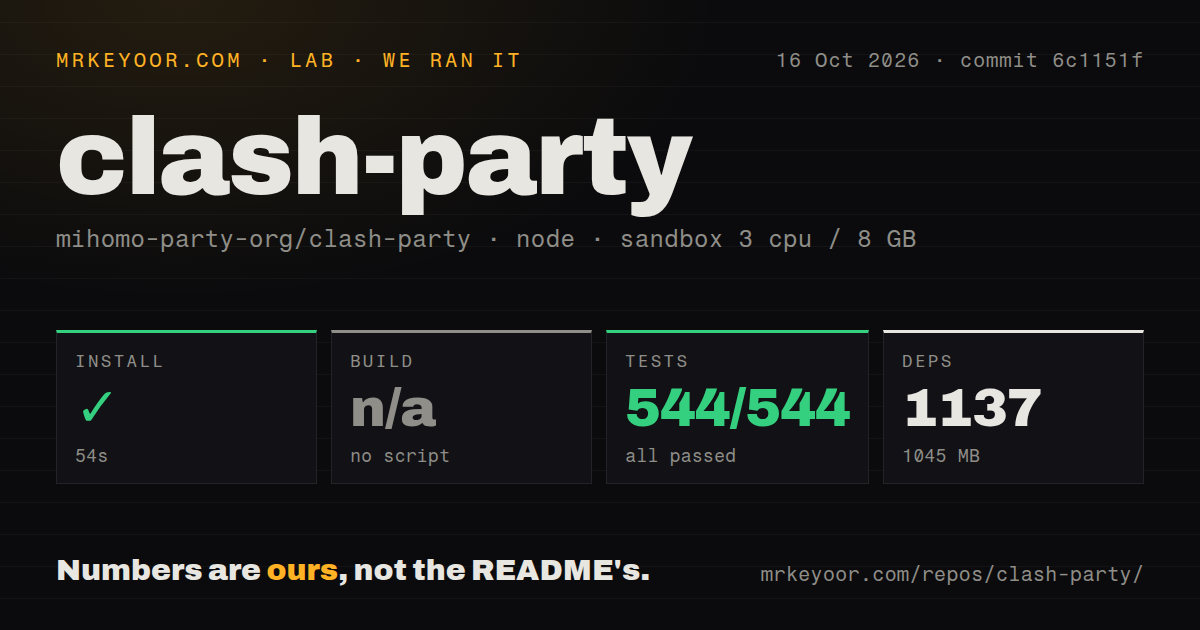
Our sandbox installed 1,145 pnpm packages in 79 seconds, and the dependency tree occupied 1,046 MB. Vitest then completed in 34 seconds with 510 passed and 0 failed out of 510. The measurement setup used commit 0cd5d86, an unprivileged lab-node:22 container, 3 CPUs, 8 GB of RAM, and no secrets. That is the strongest result among the four projects in this review batch.
There was no generic build script or target, so we skipped packaging. The absence matters because Electron installers add native modules and operating-system-specific steps that a unit suite does not exercise. Our scan found 3 CI workflow files, no Dockerfile, no tests directory, and monorepo workspaces. The 510 passing tests still count; their location outside a conventional tests folder does not weaken the recorded result.
Chinese documentation leaves English users on their own
The README, official documentation site, Smart Core guide, and v2.0.2 release notes are written in Chinese. We checked obvious /en, /en/docs, /docs/en, and /en-US routes, and each returned HTTP 404. The site carries an English content-language metadata value, but its navigation and instructions remain Chinese. An English reader can translate pages in a browser, yet that is different from maintained English documentation for configuration and troubleshooting.
The install coverage itself is wide. Version 2.0.2 publishes Windows 10 and 11 installers and portable archives for x64, 32-bit, and ARM64, with separate Windows 7 and 8 builds. macOS packages cover Intel and Apple Silicon, including a Catalina line, while Linux gets DEB, RPM, and Pacman artifacts for x64 and ARM64. That release work is useful for mixed-device households even if the guidance is language-limited.
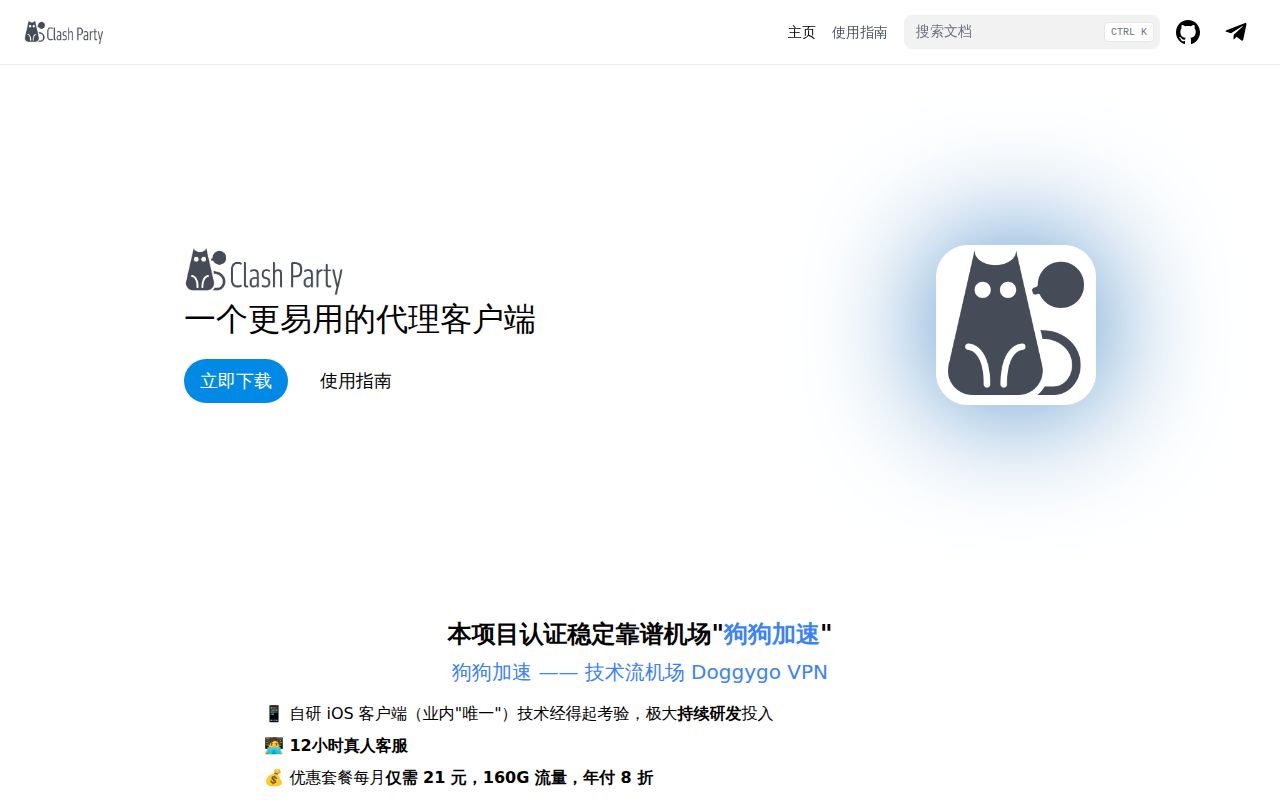
Onboarding is also commercial. The repository README gives prominent space to one paid proxy provider, includes a discount code, and the quick-start guide uses that sponsor's subscription as its import example. Sponsorship does not invalidate the GPL-3.0 client or our 510-test result. It does make the documentation less neutral, especially for newcomers who may mistake the promoted service for a technical requirement or an endorsement they have independently evaluated.
v2.0.2 fixed Linux packaging and tray failures
Release v2.0.2, published August 14, 2026, fixed global shortcut handling, first-run tooltip placement, Linux ARM64 cross-builds that could contain a host-architecture proxy module, and Linux tray registration. Those fixes address real desktop integration boundaries. The current branch's package.json declared version 2.0.3 on September 10, while GitHub still listed v2.0.2 as the latest packaged release.
GitHub recorded 26,357 stars, 268 combined issues and pull requests, and a last push on September 10, 2026. Current work included a fix for orphan Mihomo processes on macOS, subscription update intervals, WebDAV credentials with non-ASCII characters, and an open report that the selected node was not remembered after exit. The August release is not evidence of inactivity; issue and pull request traffic continued into September.
The 1,046 MB install is the price of the full desktop layer
FlClash is the closest alternative for users who want a multi-platform Clash Meta client with an explicitly ad-free pitch. v2rayN makes more sense when several proxy cores are needed. OpenClash moves the job onto an OpenWrt router, which avoids configuring each computer separately. Clash Party wins when Smart Core, Sub-Store, WebDAV, and packaged installers belong in the same desktop application.
The trade is clear from our run: 1,145 packages and 1,046 MB installed, followed by 510 passing tests. That dependency cost is acceptable on a maintained desktop, less so in a source-build pipeline or a small system partition. Chinese-reading Mihomo users should put Clash Party on the shortlist. English-only users and people with carefully hand-tuned rule groups have better starting points.