SaaS account management is Logto's clearest use
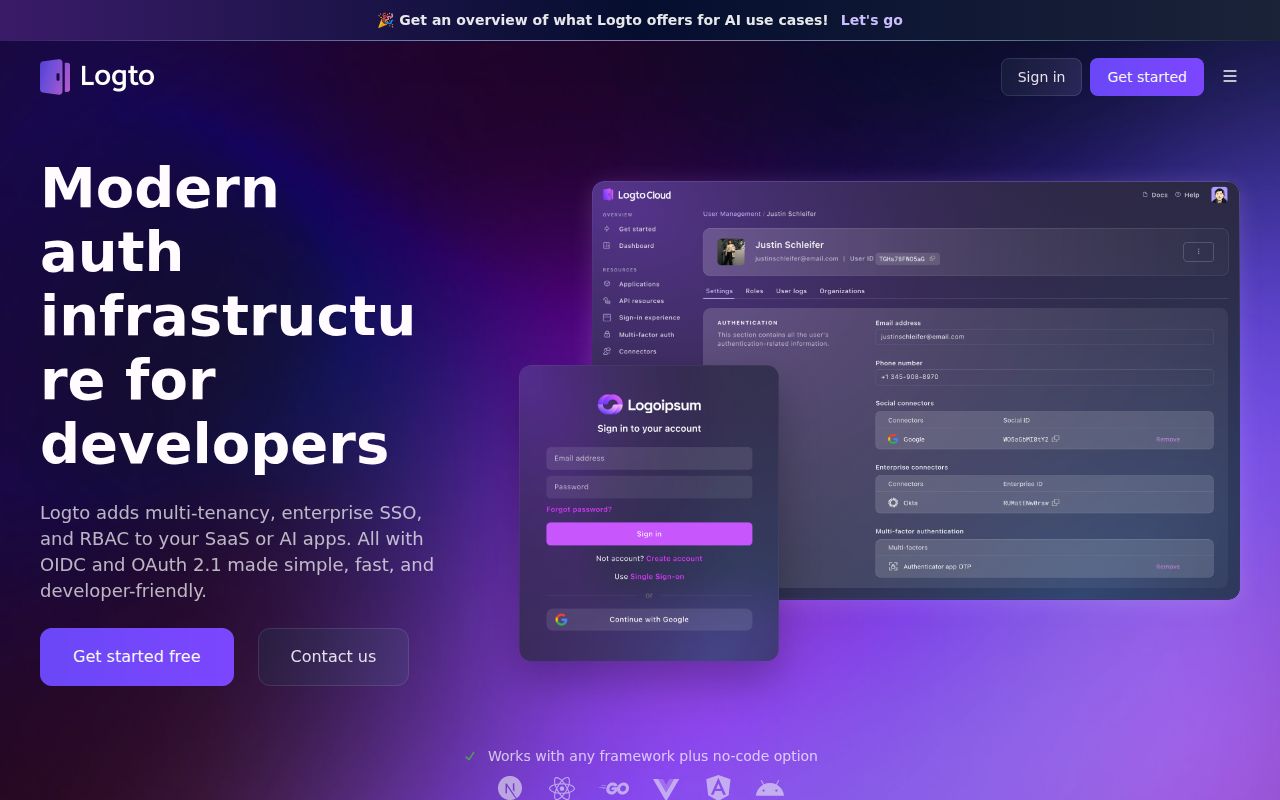
Logto combines OIDC and OAuth 2.1 with prebuilt sign-in flows, organization support, and role-based access control. It targets applications that need customer accounts and enterprise sign-in without implementing the identity protocols themselves. If your SaaS product has customer organizations with separate memberships and permissions, that is a concrete reason to evaluate it. A small application with an adequate existing login provider may have less reason to adopt another service.
The Logto README presents managed Cloud and self-hosted routes, plus framework SDKs and identity-provider connectors. Decide who will own the identity service before comparing SDK convenience. Choosing the self-hosted route makes the database, service endpoints, and upgrades part of your application's operations. The friendly sign-in screen doesn't reduce the importance of recovering access after a bad configuration change or a failed deployment.
What happened when we ran it
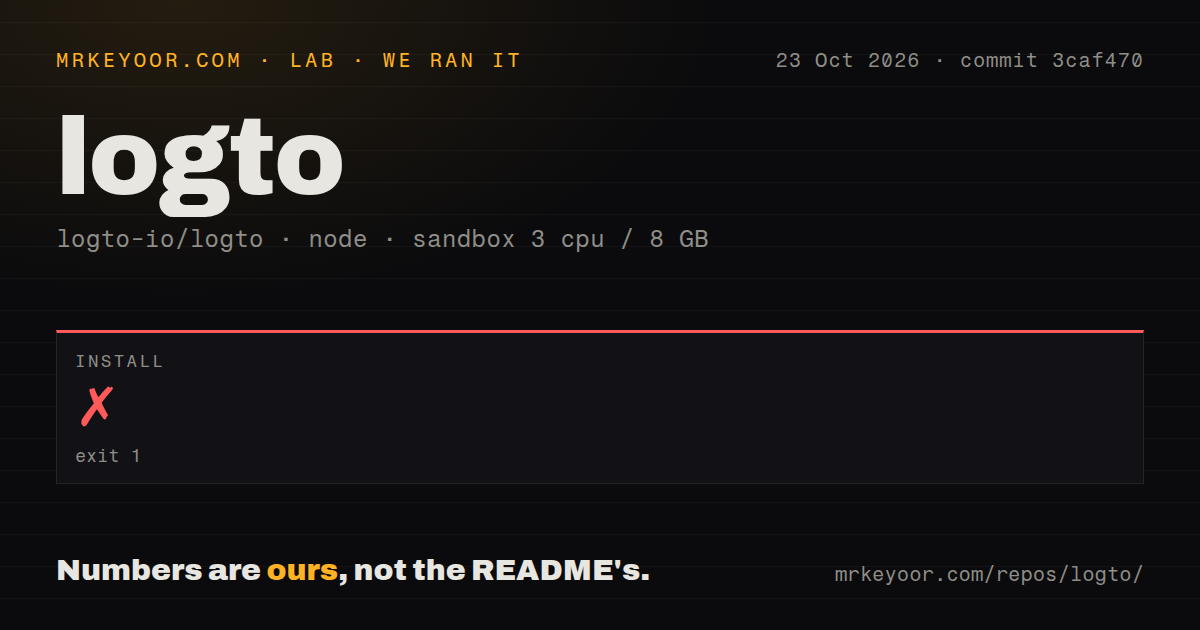
Our Logto source installation failed with exit 1 after 61 seconds in the sandbox. The October 23, 2026 run used commit 3caf470, with 3 CPUs, 8 GB of RAM, and image lab-node:22 recorded in its configuration. That image label doesn't establish the actual Node or pnpm version. The supplied run contains no build or test result, so it cannot establish whether either would succeed after installation.
The log identifies ERR_PNPM_IGNORED_BUILDS and lists blocked dependency scripts for @swc/core, core-js, several esbuild versions, and puppeteer. It suggests running pnpm approve-builds to select scripts that may execute. A separate warning says the package.json pnpm field is no longer read and that pnpm.overrides and pnpm.peerDependencyRules were ignored. These are specific package-manager findings. The log doesn't show a failed Logto assertion, an authentication defect, or a broken production image.
The checkout contained 8,104 files, roughly 593,806 source lines, and 65.2 MB of files. The log reported 78 workspace projects. The lab found 13 CI workflow files, a Dockerfile, and a compose file, but no tests directory in its scan. That directory signal cannot establish whether a monorepo contains tests elsewhere. Our measurement method stopped short of a usable application result. A follow-up should review the named scripts before approving execution, then repeat the source workflow.
The quick-start Compose command carries a data-loss warning
The OSS guide explicitly warns against using its Docker Compose command in production. It says the bundled PostgreSQL database can be recreated when the command is re-executed, losing previously persisted data. Treat that as a boundary around the demonstration recipe. It is a stronger reason to pause than whether the initial browser page opens. Read the OSS deployment instructions before turning the demo into a service.
The separate Docker route calls for a prepared PostgreSQL database, database seeding, a connection URL, and core and admin endpoints. A proxy deployment also needs the documented proxy setting. The native guide currently lists Node.js ^26.0.0 and PostgreSQL ^14.0 as prerequisites. Those requirements don't establish what our sandbox ran, and the script-approval error gives no basis for blaming a Node mismatch. Use the requirements belonging to your chosen release and deployment route.
Unlicensed self-hosting has explicit feature limits
The current license guide limits unlicensed self-hosting to 3 SAML applications and keeps Logto branding visible. Custom sign-in UI uploads and Console invitations require a self-hosted license. Mandatory MFA enforcement for Console administrators also sits in the licensed feature set, while optional MFA remains available. A team requiring those controls should make the plan decision before building its operating procedures around the free deployment. This limitation concerns administration and specific features, not the mere existence of user authentication.
The self-hosted license guide says signature verification happens locally, while license refresh checks contact Logto Cloud. It also documents a grace period and eventual return to OSS defaults. That distinction matters for restricted-network deployments that need licensed features. Local verification doesn't remove the need to understand refresh behavior. If you need custom sign-in bundles, the same guide requires object storage that you configure, adding another dependency to that particular feature.
Organization roles still need an application acceptance check
Logto's README includes organization RBAC, member invitations, and just-in-time provisioning. Those capabilities fit a business application with separate customer organizations, but our failed install never exercised them. For a disposable trial, create separate organizations and check that a user cannot access the other's protected records. Also remove a membership and verify access is withdrawn as your application requires. These are proposed acceptance checks, not security findings from our run.
Keycloak and authentik deserve a requirements-based comparison
Keycloak's README lists user federation and fine-grained authorization. Compare it when bringing existing identities into a shared identity server is the main requirement. authentik explicitly lists LDAP and RADIUS alongside SAML and OAuth2/OIDC. Compare it when those infrastructure protocols are part of the job. These are documented differences in emphasis, without a shared performance or security evaluation that would justify declaring either universally better than Logto.
Documentation gets 4/5 on a reading rubric where 3 means a usable setup recipe, 4 adds operating warnings and feature boundaries, and 5 requires verified end-to-end instructions. The database warning and self-hosted entitlement table earn the additional point. Setup ease and production reliability remain unassessed: resolving the source installation is still work, and none of the identity flows was exercised by our sandbox run.
I'd trial Logto for a SaaS application whose organization model fits its documented roles and memberships. Make the trial use the intended hosting route and licensed feature set. If the requirement is free shared Console administration or a custom uploaded login UI without a license, the documentation already gives you a reason to choose differently. Don't let a successful-looking Compose demo decide where your users' accounts will live.