The README sends new users to Noi
Before choosing lencx/ChatGPT as your desktop client, follow the link its maintainer puts near the top: Noi, described as the successor to the desktop application concept. The same README sends people seeking the previous app to a separate v1.1.0 branch. That split matters more than the familiar name. Someone downloading the old release and someone cloning the default v2-dev branch are evaluating different stages of the project. The current README makes that distinction explicit.
For a new daily driver, I'd start elsewhere. There is still a reason to inspect this project if you maintain an existing copy or want to study a small desktop application. But choosing it today means deciding which branch you intend to own. The author's search for differentiating features for version 2.0 is an aspiration, not a delivery commitment you can schedule around.
What happened when we ran it
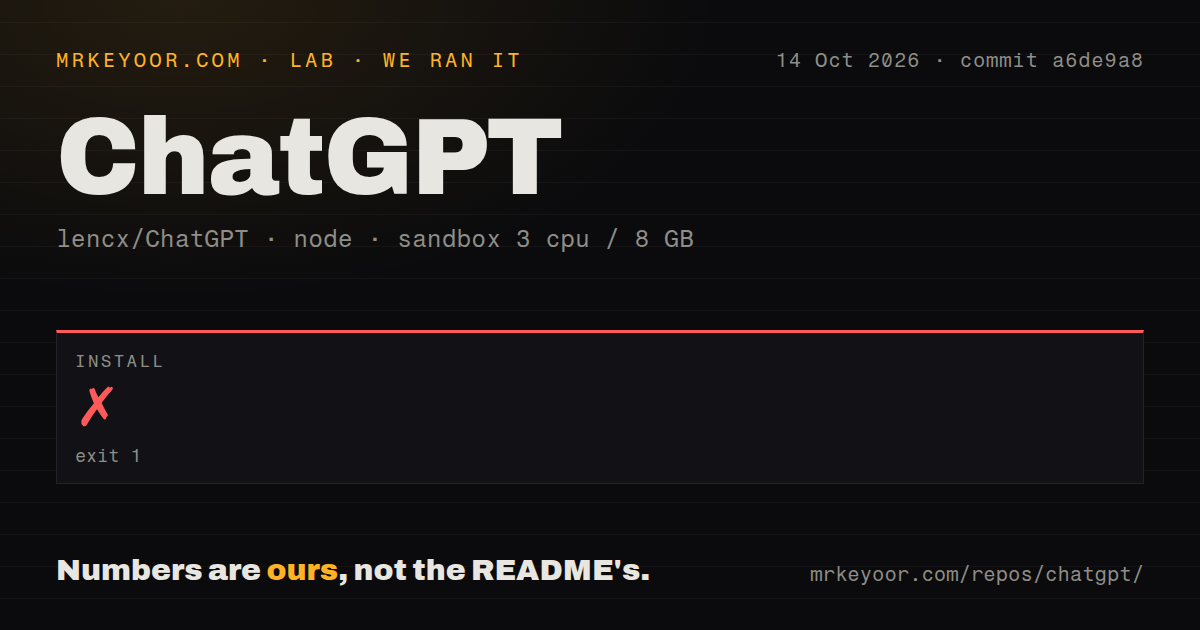
Our lencx/ChatGPT sandbox install failed with exit 1 after 9 seconds at commit a6de9a8 on October 14, 2026. The log names ERR_PNPM_IGNORED_BUILDS and identifies esbuild@0.20.2 as an ignored build script. It suggests pnpm approve-builds to select dependencies allowed to run scripts. That is the observed stopping point. The tail also reports that the lockfile passed its supply-chain policies, which did not make the install succeed.
The recorded configuration provided 3 CPUs and 8 GB of RAM, with the image label lab-node:22. That label does not establish the actual Node, pnpm, or operating-system version. The checkout held 74 files, about 1,515 source lines, and occupied 1.1 MB. Our scan found 0 CI workflow files, no Dockerfile, and no tests directory. Those findings describe the measured checkout, not every historical branch or downloaded release.
There is no build or test result in this measurement. We also have no measured desktop interaction to judge. The failed install therefore limits our recommendation about building this revision from source, while leaving the packaged application's behavior unresolved. Approving a dependency's script requires inspecting what it will execute, then repeating setup under a recorded policy. The log's suggested command is a next investigation step, not a repair we verified.
The old release has useful desktop conveniences
The v1.1.0 README lists conversation export as PNG, PDF, and Markdown, along with text-to-speech and configurable shortcuts. Prompt synchronization and slash commands give repeat users a way to keep common instructions close to the chat window. If you already depend on those conveniences, the old release documentation is more relevant than a screenshot of the v2 work.
It also documents concrete limits. The Pop-up Search feature has a 400-character selection limit, and the README says some action buttons do not work because of Tauri security restrictions. It recommends returning to the browser for those actions. That is a good reason to walk away if your main requirement is a complete selected-text workflow. A desktop window loses much of its appeal when a routine action still sends you back to a browser.
The Linux instructions distinguish a Debian package with poor compatibility from an AppImage fallback. Mac guidance includes removing a quarantine attribute when the app cannot open. Those are upstream instructions, not procedures reproduced by our sandbox. Before handing the release to colleagues, establish whether your organization's desktop policy allows that route. A source checkout that stops at pnpm cannot settle either platform question.
Current issue traffic does not establish current maintenance
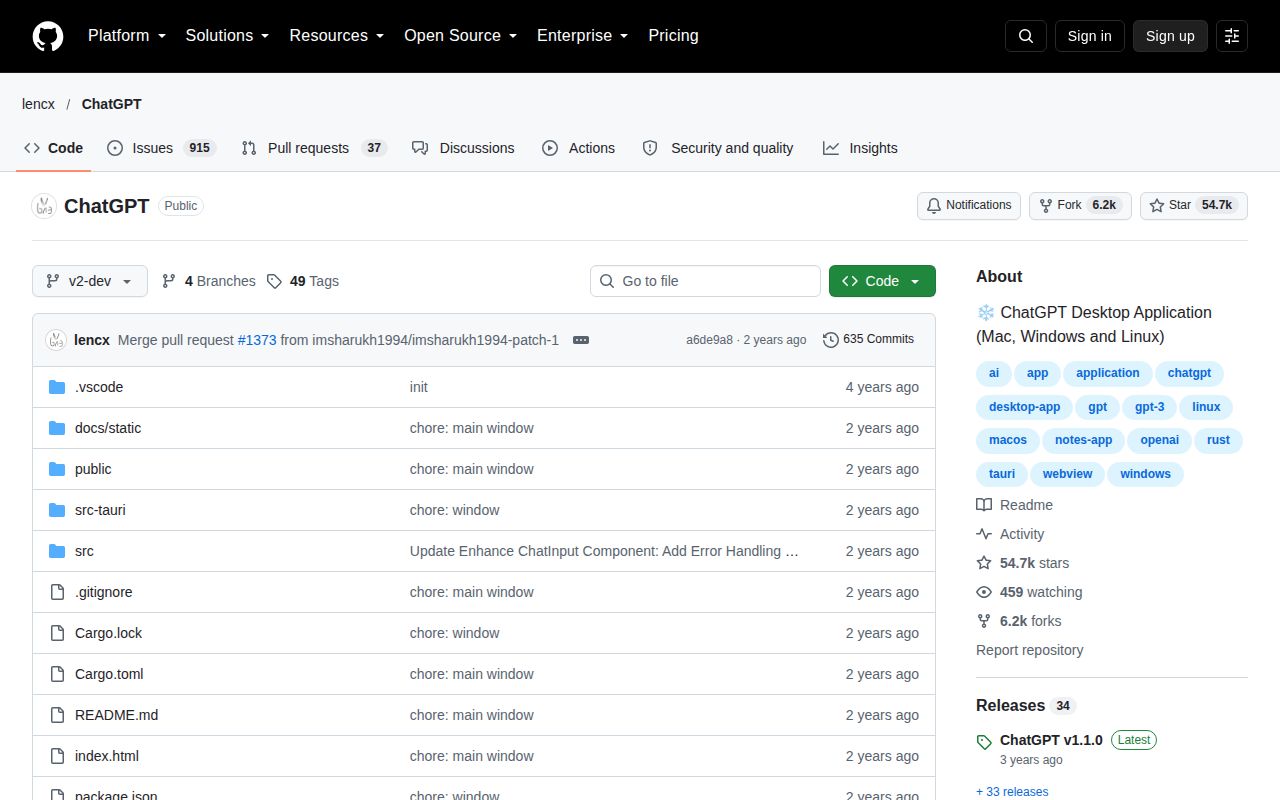
GitHub reports the last source push as August 29, 2024. On October 23, 2026, its API listed 952 open issues and PRs and 54,656 stars. The recent issue list contains entries updated in October 2026, so people are still arriving at the repository. These observations show continuing attention alongside an old push date. They do not show that today's reports are receiving code fixes.
The naming overlap makes that queue especially hard to interpret. Several recent reports say only “ChatGPT” or “desktop app,” without enough detail to identify this wrapper and revision. I would not use them to claim a defect in lencx/ChatGPT. Nor would I read the star count as evidence that a fresh deployment has a support path. The maintainer's successor link is more useful to your decision.
Noi and Chatbox answer different replacement needs
Noi documents multiple windows, session isolation, and prompt management. Choose it first if the browser-style workflow is what attracted you to lencx/ChatGPT. Its relationship to this project is explicit in the older project's README. That makes it a sensible place to investigate, although this sandbox result says nothing about Noi's setup or reliability.
Chatbox Community Edition documents provider configuration for a desktop client on Windows, Mac, and Linux. It fits the reader who wants to choose an AI provider rather than preserve this particular wrapper. Treat that as a different operating model, with provider configuration to own. Neither alternative inherits a passing result from our nine-second attempt.
Documentation earns 3/5 here. Our scale uses 1 for no usable starting path, 3 for a usable path with material gaps, and 5 for guidance that resolves those gaps. The release branch has practical instructions, but the short default README leaves a source adopter with unanswered questions. If you still choose lencx/ChatGPT, pin the intended revision and resolve the esbuild approval stop before asking anybody else to depend on your copy.