Version 2.0.7 gives browser ChatGPT nine local Core tools
Chat On Steroids turns a normal ChatGPT conversation into a controller for a local Electron app. Its Core connector exposes nine documented tools for reading, searching, patching, running commands, collecting terminal output, saving artifacts, inspecting sessions, and managing workers. Approved folders limit file operations, while switches can withdraw individual capabilities or put the app into read-only mode. The useful distinction is that commands are not contained by those folders: exec_command starts inside an approved directory and then runs with the privileges of your logged-in user.
Version 2.0.7 also records tool calls and their actual results, keeps transcripts for 30 days by default, and can move a long session into a fresh ChatGPT conversation. Worker chats are ordinary conversations opened in browser tabs. A prime chat can run as many as 8 workers, with 2 enabled by default, then put finished workers to sleep and wake them later. This is attractive if ChatGPT is already where you work and losing tool history to the context window is a recurring annoyance.
The 344 MB install is easier than connecting the product
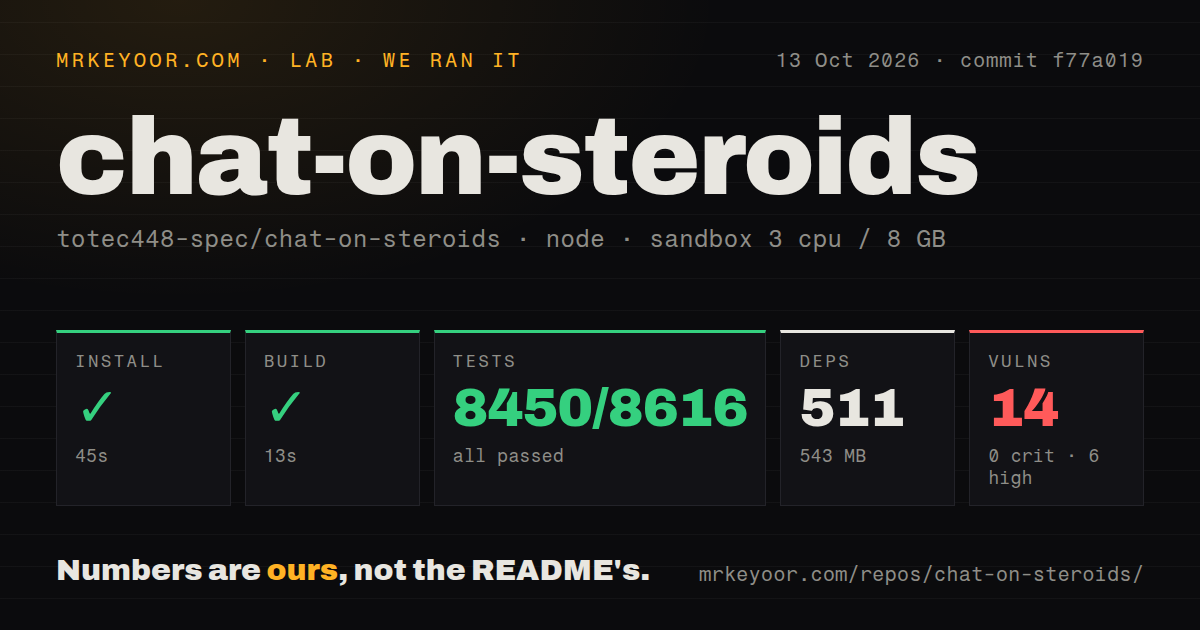
Our sandbox installed 412 npm packages in 60 seconds and occupied 344 MB. The source build completed in another 14 seconds. Those figures make the repository approachable for an Electron application, and npm audit reported 0 known vulnerabilities in the installed dependency set. The checkout itself contained 346 files and about 151,541 lines of source at commit b6cdb61, so understanding every permission and recovery path is a larger job than the quick build suggests.
A usable desktop setup has several moving pieces. You install the app, approve a project folder, create an OpenAI Secure MCP Tunnel or another HTTPS tunnel, register the custom app in ChatGPT, load the matching Chrome extension, and verify that traffic reaches each hop. Full write actions depend on a Business, Enterprise, or Edu workspace with Developer mode enabled. The README says Pro access is limited to read and fetch. Organizations may also need an administrator to allow custom MCP apps.
What happened when we ran it
Our run installed 412 packages in 60 seconds, built successfully in 14 seconds, and entered the Vitest suite without a setup error. After 173 seconds, the test command returned exit code 1. Vitest counted 3,083 passing tests, 1 failure, and 100 skips out of 3,184 tests across 125 files. That is close to clean, but a release candidate still needs a completely passing command or a documented reason for excluding a case.
The supplied log tail does not identify the failed test, assertion, or cause. It only shows 1 failed file, 121 passing files, 3 skipped files, and the aggregate test totals. Guessing that the container lacked a service or desktop facility would go beyond the evidence. Three CI workflow files and a large test directory are good maintenance signals, while the absent Dockerfile means the repository does not provide a container recipe matching our Debian run.
Linux has Core tools but no Desktop control
Version 2.0.7 supports Windows, macOS 13 or newer, and current desktop Linux on x64 and ARM64. Screen, mouse, and keyboard tools work on Windows and optionally on macOS after Screen Recording and Accessibility grants. Linux receives the Core file and command tools only. It also needs a Secret Service keyring because the app refuses Electron's unencrypted fallback for stored secrets, a sensible refusal that can complicate minimal window-manager setups and remote desktops.
Package trust needs a deliberate decision. Windows and macOS releases are not publisher-signed, macOS is not notarized, and the project tells users to verify SHA-256 hashes before bypassing operating-system warnings. Debian and Ubuntu users are steered toward the DEB. On systems that disable unprivileged user namespaces, the AppImage launcher may start Chromium with --no-sandbox. Security teams that ban that fallback should package or deploy the DEB instead.
The browser extension is the weakest operational dependency
Open issue 42 describes tab switching or newly opened tabs interfering with operation because the extension uses the person's normal browser profile. Issue 104 reports that a Business user on macOS ARM64 could not load account model choices even after reloading the matching extension. These are individual reports rather than measured failure rates, but both concern the browser bridge that enables session attribution, worker chats, model discovery, and context handoffs. Core tools remain available without that bridge, while the features that distinguish this app do not.
The README is frank about the boundary. The MCP connector follows ChatGPT's documented Developer mode, while the extension observes rendered conversation state and types into browser tabs through an undocumented automation path. OpenAI policy changes, DOM changes, account differences, and rate limits can therefore affect behavior outside the repository's control. Issue 111 gives a smaller example: in version 2.0.7, download_artifact rejected a built-in ImageGen download because its host was outside the tool's allowlist.
A September 8 push shows activity, while beta risks remain
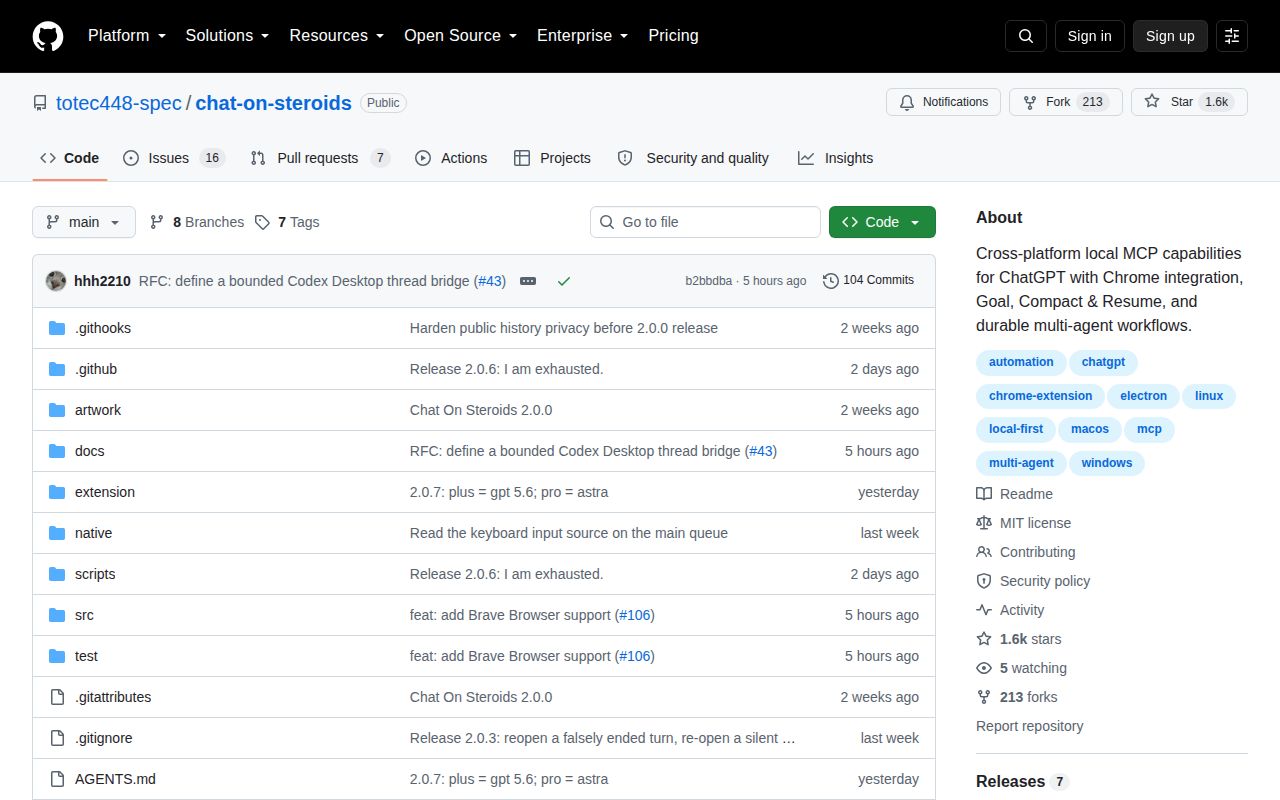
GitHub recorded the last push on September 8, 2026, one day after the v2.0.7 release. The repository had 1,586 stars and 23 open issues and pull requests when fetched. It was created on August 22, 2026, so the fast release pace and active queue show attention, not a long operating record. The three CI workflows and checksum publication process are useful signs, but the project itself still labels the product beta and says package checks do not prove overnight browser or device stability.
Chat On Steroids makes sense for a developer who sees the ChatGPT web app as the main interface and wants stronger local tools without moving conversations elsewhere. The 60-second install is a fair trial cost; the real commitment is accepting an unsigned desktop app, matching its extension after upgrades, maintaining a tunnel, and granting high-impact permissions. Start with read-only access to a disposable repository, then enable patching or commands only after the exact tool surface fits your risk tolerance.