Fifteen skills solve separate agent-workflow problems
The README lists 15 small instruction packs rather than one coding agent. They cover jobs such as turning a text plan into an interactive document, reviewing a diff visually, comparing two proposed plans, checking another agent's work, recovering recent screen context, and ending a task with a clear status. That separation is the appeal. You can install read-the-damn-docs without accepting an entire software-development doctrine.
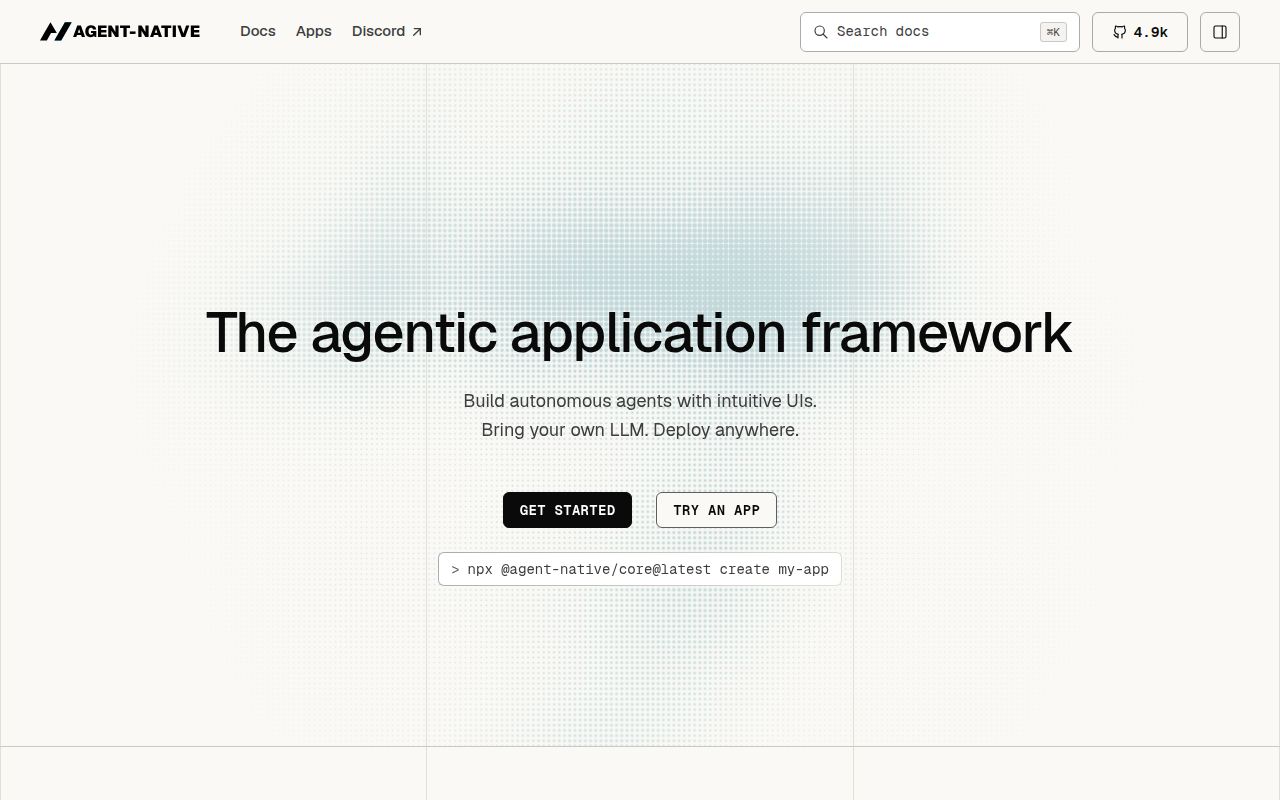
Some entries are plain operating guidance. Others are doors into a larger system. /an connects an agent to Agent-Native apps through a hosted Dispatch MCP endpoint. /webmcp opens a site in the agent's browser surface and prefers MCP or WebMCP calls to simulated clicking. If no supported bridge is available, its documented behavior is to stop before a state-changing click or typing fallback. In a measured checkout of 69 files, much of the value still depends on services outside the repository.
The installer can change more than a skill folder
The recommended command is npx @agent-native/skills@latest add. Its picker can write skills at user or project scope, add managed AGENTS.md or CLAUDE.md instruction blocks, choose where visual documents live, and install a GitHub Action for PR recaps. Those are materially different permissions. Read the selection screen as a change list, especially in a company repository where instruction files affect every later agent session.
A plain copy is available through Vercel's skills CLI, and Claude users can add the repository as a plugin marketplace. The README is candid about what those shorter routes omit. A plain copy does not add the managed instruction blocks or PR workflow. The Claude plugin carries Rewind's instructions but cannot configure its local screen-memory connection. Our install added 0 packages, so none of these integration choices was exercised by npm itself.
What happened when we ran it
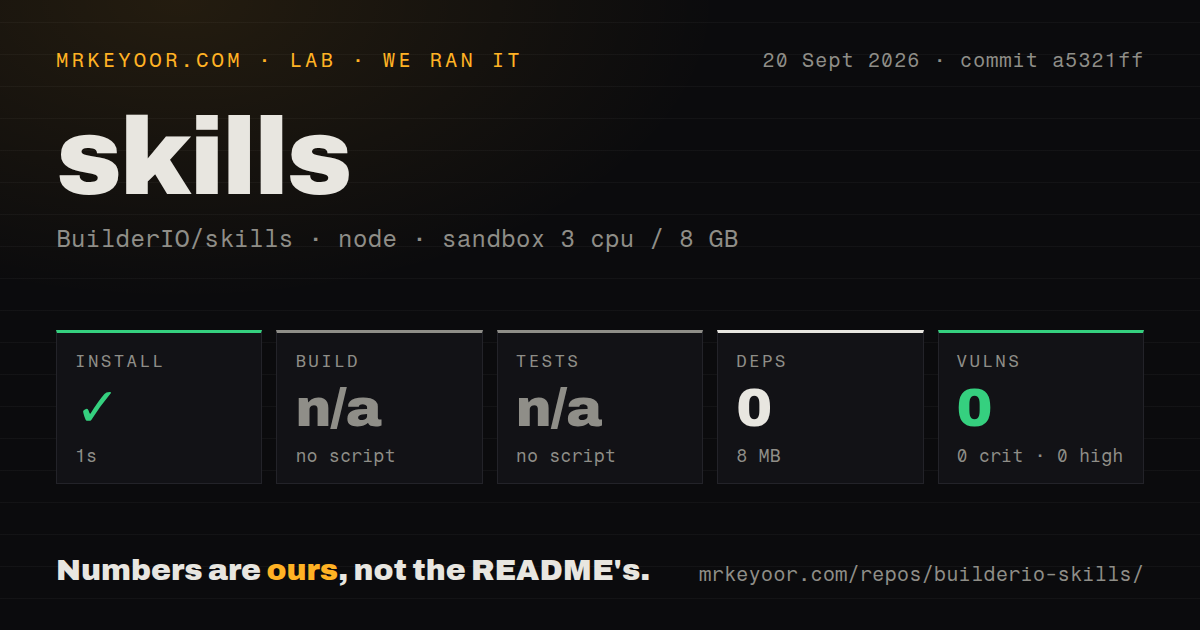
Our fresh, unprivileged Node 22 sandbox installed commit a5321ff in 1 second with 3 CPUs and 8 GB of RAM. Npm added 0 packages, and the checkout plus install occupied 8 MB. The repository contained 69 files and about 464 lines of source in a 4 MB checkout. Npm audit reported 0 known vulnerabilities: 0 critical, 0 high, 0 moderate, and 0 low. With no dependency tree, that clean result is expected and still worth recording.
There was no build script or target, so we skipped the build. There was also no test script or target, and the repository had no tests directory, so no behavioral test ran. Three CI workflow files were present, but that is not the same evidence as a test suite. The result says the packaged repository is cheap to install. It does not tell us whether each instruction produces the promised behavior across every supported agent.
Rewind needs macOS, Clips Desktop, and explicit capture setup
A folder copied from this 69-file repository does not make Rewind usable by itself. The skill searches recent local screen chapters, transcripts, OCR, and frames through Clips Desktop. The README limits that route to macOS and requires a compatible agent with a local clips-screen-memory MCP connection. The installer does not silently install Clips, and capture stays disabled until the user turns it on. A status check must succeed before the skill is treated as available.
That design gives the user a consent step around sensitive screen history. It also means a team cannot judge Rewind by seeing its skill folder in .agents. Administrators need to approve a signed desktop app, local capture permissions, the MCP configuration, storage policy, and the people allowed to query that history. The measured 8 MB repository footprint says nothing about the separate desktop application's storage or resource use.
Visual output has hosted, local, and self-hosted choices
Visual Plan and Visual Recap turn plans or code changes into MDX with diagrams, file maps, annotated code, and review notes. The installer offers hosted shareable links, local files, or a self-hosted Plan app. Local mode still needs the local bridge that serves the MDX. The hosted choice is convenient for review, while private code and architecture may make local output the only acceptable setting. Decide before installing rather than after a sensitive plan has been generated.
The recent activity is mostly automated synchronization from BuilderIO/agent-native. GitHub recorded a push on September 20, 2026, 4,332 stars, and 5 combined open issues and pull requests. The repository has an MIT license and 3 CI workflows, but our measured checkout had 0 test targets and no latest GitHub release was available. Teams should pin a reviewed commit or package version instead of treating latest as a policy.
Use one inspected skill before adopting the catalog
Builder's collection works best as source material you can read. Start with a bounded skill such as Quick Recap or Read the Damn Docs, inspect the files it writes, and run it on a disposable branch. A 1-second install removes little friction from the trial, while the missing test target shifts acceptance work to you. Check whether the agent follows stop conditions, whether local output stays local, and whether uninstalling removes every managed instruction.
Choose Anthropic's repository when you need Claude's reference examples, document skills, or the Agent Skills specification. Choose obra/superpowers when you want one opinionated development sequence that begins with design and continues through test-first implementation and review. Because our checkout exposed 0 test targets, either alternative deserves the same behavior check. BuilderIO/skills sits between them: broader than a format reference and less prescriptive than a full method. Its riskiest mistake would be installing all 15 before deciding which services and behaviors you trust.