Use the daily sequence to choose your next exercise
90DaysOfDevOps gives a newcomer an ordered route through subjects that otherwise arrive as an intimidating list of tool names. Its original curriculum puts Linux and networking before Kubernetes, and version control before CI/CD. That order is the reason to use it. Finishing the reading, however, does not establish that you can operate the systems it introduces.
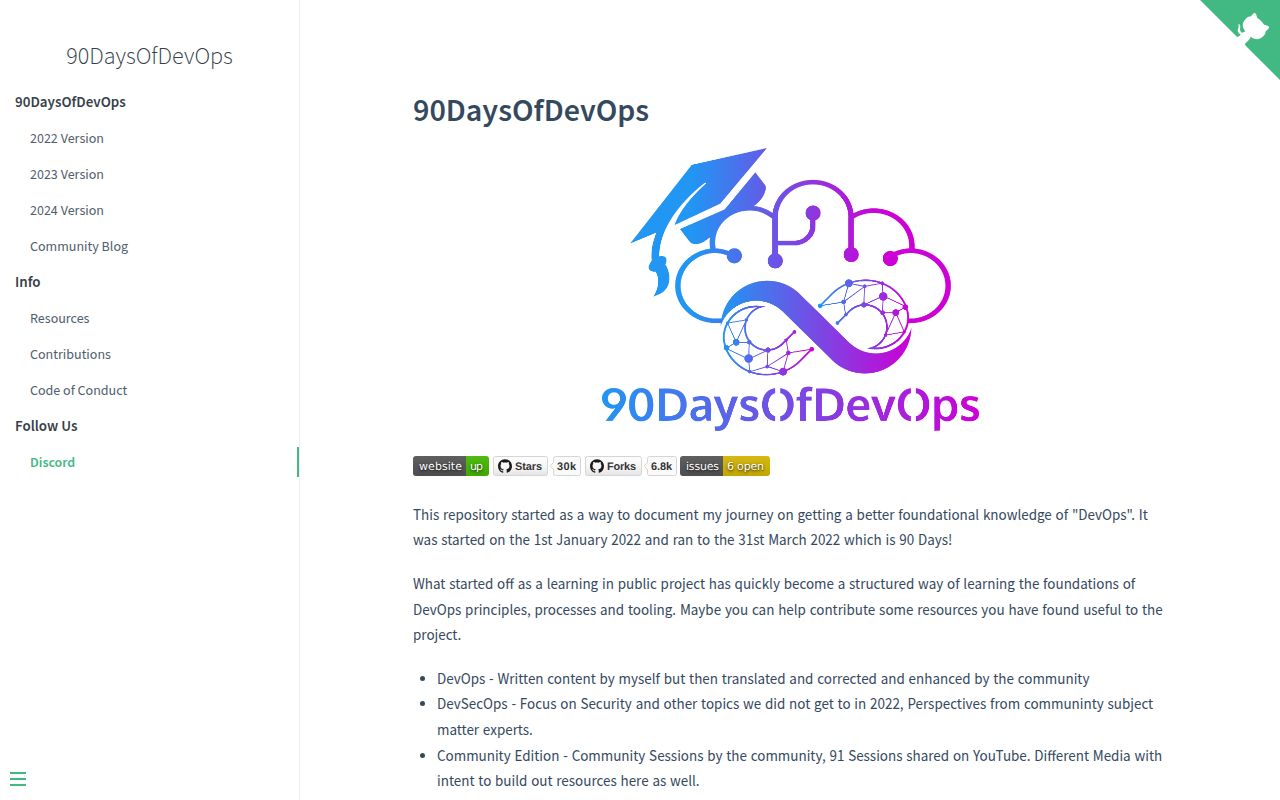
Michael Cade's README describes a project that began as public learning notes. The repository now separates the original DevOps material, a DevSecOps edition and community video sessions. Start with the original sequence if you need foundations. Jumping between editions is more useful when you already know which gap you want to fill.
What happened when we ran it
Our November 4, 2026 lab record marks 90DaysOfDevOps as NOT RUN: the harness did not support its detected Shell ecosystem, and no Dockerfile was found. The recorded checkout was commit 2941b89. We did not execute the repository, so there are no installation, build or test outcomes to report.
That is a limitation of the automated evaluation route. It does not establish that the lessons or Shell examples fail. The recorded configuration lists 3 CPUs and 8 GB of RAM, with image marked n/a; it provides no basis for reporting a runtime or operating-system version.
This review can assess the documented curriculum and the decisions it asks a learner to make. It cannot certify that every linked lesson still works, that a learner can reproduce each cloud exercise today, or that completing the sequence produces a particular level of job readiness. None of those outcomes was measured.
The original course starts with foundations and reaches recovery
The 2022 curriculum proposes 90 days with an hour each day, covering more than 13 areas at a foundational level. Treat that as the author's learning format. It is not our measured completion time, and it is a poor promise to make to someone who must first learn the command line.
The programming section introduces Go, then the sequence moves into Linux basics and networking. The cloud block uses Azure examples. Later sections cover Git, containers and Kubernetes before moving into Terraform and Ansible. That structure can help a developer understand why deployment work involves more than a container image.
The closing blocks include CI/CD, monitoring and backup or recovery. Those subjects deserve space in a beginner's plan: a successful deployment leaves operating work behind it. We particularly like that the sequence reaches application-focused backups and disaster recovery instead of ending at the first running cluster. This is a judgment about topic selection, not evidence that the recovery exercises succeeded.
Choose an observable result for each block. After a Git lesson, explain a change history you created. After a backup lesson, define what you would need to restore and how you would verify it. These are suggested study checks, not activities performed in our lab or assessments supplied by this review.
Reading needs a browser; practice needs the lesson's tools
The curriculum is readable through GitHub, so reviewing the material does not require deploying one central application. Practical work is a different commitment. The contents explicitly include a Go environment, Linux administration, Azure scenarios and Kubernetes clusters, which cannot be reduced to one universal setup instruction.
Read the relevant lesson and current tool documentation before allocating resources. This review has not verified lesson-specific accounts, credentials or configuration. The README says the project is accessible using free, community and open-source software, but we have no measured cloud-cost evidence. Do not convert that statement into a guarantee that every practice environment costs nothing.
A learner targeting another cloud should also notice the Azure-centered foundation block. The general concepts may help, but you will need another source for provider-specific commands and services. If you want only a narrow Kubernetes troubleshooting reference, the broad daily sequence will impose unnecessary reading.
A recent push does not refresh every lesson
The repository API reports its last push on June 24, 2026. The issue feed includes an open chart-repair pull request updated in August and closed site-deployment changes in June. These show repository maintenance activity, not a complete technical refresh of the curriculum. We cannot infer command compatibility from those dates.
The README licenses the work under Creative Commons Attribution-NonCommercial-ShareAlike 4.0 International. That matters if you intend to republish lessons in a commercial training product. Do not assume the permissions of a permissive software license simply because the material lives on GitHub.
Choose exercises or a topic map if the sequence is wrong for you
DevOps Exercises contains questions and exercises across technical topics related to DevOps and SRE. Choose it when you want prompts to expose gaps in knowledge rather than daily reading. Its own README cautions that most prompts do not represent an actual interview.
roadmap.sh provides interactive roadmaps whose nodes open topic information. Choose that format when you want to navigate a map and select your own route. Neither alternative has a measured learning-outcome comparison here.
Documentation receives an editorial 4/5: our scale defines 1 as unusable guidance, 2 as major navigation gaps, 3 as usable guidance with material gaps, 4 as a clear documented route, and 5 as a route corroborated by completed practical work. The linked daily index supports 4, while execution, support quality and practical maturity remain unassessed.
Pick the next lesson because it answers something you cannot yet do. Keep a record of the result you produced before moving its checkbox to complete.