Nine GNOME surfaces can share one blur controller
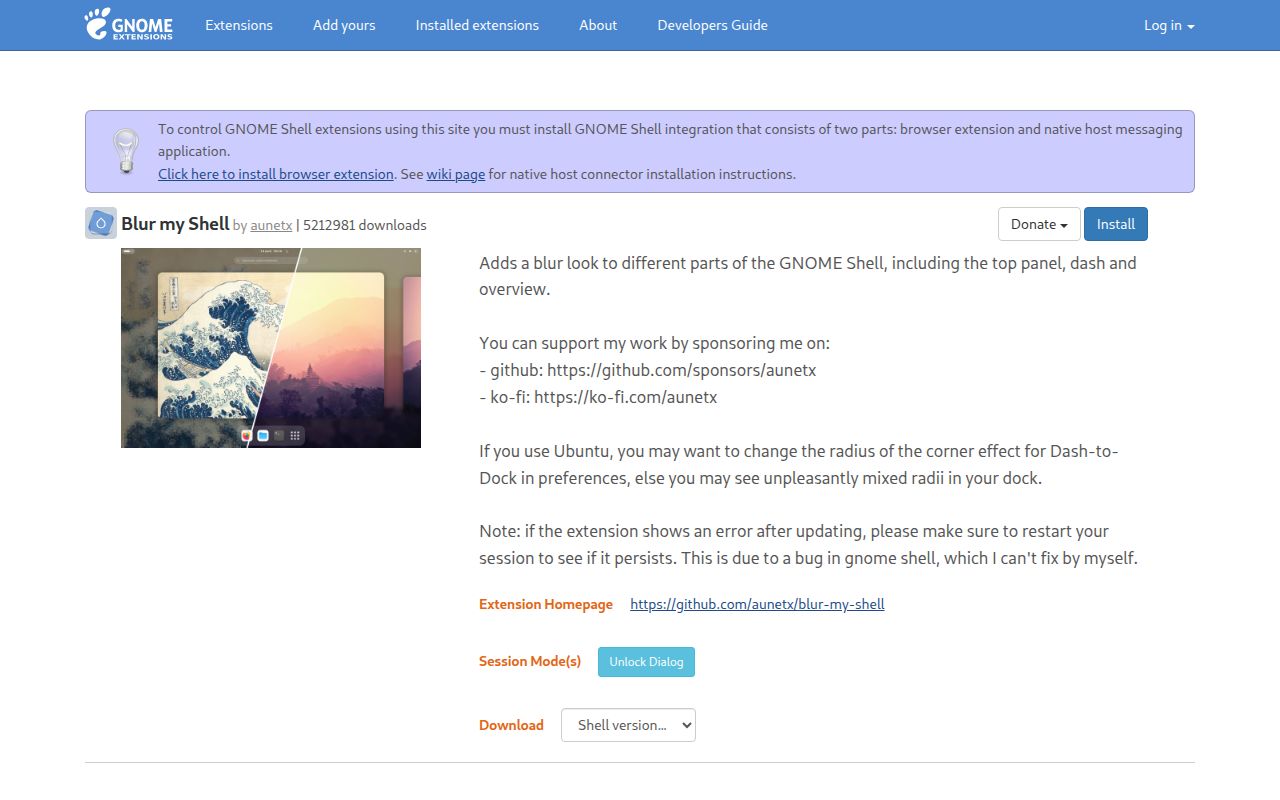
Blur My Shell reaches far beyond the top panel. Its settings cover the overview, panel, Dash to Dock, application folders, screenshot selector, popups, lock screen, Window List, and application windows. That range is the reason to install it. A single extension can give the desktop a consistent translucent treatment, while separate controls stop the calendar, dock, and work windows from becoming one unreadable sheet of glass.
The controls are specific. You can change the panel background, disable its blur near a window, turn it off in the overview, and choose which applications qualify. Popup settings distinguish menus, notifications, on-screen displays, switchers, and dialogs. Application blur can use an allowlist or a blocklist. These are practical distinctions if you want a legible editor but still want a blurred terminal or music player.
Static and dynamic blur carry different costs
Static blur works from a wallpaper image and sends it through a configurable effects pipeline. Those pipelines can include Gaussian or Monte Carlo blur, pixelization, and corners, with ordering that changes the result. The README warns that non-native Gaussian blur and high Monte Carlo iteration counts can make workspace switching and the overview slow. It suggests keeping Monte Carlo blur around 5 to 10 iterations.
Dynamic blur shows what is really behind a translucent surface, but it only supports Gaussian blur. The project calls that path inefficient and documents black rectangle artifacts near the effect. Its default artifact handling updates blur more often, which costs some performance. The strongest setting disables clipped redraws across GNOME Shell and may make the entire computer lag even when no blurred surface is showing. That option solves a visual defect by moving the cost somewhere you cannot ignore.
Rounded dynamic popups add another moving part. Version 74 still needs the GNOME Rounded Blur compatibility library for those corners, installed through the project's separate guide. Native Shell support will take over when available, according to the README. Until then, the polished screenshot depends on more than installing one extension.
What happened when we ran it
No install, build, or test measurement is available for commit 99660f4. Our sandbox does not have a supported ecosystem for a JavaScript GNOME Shell extension, and the repository provides no Dockerfile that could define the missing desktop environment. The lab therefore marked the project NOT RUN.
That result says nothing about whether version 74 works on a real GNOME session. It does tell you what our evidence cannot support. We have no fresh-container timing, dependency footprint, or passing test command to quote, and we will not turn the README's make install instruction into a lab result. A desktop extension needs a live Shell session, graphics stack, and interaction checks that this container did not provide.
GNOME 46 through 51 use the master branch
The current master branch targets GNOME Shell 46 through 51. Older desktops are not treated as current master users: GNOME 45 maps to version 58, releases 43 and 44 map to version 47, and releases 40 through 42 map to version 29. GNOME 3.36 and 3.38 use the pre_40 branch. That table is better than a vague promise of old-version support because it tells you exactly where to stop upgrading.
Compatibility work also covers Dash to Dock, Dash to Panel, Multi Monitor Bar, Window List, Hide Top Bar, Just Perfection, Panel Corners, and Burn My Windows. The promise is limited to avoiding interference, not making every combination blur correctly. The README separately warns that application blur may behave badly on multiple monitors and can produce unexpected results with Mosaic WM.
Version 74 shipped on October 5 with fresh regressions
GitHub showed 2,253 stars and 232 open issues and pull requests on October 7, 2026. The repository was pushed on October 6, one day after version 74 shipped. Recent merged work includes GNOME 51 metadata, a corrected Mutter development package in the build guide, updated translations, and changes to the rounded-blur installer. This is active maintenance, not a project living on an old tag.
Fresh activity also means fresh breakage. Open issue 1047 reports slow login after an extension update. Issue 1052 describes clipping and corner regressions in version 74, while issues 1053 and 1054 cover a JavaScript type error and changed top-panel behavior. These reports do not prove every version 74 install is broken. They do justify waiting for a point fix on a work machine if your current setup is stable.
Install it only if the desktop can tolerate experiments
Blur My Shell is unusually candid about where the pretty effect costs performance or produces artifacts. That honesty makes it easier to recommend to people who already treat GNOME extensions as reversible customization. Start with static blur and the native Gaussian option, change one surface at a time, and keep the Extensions app available so you can disable it after a bad update.
Skip it when visual stability matters more than decoration. The extension reaches into enough Shell surfaces that a regression can affect login, menus, the panel, or window behavior. Version 74 may be the right build for GNOME 51, but the October 7 reports are a reason to test it in your own session before relying on it all day.