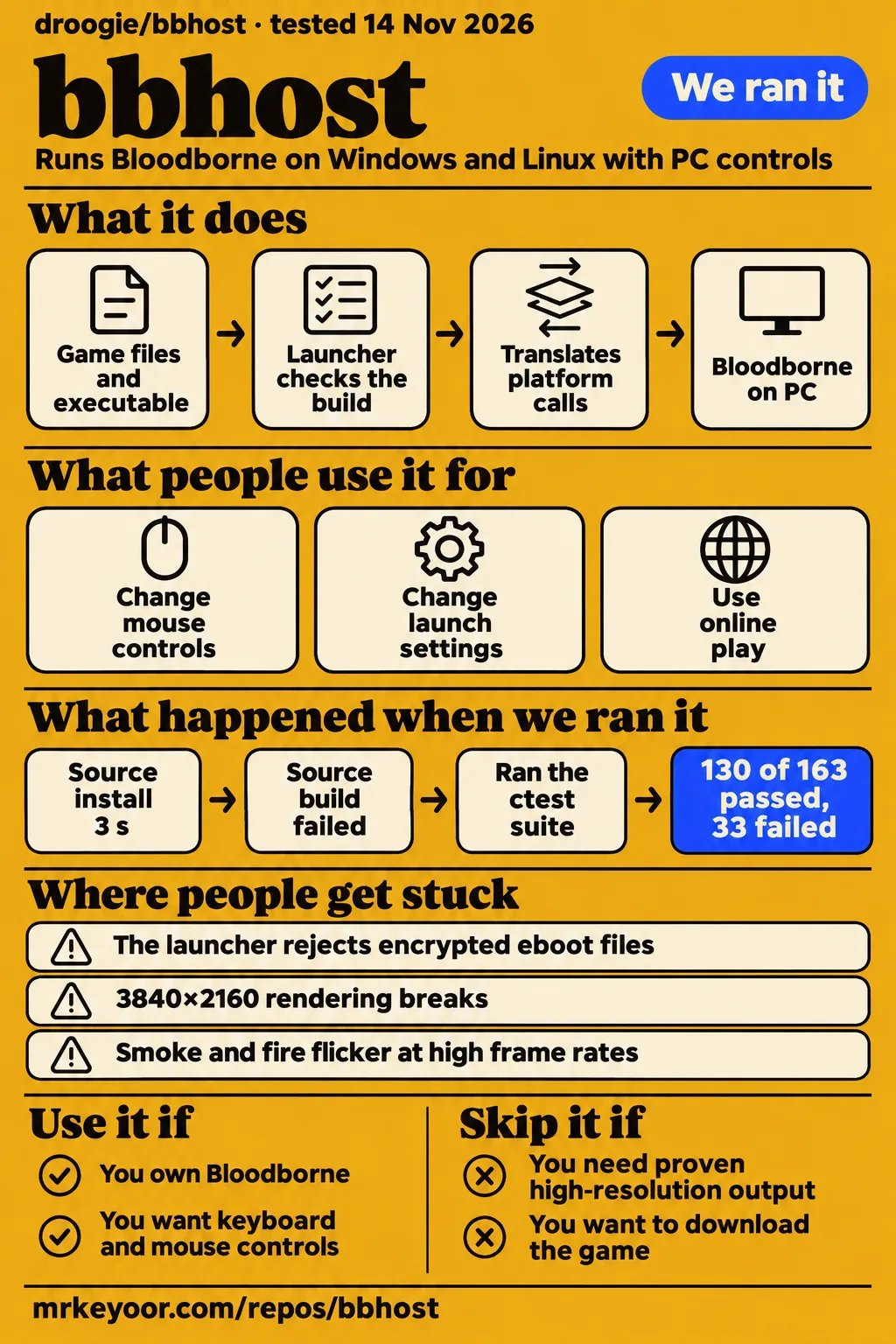
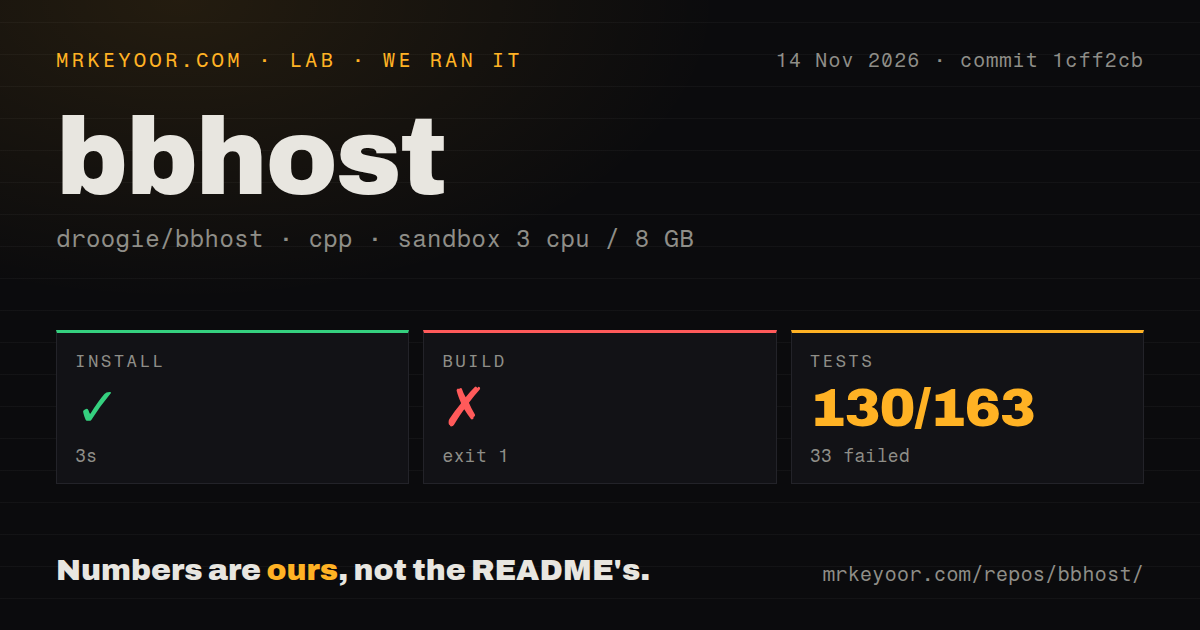
Our bbhost build failed after 192 seconds, although installation succeeded and CTest reported 130 passes out of 163 tests. Try droogie/bbhost if you own Bloodborne and want PC controls, mod switches and private-server play enough to troubleshoot your setup. If you want to download the game and start playing without preparing its executable, this project won't supply that experience.
bbhost runs Bloodborne's original executable on Windows or Linux and translates its platform calls and graphics work for a PC. It contains no game data. That distinction matters before you compare frame rates: obtaining bbhost and preparing a usable game dump are separate jobs. The project README explains the architecture and requirements.
What people use bbhost for
Players use bbhost to change how Bloodborne controls and plays on PC, with sharply different performance reports across systems.
| Person and task | Reported outcome | What to take from it |
|---|---|---|
| Environmental-Ruin80 compared bbhost with Awakechen's port in the hospital and sewers. | Their bbhost session avoided stutters they encountered in the other port. | A useful report about those locations, without a controlled explanation of the difference. Their Reddit post |
| Nexus Mods author kittylover214 applied a buffer-shadow workaround on a GTX 1650 laptop. | They reported better frame rates after changing launch settings. | A reason to inspect memory settings before abandoning a low-memory machine. Mod author's account |
| GitHub commenter kijja44 adjusted buffer-shadow allocation on an RTX 3060 Ti. | They reported Central Yharnam improving to match their unmodified BBPort experience. | The setting changed the comparison on that person's hardware. Issue #109 |
| GitHub commenter yoboseo tried revised mouse and WASD builds. | They said the changes worked well, with a possible controller-interference caveat. | Controls received feedback and revisions, rather than just a feature-list entry. Issue #15 |
The hospital report is especially useful because the author tried Awakechen's port on a second, more powerful PC and still saw the hitch. That gives another player a concrete place to compare. It doesn't tell us whether the difference came from caches, settings or the clients themselves. Keep the route and the hardware attached to the report instead of turning it into a universal ranking.
What happened when we ran it
Our sandbox installed bbhost in 3 seconds, failed its build after 192 seconds and reported 130 passed and 33 failed tests out of 163 after 37 seconds.
| Step | Our recorded result | Reading the result |
|---|---|---|
| Install | Succeeded in 3 seconds | The install step completed. |
| Build | Failed, exit 1, after 192 seconds | Compilation terminated and Ninja stopped after a subcommand failed. |
| Tests | Failed, exit 8, after 37 seconds | CTest reported 130 passed and 33 failed of 163. The tail includes tests marked Not Run. |
We cloned commit 1cff2cb for the November 14, 2026 run, using 3 CPUs, 8 GB RAM and the recorded image label lab-cpp:1. The checkout contained 1,206 files, about 467,909 source lines and occupied 39.6 MB. Our scan found three CI workflow files, a tests directory and no Dockerfile. The image label alone tells you neither the actual compiler version nor the operating-system version.
The build tail shows several executables linking and more test objects compiling before Ninja stops. The diagnostic immediately above “compilation terminated” is cut off: the supplied tail contains a caret line without the error it points to. Naming a missing header or package from that would be guesswork. The actionable finding is narrower: this source build stopped before completing.
The test summary needs equal care. Near its end, options_file_test, gcn_wave_test and gcn_bindings_test are marked “Not Run”, while other tests pass. So “33 failed” is CTest's aggregate unsuccessful count, not evidence that 33 executed assertions failed. A completed build and the full test log would be needed to separate missing executables from failing behavior.
The separate hands-on record also stopped at a safety check: none of compose.yaml, compose.yml, docker-compose.yaml or docker-compose.yml existed, and that harness required a Compose file. The failed safety step is a harness restriction, not a game launch result. Another run record says deployment used the project's own Compose file with ports on 127.0.0.1, contradicting that failure. We give the failed step precedence over the generic deployment description.
Where people get stuck: the executable check comes before Play
An updated game folder and a matching decrypted executable are separate requirements in bbhost's running guide.
For bbhost setup, the guide asks for your own game files with the 1.09 update, plus the update's executable decrypted to ELF. The game folder contains dvdroot_ps4. Updated files can be copied over the base game or kept beside it in an update folder. The launcher checks both paths. A version label in param.sfo doesn't by itself prove that the selected executable is the right file. Running instructions.
The required executable SHA-256 is 941f887a562aae054fac35af8cc8f27cf075f3d4cc2e029fb5ae2a663aaa5ae7. The guide explains why: patches, hooks and engine layouts address that particular build. Treat a rejection as a prompt to inspect provenance, update selection and decryption before changing unrelated graphics options.
| Symptom and source | Reported route forward | Status in the supplied record |
|---|---|---|
| The launcher rejects eboot despite updated game files, issue #143. | Commenters point to decrypting the executable and choosing the resulting ELF. | Open; the screenshot's complaint concerns decryption. |
| “Not the 1.09 eboot”, issue #147. | axmccx reports success with ps4_unfself; n6dlh reports dumping the patch separately and using its executable. | Open; another commenter still reports rejection with the patch executable. |
| European GOTY hash rejection, issue #27. | A user bypassed validation, but maintainer droogie disputes that as a solution because modified executables can conflict with bbhost. | Closed; the bypass is not our recommended fix. |
Memory workarounds belong in the launch environment
Issue #109 reports success with buffer-shadow environment variables, including a Linux user who got nowhere by putting them in bbhost.toml.
The reporter attributes severe slowdowns on 8 GB cards to buffer-shadow allocation and a fallback to host memory. That is the issue author's diagnosis. Several replies report improvement with the proposed settings, including kijja44 on an RTX 3060 Ti. The useful distinction is where to set them: the process environment before bbhost starts. The discussion and launch examples supply both Windows and Linux approaches.
In PowerShell, from the folder containing bbhost.exe, the comment gives this launch command:
$env:BBHOST_SHADOW_VRAM_MB=1536; $env:BBHOST_BUFFER_SHADOW=1; $env:BBHOST_TIGHT_MEMORY=0; .\bbhost.exe
For Linux, the thread describes exporting the variables in run-bbhost.sh before launch. The equivalent shell environment is:
export BBHOST_SHADOW_VRAM_MB=1536
export BBHOST_BUFFER_SHADOW=1
export BBHOST_TIGHT_MEMORY=0
Then start bbhost from that environment using your usual launcher. A separate process started elsewhere won't inherit variables from this shell. The issue reporter also selected Low model detail, while kijja44 says that step wasn't necessary for them. Record which change you made rather than combining every suggested setting and losing track of what helped.
Issue #109 is open in the supplied evidence. One comment speculates that master has changed and a later update will improve defaults. That sentence isn't release confirmation. The Nexus author uses a different allocation for their laptop, another reason to treat these as specific reported workarounds rather than a memory preset for every GPU.
Rendering problems have partial fixes, not one magic preset
Open reports describe broken high-resolution rendering and flickering effects, while the controls complaint in issue #15 received revised builds and was closed.
| Problem | Reported response | Resolution boundary |
|---|---|---|
| Broken 3840×2160 output, issue #33. | One player starts at a lower width, reaches Hunter's Dream, then changes resolution. | Open; the problem returned with a new save. |
| Flickering smoke and fire, issue #99. | Several players report improvement with a frame cap. | Open; another player still reports flicker at 60 fps. |
| Dead zone, camera correction and WASD sprint interruptions, issue #15. | The maintainer supplied revised builds and received positive feedback. | Closed; the current guide describes angle-based mouse input without acceleration or a dead zone. |
Shader preparation addresses another kind of hitch. The running guide offers “Compile shaders now” and remembers pipelines from earlier play, alongside release-provided lists. Previously unseen pipelines can still compile when first encountered. Use that feature before comparing two clients' first trips through a location, and write down whether each client started with a cache. Otherwise a report about one hospital visit becomes an argument about architecture without the evidence to support it.
Plugins run inside the game process
bbhost plugins are native shared libraries that can read and change game objects, according to the plugin documentation.
That is why plugins can do more than replace textures: the API lets them hook and call game functions. It is also a reason to choose their source carefully. The documented signed_only setting can restrict loading to signed official plugins, and BBHOST_PLUGINS=0 disables plugin loading. Those are useful controls when narrowing down a crash or trying an unfamiliar mod. Plugin documentation.
For bbhost mods, use the package intended for this client. The No Fall Damage author supplies TOML for bbhost and XML for BBPort and its forks. Kyoski says their movement mod targets bbhost and shadPS4 and declines unofficial-fork support. Changing clients can therefore change the support path for a favorite mod even when both clients advertise modding. Mod installation notes, author's support statement.
Region metadata can change online behavior and menus
A working European executable, Japanese text and correct menu assets are three separate compatibility questions in the issue records.
isshininu reports running a personally dumped CUSA03173 copy with its update folder in issue #147. That directly challenges the blanket claim that every European copy is excluded. It doesn't resolve every rejected hash. Start with the executable's preparation and the launcher's actual complaint rather than treating the region printed on the game as the entire diagnosis.
In issue #110, changing region metadata enabled Japanese text but made Play Online fail with an empty HTTP URL. Restoring the original US metadata restored access for the reporter. In issue #123, a Linux CUSA03173 player restored a cut-off Quit Game menu by renaming title_dlc.gfx to title_dlc_eu.gfx. Another player couldn't reproduce it. Both issues are open in the pack; neither is evidence that all European installations fail.
Online also needs a client distinction. MizoChris's community description separates shared persistent-world features, such as messages, from same-client co-op and invasions. Choose a client with the people you intend to summon, rather than assuming a shared server means every pairing can play together. The README also lists first-summon failures that require another attempt. Community account, project limitations.
bbhost vs BBPort, shadPS4 and Lantern Engine
The supplied comparisons disagree about performance, so the useful choice is the client that fits your hardware, mods and intended multiplayer group.
| Alternative | Why somebody chose it | When to compare it with bbhost |
|---|---|---|
| BBPort | An X commenter says it performs better on their AMD GPU, while IV strongly prefers bbhost. Conflicting accounts | When your existing BBPort setup already runs well, compare the same route before migrating. |
| shadPS4 | Issue #7's reporter gets better results there on a Ryzen 5600G and RX 6600. Historical low-fps report | When bbhost struggles on your machine, keep this as a practical comparison, especially with an existing game library. |
| Lantern Engine | A Reddit commenter favors its optimization, upscalers and legacy-engine toggle; others dispute blanket rankings. Comparison thread | When those options matter to your setup, check their behavior on your own route and display. |
For “bbhost vs bbport reddit” and “bloodborne pc vs bbhost”, the answer in these records is a set of personal comparisons. No supplied page offers a reproducible same-build contest across all the named clients. Keep a working setup while comparing a second one, use copies of saves and record the scene, cap, cache state and mod set. A recommendation without those details is a lead to investigate, not a result you can transfer to your PC.
What the other reviews get wrong
Hysen Labs' October 22 analysis describes older rendering behavior despite its November 13 data sync.
Its compute account says dispatches remain emulated and compute shaders follow the old translation path. The supplied README instead lists native compute dispatches and lifted compute programs. The command processor still orders work and retains responsibilities such as labels and fences. “Native” needs that qualification, but repeating the older compute description also misleads. Hysen Labs analysis, current project status.
Hysen Labs also describes slow poison running too quickly at higher frame rates, no documented recovery path and roughly 5 GB of imported game memory. The README says slow poison keeps real time and describes about 4 GB of GPU-visible memory in the world, with platform-specific import behavior. The running guide documents automatic save backups and restoration. Save recovery is a narrower protection than undoing every code change, but the documented path exists. Its old version snapshot should likewise be dated: the public latest-release endpoint returned v0.2.34, published November 12, 2026, and the repository API reported a November 13 push. Running guide, release.
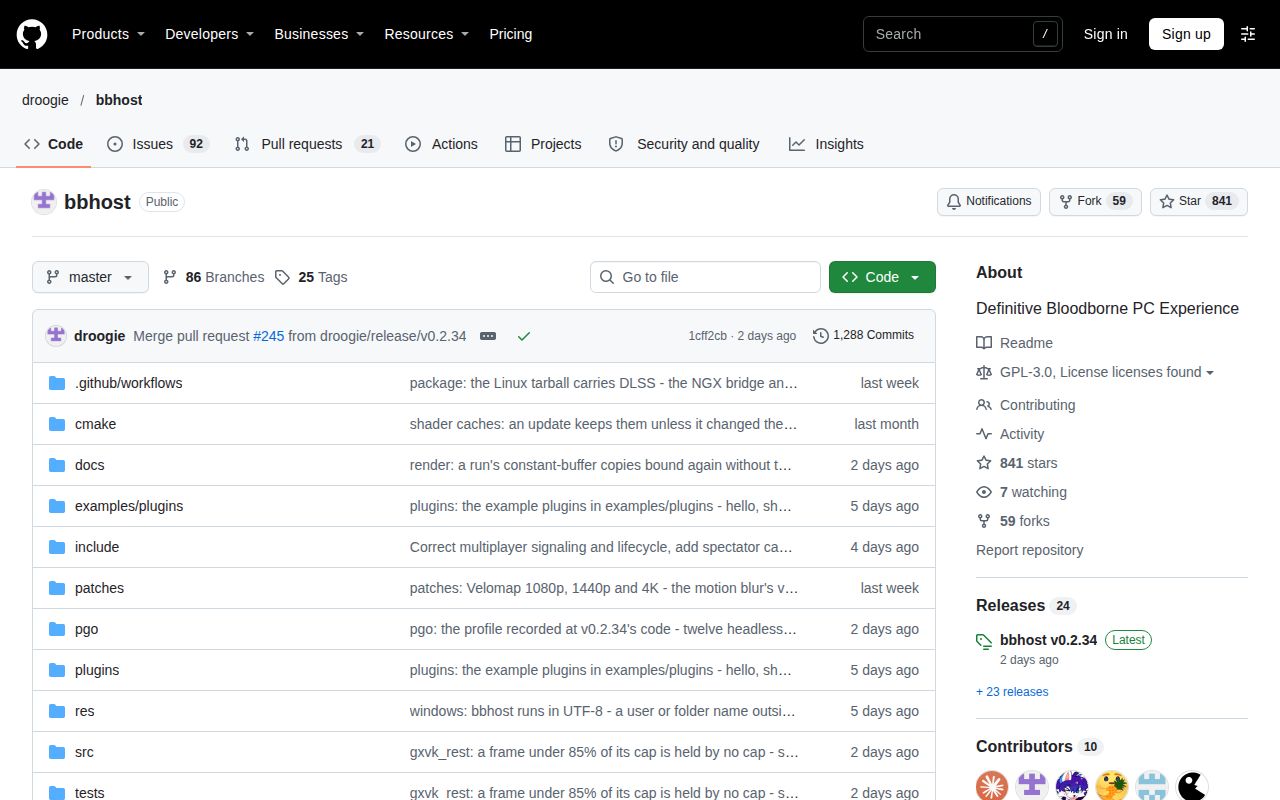
Search identity matters too. This bbhost review concerns droogie/bbhost, the Bloodborne project. “bbhosted” and “bbhosted cuny” are ambiguous search strings, not names established for this project by its documentation. Results for bHosted web hosting and BB Host infrastructure concern other services. Hosting prices or uptime scores say nothing about Bloodborne compatibility. Project identity, unrelated hosting result.
Questions people ask
The recurring questions concern getting the correct executable, choosing a client and understanding hardware-specific slowdowns.
What is bbhost, and how does it run Bloodborne on PC?
bbhost runs the game's own 1.09 executable on the PC CPU and supplies PC implementations of its platform calls, with graphics work translated for Vulkan. The bbhost Bloodborne project requires your own game files. README.
Where can I download bbhost and find its GitHub repository?
The bbhost GitHub repository is droogie/bbhost. Use its release page for bbhost downloads, and its running guide for configuration. The README directs Windows and Linux users to release packages or a source build.
How do I install and set up bbhost?
The bbhost guide requires your updated game folder and matching decrypted 1.09 executable, selected in the setup window. Choose an online server and account if you want online play. Press Play after the checks pass. First-run instructions.
Is bbhost better than BBPort, Bloodborne_PC or Lantern Engine for ease of use, stability and frame rate?
The supplied reports favor different clients on different systems. Their evidence supports comparison on your hardware, not naming an overall winner. The Reddit comparison and conflicting X reports explain why a single ranking would overstate the evidence.
Why does bbhost stutter less than Awakechen's port on my PC?
Environmental-Ruin80 reports that difference in the hospital and sewers, but the post supplies no controlled cause. The bbhost guide separately describes shader preparation and caching. Those are relevant comparison conditions, not a diagnosis of that user's stutters. User report, shader guidance.
Why is bbhost slower than shadPS4 or BBPort on my hardware?
Issue #7 records that outcome on a Ryzen 5600G and RX 6600, while issue #109 describes a buffer-shadow workaround on other setups. Match your symptoms to a report before applying its settings. Neither thread supplies a diagnosis for every GPU. Issue #7, issue #109.
How much VRAM does bbhost need?
The running guide recommends 8 GB of video memory and 16 GB RAM, while describing lower-memory configurations. A recommendation is no guarantee against allocation trouble: issue #109 specifically concerns 8 GB cards. Hardware guidance, allocation report.
Why does an 8 GB GPU drop to single-digit fps in bbhost?
Issue #109's reporter attributes that symptom to buffer-shadow allocation and permanent fallback to host memory. Replies report success with launch environment variables. Use the commands and status boundaries above rather than adding unknown options to bbhost.toml. Issue #109.
Does bbhost support the European or Game of the Year edition?
The supplied evidence includes a successful CUSA03173 report and disputed hash failures. European compatibility isn't answered by one yes-or-no label: executable preparation, region metadata and menu assets have separate reports. Issue #147, maintainer response in #27.
Where do I set bbhost's buffer-shadow environment variables on Windows or Linux?
Set them in the process environment before launch: PowerShell on Windows, or exports before launch in run-bbhost.sh on Linux. The reported values and commands appear in the memory section above. They are community workarounds with build-specific limits. Launch-setting discussion.
Why does bbhost reject my eboot even though I have Bloodborne 1.09?
The game folder's version and the executable's identity are separate checks. Issue #147 includes users choosing the wrong executable or reporting incomplete patch dumps, alongside cases still unresolved after selecting the patch. Check the guide's required decrypted hash first. Issue #147, requirements.
How do I decrypt eboot.bin, and should I select the resulting ELF in the launcher?
Commenters in issue #143 point to decryption, and issue #27 explicitly says to select the resulting ELF. axmccx reports using ps4_unfself to get a matching hash in issue #147. Follow the linked tool's own instructions on your dump, then select its output. These reports don't make every decryption tool equivalent. Issue #143, ELF selection, tool report.
What we have not tested yet
Our completed evidence covers repository installation and a failed source build with a partially unsuccessful test run, not a playable Bloodborne session.
We have not tested a release binary, a game launch, a full playthrough, shader preparation, native plugins, save restoration, multiplayer or Steam Deck operation. The contradictory Compose records provide no usable gameplay evidence. There are no pack screenshots or known-answer gameplay tasks to show. The memory commands are community-tested workarounds, not commands we exercised in our sandbox. Full compiler and test logs are also needed before diagnosing the build failure.
We have no same-build comparison of bbhost, BBPort, shadPS4 and Lantern on the same GPU and route. The supplied open issues describe historical failures, without reproductions on the latest release. The non-Steam launch question in IV's thread remains unanswered in this evidence. Search demand, worldwide adoption, vulnerability status and multiplayer population are unknown. The score cards therefore leave setup, community strength and runtime maturity unassessed; documentation gets an editorial 4/5 for concrete running, rendering and plugin instructions, on a scale from 1 for little usable guidance to 5 for guidance corroborated across the reviewed tasks. Documentation detail does not substitute for a successful launch.
If you already have a working Bloodborne PC setup, keep it until bbhost completes the same route with your saves, controls and chosen mods. The result that matters is your next playable session.