Bat makes changed lines easier to spot
Open a configuration file with bat and the left margin tells you which lines differ from Git's index. Syntax colors help separate strings from names, and line numbers give you something precise to discuss with a colleague. That combination earns bat a place beside your editor: you can inspect a file without opening a project or losing your shell context. I'd use it for reading source and configuration during terminal work.
The source route has a measurable cost. Our bat checkout contained 7,772 files, roughly 348,283 source lines, and occupied 181.4 MB before the install step added 271 packages. That's useful context for someone considering a source build just to get a nicer file viewer. The README also lists distribution packages and release binaries. Most readers should start there and reserve the source tree for changes to bat itself.
What happened when we ran it
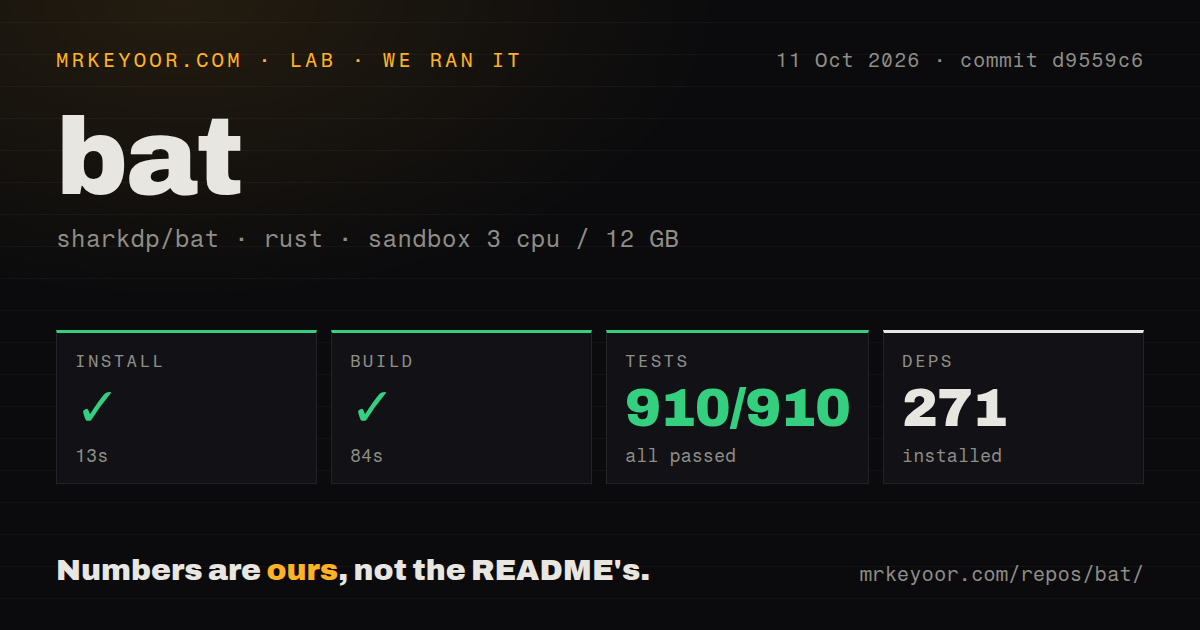
Our sandbox installed bat commit d9559c6 in 13 seconds, built it in 84 seconds, and completed cargo test in 47 seconds: 910 passed, 0 failed. We ran it on October 11, 2026, in a fresh Debian container with 3 CPUs and 12 GB of RAM, using the lab-rust:1 image. The container was unprivileged and had no secrets. Every reported step succeeded.
The lab found 2 CI workflow files and a tests directory, with no Dockerfile. Together with the 910 passing tests, those are encouraging signs for someone evaluating a Rust command-line project. They don't establish how quickly bat renders a huge log or whether every terminal displays its themes correctly. Our measurements cover installation, compilation, and the supplied test command. We have no rendering benchmark to turn into a speed claim.
Automatic paging changes what a file command feels like
Bat opens a pager when its interactive output exceeds the screen. That makes long source files easier to browse, but changes the expectation that a file-printing command immediately returns you to the prompt. The README's paging guidance gives --paging=never for readers who want to disable it. I'd keep a separate bat command while deciding which behavior belongs in my everyday shell.
The 910 passing tests don't remove the need to choose your output settings. Bat normally prints plain contents when redirected, while explicit decoration and color flags can preserve its presentation in a pipe. The v0.26.1 release corrected unexpectedly applied decorations in piped output. Keep cat in scripts where plain file contents are the whole job, and use bat where the person reading benefits from the margin and colors.
Copying source needs a plain display
Line numbers and Git markers can get in the way when you select terminal text. The README acknowledges this directly and recommends --plain, or piping to a clipboard tool so bat prints the file contents. That is an everyday reason to walk away if your main task is copying whole files. A formatted preview helps you understand a file, but you still need to choose the right display before copying it.
Our 47-second test result is evidence about that sandbox suite, not a guarantee for every input. Open issue 4039, updated October 11, reports a capacity-overflow panic with an enormous negative line range on macOS. It concerns bat's --line-range option, rather than an unrelated component. We didn't reproduce that report. If another program generates range arguments, validate them instead of assuming bat will reject every unreasonable value gracefully.
Themes and shell previews need explicit choices
The README shows bat inside an fzf preview, with color forced on and a line range limiting the preview. It also documents reading git show output with an explicit language, and following a log with paging disabled. These are useful integrations because each sets the behavior the surrounding command needs. Input from stdin may need --language: automatic detection relies on recognizable content near the start, such as a shebang.
A successful 84-second build doesn't settle theme compatibility either. Custom themes must use .tmTheme files, and the README says newer .sublime-color-scheme files aren't supported. Additional syntaxes need a cache update. Windows users also need the Visual C++ Redistributable and should read the platform's paging guidance. If your terminal's color support is limited, choose a compatible theme before making bat your default viewer.
Recent issue activity matters more than the release's age
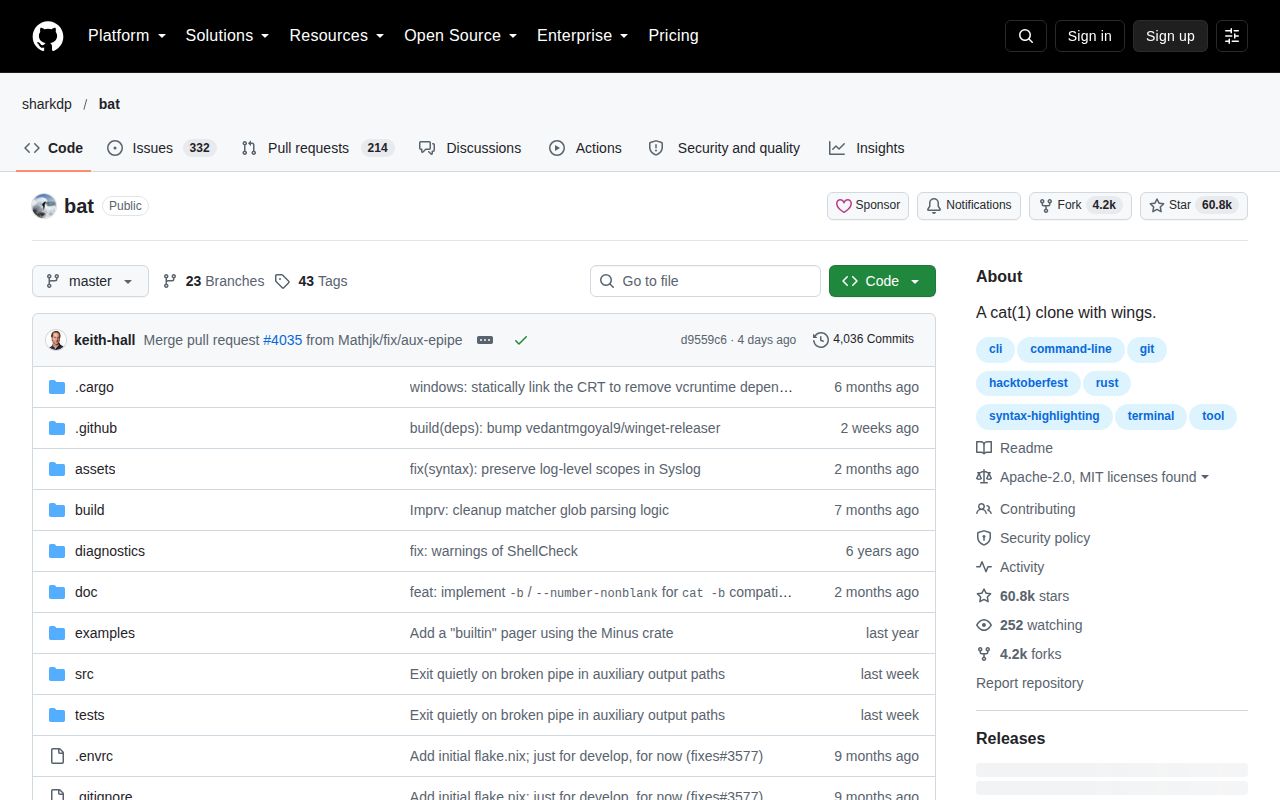
The last push was October 7, 2026, and issue and pull-request updates continued through October 11. GitHub listed 60,768 stars and 546 open issues and PRs when checked on October 12. The latest release, v0.26.1, was published December 2, 2025. That older release date doesn't justify calling bat abandoned: the current queue contains documentation work and concrete reports about output behavior.
For contributors, our 13-second install and 84-second build give a clearer starting point than popularity alone. The English documentation covers configuration files, pager arguments, and platform differences, while the code is available under either MIT or Apache-2.0. I rate maturity below a perfect score because the current range-panic report still matters. Routine file viewing and programmatically generated unusual inputs deserve different levels of confidence.
Delta is the better pick for reviewing diffs
Delta provides word-level diff highlighting and side-by-side views. Choose it when reviewing changes is the primary job. Less is the direct choice for paging plain text, while Pygments fits applications that need syntax highlighting as a library. Bat's advantage is the short path from a filename to a readable terminal view with Git context. Start with bat beside cat, and change your aliases only after its paging and copy behavior suit your work.