The 794 MB install is a PDF engine, not a finished service
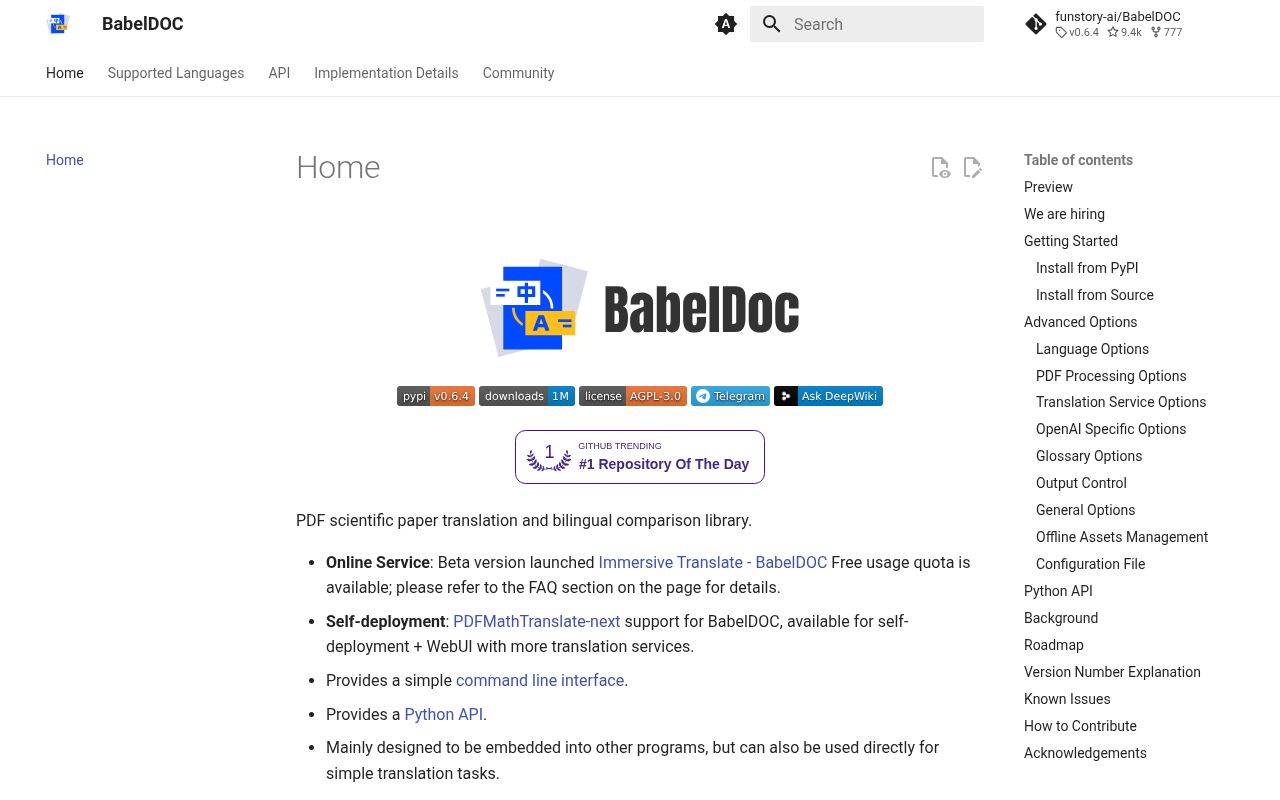
BabelDOC breaks a PDF into layout elements, sends translatable text to a model, and renders new pages while trying to keep formulas, figures, tables, fonts, and reading order recognizable. It can create a translated PDF, a bilingual copy, or both. The subject is mainly scientific papers, where flattening a page into plain text loses much of what makes the document usable. Glossaries and automatic term extraction help keep repeated technical terms consistent.
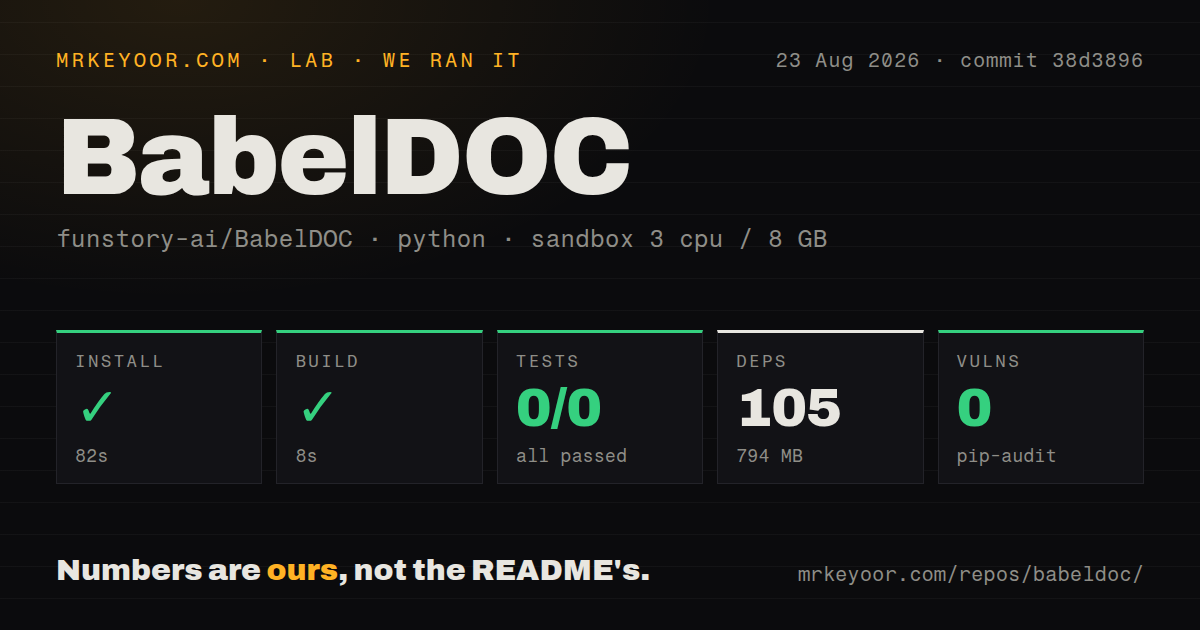
The project is explicit about its place in a larger product. Our checkout had 410 files and about 77,258 lines of source, while installation expanded to 105 packages and 794 MB. The command line is mainly for maintainers and debugging. Direct Python APIs are considered internal. For self-deployment with a web interface and more translation services, the README points users to PDFMathTranslate-next, which uses BabelDOC underneath.
English-to-Chinese papers are the tested center
The default source and target are English and Chinese, and the README says other translation scenarios have not been tested yet. An OpenAI-compatible endpoint supplies the translation model, including local services that implement the same request shape. BabelDOC's own work is document interpretation and reconstruction: detecting paragraphs, protecting formulas, fitting translated text, selecting fonts, and drawing the result back into PDF pages.
That focus matters because a language code does not guarantee correct shaping. Open issue 598 reports that Hindi Devanagari output places the short i vowel mark after its consonant instead of visually before it. Issue 613 shows another document-specific failure in v0.6.4: ordinary New Computer Modern text fonts were classified as formula fonts, leaving most body text as untranslated placeholders before the model saw it. Test the exact fonts and script used by your corpus.
What happened when we ran it
Our sandbox installed 105 packages in 82 seconds and used 794 MB on disk. Building commit 38d3896 succeeded in 8 seconds inside an unprivileged Python 3.12 Debian container with 3 CPUs, 8 GB of RAM, and no secrets. Pip-audit reported 0 known vulnerabilities. The checkout contained 7 CI workflow files, no Dockerfile, and no tests directory.
Pytest returned exit code 5 after 10 seconds. It collected 0 tests, so there were 0 passes and 0 failures. The warning said no files were found in testpaths and suggested removing or adjusting that configuration. This result is neither a failed assertion nor a passing suite. It means our normal test command had nothing to execute, leaving the 8-second build as a packaging check rather than evidence that translated pages are correct.
Every production corpus needs visual fixtures
PDF reconstruction fails in ways that a successful API response cannot see. Text can remain untranslated, wrap into the wrong number of lines, overlap nearby content, lose styling, or be mistaken for formulas. Open issue 609 includes a document where English sections remained in the result. Issue 592 reports overlapping and merged lines even though the translation completed and the output PDF was saved. These are rendering outcomes, so HTTP status and token counts are insufficient acceptance checks.
Build a fixture set from real input, not clean sample papers. Ten pages covering columns, tables, footnotes, equations, bookmarks, scanned pages, highlighted text, and the target script will reveal more than 0 collected unit tests. Render every output page to an image, compare structure, search for unexpectedly retained source-language passages, and open the file in more than one PDF reader. Human review is still needed for meaning and formula context.
Model credentials and assets define the runtime
The basic command needs an endpoint, model name, API key, and one or more PDF paths. Query rate defaults to 4 per second, and worker counts can follow that setting. Layout models and fonts can be downloaded during warmup. For restricted networks, BabelDOC can generate an offline asset archive, verify it with SHA3-256 hashes, and restore it on target machines. Translation calls still need a reachable model unless that endpoint is local.
Source installation is documented with uv and Python 3.12. One open report for v0.6.3 on Apple Silicon describes a cryptography library symbol error before any API request was made. Our 82-second Debian install did not show that failure, so it should not be generalized to Linux. Mac operators should still run an actual one-page translation, since babeldoc --help does not load every native component used in the processing path.
Releases are active, while issue activity is more recent
Version 0.6.4 was released on July 16, 2026. It added a per-page raster pixel budget for oversized scan metadata and fixed spacing between mixed Latin and CJK lines. GitHub recorded the last code push on August 5, with issue activity continuing through August 21. The repository had 9,407 stars and 84 open issues and pull requests when fetched, so the dated push and current document reports together show ongoing use and maintenance.
BabelDOC is worth adopting when your product needs its intermediate document model and you can own regression testing. The 8-second build lowers the cost of trying the source, but 0 collected tests and live layout reports make unattended output risky. Pin the model and package version, keep representative PDFs, compare rendered pages after upgrades, and send end users to a supported application rather than exposing the debugging CLI as your product.